
DoHonest S02
DoHonest S02 Security Camera User Manual
HD 1080P WiFi IP Cam Pan Tilt 360° Surveillance System
1. Introduction
Thank you for choosing the DoHonest S02 Security Camera. This manual will guide you through the installation, operation, and maintenance of your new surveillance system. The S02 camera is designed for both indoor and outdoor use, offering high-definition video, flexible pan and tilt control, advanced motion detection, and two-way audio communication to enhance your home security.

Figure 1.1: DoHonest S02 Security Camera with key features highlighted.
2. Package Contents
Please check the package carefully to ensure all items are present:
- 1 x DoHonest S02 Security Camera
- 1 x 5ft Power Cable
- 1 x 5ft Power Extension Cord
- 1 x Camera Bracket
- 1 x Screws Pack
- 1 x User Manual (this document)
3. Product Overview
The DoHonest S02 camera features a 1080P HD lens for clear visual experience. It supports 5X digital zoom, which means the image will blur when zoomed in, as it is not an optical zoom. The camera is equipped with four infrared lights and four floodlights, enabling both black and white and full-color night vision modes. Its robust design is IP66 waterproof, allowing it to withstand various weather conditions.
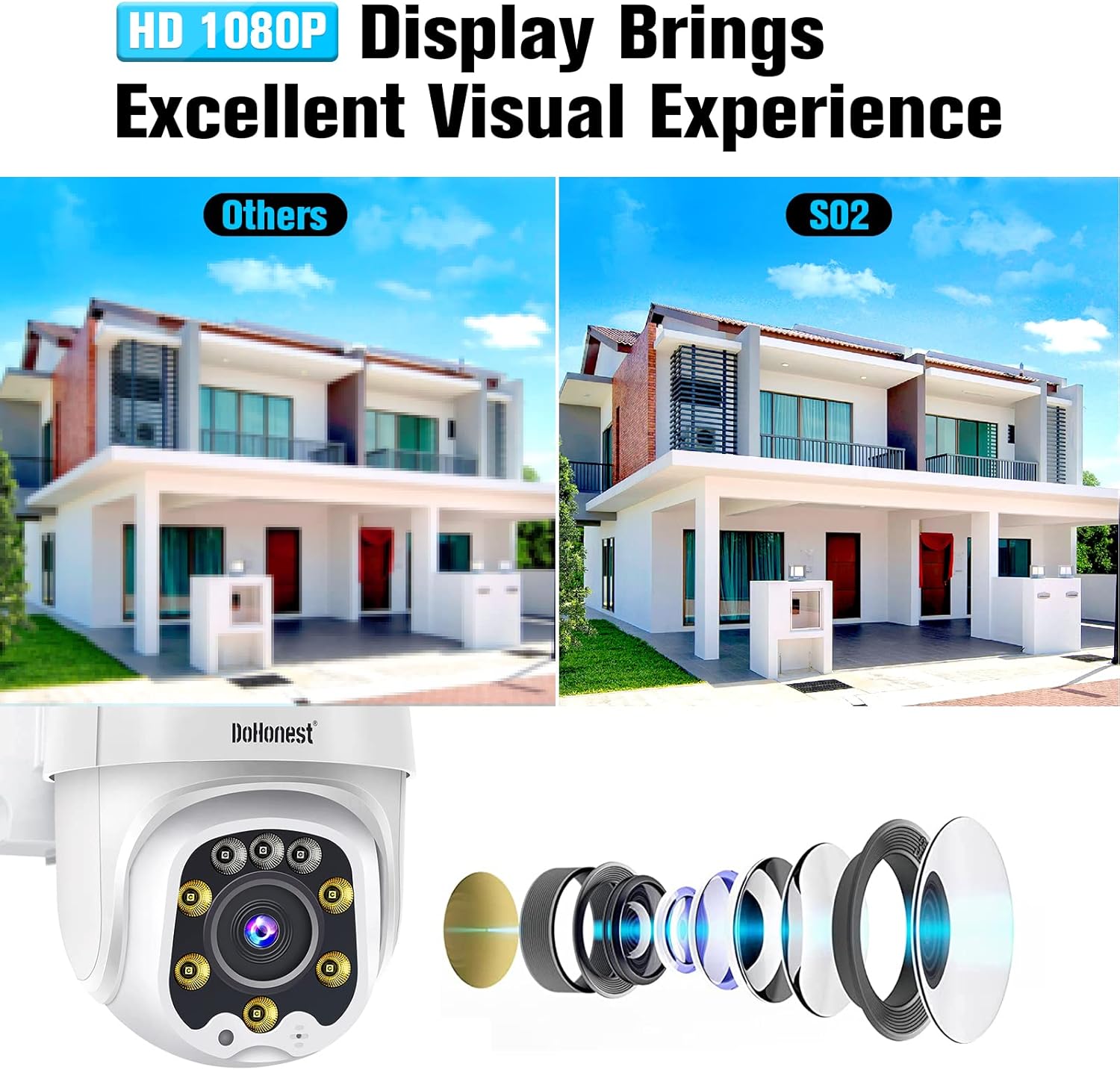
Figure 3.1: The S02 camera provides a sharp 1080P HD display for an excellent visual experience.

Figure 3.2: The IP66 waterproof rating ensures reliable operation in various weather conditions.
4. Setup and Installation
4.1 Powering the Camera
The S02 security camera requires a continuous power supply. Connect the provided 5ft power cable and, if needed, the 5ft power extension cord to the camera and a suitable power outlet. Ensure the power adapter is securely connected.
4.2 TF Card Installation (Optional)
The camera has a built-in micro TF card slot for local storage. A TF card (8GB to 128GB) is not included in the package. Before inserting or removing the TF card, it is recommended to disconnect the power to the camera to prevent data corruption or damage.
4.3 Network Connection
The S02 camera can be connected to your network via Wi-Fi or a network cable. For Wi-Fi connection, ensure your Wi-Fi signal is strong enough at the camera's intended location. The camera supports 2.4GHz Wi-Fi networks.
4.4 App Installation and Setup
To control and view your camera, download the free Yi IoT App. You can find the app by searching in your device's app store or by visiting the official download page: http://www.yunyiiot.com/yunyiapp. Follow the in-app instructions to add your camera and complete the initial setup.

Figure 4.1: Simplified three-step installation process for the DoHonest S02 camera.
4.5 Mounting the Camera
Use the provided camera bracket and screws to securely mount the camera to a wall or other suitable surface. Ensure the mounting location provides a clear view of the area you wish to monitor and is within range of your Wi-Fi signal or network cable connection.

Figure 4.2: Example of the camera mounted on an exterior wall for surveillance.
5. Operating Instructions
5.1 Pan, Tilt, and Zoom Control
The DoHonest S02 camera offers remote rotation control with a 360° horizontal rotation and 120° vertical tilt. You can control the camera's viewing angle directly from the Yi IoT App, allowing you to monitor your property without blind spots. The 5X digital zoom can be activated via the app, but be aware it may reduce image clarity.

Figure 5.1: Pan, Tilt, and Zoom functionality provides comprehensive coverage.
5.2 Motion Detection and Alerts
The camera features intelligent motion detection and auto-tracking capabilities. When motion is detected, the camera can automatically track the subject and send instant alerts to your phone via the Yi IoT App. It also supports sound-light alarms to deter intruders.

Figure 5.2: Motion detection with sound-light alarm and app notifications for enhanced security.
5.3 Night Vision Modes
The S02 camera offers three distinct night vision modes:
- Infrared Night Vision: Provides clear black and white images in low-light conditions.
- Full Color Night Vision: Utilizes floodlights to capture full-color images even in the dark.
- Smart Night Vision: Automatically switches between infrared and full-color modes based on detected motion or light conditions.

Figure 5.3: Choose between infrared, full-color, or smart night vision for optimal visibility.
5.4 Two-Way Audio
Equipped with a built-in microphone and speaker, the camera supports two-way audio communication. This allows you to listen to what's happening around the camera and speak through the camera using the Yi IoT App, enabling interaction with visitors or deterring unwanted guests.

Figure 5.4: Two-way audio allows for real-time communication through the camera.
5.5 Recording and Storage
The S02 camera supports 24/7 continuous recording or event-based recording. Recorded videos can be stored on a micro TF card (not included) or securely in the cloud (cloud service requires separate purchase). All videos can be easily played back through the Yi IoT App.

Figure 5.5: Continuous recording and easy playback ensure you don't miss important details.
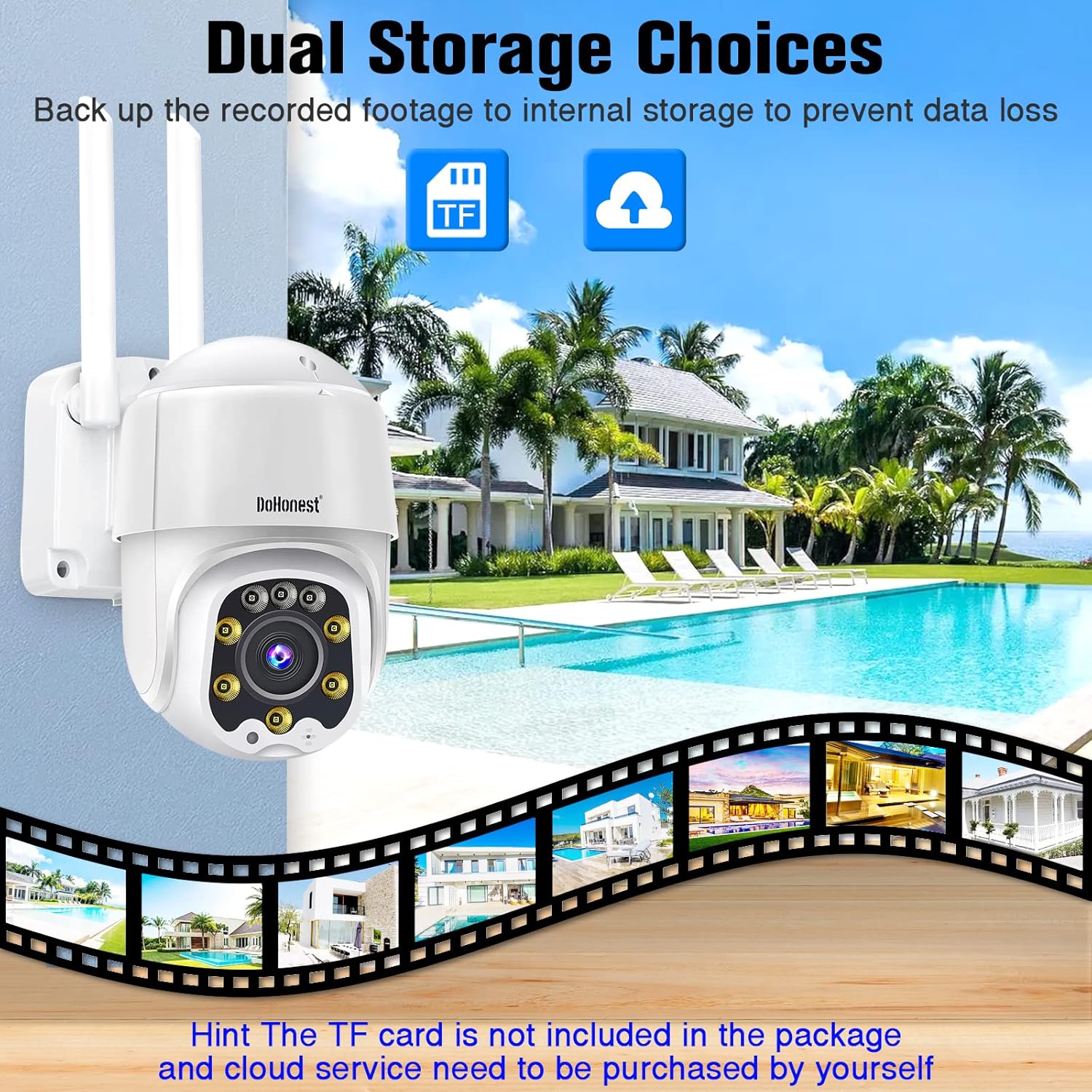
Figure 5.6: Flexible storage options with local TF card and secure cloud storage.
5.6 Alexa Compatibility
The DoHonest S02 camera is compatible with Amazon Alexa, allowing for voice control and integration into your smart home ecosystem. Refer to the Yi IoT App or Alexa app for specific setup instructions.
6. Maintenance
To ensure optimal performance and longevity of your DoHonest S02 camera, regular maintenance is recommended:
- Cleaning: Periodically wipe the camera lens and body with a soft, damp cloth to remove dust and dirt. Avoid using harsh chemicals or abrasive materials.
- Firmware Updates: Check the Yi IoT App regularly for available firmware updates. Keeping your camera's firmware up-to-date ensures you have the latest features and security enhancements.
- Environmental Conditions: While the camera is IP66 waterproof, extreme temperatures (outside -13°F to 122°F) or prolonged exposure to direct sunlight may affect performance.
7. Troubleshooting
If you encounter issues with your DoHonest S02 camera, please refer to the following common solutions:
- Camera Not Connecting to Wi-Fi: Ensure the camera is within range of your 2.4GHz Wi-Fi router. Check your Wi-Fi password and network settings. Try restarting both the camera and your router.
- Image is Blurry: Confirm the lens is clean. If using digital zoom, note that 5X digital zoom may result in reduced image clarity compared to optical zoom.
- No Recording to TF Card: Ensure the TF card is correctly inserted and formatted. Disconnect power before inserting the card. Check if the card capacity is within the supported 8-128GB range.
- App Alerts Not Received: Check your phone's notification settings for the Yi IoT App. Ensure motion detection is enabled in the app.
- Missing Power Adapter: If your package was missing the power adapter, please contact DoHonest customer support for a replacement.
- Camera Not Responding: Try unplugging the camera from power for a few seconds and then plugging it back in to perform a soft reset. If issues persist, locate the reset button (often near the TF card slot) and press it for several seconds to factory reset the camera.
8. Specifications
| Feature | Specification |
|---|---|
| Brand | DoHonest |
| Model | S02 |
| Video Capture Resolution | 1080p |
| Field Of View | 360 Degrees (Pan/Tilt) |
| Connectivity Technology | Wireless (Wi-Fi) |
| Wireless Communication Technology | Wi-Fi (2.4GHz) |
| Power Source | Power supply |
| Special Features | Motion Sensor, Night Vision, Waterproof, 2 Way Audio |
| Indoor/Outdoor Usage | Indoor, Outdoor |
| International Protection Rating | IP66 |
| Compatible Devices | Alexa |
| Item Weight | 1.81 pounds |
| UPC | 727370484413 |
9. Warranty and Support
The DoHonest S02 Security Camera typically comes with a 2-year warranty. For detailed warranty information, please refer to the product packaging or contact DoHonest customer support directly. If you require technical assistance, have questions about your product, or need to report a missing part, please reach out to DoHonest customer service through their official channels. Contact information can usually be found on the product packaging or their official website.
Ask a question about this manual
Ask about setup, troubleshooting, compatibility, parts, safety, or missing instructions. Manuals+ will review the question and use this page’s manual context to help answer it.