
Fulext FULH01
Fulext Sleep Headphones Bluetooth Headband
Model: FULH01
Introduction
The Fulext Sleep Headphones Bluetooth Headband is a versatile audio accessory designed for comfort and convenience across various activities. It functions as a sleep headphone, a music eye mask, and a sports headband, making it suitable for sleeping, napping, relaxation, meditation, travel, yoga, running, and more. This manual provides essential information for the proper setup, operation, and maintenance of your device.

Image: Fulext Sleep Headphones Bluetooth Headband, demonstrating its use for both sleep and active relaxation.
What's in the Box
- Fulext Sleep Headphones Headband
- USB Charging Cable (Type-C)
- User Manual (this document)

Image: The retail packaging for the Fulext Sleep Headphones.
Product Overview
The Fulext Sleep Headphones Headband features a soft, stretchable fabric band with integrated ultra-thin stereo speakers and a control panel. The control panel allows for easy management of audio playback and calls.
Key Components:
- Fabric Headband: Made from breathable plush material, designed for comfort during extended wear.
- Integrated Speakers: Ultra-thin speakers positioned over the ears for high-fidelity audio.
- Control Panel: Located on the front of the headband, containing buttons for power, volume, track control, and call management.
- Microphone: Built-in for hands-free calling.
- Charging Port: USB Type-C port for convenient charging.

Image: Overview of the headband's features, including wireless audio, microphone, and call functionality.
Setup
1. Charging the Headband
Before first use, fully charge the headband. The upgraded USB rechargeable battery provides over 10 hours of playtime on a 2-2.5 hour charge.
- Locate the USB Type-C charging port on the headband's control panel.
- Connect the provided USB charging cable to the headband and plug the other end into a compatible USB power source (e.g., computer USB port, wall adapter).
- An indicator light will show the charging status (refer to the product's specific light indicators if available, otherwise assume standard). The light will typically turn off or change color when fully charged.

Image: The Type-C charging port on the headband.
2. Bluetooth Pairing
The headband uses Bluetooth 5.2 technology for a stable connection up to 45 feet.
- Ensure the headband is charged.
- Press and hold the Power/Play/Pause button on the control panel until the indicator light flashes, indicating it's in pairing mode.
- On your device (smartphone, tablet, etc.), go to Bluetooth settings and turn Bluetooth on.
- Search for available devices. The headband should appear as "Fulext" or a similar name.
- Select the headband from the list to pair. Once paired, the indicator light will typically stop flashing and remain solid, or turn off.
- The headband will automatically connect to the last paired device when powered on, if the device's Bluetooth is active and within range.

Image: Representation of the Bluetooth 5.2 chip, highlighting advanced connectivity.
Operating Instructions
Control Panel Functions:

Image: Detailed diagram of the control panel buttons and their corresponding actions.
| Button | Action | Function |
|---|---|---|
| Center Button | Short Press | Play/Pause music; Answer/End call |
| Center Button | Long Press | Power ON/OFF |
| "+" Button | Short Press | Previous Song |
| "+" Button | Long Press | Volume UP |
| "-" Button | Short Press | Next Song |
| "-" Button | Long Press | Volume DOWN |
Usage Scenarios:
The Fulext headband is designed for comfort and functionality across various activities:
- Sleeping & Napping: Wear the headband to listen to calming music, audiobooks, or white noise for improved sleep. The thin speakers are comfortable for side sleepers.
- Relaxation & Meditation: Use for focused listening during meditation or relaxation sessions.
- Travel: Block out ambient noise and enjoy your audio content during commutes or long journeys.
- Sports & Exercise: Ideal for running, yoga, and other workouts, keeping sweat away and providing music without falling earbuds.

Image: Various applications of the Fulext headband, including sleep, yoga, rest, and running.
Maintenance
Cleaning Instructions:
The Fulext headband is fully washable. To ensure longevity and proper function, follow these steps:
- Remove Speakers: Carefully remove the internal speakers and the control panel module from the fabric headband before washing. The speakers and electronics are not waterproof.
- Washing: Hand wash the fabric headband with mild soap and cold water.
- Drying: Air dry the headband completely before reinserting the electronic components. Do not tumble dry or use high heat.
- Reassembly: Once dry, carefully reinsert the speakers and control panel into their designated pockets within the headband. Ensure the control panel is correctly aligned for button access.

Image: Illustration of the headband's comfortable fabric layers, emphasizing its washable nature.
Storage:
When not in use, store the headband in a clean, dry place away from direct sunlight and extreme temperatures. The headband is foldable and lightweight for easy storage and portability.

Image: The headband folded for compact storage.
Troubleshooting
- No Power: Ensure the headband is fully charged. Connect to a power source and check the charging indicator.
- Cannot Pair:
- Ensure the headband is in pairing mode (flashing indicator light).
- Turn off and on your device's Bluetooth.
- Move the headband closer to your device.
- Ensure no other devices are currently connected to the headband.
- If previously paired, try "forgetting" the device on your phone and re-pairing.
- No Sound:
- Check the volume level on both the headband and your connected device.
- Ensure the headband is successfully paired and connected.
- Verify that the audio is playing from the correct output on your device.
- Poor Sound Quality:
- Ensure the speakers are correctly positioned over your ears within the headband.
- Move closer to your connected device to avoid interference.
- Check if the headband needs charging.
- Buttons Not Responding:
- Ensure the headband is powered on.
- Try restarting the headband by powering it off and then on again.
Specifications
| Model Number | FULH01 |
| Brand | Fulext |
| Bluetooth Version | 5.2 |
| Wireless Range | Up to 45 feet (approx. 13.7 meters) |
| Battery Type | Lithium Ion (2 included) |
| Charging Time | Approx. 2-2.5 hours |
| Play Time | More than 10 hours |
| Dimensions | 26 x 10 x 1 cm |
| Weight | 91 g |
| Material | Plush fabric (headband), Plastic (internal components) |
| Color | Grey & Blue |
Warranty and Support
Fulext is committed to product quality and customer satisfaction. If you experience any malfunction with your sleep headphones headband, please contact us for assistance.
For support, please reach out to:
- Customer Service Email: Sleeptour2016@gmail.com
- Manufacturer: ShenZhen LongHua TianWangZhi Technology
- Manufacturer Address: 5th floor, Building, Culture Creativing3rd, Mingzhi Street 1980 Longhua, Shenzhen, Guangdong, China
For EU customers, the authorized representative is:
- J&A TRADING SAS
- Address: 243 avenue de bourgogne 13600 La Ciotat, France
- Email: contact@jatrading.net
- Tel: +33442036000
For UK customers, the authorized representative is:
- YH Consulting Limited
- Address: C/O YH Consulting Limited Office 147, Centurion House, London Road, Staines-upon-Thames Staines, Surrey, TW18 4AX London
- Email: H2YHUK@gmail.com
- Tel: +44 07514-677868
Please retain your proof of purchase for warranty claims.
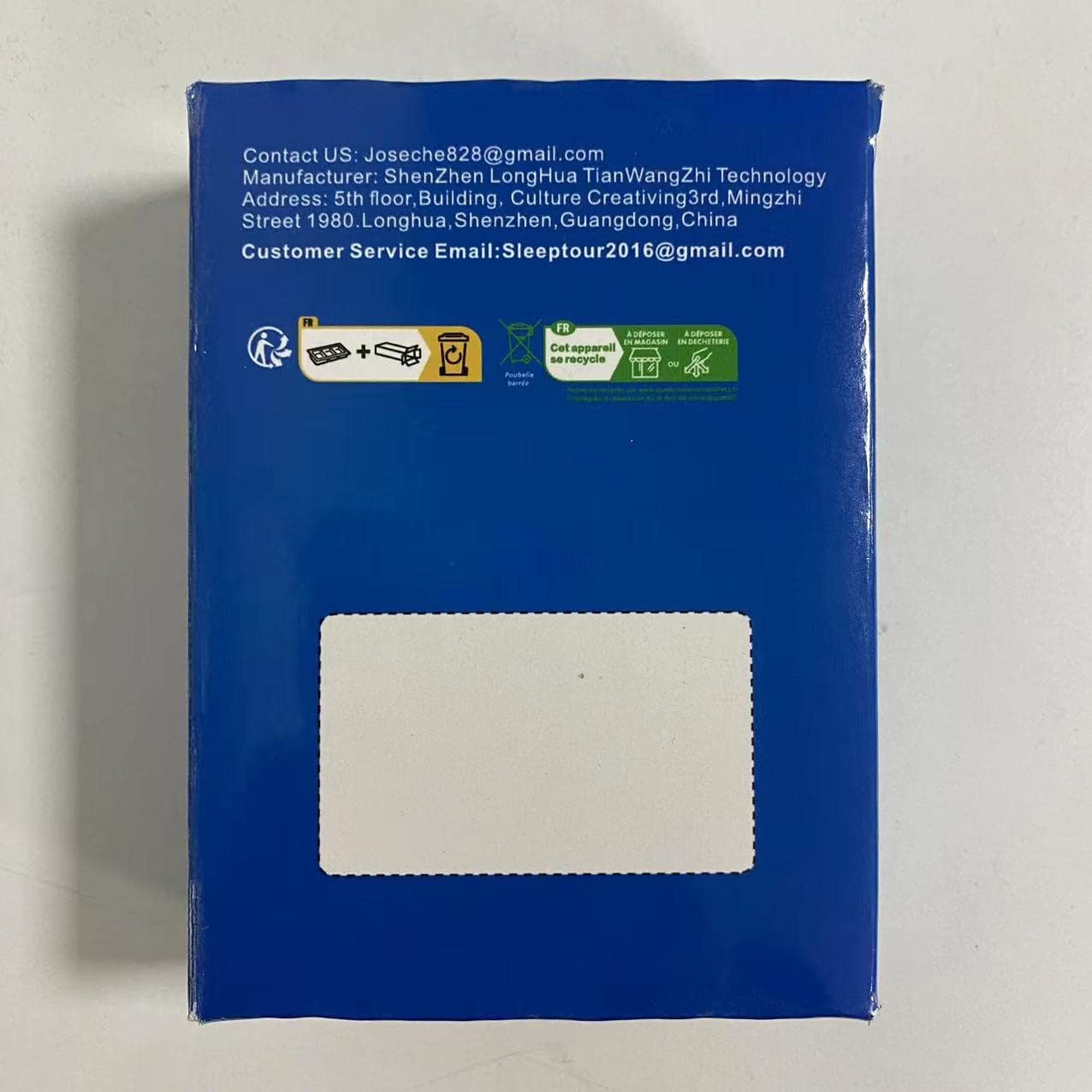
Image: Back of the product box with manufacturer contact details.

Image: Side of the product box with EU representative contact details.
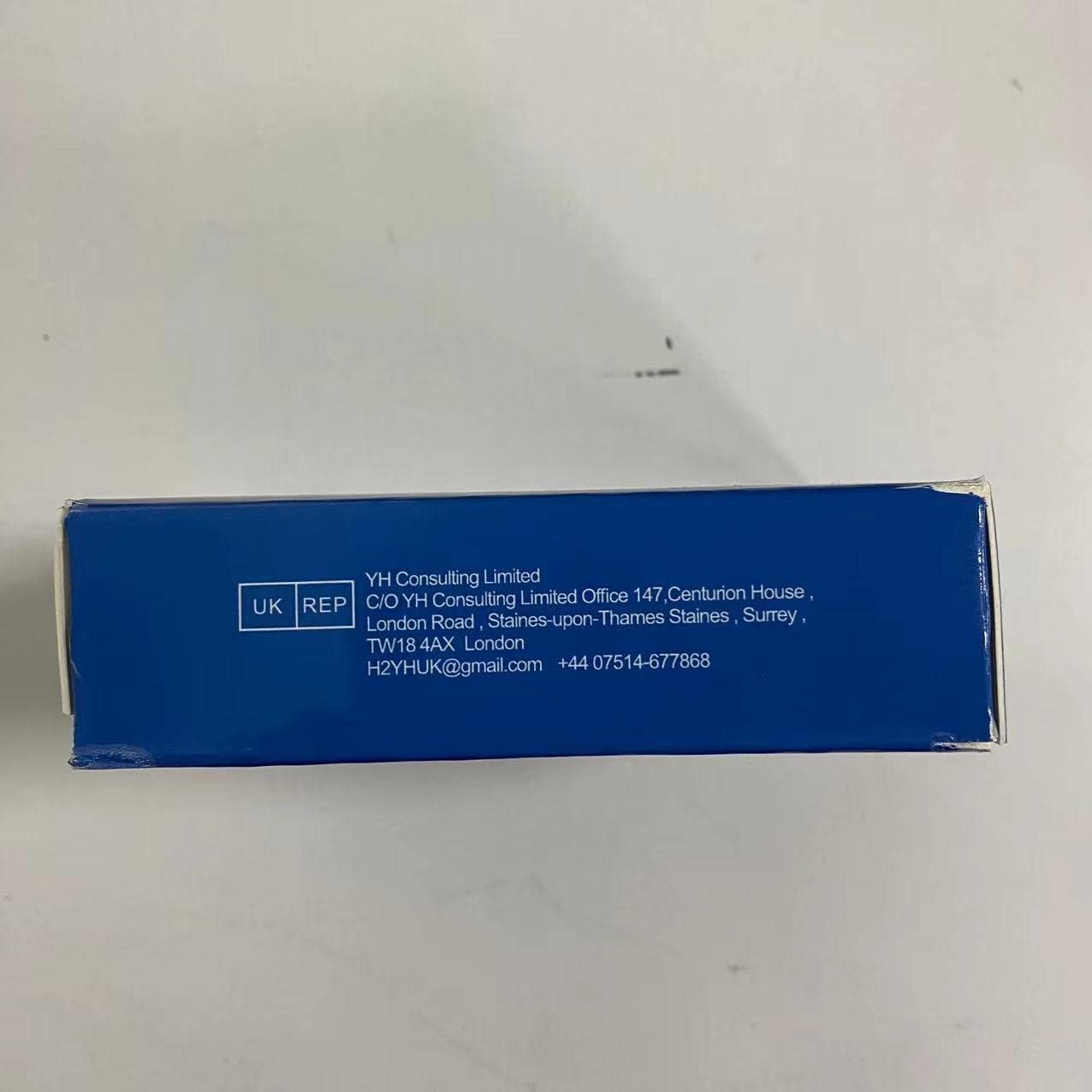
Image: Side of the product box with UK representative contact details.
Related documentsFULH01


Ask a question about this manual
Ask about setup, troubleshooting, compatibility, parts, safety, or missing instructions. Manuals+ will review the question and use this page’s manual context to help answer it.