
OPPO W52WHITE
OPPO Enco Free2 W52 True Wireless Earbuds User Manual
Model: W52WHITE | Brand: OPPO
Introduction
Welcome to the user manual for your OPPO Enco Free2 W52 True Wireless Earbuds. These earbuds are designed to provide a high-quality audio experience with active noise cancellation and intuitive controls. Please read this manual thoroughly to understand the features and proper operation of your device.
Package Contents
What's in the Box
- OPPO Enco Free2 W52 True Wireless Earbuds (Left and Right)
- Wireless Charging Case
- USB-C Charging Cable
- Multiple sizes of ear tips (S, M, L)
- Quick Start Guide
- Safety Guide
Image: Package Contents

This image displays the complete contents of the OPPO Enco Free2 W52 retail package, including the earbuds, their charging case, a USB-C charging cable, various sizes of silicone ear tips, and the accompanying quick start and safety guides.
Product Overview
Earbud Components
Each earbud features a main body, an ear tip, and a stem. The stem houses the touch control area and microphones.
Image: Individual Earbuds
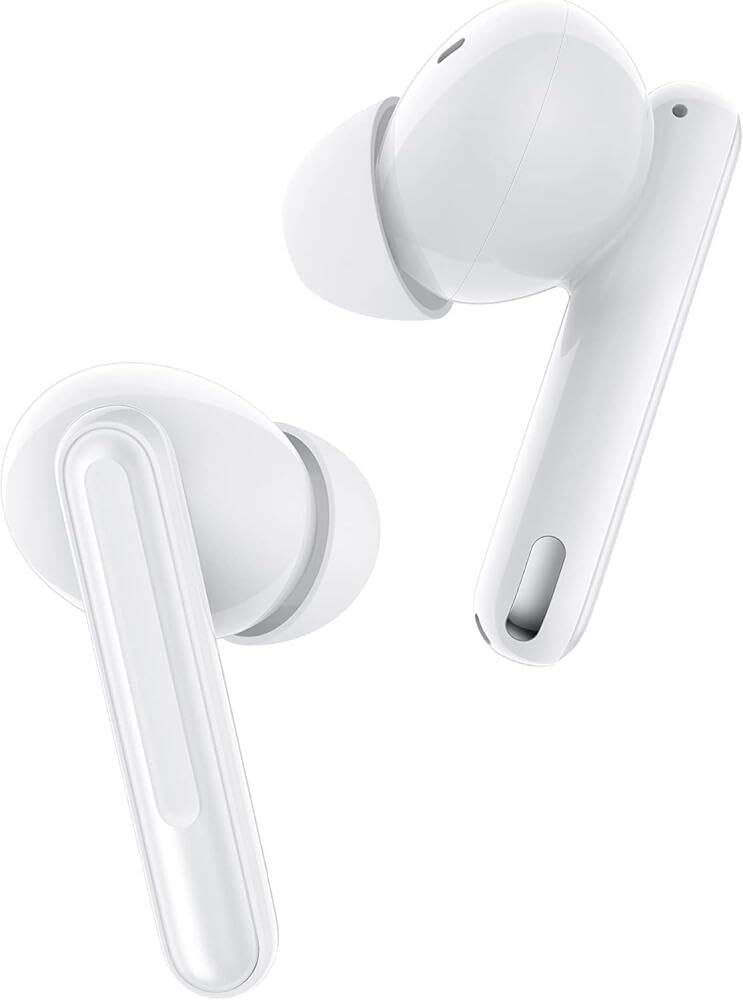
A detailed view of the left and right OPPO Enco Free2 W52 earbuds, highlighting their ergonomic design and the silicone ear tips.
Charging Case
The charging case protects your earbuds and recharges them on the go. It features a charging port, an indicator light, and a pairing button (usually inside or near the hinge).
Image: Earbuds in Charging Case
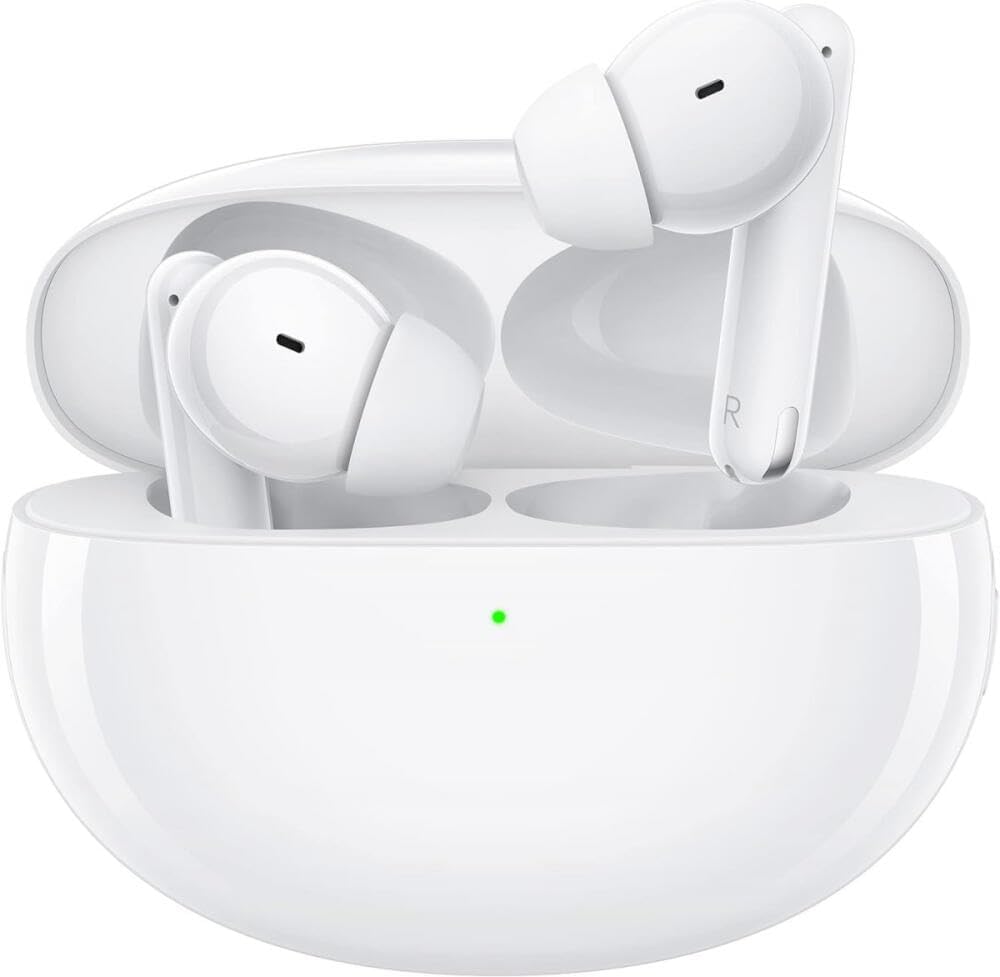
The earbuds are shown securely placed within their charging case, which also serves as a storage unit. The front LED indicates charging status or pairing mode.
Image: Closed Charging Case
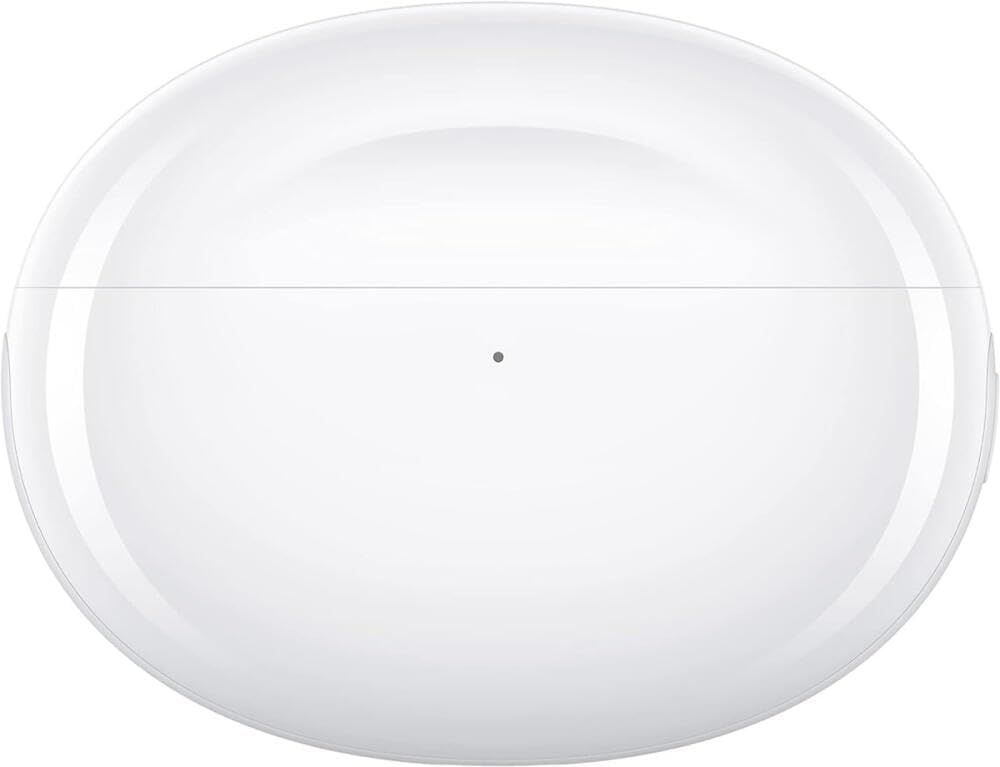
This image provides a top-down perspective of the OPPO Enco Free2 W52 charging case when closed, emphasizing its compact and portable form factor.
Setup
Initial Charging
Before first use, place both earbuds into the charging case and connect the case to a USB-C power source. Ensure the indicator light on the case illuminates, indicating charging. A full charge is recommended for optimal battery performance.
Pairing with Your Device
- Ensure the earbuds are in the charging case and the lid is open.
- Press and hold the function button on the charging case (usually located inside or on the side) for 2 seconds until the indicator light flashes white, indicating pairing mode.
- On your smartphone or Bluetooth-enabled device, go to Bluetooth settings and search for "OPPO Enco Free2 W52" (or similar name).
- Select the earbuds from the list to complete the pairing process. The indicator light will turn solid white when successfully connected.
- For OPPO smartphone users, simply open the charging case near your phone, and a pairing prompt may appear automatically.
Wearing the Earbuds
Select the ear tips that provide the best seal and comfort for your ears. Insert the earbuds gently into your ear canals and rotate them slightly until they fit snugly and feel secure. A good seal is crucial for effective noise cancellation and sound quality.
Image: Wearing Earbuds

This image shows a user interacting with the OPPO Enco Free2 W52, demonstrating how the earbuds are handled when being removed from or placed back into the charging case.
Operating Your Earbuds
Touch Controls
The OPPO Enco Free2 W52 earbuds feature touch-sensitive areas on their stems for various functions. You can customize these controls via the HeyTap app (available for Android and iOS).
| Action | Function |
|---|---|
| Double-tap (either earbud) | Play/Pause music, Answer/End call |
| Triple-tap (either earbud) | Next track |
| Press and hold (either earbud) | Switch Noise Control Mode (ANC On/Transparency/ANC Off) |
| Slide up/down (stem) | Volume Up/Down |
Noise Control Modes
Your earbuds offer different noise control modes:
- Active Noise Cancellation (ANC): Reduces ambient noise for an immersive listening experience.
- Transparency Mode: Allows you to hear your surroundings without removing the earbuds, useful for conversations or awareness.
- Noise Cancellation Off: Disables ANC and Transparency modes.
Voice Control
The earbuds support voice assistant activation. Depending on your device, you can activate your phone's voice assistant (e.g., Google Assistant, Siri) with a specific tap gesture, which can be configured in the HeyTap app.
Making Calls
When connected to your smartphone, you can use the earbuds for hands-free calls. Double-tap either earbud to answer or end a call. The built-in microphones are designed to pick up your voice clearly.
Charging and Battery Life
Charging the Earbuds
Place the earbuds into the charging case. They will automatically begin charging. The indicator light on the case will show the charging status.
Charging the Case
Connect the USB-C charging cable to the port on the charging case and to a power adapter or computer USB port. The case's indicator light will show charging progress. The charging case provides multiple full charges for the earbuds, extending their usage time significantly.
The carrying case battery has an average life of 24 hours, providing extended use for your earbuds. With the case, the total usage time can extend up to 5 days under typical usage conditions before needing to recharge the case itself.
Battery Status Indicator
The LED indicator on the charging case provides information about the battery level:
- Green: High battery level
- Orange: Medium battery level
- Red: Low battery level
- Flashing White: Pairing mode
- Solid White: Successfully paired/connected
Maintenance and Care
Cleaning
Regularly clean your earbuds and charging case to ensure optimal performance and hygiene.
- Use a soft, dry, lint-free cloth to wipe the earbuds and case.
- Remove ear tips and clean them with water and mild soap if necessary, then dry thoroughly before reattaching.
- Gently clean the charging contacts on both the earbuds and inside the case with a dry cotton swab.
Storage
Always store the earbuds in their charging case when not in use to protect them and keep them charged.
Water Resistance
The earbuds are water resistant. This means they can withstand splashes and sweat, making them suitable for workouts. However, they are not waterproof and should not be submerged in water or exposed to heavy rain.
Troubleshooting
Earbuds not pairing/connecting
- Ensure both earbuds are in the charging case and the case has sufficient battery.
- Open the case lid and press the function button to enter pairing mode (flashing white light).
- Turn off and on Bluetooth on your device.
- Try resetting the earbuds: With earbuds in the case and lid open, press and hold the function button for 15 seconds until the indicator light flashes red three times, then white. This will clear all pairing records.
No sound from one earbud
- Check battery level of both earbuds.
- Ensure both earbuds are properly seated in the charging case and charging contacts are clean.
- Try resetting the earbuds as described above.
Poor sound quality or weak bass
- Ensure ear tips provide a good seal in your ear canal. Try different sizes.
- Clean any debris from the earbud nozzles.
- Check your device's audio settings and equalizer.
Charging issues
- Ensure the charging cable is securely connected to both the case and the power source.
- Try a different USB-C cable and power adapter.
- Clean the charging contacts on the earbuds and inside the case.
Specifications
| Feature | Detail |
|---|---|
| Model | W52WHITE |
| Brand | OPPO |
| Connectivity | Bluetooth Wireless |
| Form Factor | In Ear |
| Noise Control | Active Noise Cancellation (ANC), Transparency Mode |
| Control Method | Touch, Voice Control |
| Frequency Range | 20 Hz - 20 kHz |
| Water Resistance | Water Resistant |
| Material | Plastic |
| Earbud Weight | Approx. 0.005 kg (each) |
| Case Weight | 0.02 Kilograms |
| Total Item Weight | 0.05 Kilograms |
| Earbud Battery Life | Up to 4 hours (with ANC) |
| Case Battery Life | Up to 24 hours (additional charges for earbuds) |
| Total Battery Life (with case) | Up to 5 days (typical usage) |
| Charging Port | USB-C |
| First Available Date | March 31, 2022 |
Important Safety Information
- Do not expose earbuds or case to extreme temperatures or direct sunlight.
- Avoid dropping or subjecting the device to strong impacts.
- Do not disassemble or attempt to repair the device yourself.
- Keep out of reach of children and pets.
- Use only approved chargers and cables.
- Prolonged listening at high volume levels can cause hearing damage.
- Be aware of your surroundings when using Transparency Mode or when ANC is off, especially in traffic or dangerous situations.
Warranty and Support
For warranty information and customer support, please refer to the warranty card included in your product packaging or visit the official OPPO website. Keep your proof of purchase for warranty claims.
For technical assistance or troubleshooting beyond this manual, please contact OPPO customer service.
Related documentsW52WHITE


Ask a question about this manual
Ask about setup, troubleshooting, compatibility, parts, safety, or missing instructions. Manuals+ will review the question and use this page’s manual context to help answer it.