Introduction
Thank you for choosing ZIHNIC Active Noise Cancelling Headphones. These headphones are designed to provide an immersive audio experience with deep bass and Hi-Fi stereo sound, coupled with advanced active noise cancelling technology. They are perfect for travel, home, or office use, offering comfort and long-lasting battery life. This manual will guide you through the setup, operation, and maintenance of your new headphones.
What's in the Box
- ZIHNIC Active Noise Cancelling Headphones
- Premium Carrying Case
- Type-C Charging Cable
- 3.5mm Audio Cable
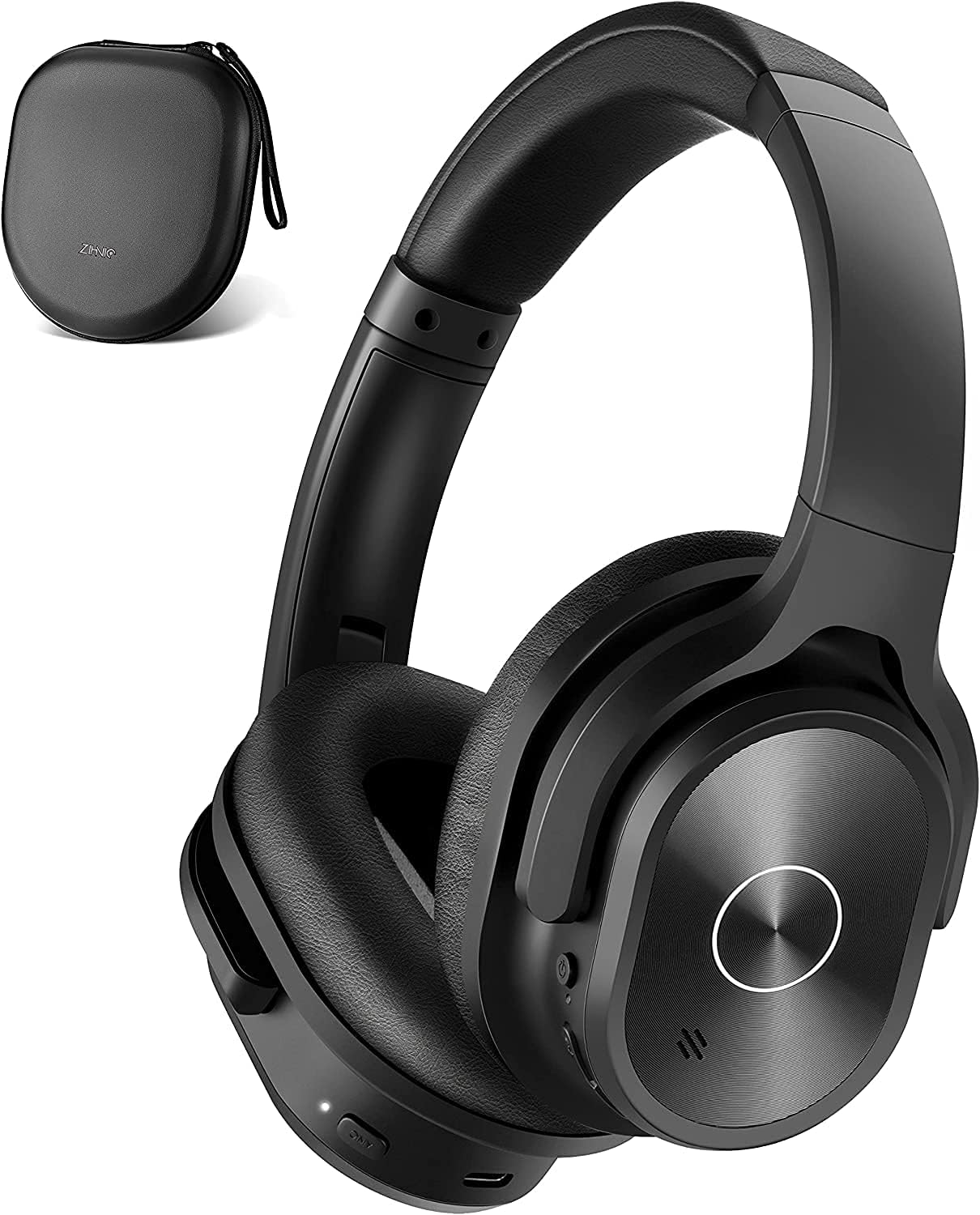
Image: ZIHNIC Active Noise Cancelling Headphones in black, shown with their included premium carrying case.
Key Features
- Active Noise Cancelling Technology: Effectively reduces ambient noise in low and mid-range frequencies, such as city traffic and airplane cabin sounds, for an immersive listening experience.
- Immersive Sound & Deep Bass: Equipped with 40mm large-aperture drivers, delivering Hi-Res audio sound and cultivating deep bass.
- Superior Built-in Microphone with Bluetooth 5.0: Ensures better sound quality for hands-free calls and offers stable, fast connection within 33 feet (10m) distance.
- Memory Foam Earpads & Adjustable Design: Durable and skin-friendly protein leather earpads with memory foam cushions provide pressure-free comfort. The lightweight, adjustable design allows earcups to swivel 90° for optimal fit.
- 40 Hours Playtime with Quick Charging: Enjoy music all day long with a 500mAh large battery capacity. Fully charges in just 1.5 hours.
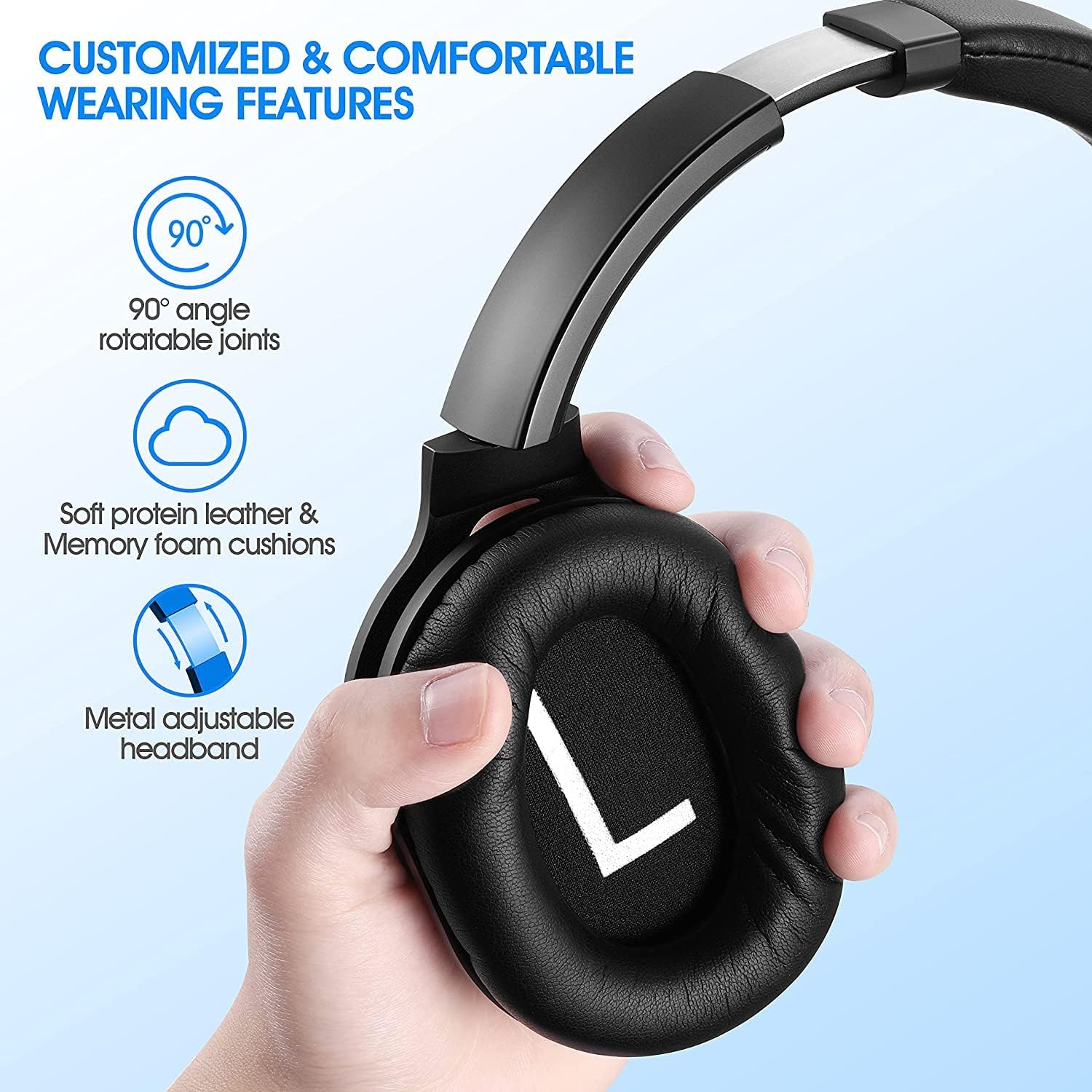
Image: A woman wearing ZIHNIC headphones, demonstrating the effectiveness of Active Noise Cancelling technology.
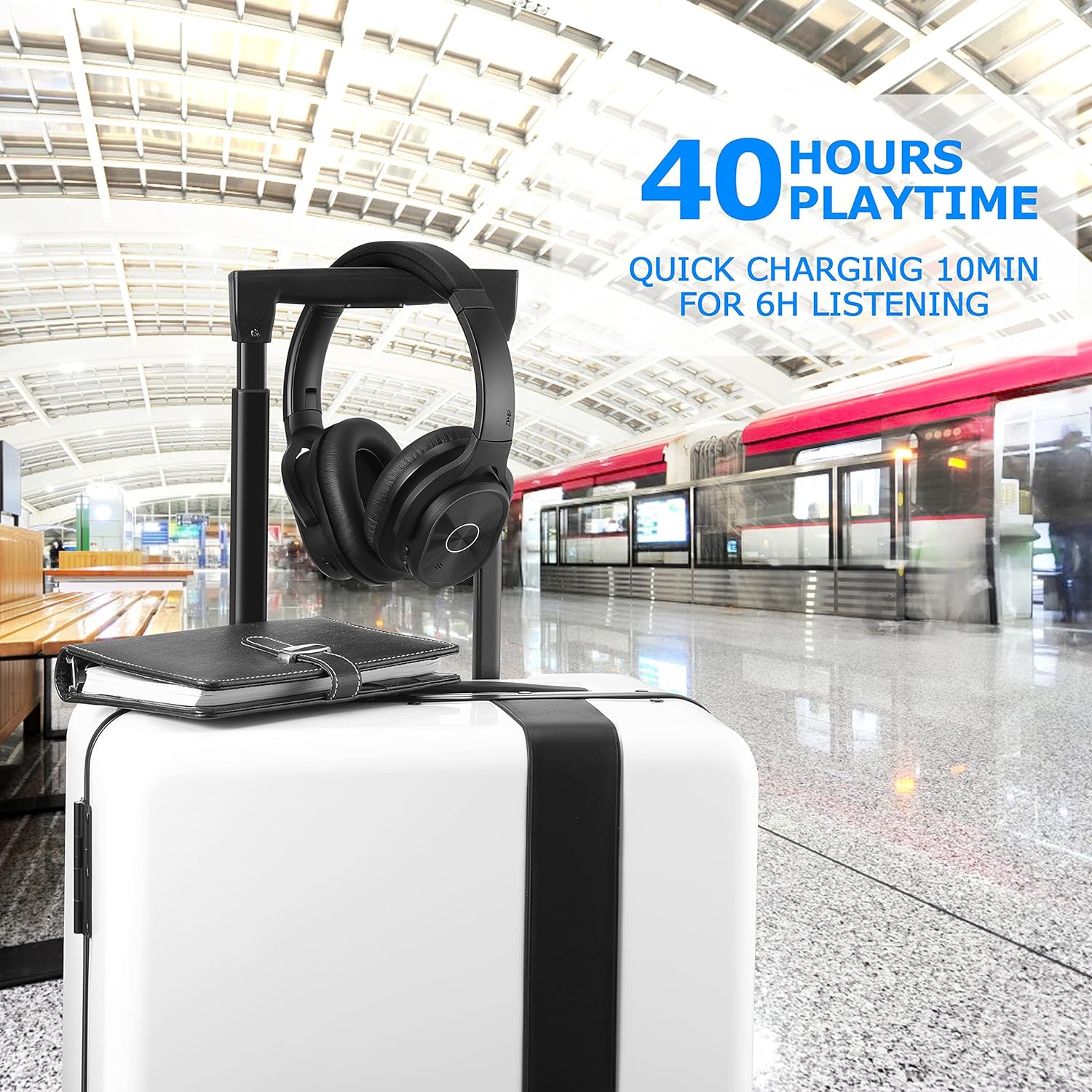
Image: ZIHNIC headphones on luggage, highlighting the 40-hour playtime for extended use during travel.

Image: Detailed view of the ZIHNIC headphone's soft protein leather earpads and adjustable headband for superior comfort.
Setup Guide
1. Charging Your Headphones
Before first use, fully charge your ZIHNIC headphones. Use the provided Type-C charging cable to connect the headphones to a USB power source (e.g., computer, wall adapter). The LED indicator will show charging status and turn off when fully charged.
- Charging Time: Approximately 1.5 hours for a full charge.
- Battery Life: Up to 40 hours of playtime on a single charge.
2. Pairing with Bluetooth Devices
To connect your headphones to a Bluetooth-enabled device:
- Ensure the headphones are turned off.
- Press and hold the Power button until the LED indicator flashes blue and red, indicating pairing mode.
- On your device, enable Bluetooth and search for "ZIHNIC Headphones" (or similar name).
- Select the headphones from the list of available devices to connect.
- Once connected, the LED indicator will turn solid blue.

Image: A user enjoying music with ZIHNIC headphones, showcasing their wireless connectivity and comfortable design.
Operating Instructions
Active Noise Cancelling (ANC)
The ZIHNIC headphones feature active noise cancelling technology to minimize ambient distractions.
- To activate ANC: Locate the ANC switch (usually on one of the earcups) and slide it to the 'ON' position. A dedicated LED indicator may light up.
- To deactivate ANC: Slide the ANC switch to the 'OFF' position.
Controls
The headphones are equipped with intuitive controls for easy management of your audio and calls.
- Power On/Off: Press and hold the Power button.
- Volume Up/Down: Use the dedicated Volume + and - buttons.
- Play/Pause: Press the Multi-function button once.
- Next Track: Press and hold Volume + button.
- Previous Track: Press and hold Volume - button.
- Answer/End Call: Press the Multi-function button once.
- Reject Call: Press and hold the Multi-function button.
Maintenance and Care
Proper care will extend the life of your ZIHNIC headphones.
- Cleaning: Use a soft, dry cloth to clean the headphones. For earpads, a slightly damp cloth can be used, but ensure they are completely dry before use. Avoid harsh chemicals or abrasive materials.
- Storage: When not in use, store the headphones in their premium carrying case to protect them from dust, scratches, and impacts.
- Battery Care: To preserve battery health, avoid fully discharging the headphones frequently. Charge them regularly, even if not in constant use. Store in a cool, dry place.
- Avoid Extreme Conditions: Do not expose the headphones to extreme temperatures, humidity, or direct sunlight.
Troubleshooting
If you encounter issues with your headphones, refer to the table below for common problems and solutions.
| Problem | Possible Cause | Solution |
|---|---|---|
| Headphones won't turn on | Low battery | Charge the headphones fully. |
| Cannot pair with device | Headphones not in pairing mode / Device Bluetooth off | Ensure headphones are in pairing mode (flashing blue/red LED). Turn on Bluetooth on your device and rescan. |
| No sound | Volume too low / Not connected / Audio cable issue | Increase volume on both headphones and device. Re-pair Bluetooth. If using wired, ensure 3.5mm cable is fully inserted. |
| ANC not effective | ANC not activated / Type of noise | Ensure ANC switch is ON. ANC is most effective for low-frequency, constant noises. |
| Poor call quality | Weak Bluetooth signal / Microphone obstruction | Move closer to your device. Ensure microphone is not covered. |
Product Specifications
| Feature | Specification |
|---|---|
| Model Name | pn 9 |
| Noise Control | Active Noise Cancellation |
| Connectivity Technology | Wireless (Bluetooth 5.0) |
| Bluetooth Range | 10 Meters (33 feet) |
| Audio Driver Size | 40 Millimeters |
| Frequency Response | 20 KHz |
| Impedance | 32 Ohm |
| Battery Life | Up to 40 Hours (with ANC off) |
| Charging Time | 1.5 Hours |
| Headphones Jack | 3.5 mm Jack |
| Material | Protein Leather (earpads) |
| Item Weight | 14.1 ounces (400 Grams) |
| Product Dimensions | 7 x 3 x 6 inches |
Warranty and Support
ZIHNIC stands behind the quality of its products.
- Warranty: Your ZIHNIC Active Noise Cancelling Headphones come with a 12-month warranty from the date of purchase.
- Customer Service: For any questions, concerns, or support needs, please contact our customer service team. We offer 24-hour after-sale customer services and quick response. Do not hesitate to contact us.


