
Product Overview
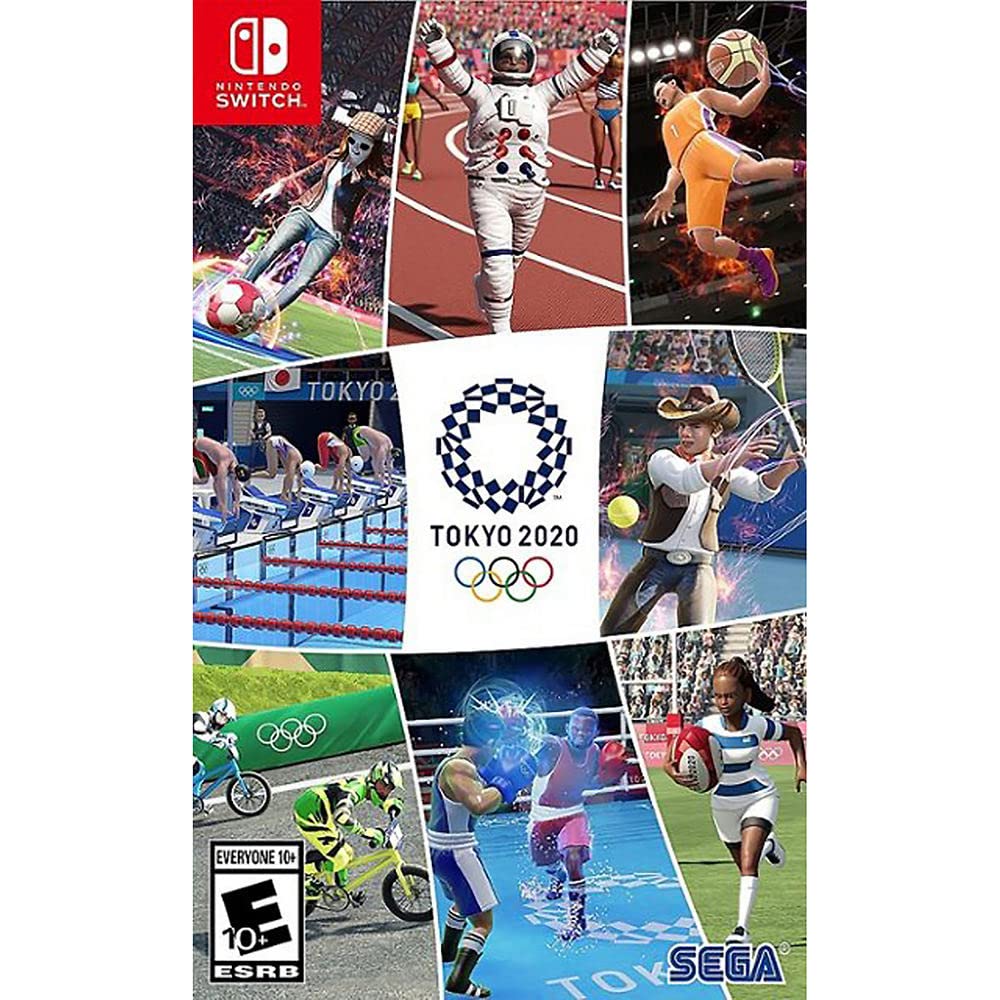
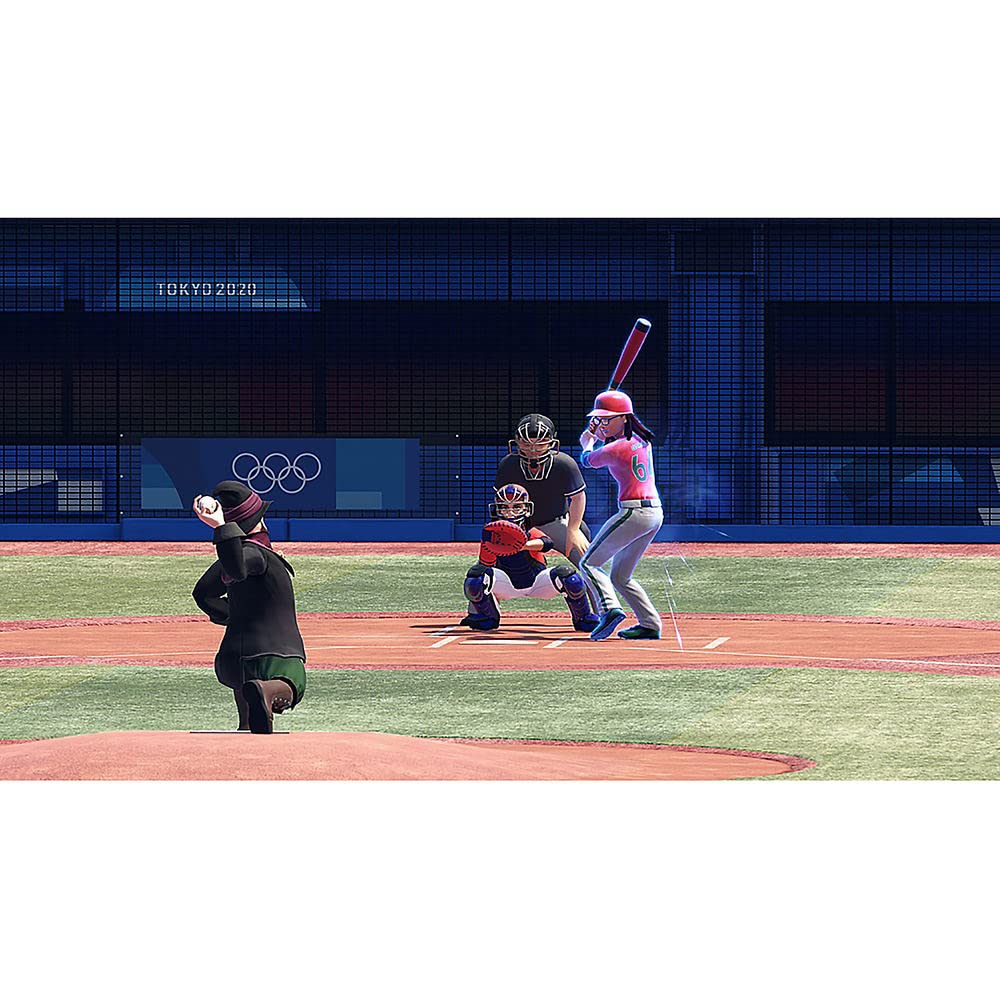
The Tokyo 2020 Olympic Games for Nintendo Switch offers a virtual experience of the global sporting event. Players can create and customize their own athlete to compete in 18 different Olympic sports, including Tennis, Football, 100m dash, Basketball, and Boxing. The game is designed for accessible, arcade-style gameplay, suitable for various skill levels, and supports both solo and multiplayer competition.
Key Features:
- Custom Athlete Creation: Design your Olympian with over 50 costume options.
- Diverse Sporting Events: Participate in 18 arcade-style Olympic sports.
- Accessible Gameplay: Enjoy easy-to-learn controls for all gaming levels.
- Multiplayer Options: Compete with friends and family in various events.
Setup
- Insert Game Card: Ensure your Nintendo Switch console is powered off or in sleep mode. Open the game card slot cover on the top right of the console. Insert the Tokyo 2020 Olympic Games game card with the label facing the same direction as the console screen until it clicks into place.
- Power On Console: Press the POWER Button on the console to turn it on.
- Launch Game: Select the Tokyo 2020 Olympic Games icon from the HOME Menu to start the game.
- Initial Setup: Follow the on-screen prompts to create your player profile, adjust language settings, and accept any terms of service.
Operating Instructions
Basic Controls (Nintendo Switch):
| Action | Button/Stick |
|---|---|
| Move Character/Navigate Menus | Left Stick |
| Confirm/Interact | A Button |
| Cancel/Back | B Button |
| Pause Game/Open Menu | + Button |
| Camera Control | Right Stick |
Note: Specific controls may vary by sport. In-game tutorials will provide detailed instructions for each event.
Gameplay Flow:
- Main Menu: From the main menu, select between single-player modes, multiplayer, or character customization.
- Event Selection: Choose from 18 different Olympic events. Each event has unique mechanics and objectives.
- Character Customization: Access the customization menu to modify your athlete's appearance and unlock new costumes.
- Multiplayer: Connect with other players locally or online to compete.


Maintenance
- Game Card Care: Keep the game card clean and free from dust or fingerprints. Store it in its original case when not in use.
- Software Updates: Ensure your Nintendo Switch console is connected to the internet to receive the latest game updates. Updates often include bug fixes, performance improvements, and new content.
- Console Maintenance: Regularly clean your Nintendo Switch console and Joy-Cons to prevent dust buildup and ensure optimal performance.
Troubleshooting
- Game Not Loading:
- Ensure the game card is inserted correctly and fully seated in the slot.
- Restart your Nintendo Switch console.
- Check the game card for any visible damage or dirt. Clean gently with a soft, dry cloth if necessary.
- Controls Unresponsive:
- Verify that your Joy-Cons or Pro Controller are properly connected and charged.
- Try re-pairing your controllers with the console.
- Check for any console or controller software updates.
- Performance Issues (Lag/Freezing):
- Close any other applications running in the background on your console.
- Ensure your game software is up to date.
- Restart the console to clear temporary data.
Specifications
- Platform: Nintendo Switch
- Model Number: TK-77014-8
- UPC: 010086770148
- Release Date: June 22, 2021
- Manufacturer: Sega
- Rated: Everyone 10+
- Language: English
- Item Weight: 1.45 ounces
- Product Dimensions: 0.43 x 6.65 x 4.17 inches
Official Product Videos
Tokyo 2020 Olympic Games - Sonic Costume Trailer
Video: This trailer showcases Sonic the Hedgehog as a playable character costume in the Tokyo 2020 Olympic Games, highlighting his participation in various events like hurdles, baseball, and basketball. The video demonstrates the fun and unique customization options available.
Tokyo 2020 Olympic Games - Gameplay Trailer
Video: A gameplay trailer for Tokyo 2020 Olympic Games, featuring various sports such as track and field, judo, boxing, swimming, basketball, and tennis. It emphasizes the multiplayer aspect and the excitement of competing in Olympic events.
Warranty and Support
For warranty information and technical support, please refer to the official SEGA website or contact their customer service. Specific warranty details are typically provided with the product packaging or available online from the manufacturer.
SEGA Official Website: www.sega.com


