Introduction
The Serene Evolution White Noise Sound Machine is a compact and portable device designed to create a peaceful environment for improved sleep and focus. With 36 diverse sound options, customizable timer settings, and a convenient USB rechargeable battery, it's an ideal companion for home, office, or travel.

Image: Front view of the Serene Evolution White Noise Sound Machine, showcasing its compact, circular design with a grey fabric speaker grille and white control buttons on the side.
Product Features
- Rechargeable Convenience: USB rechargeable with included cable and battery for flexible power options.
- Portable and Compact Design: Measures approximately 4x4x2 inches, fitting easily into bags for travel.
- Customizable Timer Settings: Options for 30, 60, or 120 minutes, or continuous play.
- Distraction Blocking: White noise and rain sounds help mask background noises like snoring or traffic.
- Diverse Sound Library: Includes 36 soothing sounds, such as fan, rain, ocean waves, thunder, birds, and forest.
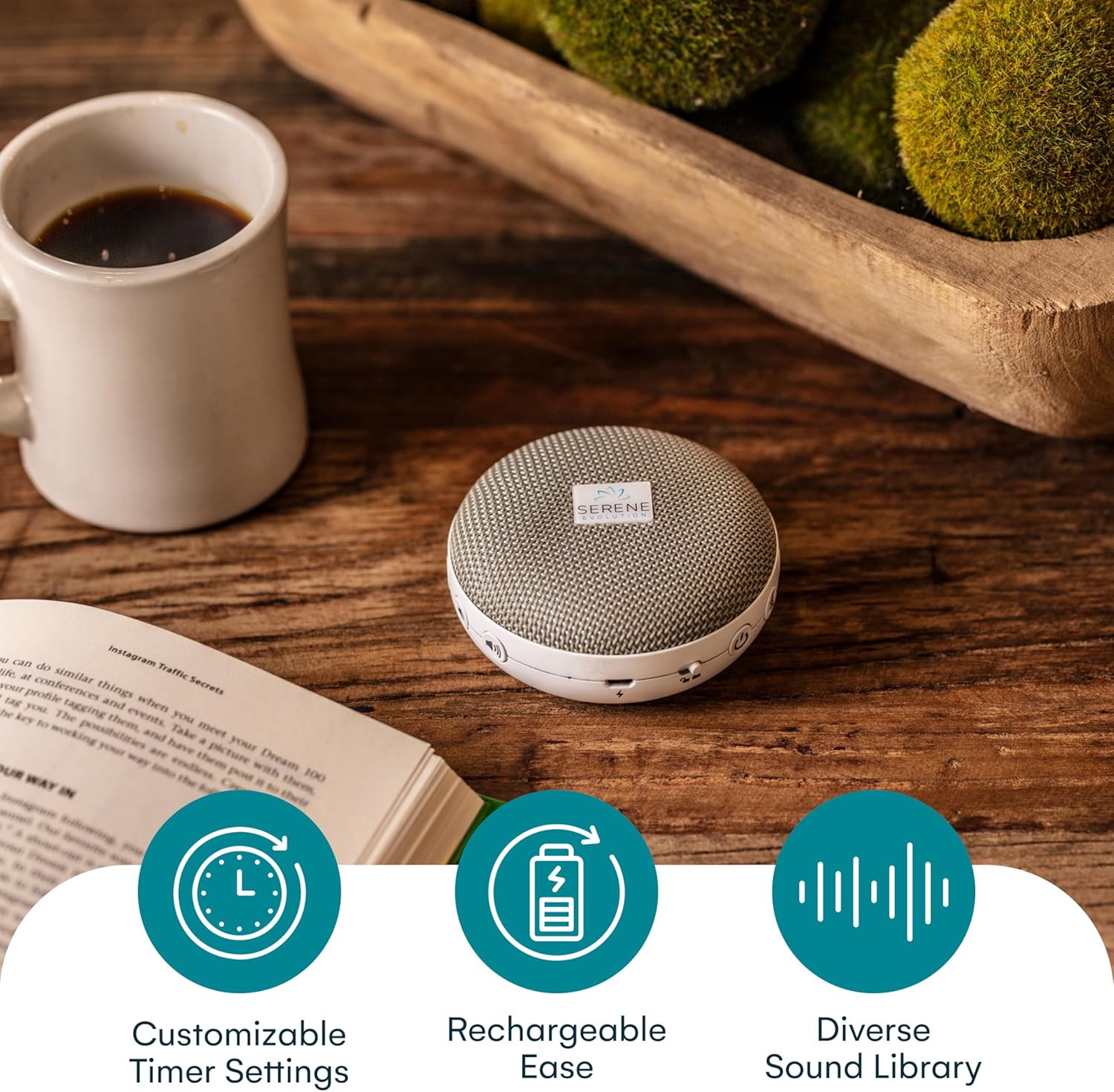
Image: The sound machine placed on a wooden table next to a book and coffee cup, with three circular icons below it representing "Customizable Timer Settings," "Rechargeable Ease," and "Diverse Sound Library."
Package Contents
- Serene Evolution White Noise Sound Machine
- USB Charging Cable
- Built-in Rechargeable Battery
Product Diagram and Controls
Familiarize yourself with the buttons and ports on your Serene Evolution Sound Machine for optimal use.

Image: Side view of the sound machine illustrating its dimensions (4 inches wide, 2 inches high) and highlighting the USB charging port and power button.
Button Functions:
- Power Button (⏻): Press and hold to turn the device On/Off.
- Timer Button (⏱): Cycle through 30, 60, 120 minutes, or continuous play.
- Sound Category Button (♫): Switch between different sound categories (e.g., Fan, Water, Nature).
- Sound Selection Button (♪): Cycle through individual sounds within a selected category.
- Volume Up Button (+): Increase volume.
- Volume Down Button (-): Decrease volume.
Setup
- Initial Charge: Before first use, fully charge the device using the provided USB cable. Connect the small end of the USB cable to the charging port on the sound machine and the larger end to a USB power adapter (not included) or a computer USB port. The charging indicator light will show charging status.
- Placement: Place the sound machine on a flat, stable surface in your desired location, such as a bedside table, office desk, or nursery.
Operating Instructions
Power On/Off:
- To turn On: Press and hold the Power button (⏻) for 2-3 seconds.
- To turn Off: Press and hold the Power button (⏻) for 2-3 seconds.
Sound Selection:
- Press the Sound Category button (♫) to cycle through different sound categories (e.g., Fan & White Noise, Water, Nature, Zen, Other).
- Once a category is selected, press the Sound Selection button (♪) to cycle through the individual sounds within that category.
Volume Control:
- Press the Volume Up button (+) to increase the sound volume.
- Press the Volume Down button (-) to decrease the sound volume.
Timer Function:
- Press the Timer button (⏱) to set a sleep timer. Available options are 30 minutes, 60 minutes, 120 minutes, or continuous play. The corresponding indicator light will illuminate.
- The device will automatically turn off after the selected timer duration.
Diverse Sound Library (36 Soothing Sounds)
The Serene Evolution Sound Machine offers a wide variety of sounds to suit your preferences:
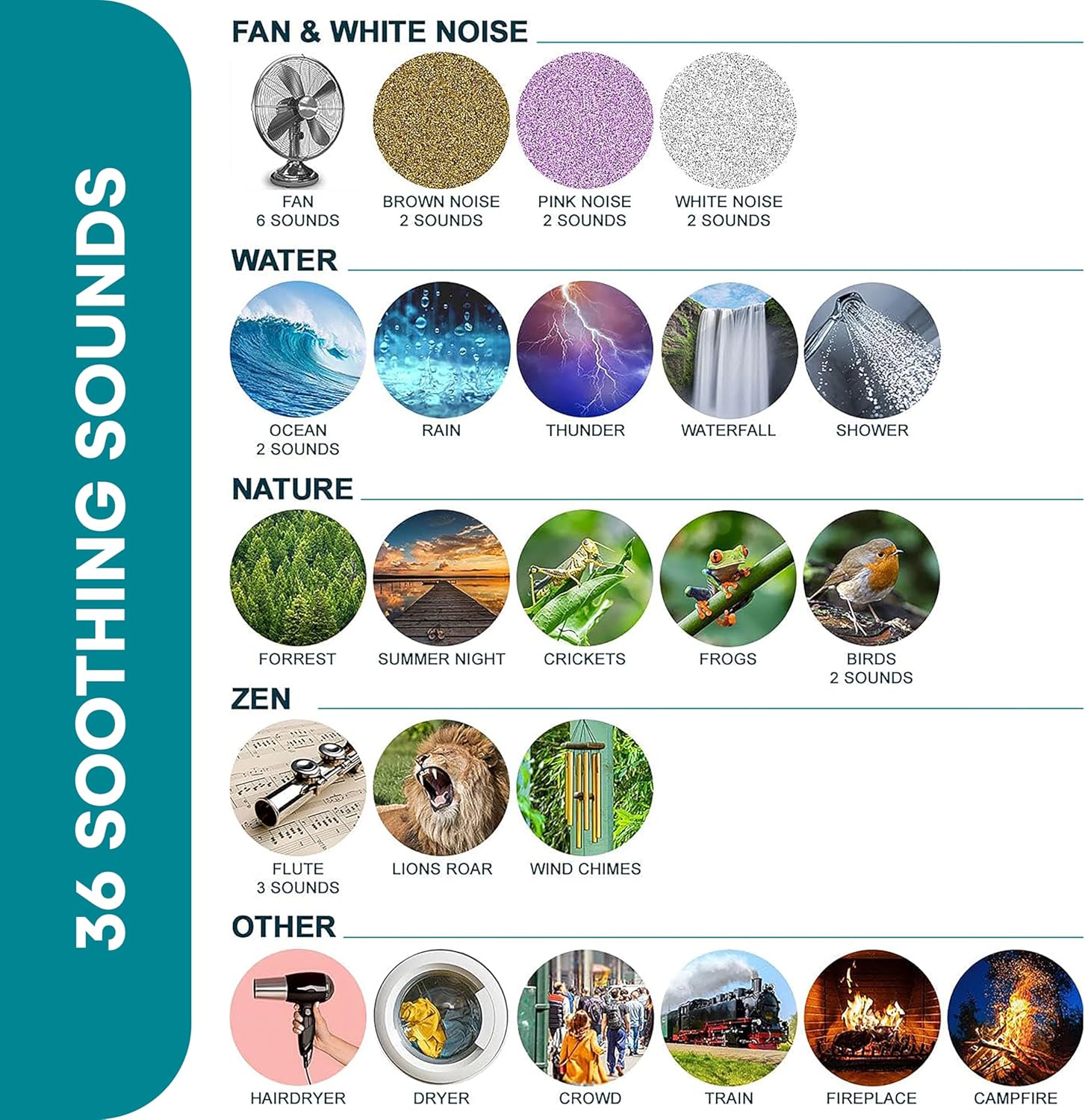
Image: A visual chart categorizing the 36 available sounds, including Fan & White Noise (Fan, Brown Noise, Pink Noise, White Noise), Water (Ocean, Rain, Thunder, Waterfall, Shower), Nature (Forest, Summer Night, Crickets, Frogs, Birds), Zen (Flute, Lions Roar, Wind Chimes), and Other (Hairdryer, Dryer, Crowd, Train, Fireplace, Campfire).
- Fan & White Noise: Fan (6 sounds), Brown Noise (2 sounds), Pink Noise (2 sounds), White Noise (2 sounds)
- Water: Ocean (2 sounds), Rain, Thunder, Waterfall, Shower
- Nature: Forest, Summer Night, Crickets, Frogs, Birds (2 sounds)
- Zen: Flute (3 sounds), Lions Roar, Wind Chimes
- Other: Hairdryer, Dryer, Crowd, Train, Fireplace, Campfire
Charging the Device
Your Serene Evolution Sound Machine is equipped with a built-in rechargeable battery for portable use.
- Connect the provided USB charging cable to the device's charging port.
- Plug the other end of the USB cable into a standard USB power source (e.g., computer, wall adapter, power bank).
- The charging indicator light will show the charging status (e.g., red for charging, green for fully charged).
- A full charge typically takes a few hours and provides several hours of continuous playback, depending on volume and sound type.
Maintenance
- Cleaning: Wipe the device with a soft, dry cloth. Do not use liquid cleaners or abrasive materials.
- Storage: Store the device in a cool, dry place when not in use.
- Battery Care: To prolong battery life, avoid fully discharging the battery frequently. Charge the device regularly, even if not in constant use.
- Avoid Water: This device is not waterproof. Keep it away from water and excessive moisture.
Troubleshooting
| Problem | Possible Cause | Solution |
|---|---|---|
| Device does not turn on. | Battery is depleted. | Charge the device using the USB cable. |
| No sound. | Volume is too low or muted. | Increase the volume using the '+' button. |
| Sound cuts out or distorts. | Low battery or interference. | Recharge the device. Move away from other electronic devices. |
| Timer function not working. | Timer not set correctly. | Ensure the timer indicator light is on for the desired duration. |
Specifications
- Model Name: Serene Evolution White Noise Machine
- Power Source: Battery Powered (USB Rechargeable)
- Material: Silicone, Plastic
- Color: White, Grey
- Dimensions: Approximately 4 inches (Diameter) x 2 inches (Height)
- Sound Options: 36 Soothing Sounds
- Timer Settings: 30, 60, 120 minutes, Continuous
Warranty and Support
For warranty information or technical support, please refer to the contact details provided with your purchase or visit the official Serene Evolution website. Keep your proof of purchase for any warranty claims.
For further assistance, you may visit the Serene Evolution Store on Amazon: Serene Evolution Store


