
Introduction
The MARANTEC 122459 is a 4-channel handheld remote control designed for operating garage door systems. It utilizes the secure and proven Multi-Bit radio system, developed by Marantec for reliable drive control. This manual provides essential information for the setup, operation, maintenance, and troubleshooting of your remote control.

Figure 1: Front view of the MARANTEC 122459 Handheld Remote Control, showing the four control buttons and LED indicator.
Product Features
- 4-Channel Control: Ergonomic design allows operation of up to 4 doors or functions.
- Multi-Bit Wireless System: Features a secure 48-bit encryption with 70 million different transmission codes, ensuring high security.
- Easy Code Learning: Programming is simplified by copying the code from one button to another or via a standard coding plug.
- LED Indicator: A red LED signals button presses and indicates low battery status.
- Power Source: Powered by a standard CR2032 battery.
- Compatibility: Works with all Marantec motors equipped with bi-linked radio receivers and other drive systems using universal bi-linked receivers.
- Accessories: Includes a keyring attachment and a wall mount for convenient storage.
- Quality: Manufactured in Germany.
Package Contents
Verify that all items are present in the package:
- MARANTEC 122459 Handheld Transmitter
- Wall Mount Bracket
- Dowels and Screws for Wall Mount
- CR2032 Battery (pre-installed or separate)
- User Manual (this document)
Setup
1. Battery Installation
The remote control is powered by a CR2032 lithium-manganese dioxide battery. Ensure the battery is correctly installed with the positive (+) side facing up.

Figure 2: Back view of the remote control, showing the battery compartment. Open the compartment to insert or replace the CR2032 battery.
2. Programming the Remote Control (Code Learning)
The wireless code can be transmitted to the new remote control in two primary ways:
- Copying from an Existing Transmitter: Place the new remote control next to an existing, programmed Marantec Multi-Bit transmitter. Press and hold the desired button on the existing transmitter, then press and hold the corresponding button on the new transmitter. The LED on the new transmitter will indicate successful code transfer (refer to your drive unit's manual for specific LED patterns).
- Using the Standard Coding Plug or Drive Unit: Refer to your Marantec drive unit's instruction manual for detailed steps on how to program a new remote control directly into the drive's receiver. This typically involves pressing a programming button on the drive unit and then a button on the new remote control.
Each motor uses a unique code. If a transmitter is lost, a new code can be programmed for all other devices, rendering the lost transmitter non-functional for security purposes.
3. Wall Mount Installation
The included wall mount allows for convenient storage of your remote control. Choose a suitable location near your garage door or entry point. Use the provided dowels and screws to securely attach the bracket to the wall.
Operating Instructions
1. Basic Use
To operate your garage door or other programmed function, simply press the corresponding button on the remote control. The red LED will illuminate to confirm the button press and signal transmission.
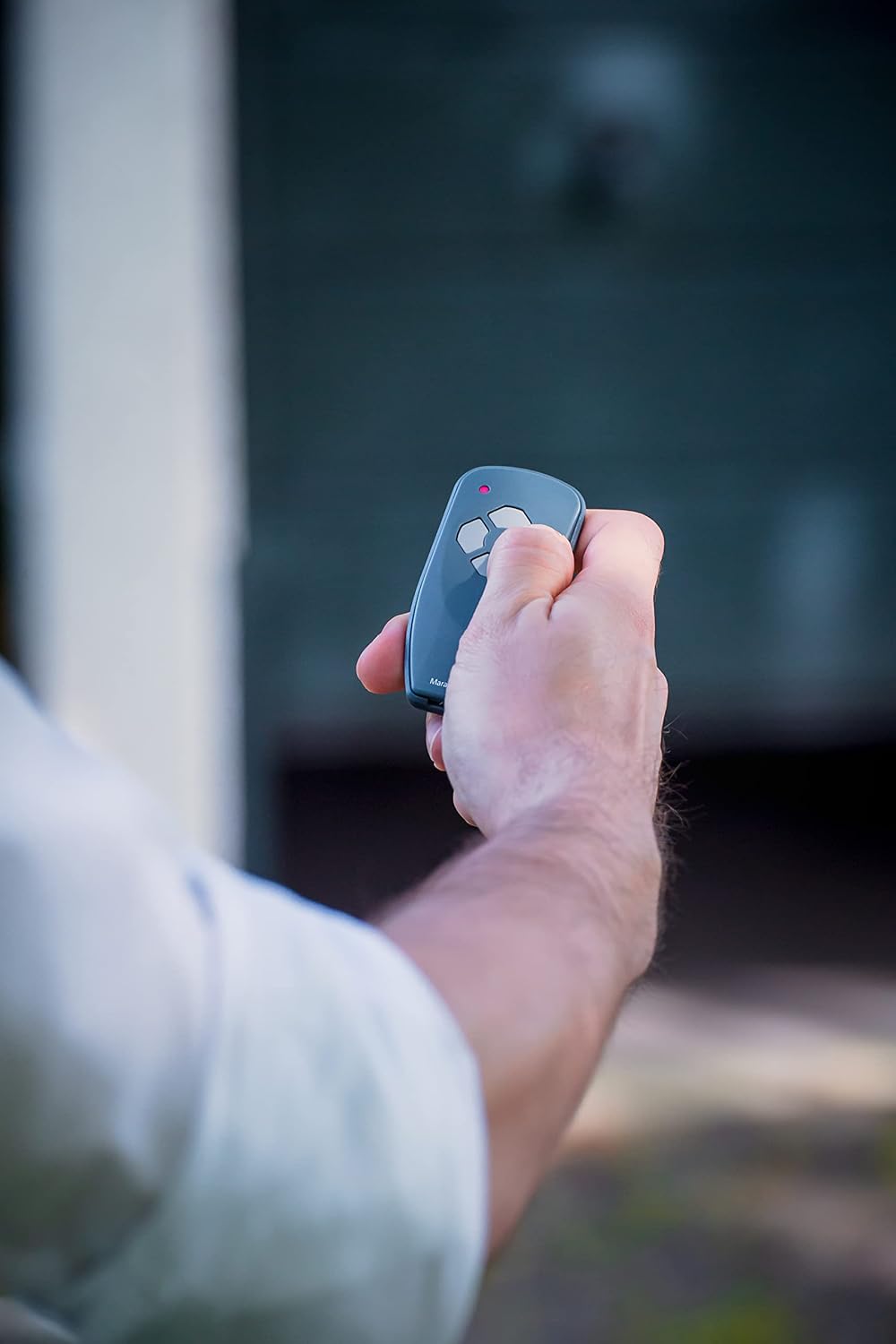
Figure 3: A hand holding the remote control and pressing one of the four buttons to activate a function.
2. LED Indicator Meanings
- Solid Red Light: Indicates a successful button press and signal transmission.
- Rapidly Flashing Red Light: Signals that the battery is low and needs to be replaced soon.
Maintenance
1. Battery Replacement
When the LED indicator flashes rapidly during operation, it is time to replace the CR2032 battery. To replace:
- Open the battery compartment cover on the back of the remote control (refer to Figure 2).
- Remove the old CR2032 battery.
- Insert a new CR2032 battery with the positive (+) side facing up.
- Close the battery compartment cover securely.
2. Cleaning
Clean the remote control with a soft, dry cloth. Do not use abrasive cleaners or solvents, as these can damage the casing or internal components.
Troubleshooting
| Problem | Possible Cause | Solution |
|---|---|---|
| Remote control does not operate the garage door. | Battery is low or depleted. | Replace the CR2032 battery. |
| Remote control is not programmed or has lost its code. | Reprogram the remote control following the instructions in the "Programming the Remote Control" section. | |
| Remote control is out of range. | Move closer to the garage door opener. | |
| LED does not light up when a button is pressed. | Battery is completely depleted or incorrectly installed. | Check battery installation or replace the battery. |
| LED flashes rapidly when a button is pressed. | Battery is low. | Replace the CR2032 battery. |
Specifications
| Feature | Specification |
|---|---|
| Model Number | 122459 |
| Channels | 4 |
| Dimensions (L x W x H) | 86 x 39 x 12 mm |
| Weight | 40 grams |
| Color | Grey |
| Material | Plastic |
| Battery Type | CR2032 Lithium-Manganese Dioxide |
| Manufacturer | Marantec |
| Country of Origin | Germany |
Safety Information
- Keep remote controls out of reach of children to prevent accidental operation of the garage door.
- Do not allow children to play with the remote control or the garage door opener.
- Operate the garage door only when it is in full view and free of obstructions.
- Never walk or drive through a moving garage door.
- Dispose of used batteries according to local regulations.
- Do not expose the remote control to water or extreme temperatures.
Warranty and Support
For warranty information or technical support, please refer to the documentation provided with your garage door opener system or contact Marantec customer service directly. Specific warranty details for the remote control are typically covered under the main drive unit's warranty.


