
DIZO GoPods
DIZO GoPods User Manual
Model: GoPods | Brand: DIZO
1. Product Overview
The DIZO GoPods are advanced True Wireless Stereo (TWS) earbuds designed for an immersive audio experience. They feature Active Noise Cancellation (ANC), a Transparency Mode, and Super Low Latency for gaming. Equipped with a 10mm Hi-Fi Bass Boost Driver, these earbuds deliver rich sound quality. The included charging case provides extended battery life, and the earbuds are IPX5 water-resistant.

Image: DIZO GoPods earbuds resting in their open charging case, showcasing the design and fit.

Image: Key features of the DIZO GoPods, including Active Noise Cancellation and 25 hours of total playback.
2. Setup and Pairing
2.1 Initial Charge
Before first use, ensure both earbuds and the charging case are fully charged. Connect the charging case to a power source using the provided USB cable. The indicator light on the case will show charging status.
2.2 Bluetooth Pairing
- Open the charging case. The earbuds will automatically enter pairing mode.
- On your device (smartphone, tablet, etc.), enable Bluetooth.
- Search for "DIZO GoPods" in the list of available Bluetooth devices.
- Select "DIZO GoPods" to connect. A voice prompt will confirm successful pairing.
Once paired, the earbuds will automatically connect to the last paired device when removed from the case.
3. Operating Instructions
3.1 Touch Controls
The DIZO GoPods feature intuitive touch controls on each earbud. Functions can be customized via the realme Link App.
- Double Tap: Play/Pause music, Answer/End call.
- Triple Tap: Next song.
- Touch and Hold (one earbud): Switch between Noise Cancellation, Transparency Mode, and Normal Mode.
- Touch and Hold (both earbuds simultaneously): Enter/Exit Gaming Mode.

Image: The realme Link App allows customization of touch controls and sound settings.
3.2 Active Noise Cancellation (ANC)
ANC technology reduces ambient noise by up to 25dB, providing a focused listening experience. Activate or deactivate ANC using the touch controls or the realme Link App.

Image: Active Noise Cancellation in action, muting surrounding noise.
3.3 Transparency Mode
Transparency Mode allows you to hear your surroundings without removing the earbuds. This is useful for conversations or being aware of your environment. Toggle this mode via touch controls or the app.
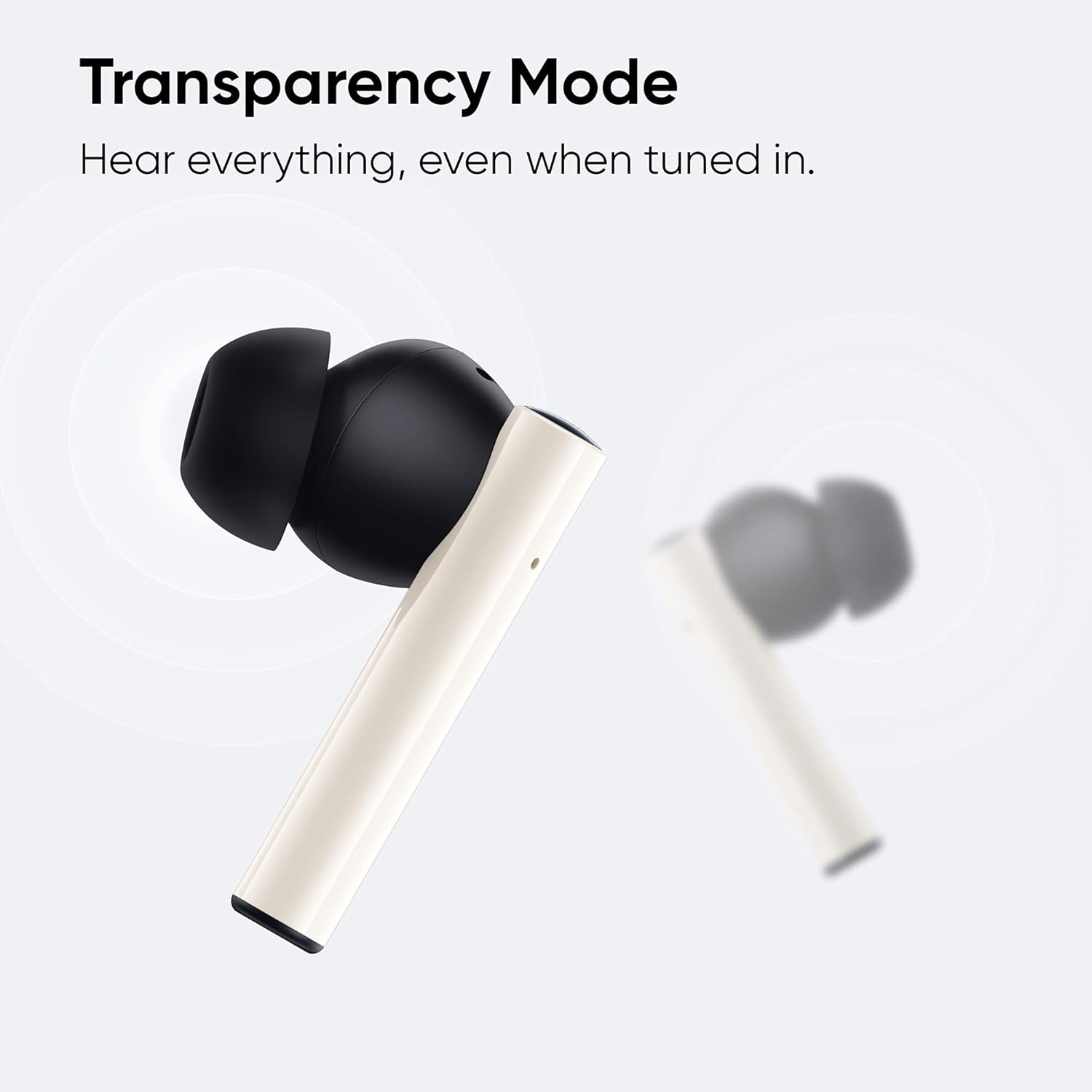
Image: Transparency Mode allows you to hear everything around you while listening to audio.
3.4 Gaming Mode (Super Low Latency)
For an optimized gaming and video experience, activate Gaming Mode. This reduces audio latency to as low as 88ms, ensuring synchronized sound with on-screen action. Activate by touching and holding both earbuds simultaneously.

Image: DIZO GoPods equipped for gaming with super low latency.
3.5 Call Features
The earbuds feature Dual Mic Noise Cancellation, utilizing an ENC algorithm to significantly reduce surrounding noise during calls, ensuring clearer communication.

Image: Dual Mic Environmental Noise Cancellation for clear calls.
3.6 Battery Life
The DIZO GoPods offer up to 25 hours of total playback time with the charging case. A single charge provides approximately 5 hours of playback with ANC off. Fast charging allows for 120 minutes of playback with just 10 minutes of charge.

Image: 25 hours total playback for music, round the clock.
4. Maintenance and Care
4.1 Water Resistance
The DIZO GoPods are IPX5 water-resistant, meaning they can withstand splashes and sweat. They are suitable for workouts and light rain. Do not submerge the earbuds in water or expose them to strong jets of water.
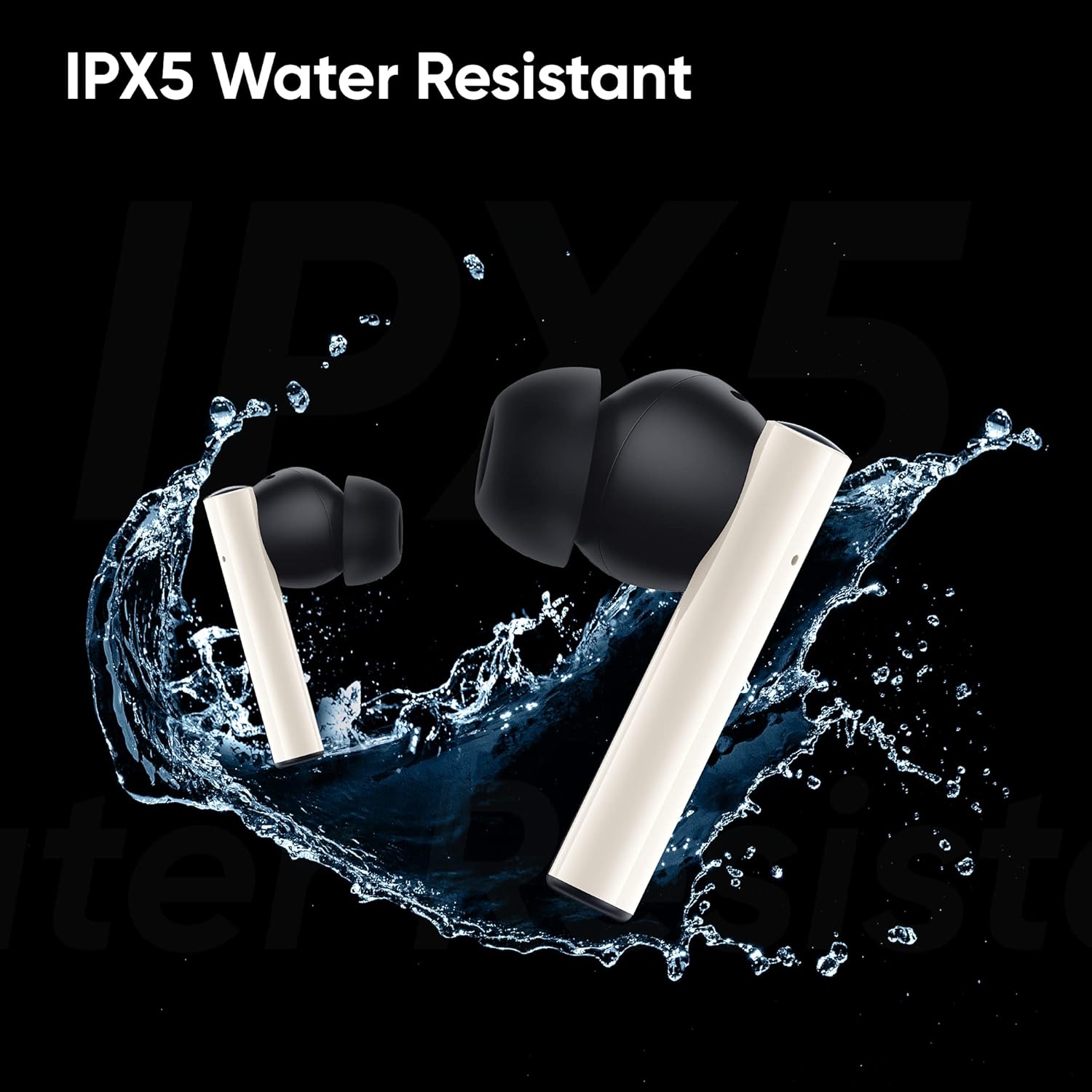
Image: IPX5 Water Resistant feature of the DIZO GoPods.
4.2 Cleaning
Regularly clean the earbuds and charging case with a soft, dry, lint-free cloth. Avoid using abrasive materials or harsh chemicals. Ensure charging contacts are free of debris.
4.3 Storage
When not in use, store the earbuds in their charging case to protect them and ensure they remain charged.
5. Troubleshooting
- Earbuds not pairing: Ensure both earbuds are in the charging case and have sufficient charge. Open the case to initiate pairing mode. If issues persist, try forgetting the device on your Bluetooth settings and re-pairing.
- One earbud not working: Place both earbuds back into the charging case, close the lid, wait a few seconds, then open it again. Check if both earbuds light up or show activity. Ensure both are charged.
- Low volume during calls: Adjust the volume on your connected device. Ensure the earbuds are properly seated in your ears. If the issue persists, check for firmware updates via the realme Link App.
- No sound: Check if the earbuds are connected to your device. Ensure the volume on both the earbuds and your device is turned up. Try playing different audio sources.
- Charging issues: Ensure the charging cable is securely connected to both the case and the power source. Check if the charging port is clean and free of debris.
6. Specifications
| Brand | DIZO |
| Model | GoPods |
| Connectivity Technology | Wireless (Bluetooth 5.2) |
| Noise Control | Active Noise Cancellation |
| Driver Size | 10mm Hi-Fi Bass Boost Driver |
| Latency | 88ms (Super Low Latency Gaming Mode) |
| Total Playback Time | Up to 25 hours (with charging case) |
| Water Resistance | IPX5 (Waterproof) |
| Control Method | App, Touch |
| Included Components | Charging Case, USB Cable, Ear Cushions |
| Color | White |
| Material | Plastic |
| Item Weight | 48 Grams (earbuds) |
| Product Dimensions | 1.39 x 0.93 x 0.72 inches |
7. Official Product Video
Video: "Meet the Quiet and Powerful DIZO GoPods" - An official product video showcasing the features and design of the DIZO GoPods earbuds.
8. Warranty and Support
For warranty information and customer support, please refer to the official DIZO website or contact their customer service directly. Keep your purchase receipt for warranty claims.
DIZO is dedicated to developing better smart devices and audio products. All products undergo strict testing to ensure quality and durability.
Related documentsGoPods


Ask a question about this manual
Ask about setup, troubleshooting, compatibility, parts, safety, or missing instructions. Manuals+ will review the question and use this page’s manual context to help answer it.