1. Product Overview
The Panasonic RZ-B100W are true wireless Bluetooth headphones designed for comfort, clear audio, and active lifestyles. They feature an ergonomic design, touch controls, an Extra Bass System, and IPX4 water resistance.
Package Contents
- Panasonic RZ-B100W Wireless Bluetooth Headphones (Left and Right earbuds)
- Charging Case
- USB-C Charging Cable
- Instruction Manual (this document)
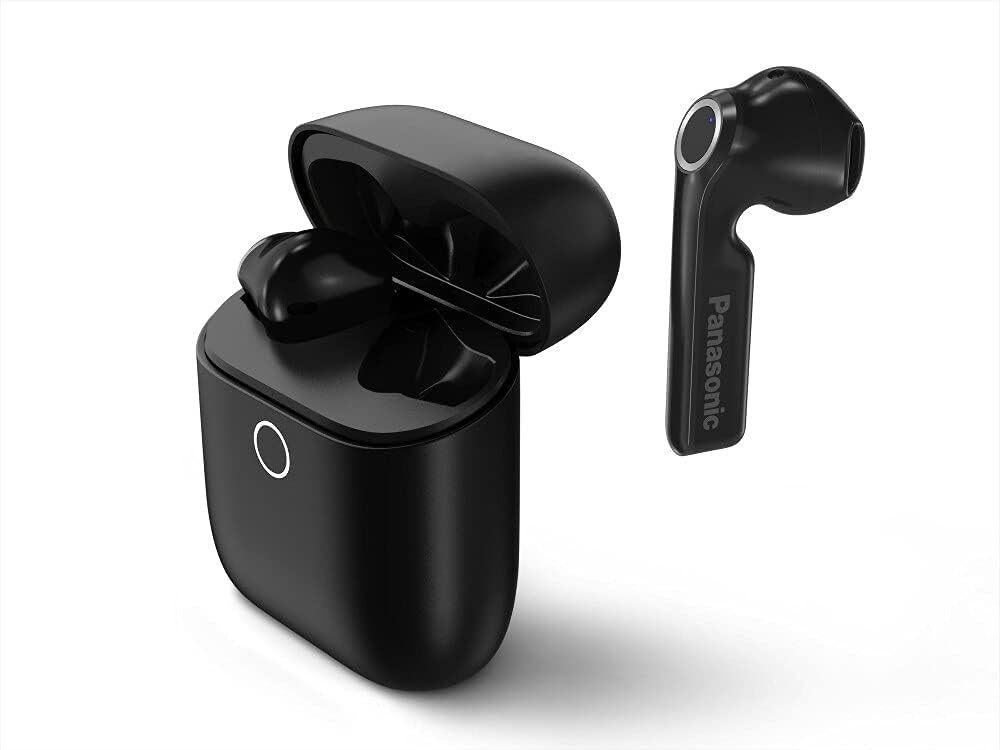
Image 1.1: The Panasonic RZ-B100W earbuds and their charging case.
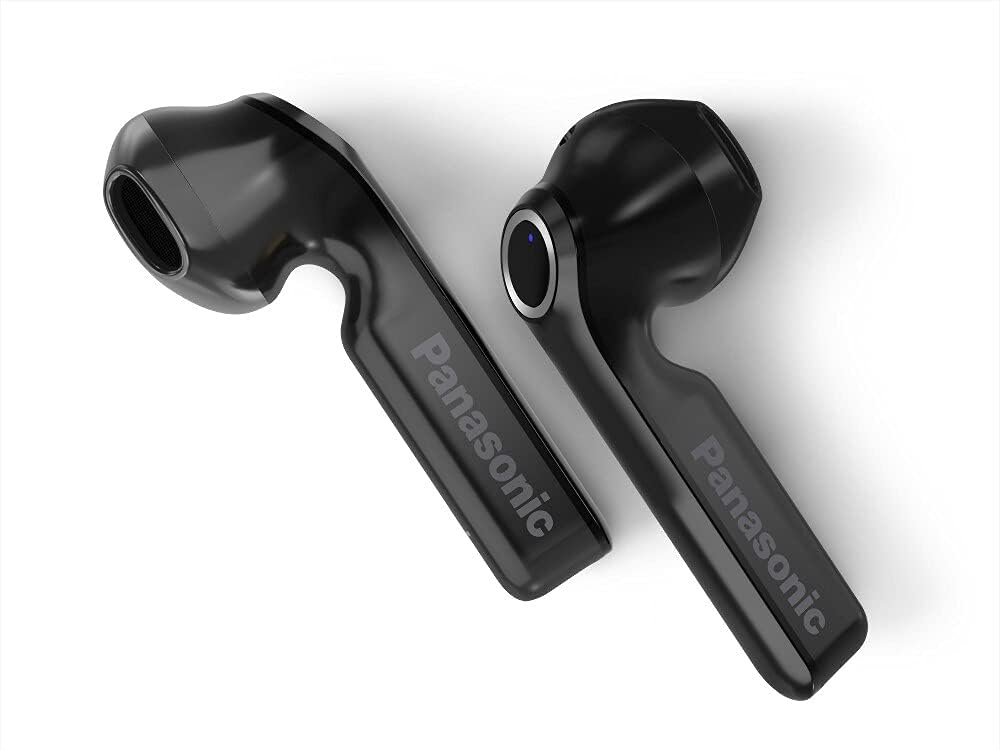
Image 1.2: A close-up view of the Panasonic RZ-B100W earbuds, highlighting the Panasonic branding.
2. Setup
2.1 Initial Charging
Before first use, fully charge the headphones and the charging case. The charging case provides power to the earbuds and stores them securely.
- Place both earbuds into the charging case. Ensure they are correctly seated in their respective slots (L for left, R for right).
- Connect the supplied USB-C charging cable to the charging port on the case and to a USB power source (e.g., computer, USB wall adapter).
- The indicator light on the charging case will illuminate to show charging status. A full charge typically takes approximately 2.5 hours.
- Once fully charged, disconnect the cable. The earbuds offer up to 16 hours of playback on a single charge, with the case providing an additional 4 full charges.
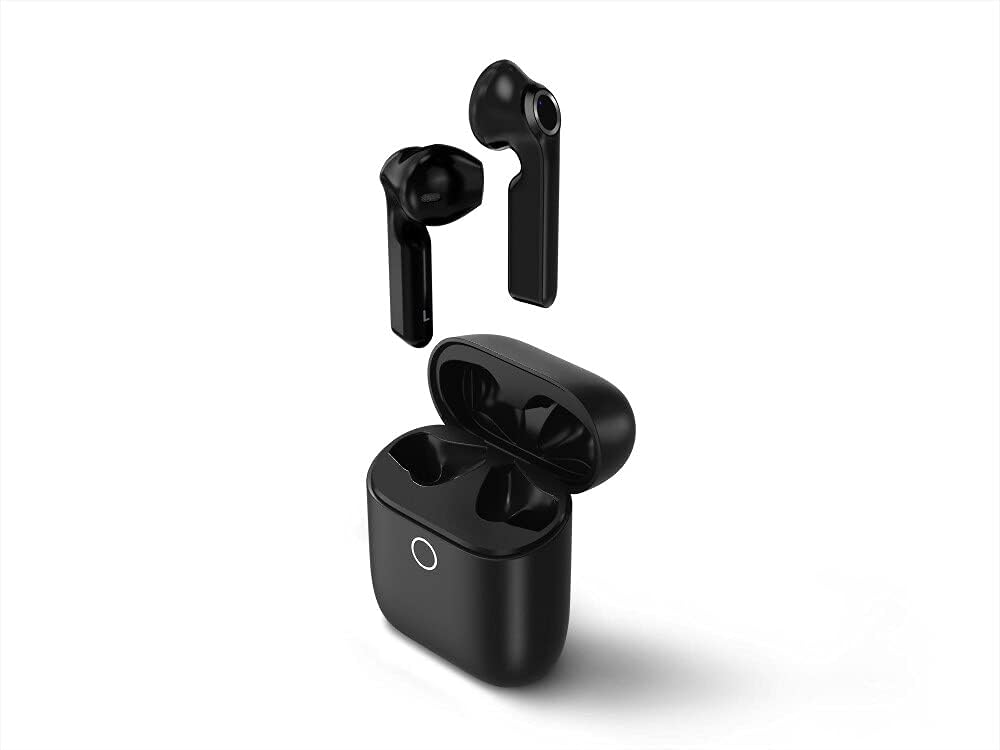
Image 2.1: The Panasonic RZ-B100W earbuds placed inside their charging case.
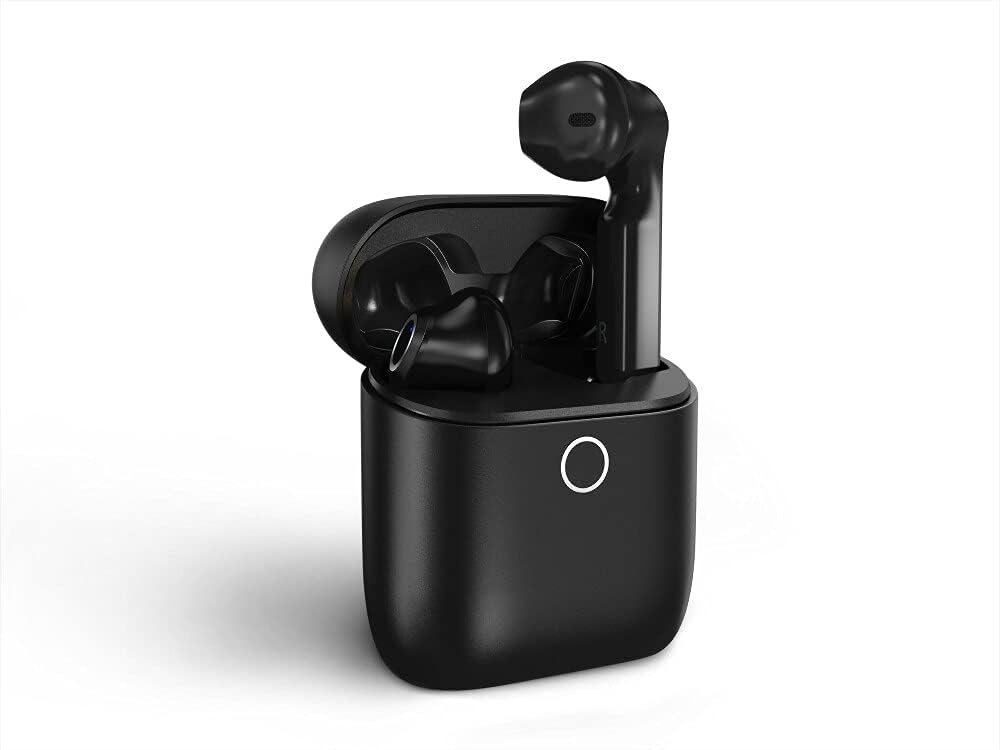
Image 2.2: The earbuds securely seated within the charging case, ready for charging.
2.2 Bluetooth Pairing
To connect your Panasonic RZ-B100W headphones to a device, follow these steps:
- Ensure the earbuds are charged and placed in the charging case.
- Open the charging case lid. The earbuds will automatically enter pairing mode, indicated by a flashing LED on one of the earbuds.
- On your Bluetooth-enabled device (smartphone, tablet, computer), go to the Bluetooth settings.
- Search for available devices. Select "RZ-B100W" from the list.
- Once connected, the LED indicator on the earbud will stop flashing and remain solid or turn off, depending on the model. You will also hear an audible confirmation.
- For subsequent uses, the headphones will automatically connect to the last paired device when removed from the case, if Bluetooth is enabled on the device.

Image 2.3: A user successfully connecting their Panasonic RZ-B100W headphones to a smartphone via Bluetooth.
3. Operating Instructions
3.1 Wearing the Headphones
The RZ-B100W headphones are designed for an ergonomic and secure fit.
- Identify the left (L) and right (R) earbuds.
- Gently insert each earbud into the corresponding ear canal.
- Adjust the earbud until it feels comfortable and secure. A proper fit ensures optimal sound quality and bass response.

Image 3.1: A woman wearing a Panasonic RZ-B100W earbud, demonstrating the ergonomic fit.

Image 3.2: A man wearing the earbud, illustrating the secure and comfortable in-ear placement.
3.2 Touch Controls
The RZ-B100W headphones feature intuitive touch controls on each earbud. Specific functions may vary slightly depending on your connected device and operating system.
- Single Tap: Play/Pause audio, Answer/End call.
- Double Tap (Right Earbud): Next track.
- Double Tap (Left Earbud): Previous track.
- Triple Tap (Right Earbud): Volume Up.
- Triple Tap (Left Earbud): Volume Down.
- Long Press: Activate Voice Assistant (e.g., Siri, Google Assistant), Reject call.

Image 3.3: A user interacting with the touch control surface on the earbud.

Image 3.4: A user activating the voice assistant feature through the headphones.
3.3 Sound Features
The RZ-B100W headphones are equipped with 13mm dynamic drivers and an Extra Bass System for an immersive audio experience.
- Extra Bass System (XBS): Enhances low-frequency sounds for a powerful bass response.
- HiFi Microphone: Provides clear voice pickup for calls and voice assistant commands.

Image 3.5: A user enjoying audio with the Extra Bass System (XBS) feature.
3.4 Water Resistance (IPX4)
The headphones are rated IPX4, meaning they are resistant to splashing water from any direction. This makes them suitable for use during workouts or in light rain.
- Do not submerge the headphones in water.
- Ensure the charging port is dry before charging.
- Water resistance is not a permanent condition and may decrease as a result of normal wear.
4. Maintenance
4.1 Cleaning
Regular cleaning helps maintain the performance and longevity of your headphones.
- Wipe the earbuds and charging case with a soft, dry, lint-free cloth.
- Do not use abrasive cleaners, solvents, or aerosol sprays.
- Ensure no moisture enters the charging port or speaker grilles.
4.2 Storage
When not in use, store the headphones in their charging case to protect them and keep them charged.
- Store in a cool, dry place, away from direct sunlight and extreme temperatures.
- Avoid storing in dusty or dirty environments.

Image 4.1: The Panasonic RZ-B100W earbuds and charging case neatly stored on a surface.
5. Troubleshooting
If you encounter issues with your Panasonic RZ-B100W headphones, refer to the following common solutions.
5.1 No Power / Not Charging
- Ensure the charging cable is securely connected to both the case and the power source.
- Verify the power source is active.
- Check if the earbuds are correctly seated in the charging case.
- Clean the charging contacts on both the earbuds and the case with a dry cotton swab.
5.2 Cannot Pair with Device
- Ensure Bluetooth is enabled on your device.
- Make sure the earbuds are in pairing mode (open the case lid).
- Move the headphones closer to your device.
- Turn off Bluetooth on other nearby devices that might be trying to connect.
- Try forgetting the "RZ-B100W" device from your device's Bluetooth settings and re-pairing.
5.3 No Sound or Low Volume
- Check the volume levels on both your connected device and the headphones.
- Ensure the headphones are properly paired and connected.
- Verify that the audio output on your device is set to the RZ-B100W.
- Clean any debris from the earbud speaker grilles.
5.4 Intermittent Connection
- Reduce the distance between the headphones and your device.
- Avoid obstacles between the headphones and your device (e.g., walls, large objects).
- Minimize interference from other wireless devices (Wi-Fi routers, other Bluetooth devices).
6. Specifications
| Feature | Specification |
|---|---|
| Model Number | RZ-B100WDE-K |
| Connectivity Technology | Wireless (Bluetooth) |
| Ear Placement | In Ear |
| Form Factor | In Ear |
| Driver Size | 13mm Dynamic Driver |
| Frequency Range | 20 Hz - 20,000 Hz |
| Impedance | 32 Ohm |
| Control Method | Touch |
| Voice Control | Yes |
| Water Resistance Level | IPX4 (Water Resistant) |
| Battery Type | Lithium Polymer |
| Charging Time | Approx. 2.5 Hours |
| Battery Life (Earbuds) | Up to 16 hours |
| Battery Life (with Case) | Up to 4 full charges from case |
| Product Dimensions | 5.5 x 4.9 x 2.6 cm |
| Item Weight | 41 g (0.04 Kilograms) |
| Included Components | USB-C Cable |
| Material | Plastic |
| Noise Control | None |
7. Warranty and Support
7.1 Warranty Information
Panasonic products are manufactured to high quality standards. For specific warranty terms and conditions, please refer to the warranty card included with your purchase or visit the official Panasonic website for your region. Keep your proof of purchase for warranty claims.
7.2 Customer Support
If you require further assistance or have questions not covered in this manual, please contact Panasonic customer support. Contact details can typically be found on the official Panasonic website or in the product packaging.
- Visit the official Panasonic website for your region.
- Refer to the contact information provided in your product documentation.