1. Introduction
This manual provides essential information for the safe and effective operation of your Eujgoov ET828 2-in-1 Oscilloscope Multimeter. The ET828 is a portable device designed for various electrical parameter measurements, combining the functionalities of an oscilloscope and a multimeter. Please read this manual thoroughly before use and retain it for future reference.

Figure 1: Eujgoov ET828 Oscilloscope Multimeter with included test leads and carrying pouch.
2. Safety Information
WARNING: Failure to follow these safety instructions may result in electric shock, fire, or personal injury.
- Mechanical Zero Adjustment: Before using the multimeter, ensure a "mechanical zero adjustment" is performed. When no power is being measured, the pointer (if applicable, or digital display should show zero) should indicate zero voltage or zero current.
- Avoid Contact with Test Probes: During operation, do not touch the metal parts of the test probes with your hands. This ensures both measurement accuracy and personal safety.
- Do Not Change Gears During Measurement: When measuring electrical quantities, do not switch measurement ranges (gears) while the device is connected. This is especially critical when measuring high voltage or large current, as it can damage the multimeter. If a range change is necessary, first disconnect the test probes, then adjust the range, and re-connect.
- Horizontal Placement: Always place the multimeter horizontally during use to prevent measurement errors.
- Avoid External Magnetic Fields: Be aware of and avoid the influence of strong external magnetic fields on the multimeter, as they can affect measurement accuracy.
- Battery Removal for Storage: If the multimeter will not be used for an extended period, remove the batteries to prevent leakage and corrosion of internal components.
3. Product Overview and Features
The Eujgoov ET828 is a versatile 2-in-1 device combining an oscilloscope and a multimeter, designed for accurate and stable electrical testing.

Figure 2: Key features of the Eujgoov ET828 Multimeter.
Key Features:
- Multi-Functionality: Capable of testing voltage (DC/AC), current (DC/AC), resistance, capacitance, frequency, and diode.
- High Performance: Features a sampling rate of 1MHZ 2.5MSPS and a frequency range of 5HZ~5MHZ.
- Intelligent Design: Intelligent digital oscilloscope with automatic range graph multimeter functionality, suitable for both indoor and outdoor use.
- Durability: Constructed from high-quality ABS material for stability and wear resistance.

Figure 3: Detailed view of the input terminals and function selector dial.
4. Specifications
| Parameter | Range/Value |
|---|---|
| Model | ET828 |
| Material | ABS |
| Power Supply | 3 x 1.5V AA batteries (not included) |
| DC Voltage | 400mV, 4V, 40V, 400V, 1000V |
| AC Voltage | 400mV, 4V, 40V, 400V, 750V |
| DC Current | 40mA, 400mA, 4A, 10A |
| AC Current | 40mA, 400mA, 4A, 10A |
| Resistance | 400Ω, 4KΩ, 40KΩ, 400KΩ, 4MΩ, 40MΩ |
| Capacitance | 51.2nF, 512nF, 5.12µF, 51.2µF, 100µF, 10mF |
| Frequency | 5HZ ~ 5MHZ |
| Diode | Open circuit voltage is 1.5V |
| Sampling Rate | 1MHZ 2.5MSPS |
| Item Weight | 12.7 ounces (approx. 359 grams) |
| Product Dimensions | 0.39 x 0.39 x 0.39 inches (Note: This dimension seems incorrect, likely a placeholder. Refer to actual product for accurate size.) |
5. Setup
- Battery Installation: Open the battery compartment on the back of the device and insert 3 x 1.5V AA batteries, ensuring correct polarity. Close the compartment securely.
- Mechanical Zero Adjustment: Before any measurement, power on the multimeter. If it has an analog display, ensure the pointer aligns with the zero mark for voltage or current when no input is connected. For digital displays, ensure it reads "0.000" or similar for the selected range without input.
- Test Lead Connection: Connect the red test lead to the positive (+) input jack (e.g., VΩCap or 10A/mA depending on measurement) and the black test lead to the common (COM) input jack.
6. Operating Instructions
Follow these steps for general operation. Always refer to the safety information before proceeding.
- Select Measurement Function: Turn the rotary dial to the desired measurement function (e.g., DC Voltage, AC Voltage, Resistance, Capacitance, Frequency, Diode).
- Connect Test Leads: Insert the test leads into the appropriate input jacks for the selected measurement. For most measurements (voltage, resistance, capacitance, frequency, diode), use the VΩCap and COM jacks. For current measurements, use the mA/mF or 10A jack and COM, ensuring the correct fuse rating for the expected current.
- Perform Measurement:
- Voltage Measurement: Connect the test leads in parallel across the component or circuit to be measured.
- Current Measurement: Connect the multimeter in series with the circuit. Ensure the circuit is de-energized before connecting the multimeter in series.
- Resistance Measurement: Ensure the circuit or component is de-energized before measuring resistance. Connect the test leads across the component.
- Capacitance/Frequency/Diode: Follow specific instructions for these functions, typically involving connecting the component directly to the test leads.
- Read Display: The measurement value will be shown on the digital display. The ET828 features an automatic range function.
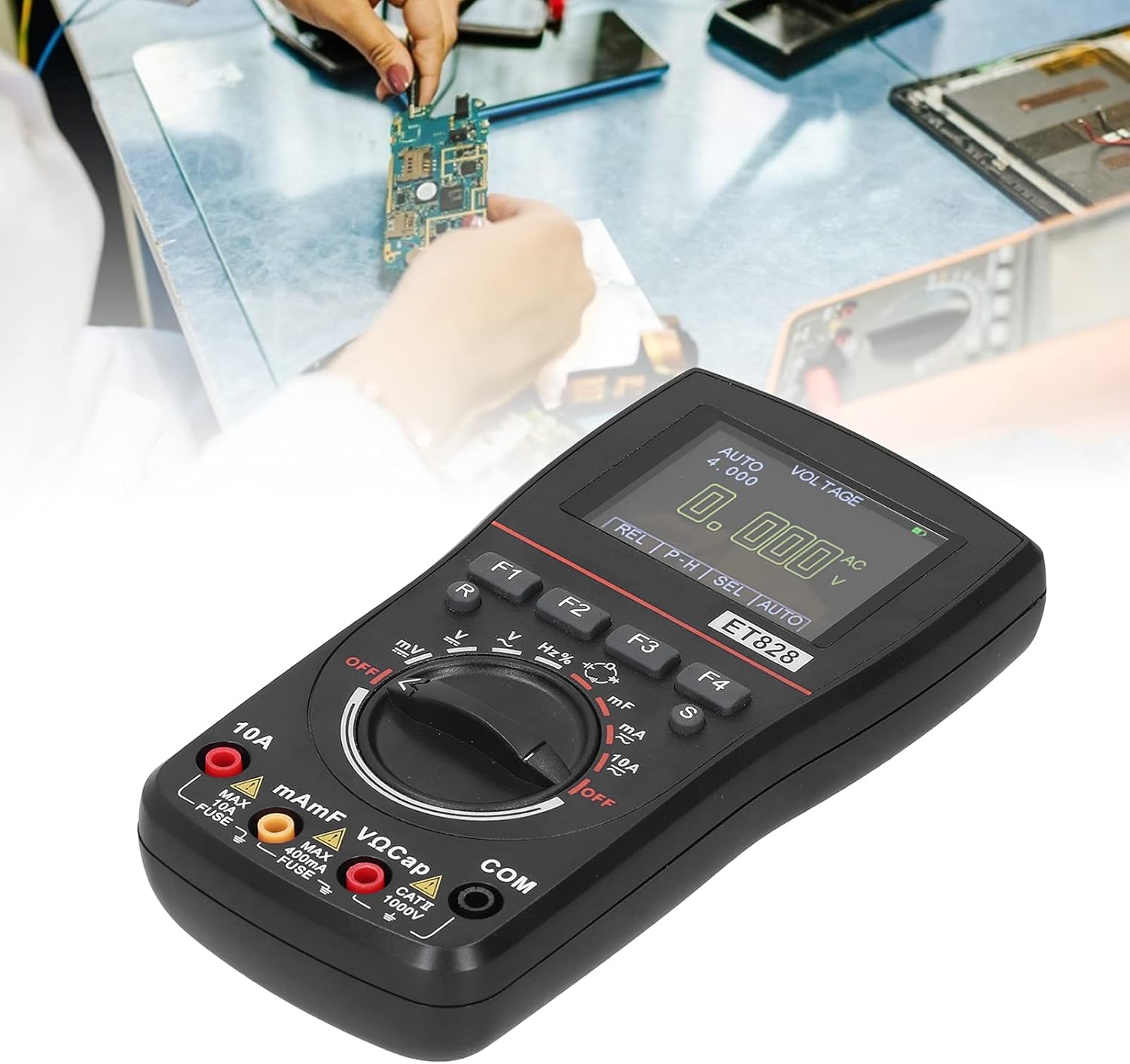
Figure 4: The ET828 in use, measuring components on a circuit board.
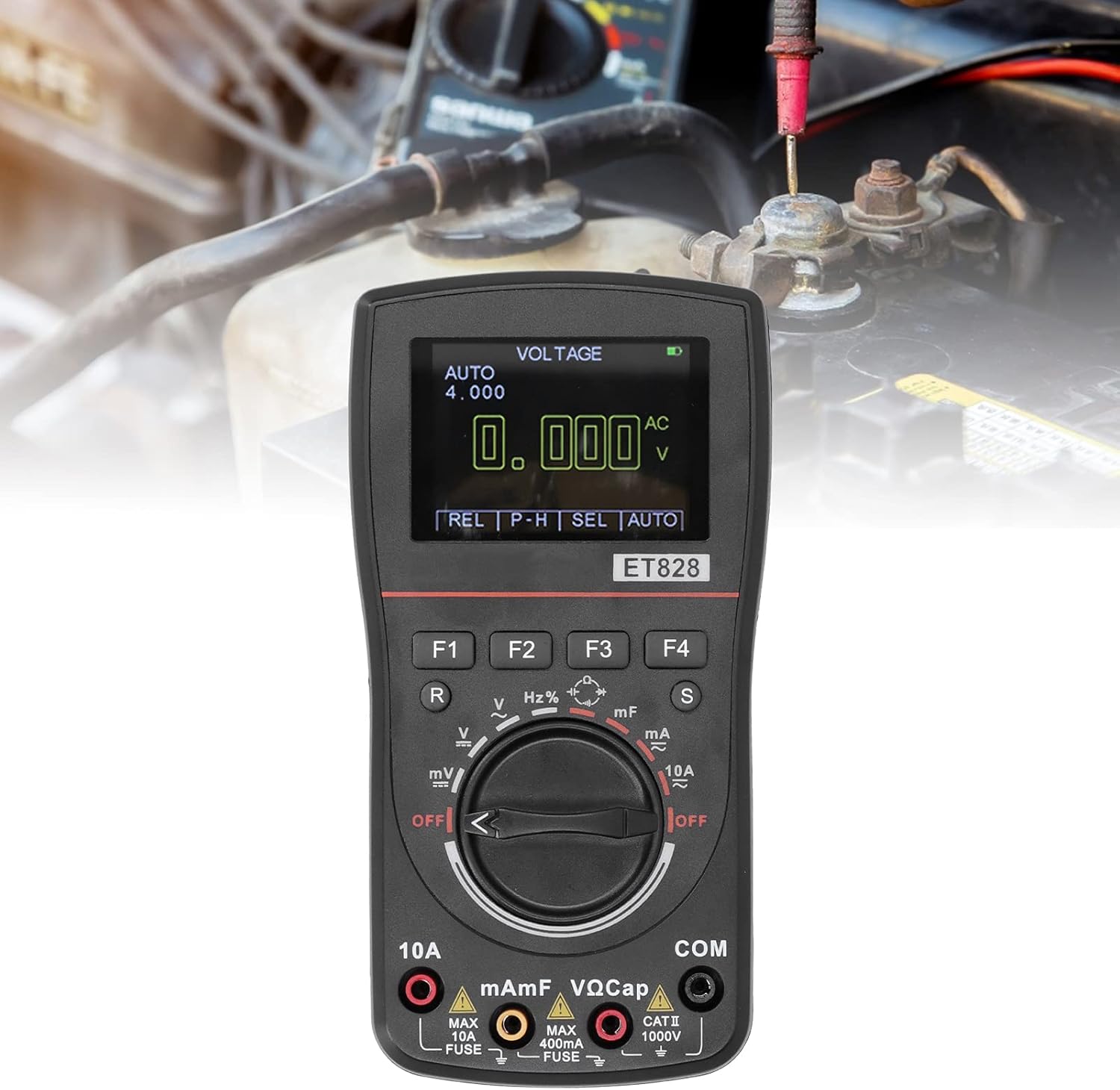
Figure 5: Measuring voltage, possibly on a vehicle battery, using the ET828.
7. Maintenance
- Cleaning: Wipe the device with a soft, dry cloth. Do not use abrasive cleaners or solvents.
- Storage: After use, set the transfer switch to the maximum range of AC voltage (or OFF position if available) before storing. This helps protect the internal circuitry.
- Battery Replacement: When the low battery indicator appears on the display, replace the batteries promptly to ensure accurate readings and prevent device malfunction.
- Long-Term Storage: If the multimeter will not be used for an extended period (e.g., several months), remove the batteries to prevent potential leakage and damage to the device.
8. Troubleshooting
This section addresses common issues you might encounter with your Eujgoov ET828 Oscilloscope Multimeter. If you experience problems not covered here, please contact customer support.
- No Display/Power:
- Check if batteries are installed correctly.
- Replace with fresh AA batteries.
- Ensure the power switch/rotary dial is turned ON.
- Inaccurate Readings:
- Verify that the correct measurement function and range are selected.
- Ensure test leads are properly connected and not damaged.
- Perform a mechanical zero adjustment (if applicable).
- Avoid strong electromagnetic interference.
- Check battery level; low batteries can affect accuracy.
- No Reading for Current/Voltage:
- For current, ensure the multimeter is connected in series with the circuit.
- For voltage, ensure the multimeter is connected in parallel.
- Check if the fuse for the current measurement input is blown. (Refer to a qualified technician for fuse replacement).
9. Warranty and Support
For warranty information or technical support regarding your Eujgoov ET828 Oscilloscope Multimeter, please refer to the warranty card included with your product or contact Eujgoov customer service directly. Contact details can typically be found on the manufacturer's official website or through your point of purchase.
Manufacturer: Eujgoov
Date First Available: May 23, 2021
