
1. Introduction
This manual provides detailed instructions for the safe installation, operation, and maintenance of your Millennium Lighting 4605-BZ Traditional Bronze Flush Mount Ceiling Light. Please read all instructions carefully before beginning installation and retain this manual for future reference.
The Millennium Lighting 4605-BZ is a three-light flush mount fixture designed to provide ambient lighting. Its traditional bronze finish and compact design make it suitable for various indoor settings. Light bulbs must be purchased separately.
2. Safety Information
WARNING: Risk of electric shock. Disconnect power at the fuse box or circuit breaker before installation or servicing.
- All electrical connections must be in accordance with local codes, ordinances, and the National Electric Code (NEC).
- Consult a qualified electrician if you are unsure about the installation process.
- This fixture is rated for damp locations. Do not install in areas exposed to direct water spray.
- Ensure the mounting surface can support the weight of the fixture.
- Do not exceed the maximum wattage specified for the light bulbs.
- Handle glass components with care to prevent breakage.
Proposition 65 Warning: This product may contain chemicals known to the State of California to cause cancer, birth defects, or other reproductive harm.
3. Package Contents
Verify that all components are present before beginning installation. If any parts are missing or damaged, contact Millennium Lighting customer service.
- Flush Mount Fixture (Model 4605-BZ)
- Mounting Hardware (screws, wire nuts, mounting bracket)
- Glass Shade
- Finial
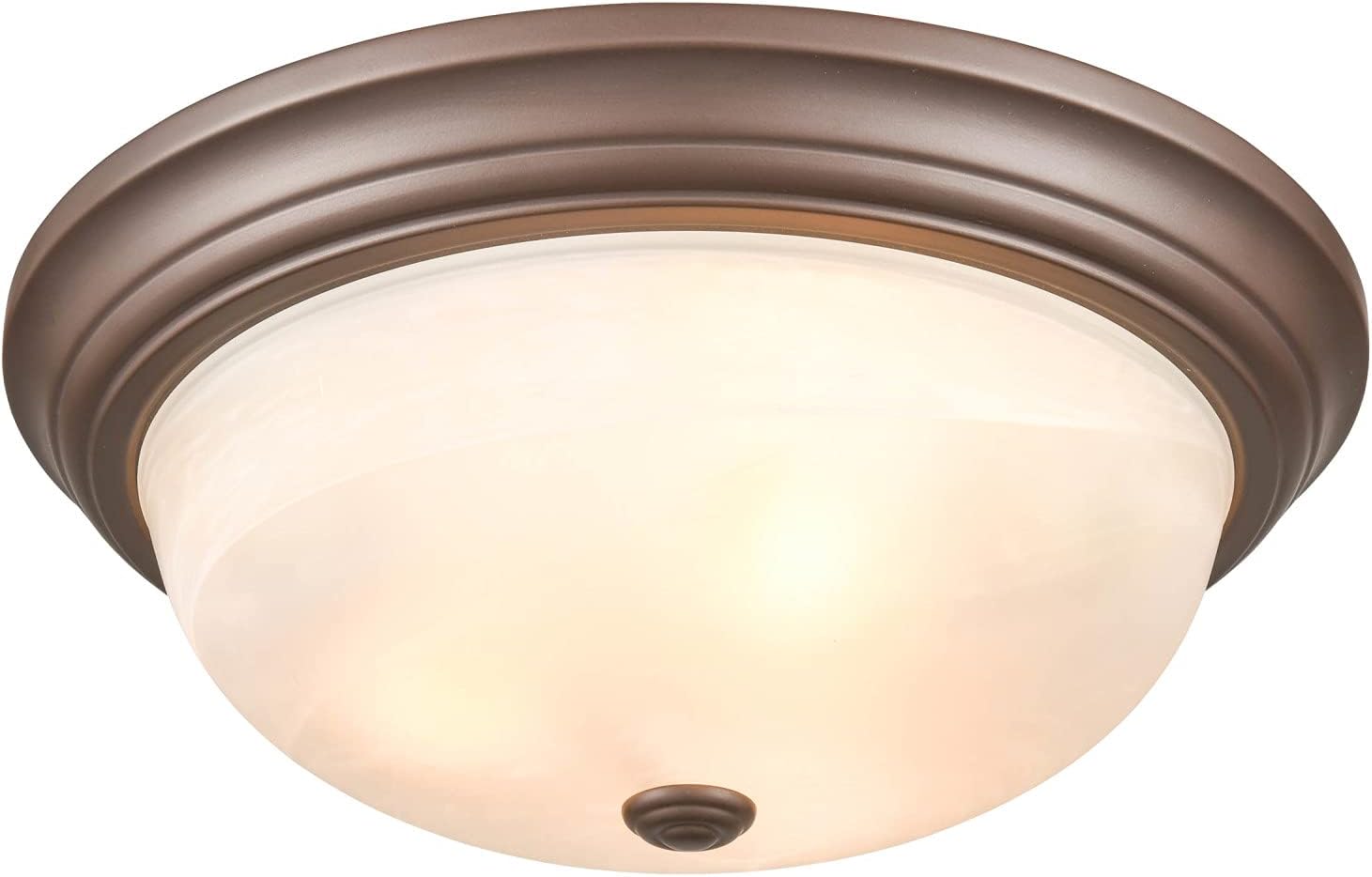
Image 1: Millennium Lighting 4605-BZ Flush Mount Ceiling Light, front view. This image displays the complete fixture with its bronze base and frosted glass shade.
4. Specifications
| Feature | Detail |
|---|---|
| Brand | Millennium Lighting |
| Model Name | 4605-BZ |
| Color | Bronze |
| Material | Metal |
| Power Source | Corded Electric |
| Control Method | App (Note: Specific app functionality not detailed in product information) |
| Shade Material | Metal (Note: Product images show a glass shade, indicating the metal refers to the fixture's base/housing) |
| Number of Light Sources | 3 |
| Mounting Type | Ceiling Mount, Flushmount |
| Fixture Type | Non Removable |
| Dimensions (H x W) | 5.5 inches x 5.5 inches (Note: This appears to be an error in the source data, likely referring to a component or package size. The assembled diameter is 16 inches.) |
| Assembled Diameter | 16 Inches |
| Item Weight | 7 pounds |
| Safety Rating | Damp Location, UL Listed |
| UPC | 842639030481 |

Image 2: Side view of the Millennium Lighting 4605-BZ fixture, highlighting its low-profile flush mount design and bronze finish.
5. Setup and Installation
Professional installation by a qualified electrician is recommended. Always ensure power is disconnected before starting installation.
Required Tools (Not Included):
- Screwdriver (Phillips and/or Flathead)
- Wire Strippers
- Electrical Tape
- Ladder
Installation Steps:
- Turn Off Power: Locate the circuit breaker or fuse box and turn off the power to the junction box where the fixture will be installed. Verify power is off using a voltage tester.
- Prepare Mounting: Attach the mounting bracket (if not pre-attached) to the junction box using the provided screws. Ensure it is securely fastened.
- Wire Connections: Carefully connect the fixture's wires to the corresponding wires from the junction box. Typically:
- Black (Hot) to Black (Hot)
- White (Neutral) to White (Neutral)
- Green or Bare Copper (Ground) to Green or Bare Copper (Ground)
- Mount Fixture: Carefully push the wired fixture up to the mounting bracket and secure it with the provided screws. Ensure no wires are pinched.
- Install Light Bulbs: Insert the appropriate type and wattage of light bulbs (not included) into the sockets. Do not exceed the maximum wattage.
- Attach Shade: Carefully place the glass shade onto the fixture and secure it with the finial or other retaining mechanism. Do not overtighten.
- Restore Power: Turn the power back on at the circuit breaker or fuse box.
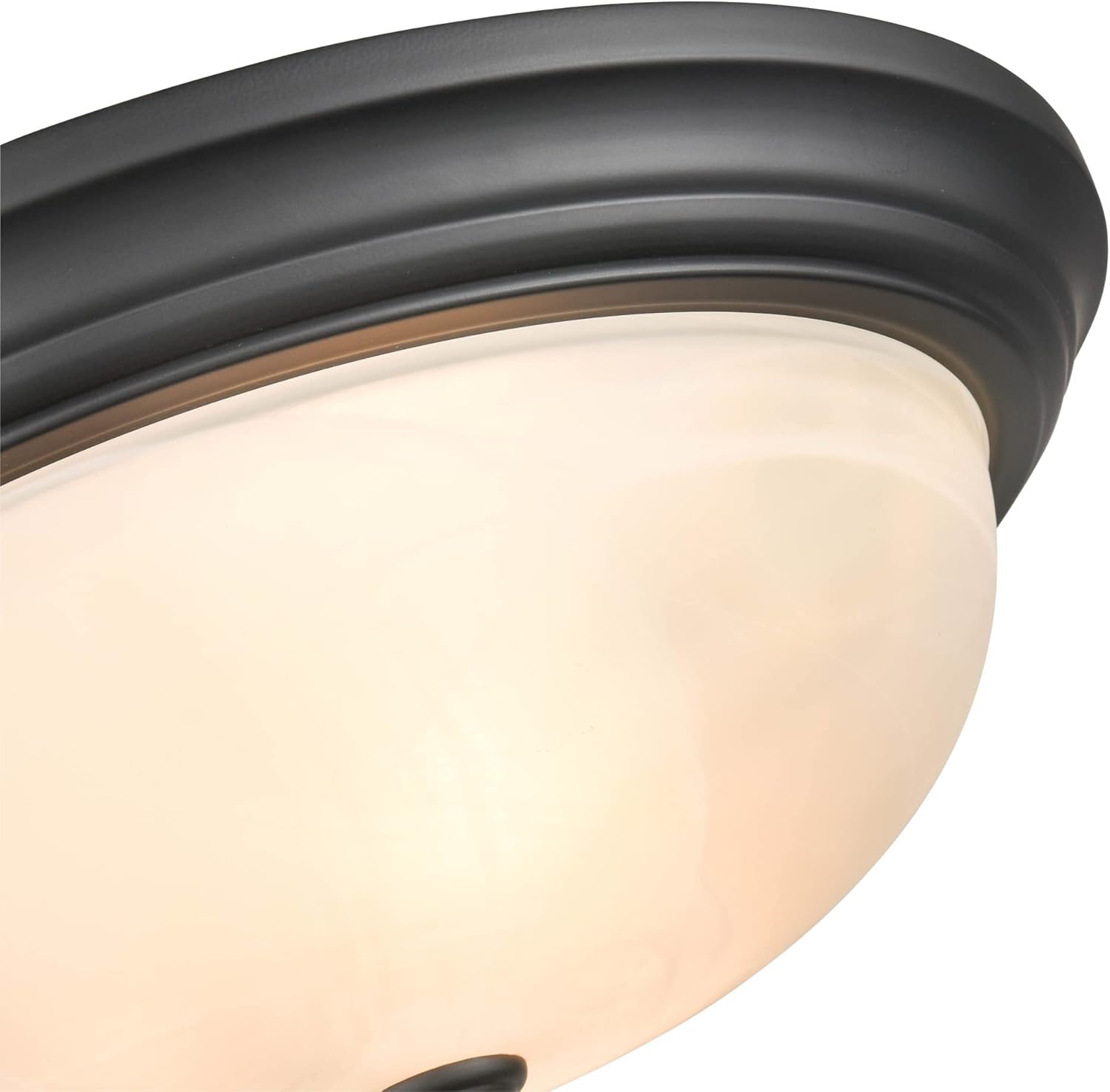
Image 3: Close-up view of the fixture's mounting base, showing the internal structure and wiring area before the glass shade is attached.
6. Operating Instructions
The Millennium Lighting 4605-BZ fixture operates via a standard wall switch connected to the electrical circuit. Once installed and power is restored:
- To Turn On: Flip the wall switch to the 'ON' position.
- To Turn Off: Flip the wall switch to the 'OFF' position.
The product specifications mention 'App' as a control method. If your specific installation includes smart home integration or a compatible app-controlled switch, refer to the instructions provided with that smart device for detailed operation.
7. Maintenance
Regular maintenance ensures the longevity and appearance of your fixture.
- Cleaning: Disconnect power before cleaning. Wipe the fixture with a soft, dry cloth. For the glass shade, a mild glass cleaner can be used, applied to the cloth first, not directly to the fixture. Avoid abrasive cleaners or solvents.
- Bulb Replacement: Disconnect power before replacing bulbs. Allow bulbs to cool completely. Unscrew the finial, remove the glass shade, replace the bulbs, then reattach the shade and finial.
- Inspection: Periodically check for any loose wiring or damaged components. If damage is found, disconnect power and consult a qualified electrician.
8. Troubleshooting
If your fixture is not operating correctly, refer to the following common issues and solutions:
| Problem | Possible Cause | Solution |
|---|---|---|
| Light does not turn on | No power to the fixture | Check circuit breaker or fuse. Ensure wall switch is ON. |
| Light bulbs are faulty | Bulbs are burned out or incorrect type | Replace bulbs with new ones of the correct type and wattage. |
| Loose wire connections | Improper wiring during installation | Turn off power. Inspect wire connections and re-secure if loose. Consult an electrician if unsure. |
| Dim or flickering light | Incorrect bulb wattage or loose connection | Ensure bulbs are correct wattage. Check wire connections. |
If the problem persists after attempting these solutions, contact a qualified electrician or Millennium Lighting customer support.
9. Warranty and Support
This Millennium Lighting fixture is covered by a manufacturer's warranty. For specific details regarding warranty coverage, terms, and conditions, please refer to the documentation included with your purchase or visit the official Millennium Lighting website.
For technical assistance, replacement parts, or further inquiries, please contact Millennium Lighting customer support. Contact information can typically be found on the manufacturer's website or on the product packaging.


