1. Introduction
The UrbanX Mini Bluetooth Receiver UXBTREC1 is a versatile wireless audio adapter designed to convert any audio system with a 3.5mm input jack into a Bluetooth-enabled device. This allows you to stream music and make hands-free calls from your mobile phone or other Bluetooth-enabled devices to your car stereo, home audio system, or wired headphones.
2. Product Features
- Bluetooth 4.1 Technology: Ensures a fast, stable, and high-quality audio connection within a 33ft (10m) operating range.
- Hands-Free Calling: Integrated high-sensitivity microphone with noise-cancelling technology for clear calls.
- Wide Compatibility: Connects to car stereos, home audio systems, wired headphones, and speakers via a 3.5mm audio jack.
- Compact and Portable Design: Lightweight and mini-sized for easy transport and minimal space usage.
- Multi-Function Button: Simple control for music playback and call management.
- Supported Profiles: A2DP, AVRCP, HSP, and HFP.
3. Package Contents
Please check the package for the following items:
- UrbanX Mini Bluetooth Receiver
- 3.5mm Audio Connector
- USB Charging Cable
- User Manual
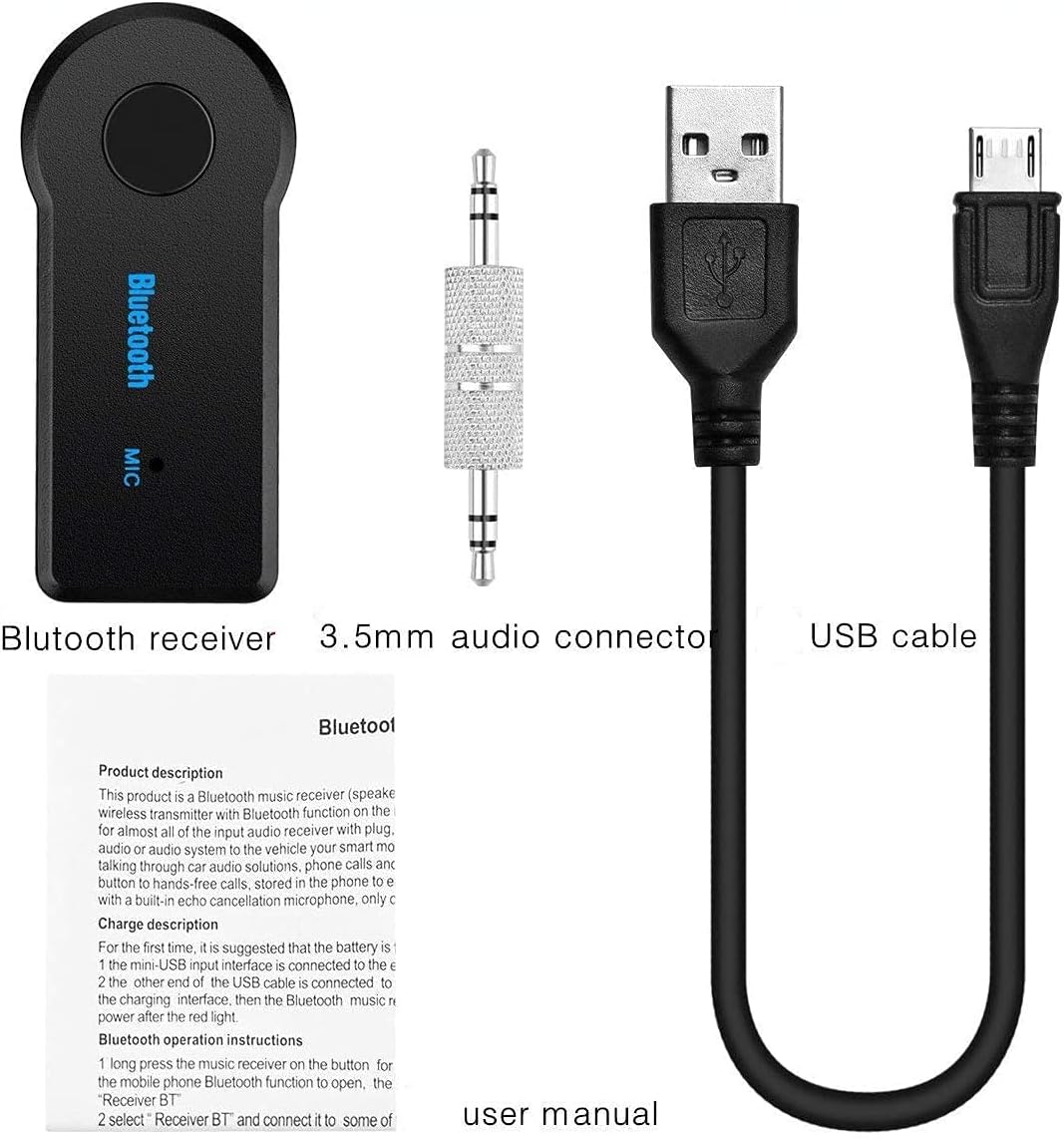
Image: Contents of the UrbanX Mini Bluetooth Receiver package.
4. Product Overview
Familiarize yourself with the components of your UrbanX Mini Bluetooth Receiver:

Image: Labeled diagram of the UrbanX Mini Bluetooth Receiver.
- Multifunction Key: Power on/off, play/pause music, answer/end calls.
- Indicator Light: Shows power and connection status.
- Charging Port: Micro USB port for charging the device.
- 3.5mm Audio Interface: Connects to the included 3.5mm audio connector or directly to audio devices.
- Microphone: For hands-free calling.
- 3.5mm Audio Connector: Used to plug the receiver into a 3.5mm AUX input.
5. Setup Instructions
5.1 Charging the Receiver
- Connect the supplied USB charging cable to the receiver's charging port.
- Plug the other end of the USB cable into a DC 5V USB power source (e.g., car charger, wall adapter, computer USB port).
- The indicator light will illuminate during charging and turn off once fully charged.
- Charging time is approximately 1.5 hours.
5.2 Powering On/Off
- To Power On: Press and hold the Multifunction Key for approximately 3 seconds until the indicator light flashes.
- To Power Off: Press and hold the Multifunction Key for approximately 3 seconds until the indicator light turns off.
5.3 Pairing with a Bluetooth Device
- Ensure the receiver is charged and powered off.
- Press and hold the Multifunction Key for about 5-7 seconds until the indicator light flashes red and blue alternately. This indicates pairing mode.
- On your mobile phone or Bluetooth-enabled device, enable Bluetooth and search for available devices.
- Select "Receiver BT" from the list of found devices.
- Once paired, the indicator light will flash blue slowly.
5.4 Connecting to an Audio System
- Plug the 3.5mm audio connector into the receiver's 3.5mm audio interface.
- Insert the other end of the 3.5mm audio connector into the AUX input of your car stereo, home audio system, or wired headphones.
- Ensure your audio system is set to the AUX input mode.
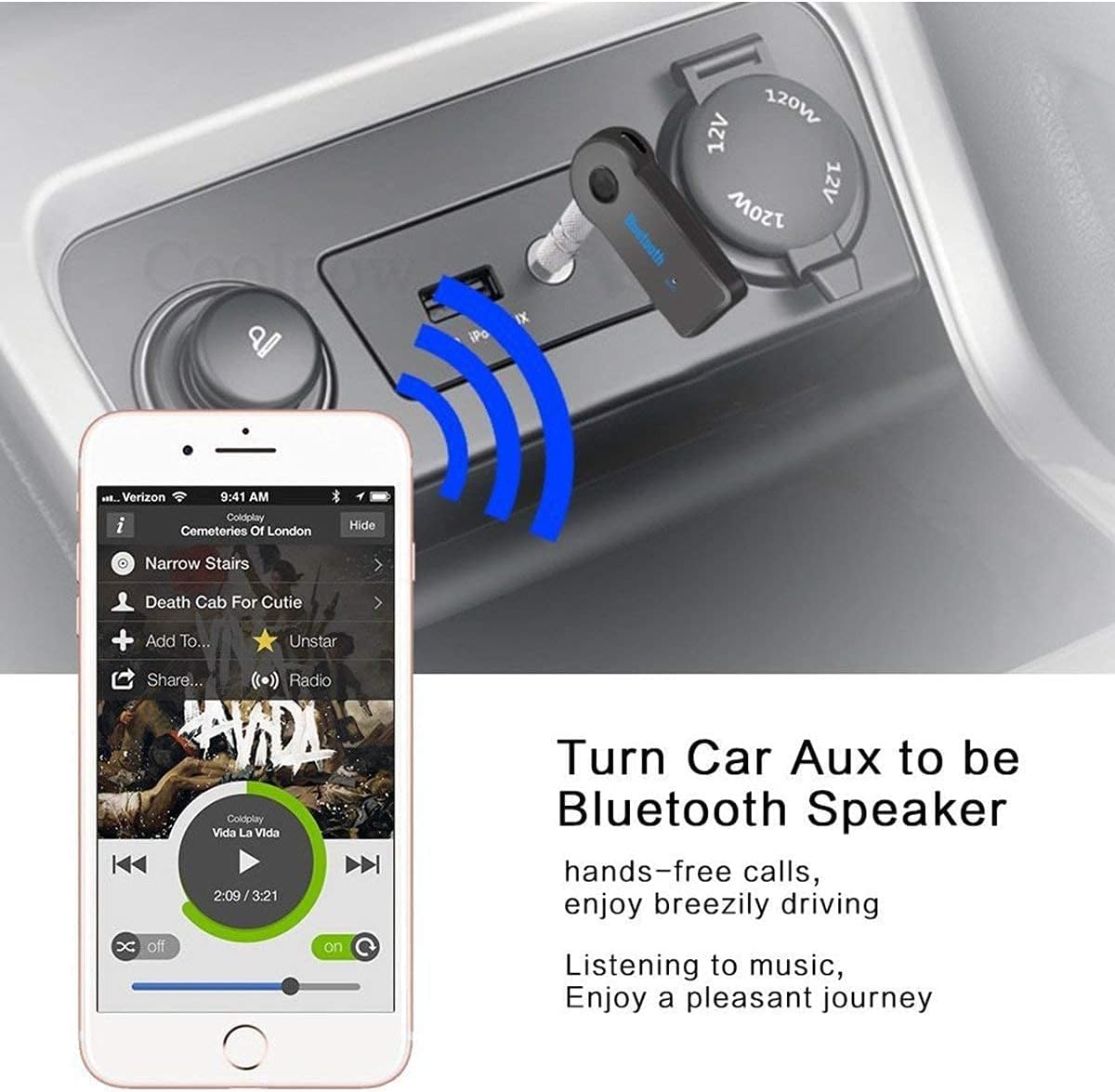
Image: Receiver converting a car's AUX input to Bluetooth.
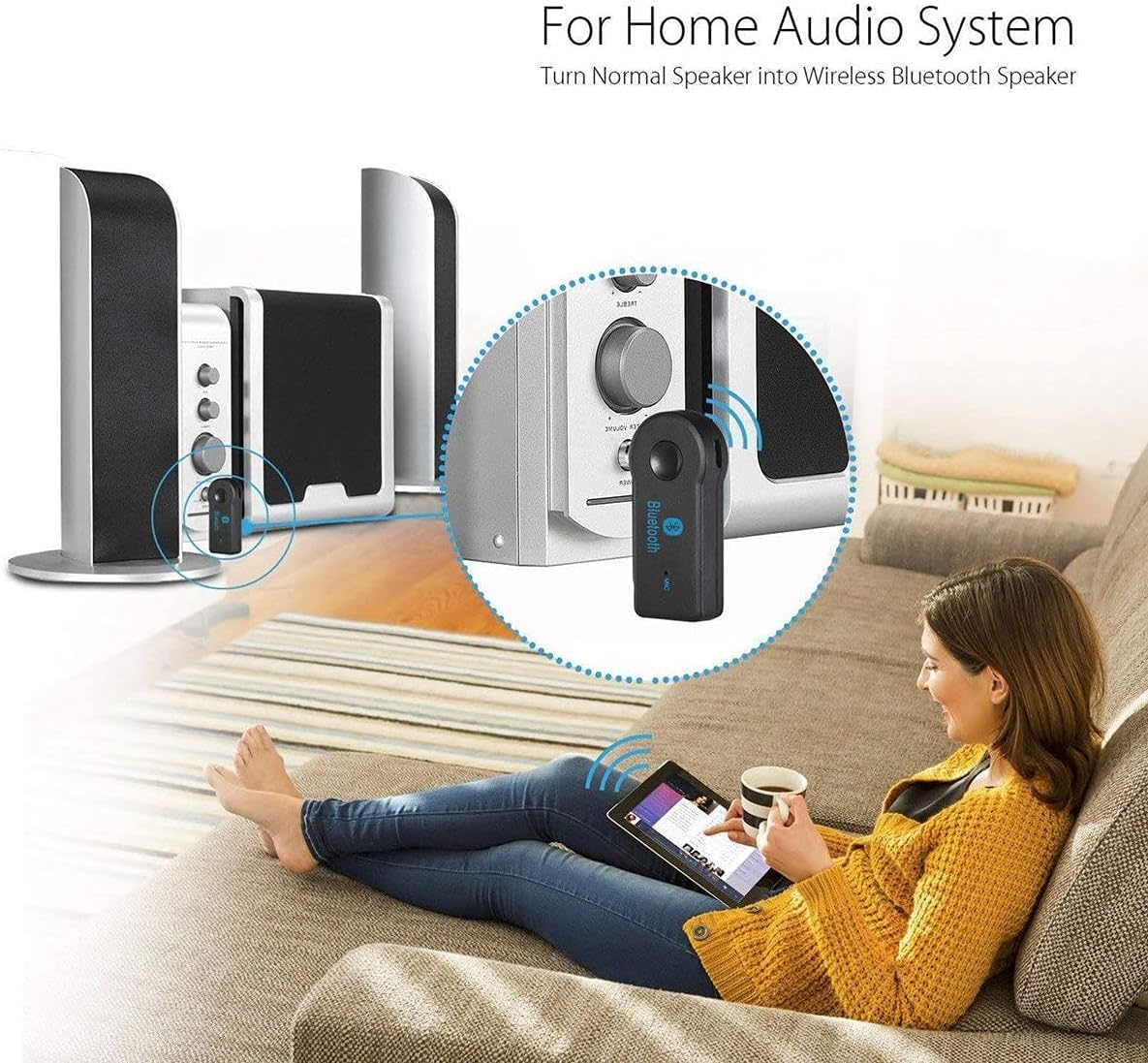
Image: Receiver converting a home audio system to Bluetooth.
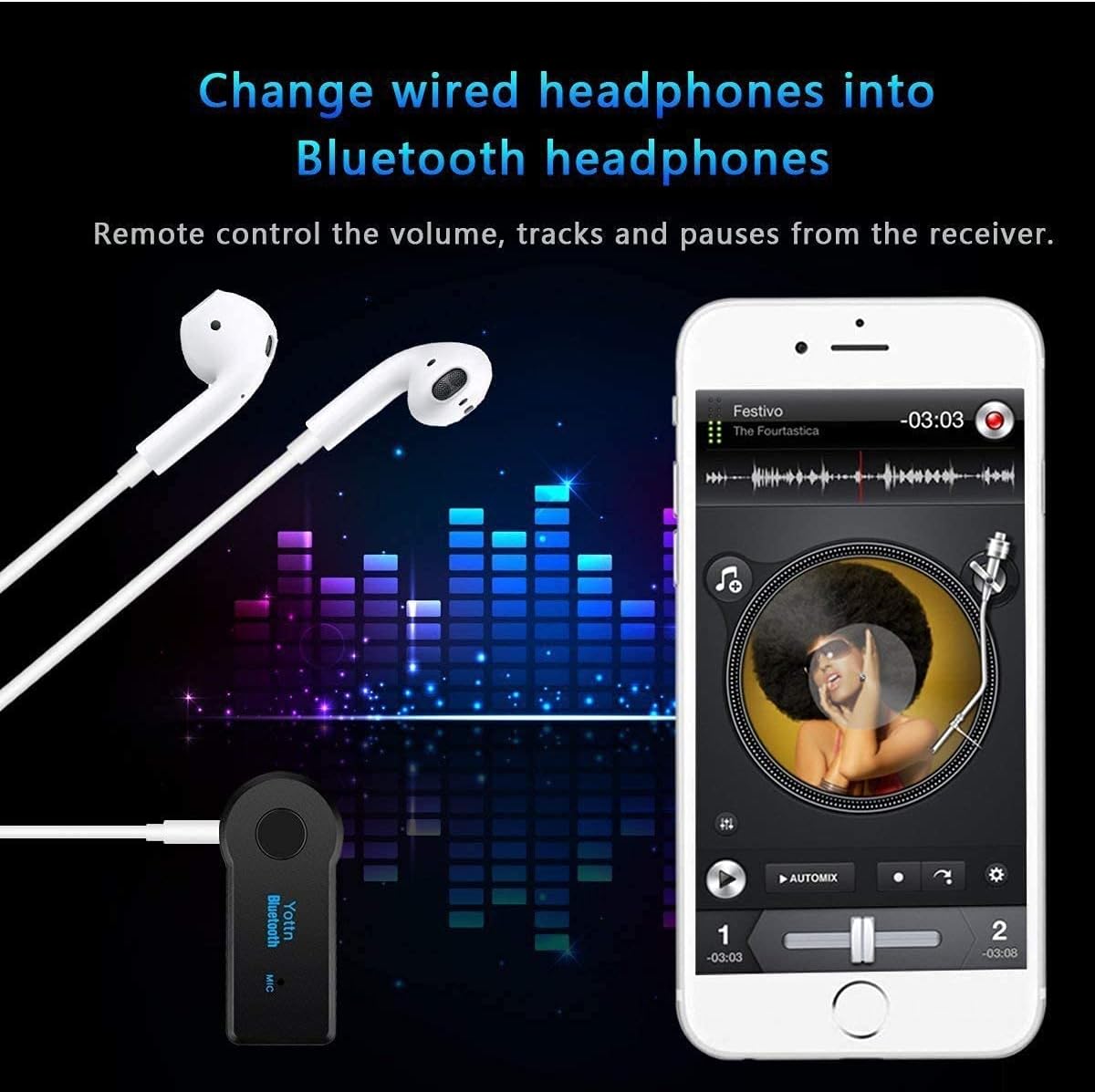
Image: Receiver converting wired headphones to Bluetooth.
6. Operating Instructions
6.1 Music Playback
- Once paired and connected to your audio system, play music from your Bluetooth device.
- Play/Pause: Press the Multifunction Key once.
- Next Track: Double-press the Multifunction Key.
- Previous Track: Triple-press the Multifunction Key.
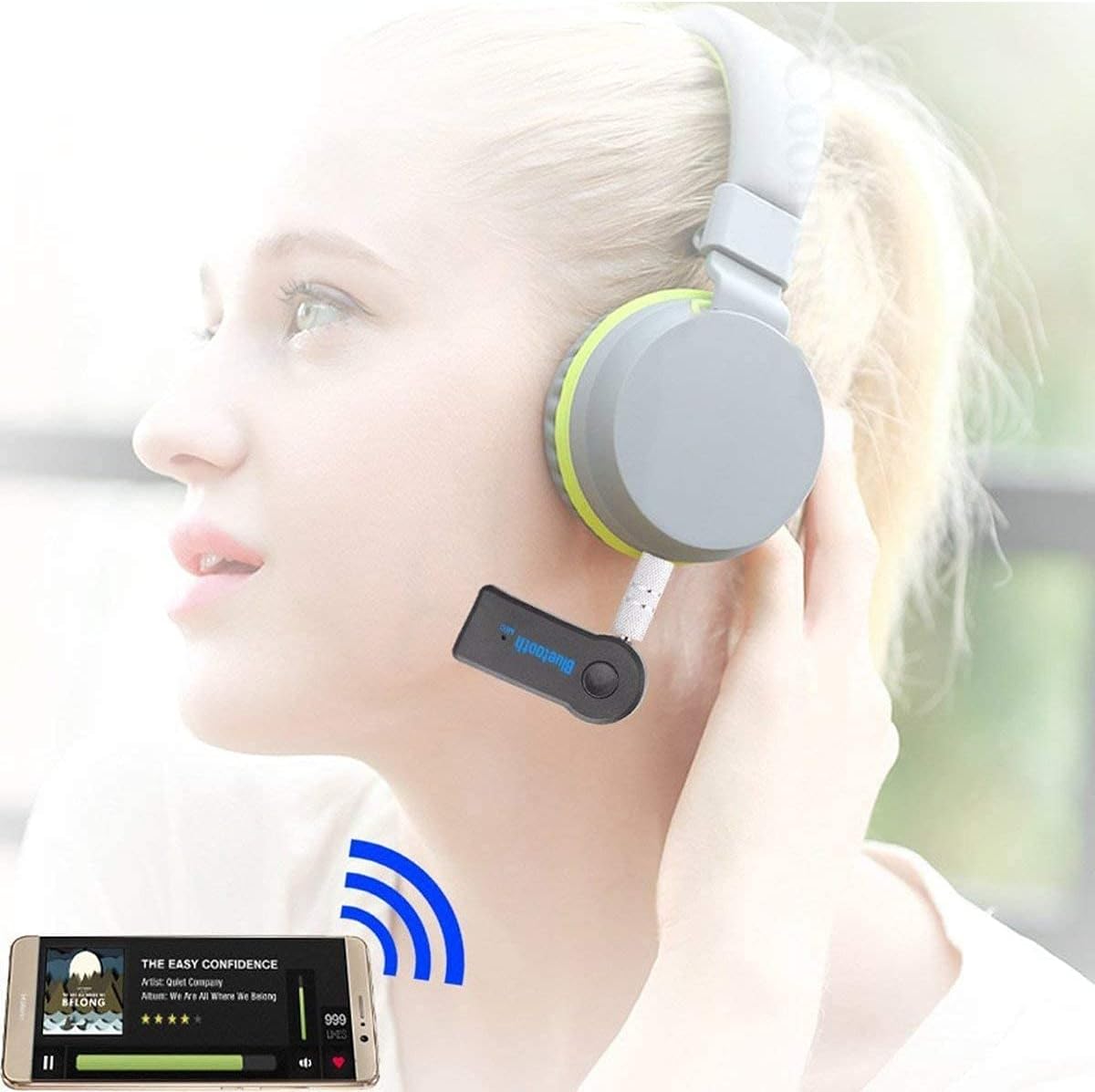
Image: Using the receiver with headphones for music.
6.2 Hands-Free Calling
When connected to your phone, the receiver allows for hands-free call management:
- Answer Call: Press the Multifunction Key once when a call comes in.
- End Call: Press the Multifunction Key once during a call.
- Reject Call: Press and hold the Multifunction Key for about 2 seconds when a call comes in.
- Redial Last Number: Double-press the Multifunction Key when not on a call.

Image: Hands-free calling features in a car setting.
7. Maintenance
- Keep the device dry. Do not expose it to moisture or liquids.
- Avoid extreme temperatures. Do not store or use the device in temperatures above 45°C (113°F) or in direct sunlight, as this can shorten its lifespan.
- Clean the device with a soft, dry cloth. Do not use harsh chemicals or abrasive cleaners.
- Store the device in a cool, dry place when not in use.
8. Troubleshooting
- Device will not turn on: The battery may be low. Please fully charge the device before attempting to power it on again.
- Cannot pair with Bluetooth device:
- Ensure the receiver is in pairing mode (indicator light flashing red and blue alternately).
- Make sure Bluetooth is enabled on your mobile device.
- Ensure the receiver is within the 10-meter (33ft) range of your Bluetooth device.
- Try restarting both the receiver and your Bluetooth device.
- No audio output:
- Verify the receiver is correctly connected to your audio system's AUX input.
- Ensure your audio system is set to the correct AUX input source.
- Check the volume levels on both your Bluetooth device and the audio system.
- Confirm the receiver is successfully paired and connected to your Bluetooth device.
9. Specifications
| Model Number | UXBTREC1 |
| Bluetooth Version | V4.1 |
| Connectivity Technology | Wireless |
| Connection Range | Up to 10 meters (33 feet) |
| Audio Output | 3.5mm Audio Jack |
| Charging Voltage | DC 5V |
| Charging Time | Up to 1.5 hours |
| Working Time | Up to 5 hours |
| Item Weight | 1 ounce |
| Package Dimensions | 2 x 2 x 1 inches |
| Power Source | Battery Powered (1 Lithium Ion battery required) |
| Material | Composite |
10. Safety Information
- Do not expose the device to water or other liquids.
- Avoid dropping or subjecting the device to strong impacts.
- Use only the specified charging voltage (DC 5V). Using a higher voltage may damage the receiver and void the warranty.
- Keep out of reach of children.
- Do not attempt to disassemble or modify the device.
11. Compatibility Overview
The UrbanX Mini Bluetooth Receiver is compatible with a wide range of devices and audio systems:

Image: Compatibility diagram for the Bluetooth audio receiver.
- Audio Systems: Car AUX inputs, home stereo systems, wired headphones, portable speakers.
- Source Devices: Smartphones (iPhone, Android), tablets, laptops, PCs, smart TVs, and any device with Bluetooth audio output.
12. Support
For further assistance or inquiries, please contact UrbanX customer support through your retailer or the official UrbanX website.