
1. Product Overview
The Autel MaxiCOM MK808Z is an advanced OBD2 diagnostic scanner designed for comprehensive automotive analysis. Featuring a Rockchip RK3566 4-core CPU, 4GB RAM, and 64GB ROM on an Android 11 platform, it offers enhanced speed and performance. This tool provides extensive diagnostic capabilities, including bi-directional control, active tests, and over 28 service functions for a wide range of vehicle makes and models.
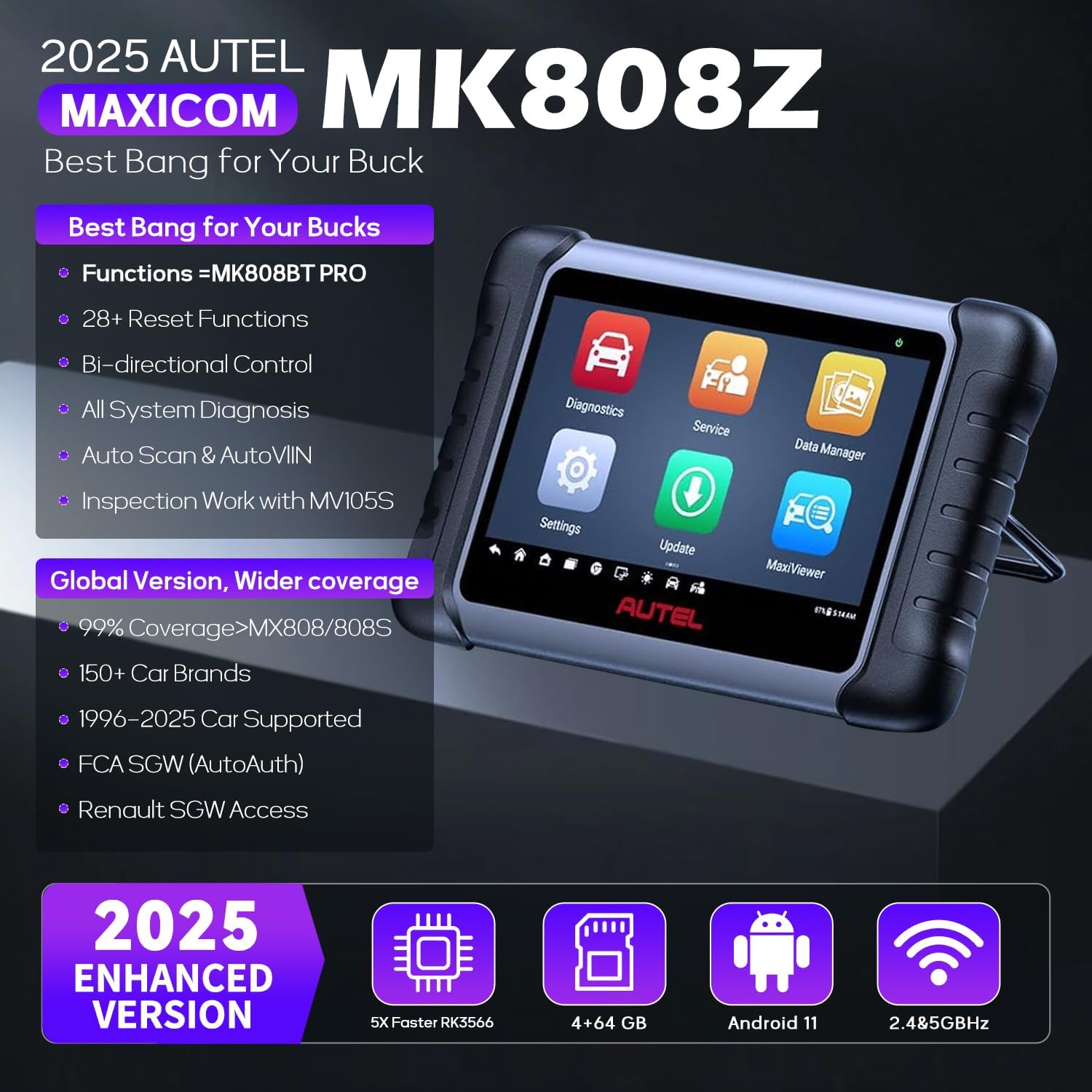
Figure 1: Autel MaxiCOM MK808Z OBD2 Scanner device.
Key Features:
- Enhanced Hardware: Equipped with Rockchip RK3566 4-core CPU, 4GB RAM, and 64GB ROM for faster operation.
- Android 11 Platform: Provides a modern and efficient user experience.
- Bi-directional Control: Perform active tests on vehicle subsystems and components.
- 28+ Service Functions: Includes ABS bleed, oil reset, SAS reset, injector coding, SRS reset, BMS reset, EPB reset, and more.
- All System Diagnostics: Read/clear codes, view ECU info, display live data, and perform special functions for all available modules.
- Auto VIN & Auto Scan: Quickly identify vehicle information and perform comprehensive system scans.
- Extensive Vehicle Coverage: Supports over 150 vehicle brands, covering models from 1996 to 2024.
- FCA AutoAuth: Direct diagnostics and services for 2018+ FCA vehicles.

Figure 2: Comparison of MK808Z with previous models, highlighting hardware and feature upgrades.
2. Setup and Initial Use
Before using your Autel MaxiCOM MK808Z, ensure the device is fully charged and connected to your vehicle's OBD2 port. The device operates on an Android 11 platform and does not require a computer for initial setup or updates.
Package Contents:

Figure 3: The MK808Z kit includes the scanner, OBD2 cable, power adapter, and user manual.
- Main Unit (Autel MaxiCOM MK808Z)
- MaxiVCI Mini (OBD2 connector)
- USB Cable
- Power Adapter
- Quick Reference Guide
- Packing List
Connecting to Vehicle:
- Locate the vehicle's OBD2 port, typically under the dashboard on the driver's side.
- Connect the MaxiVCI Mini to the vehicle's OBD2 port.
- Connect the MaxiVCI Mini to the MaxiCOM MK808Z main unit via the USB cable.
- Turn the vehicle's ignition to the ON position (engine off).
Video 1: Demonstrates connecting the Autel MaxiCOM MK808Z to a vehicle's OBD2 port and navigating the main menu. It highlights the service functions and auto scan features.
3. Operating Instructions
The Autel MaxiCOM MK808Z offers a user-friendly interface with various functions accessible from the main menu. Ensure your device's battery is adequately charged (above 12V) before performing any programming or calibration tasks to prevent data corruption.
Main Menu Functions:
- Diagnostics: Access vehicle-specific diagnostic functions.
- Service: Perform maintenance and reset functions.
- Data Manager: View, store, and manage diagnostic data.
- Settings: Configure device settings and preferences.
- Update: Download and install software updates.
- MaxiViewer: Access additional diagnostic tools and features.
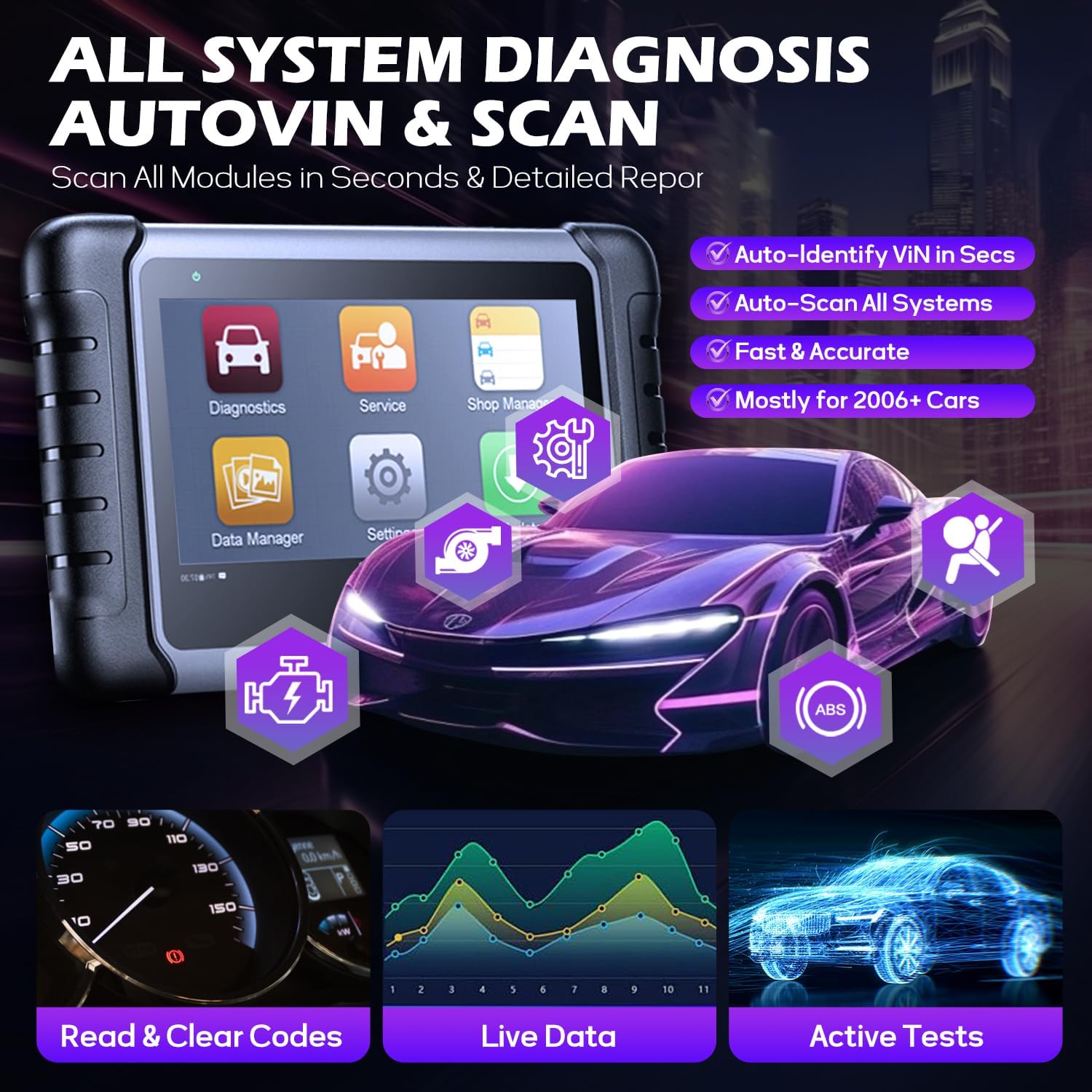
Figure 4: All System Diagnostics, AutoVIN & Scan features.
Diagnostic Procedures:
- From the main menu, select Diagnostics.
- Choose Auto Scan to automatically identify the vehicle and scan all available systems, or select the vehicle make manually.
- The scanner will display a system list with fault codes (DTCs) if any are detected.
- Select a specific system (e.g., Engine, ABS, SRS) to view detailed information, read/clear codes, or perform active tests.

Figure 5: Overview of 28+ Hot Service Functions.
Service Functions:
The Service menu provides access to over 28 maintenance and reset functions. The availability of specific functions depends on the vehicle's make, model, and year.
- Oil Reset: Reset the oil life system after an oil change.
- EPB Reset: Reset the electronic parking brake pads after replacement.
- SAS Reset: Reset the steering angle sensor.
- Injector Coding: Code new injector numbers to replace the previous ones.
- ABS Bleeding: Perform ABS brake bleeding to get a firm brake pad.
- TPMS Reset: Perform TPMS sensor relearn procedures.

Figure 6: Bi-directional Active Test process.
Bi-directional Control (Active Tests):
This function allows the scanner to send commands to vehicle components to test their functionality, significantly reducing diagnostic time. Examples include testing windows, mirrors, doors, fuel pumps, and various valves.
Video 2: Demonstrates the bi-directional control feature of the Autel MaxiCOM MK808BT, showing how to test a car window's operation directly from the scanner.
FCA AutoAuth:
The MK808Z supports FCA AutoAuth for 2018+ FCA vehicles, enabling direct diagnostics and services on secured modules. This requires registration and login to the AutoAuth system.
Video 3: Explains the 3 easy steps to access FCA AutoAuth with your Autel scanner, including account registration, platform confirmation, and secure gateway access.
4. Maintenance
Software Updates:
The MK808Z includes 1-year of free software updates, which improve functionality with new tests, models, and features. The tablet automatically checks for and installs updates when connected to the internet via Wi-Fi.
Compatibility:
The device supports over 150 vehicle brands. Specific functionality may vary by model. It is recommended to verify compatibility for specific functions by contacting Autel support with your vehicle's VIN.
5. Troubleshooting
Battery Voltage for Programming:
When performing programming, coding, or calibration functions, ensure the vehicle's battery voltage is stable and above 12V. Low battery voltage can lead to interrupted processes and potential damage to vehicle modules. If the battery is low, use a battery maintainer or charger during these operations.
Inaccurate Diagnostic Data:
If the scanner displays inaccurate or incomplete diagnostic data (e.g., catalyst monitor incomplete), ensure all necessary driving cycles have been completed for the vehicle's monitors to run. Clearing DTCs before a smog check can reset monitors, requiring driving cycles to be completed again.
6. Specifications
- Brand: Autel
- Model Number: MP408-JMXD01 (MK808Z)
- Item Weight: 1 pounds
- Package Dimensions: 15.16 x 11.69 x 4.92 inches
- Power Source: Battery Powered
- Operating System: Android 11.0
- Screen Size: 8 Inches
- UPC: 792499540456
7. Warranty & Support
Software Updates:
The Autel MaxiCOM MK808Z includes 1-year of free software updates from the date of purchase. After this period, updates may require an annual subscription fee.
Technical Support:
Autel provides technical support for its products. The device includes a remote desktop function, allowing Autel support technicians to remotely access your device for assistance with diagnostics or troubleshooting.


