
1. Introduction
This manual provides detailed instructions for the safe and efficient operation and maintenance of your Elecameier 2.3L Smart Cool Mist Humidifier, Model 90803. Please read all instructions carefully before use and retain this manual for future reference.
2. Safety Instructions
- Always place the humidifier on a flat, stable, and water-resistant surface.
- Keep the humidifier out of reach of children and pets.
- Do not block the mist outlet or air vents.
- Unplug the humidifier from the power outlet before cleaning, refilling, or moving it.
- Use only distilled or demineralized water to prevent mineral buildup and white dust.
- Never immerse the humidifier base in water or other liquids.
- Do not add essential oils directly into the water tank. Use the designated aroma tray.
- The humidifier features an automatic shut-off function when the water tank is empty, ensuring safety and preventing overheating.
3. Package Contents
- 1 x Elecameier Air Humidifier
- 1 x User Manual
- 1 x Remote Control
- 2 x Essential Oil Replacement Pads
4. Product Overview
The Elecameier 2.3L Smart Cool Mist Humidifier is designed to provide optimal humidity levels in your home or office. It features both cool and warm mist options, multiple mist levels, a timer, and quiet operation.
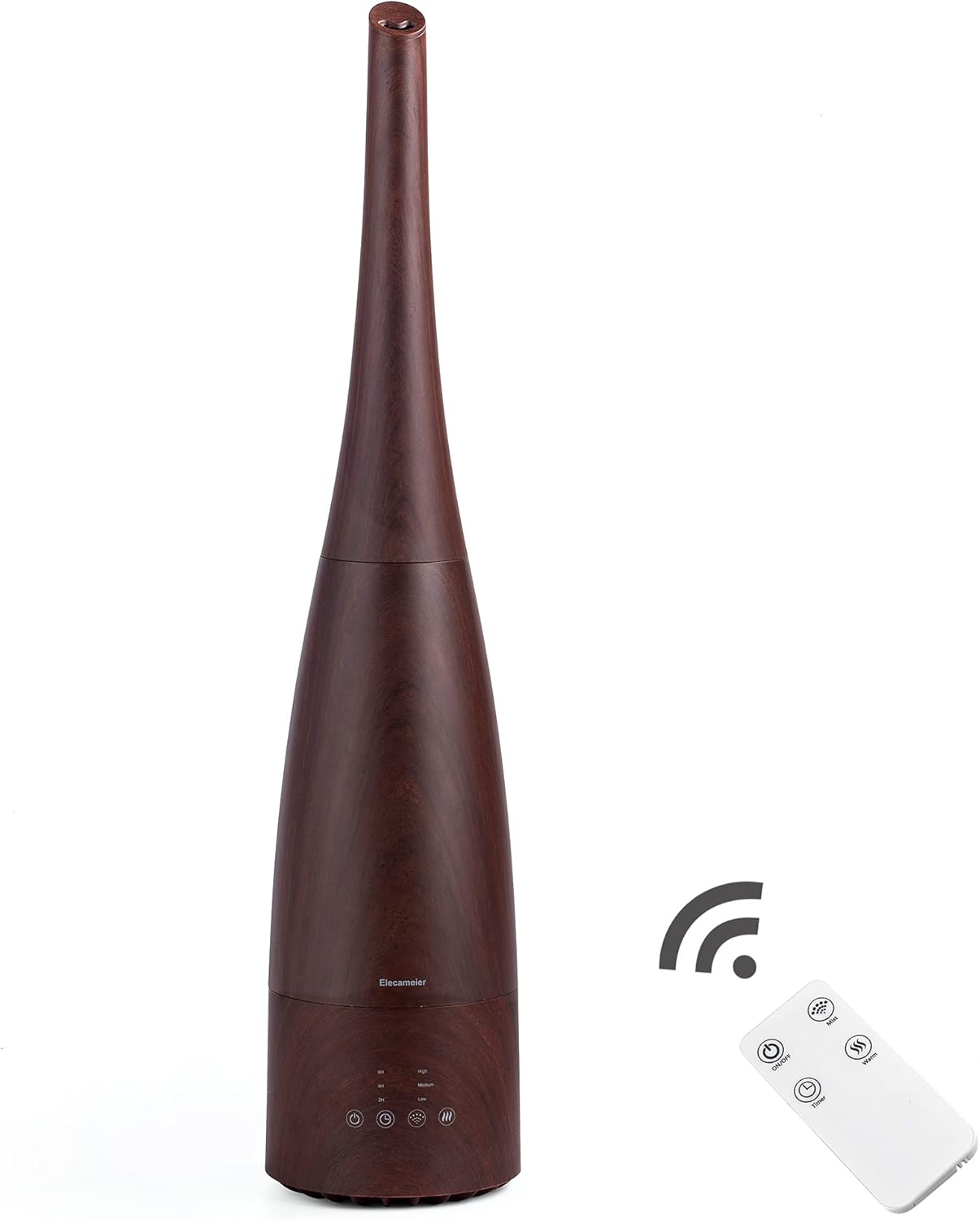
Image: Elecameier 2.3L Smart Cool Mist Humidifier (Model 90803) in dark wood finish, shown with its remote control.

Image: Diagram illustrating the humidifier's dimensions (5.8"D x 5.8"W x 27"H) and ETL certification mark.
5. Setup
- Unpack all components and remove any packaging materials.
- Place the humidifier on a firm, flat, and water-resistant surface at least 6 inches (15 cm) away from walls and appliances.
- Remove the top cover by lifting it straight up.
- Lift the water tank from the base.
- Fill the water tank with distilled or demineralized water up to the 'Max Line' indicator. Do not overfill.
- Carefully place the water tank back onto the base, ensuring it is seated correctly.
- Replace the top cover.
- Plug the power cord into a suitable electrical outlet.

Image: The humidifier's top cover removed, illustrating the easy top-fill design for adding water.
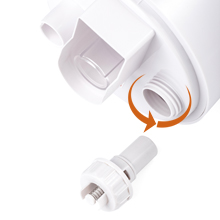
Image: A close-up view of water being poured directly into the humidifier's water tank.
6. Operating Instructions
6.1 Power On/Off
Press the power button on the unit or the remote control to turn the humidifier on or off.
6.2 Mist Modes
Cycle through three mist levels (Low, Medium, High) by pressing the mist button on the unit or remote. Adjust according to your desired humidity level.

Image: The humidifier's control panel with buttons for power, timer, mist levels (low, medium, high), and warm/cool mist settings.
6.3 Warm and Cool Mist
Select between cool mist (approx. 78.8°F) and warm mist (approx. 100.4°F) by pressing the warm/cool mist button. Allow some time for the warm mist function to heat up.

Image: Visual comparison of cool mist (78.8°F) and warm mist (100.4°F) output from the humidifier.
6.4 Timer Function
Set the humidifier to operate for a specific duration (2, 4, or 6 hours) using the timer button on the unit or remote control.
6.5 Whisper Quiet Operation
The ultrasonic technology ensures quiet operation at 25dB, suitable for bedrooms and offices.

Image: The humidifier operating quietly on a bedside table in a bedroom, illustrating its low noise level.
6.6 Essential Oil Tray
Add a few drops of your favorite essential oil to the aroma tray located at the base of the unit. Do not add oils directly to the water tank.

Image: A close-up view of the essential oil tray, indicating where to add essential oils for diffusion.
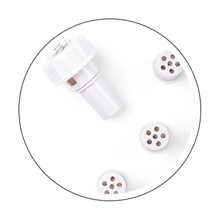
Image: A visual guide demonstrating the proper method for adding essential oils to the humidifier's aroma tray.
6.7 Remote Control
The included remote control allows you to adjust all settings from a distance, including power, mist levels, warm/cool mist, and timer.
Video: An official Elecameier video demonstrating the warm and cool mist functions of the humidifier.
7. Maintenance & Cleaning
Regular cleaning is crucial for optimal performance and hygiene. Always unplug the humidifier before cleaning.
- Remove the top cover and water tank.
- Clean the water tank and base with a mixture of white vinegar and water, or a mild detergent. Use a soft brush for hard-to-reach areas.
- Clean the mist tube and float mechanism to prevent mineral buildup.
- Rinse all components thoroughly with clean water.
- Allow all parts to air dry completely before reassembly.
- It is recommended to use distilled water to minimize mineral residue.
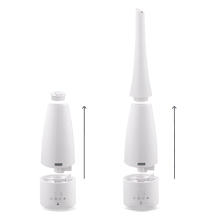
Image: A visual guide demonstrating the removal of the filter for cleaning.

Image: Diagram highlighting internal features like silver ion ceramic bead adsorption box, PTC heating, and regular cleaning recommendations.
8. Troubleshooting
- No Mist/Weak Mist: Check if the water tank is empty and refill if necessary. Ensure the unit is properly assembled and plugged in. Clean the mist outlet and transducer if clogged.
- Leaking: Verify that the water tank is correctly seated on the base and not overfilled. Check for any cracks or damage to the tank.
- Warm Mist Not Working: Allow up to 45 minutes for the warm mist function to fully heat up. If still not working, ensure the warm mist setting is activated.
- White Dust Around Humidifier: This is typically caused by high mineral content in tap water. Use distilled or demineralized water to eliminate this issue.
- Remote Control Not Responding: Ensure the plastic film is removed from the battery compartment. Check and replace the battery if needed.
9. Specifications
| Feature | Detail |
|---|---|
| Brand | Elecameier |
| Model Name | air humidifier (Model 90803) |
| Special Feature | Auto Shut Off, Quiet, Remote Control, Warm & Cool Mist |
| Color | dark wood |
| Floor Area | 269.1 Square Feet |
| Operation Mode | Ultrasonic |
| Product Dimensions | 5.8"D x 5.8"W x 27"H |
| Item Weight | 1.2 Kilograms (2.64 pounds) |
| Voltage | 120 Volts |
| Wattage | 75 watts |
| UPC | 750238163410 |
| Certifications | FCC certified, ETL listed, IC certified |
10. Warranty & Support
This product comes with a standard manufacturer's warranty. For warranty claims, technical support, or replacement parts, please contact Elecameier customer service. Refer to the included User Manual for specific contact details and the most up-to-date support information.