1. Overview
The Mivi Play Bluetooth Speaker is a compact and portable wireless audio device designed for an immersive sound experience. Featuring Bluetooth 5.0 for seamless connectivity, powerful bass, and a durable splash-proof design, it is ideal for music on the go. This manual provides detailed instructions for setup, operation, maintenance, and troubleshooting to ensure optimal performance of your Mivi Play speaker.
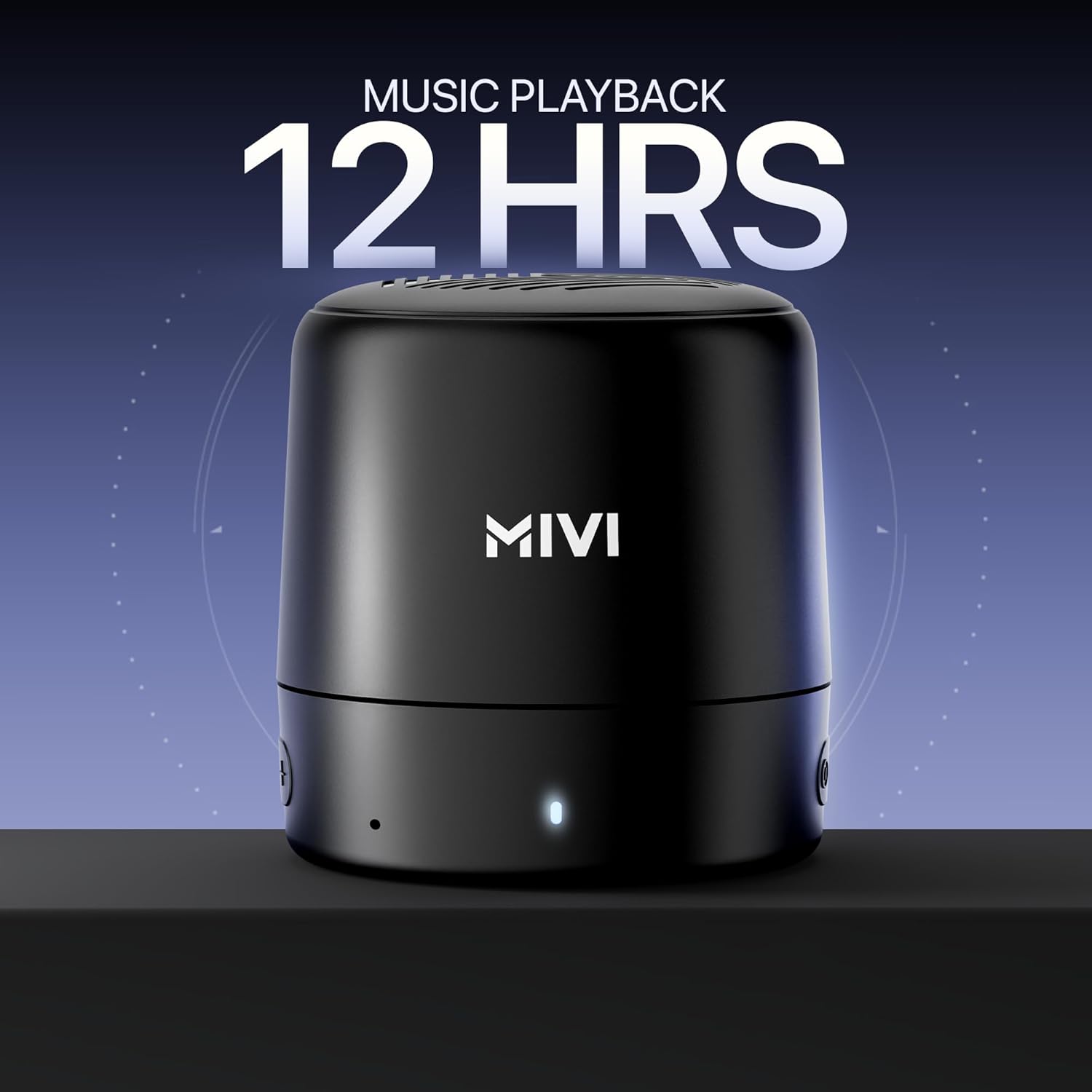
Figure 1: Front view of the Mivi Play Bluetooth Speaker.
Video 1: A brief preview showcasing the key features of the Mivi Play Bluetooth Speaker.
2. Package Contents
Upon unboxing your Mivi Play Bluetooth Speaker, please ensure all the following items are present:
- Mivi Play Bluetooth Speaker
- User Manual
- Aux Cable
- Charging Cable (Micro USB)
- Warranty Card
Video 2: Unboxing the Mivi Play Bluetooth Speaker, showing all included accessories.
3. Product Features
- Studio Grade Sound: Delivers deep, powerful sound with solid bass.
- Extended Playtime: Up to 12 hours of battery life on a single charge.
- Premium Design: Sleek, compact, and lightweight for portability.
- Advanced Connectivity: Bluetooth 5.0 for strong, uninterrupted wireless connection.
- Made in India: Proudly designed and manufactured in India.
- Waterproof: IPX4 rating for splash and dust resistance.
- Dual Speaker Pairing: Connect two Mivi Play speakers for double sound and an enhanced stereo experience.
- Built-in Microphone: For hands-free calling.
- Easy Controls: Responsive buttons for music tracks, volume, and calls.
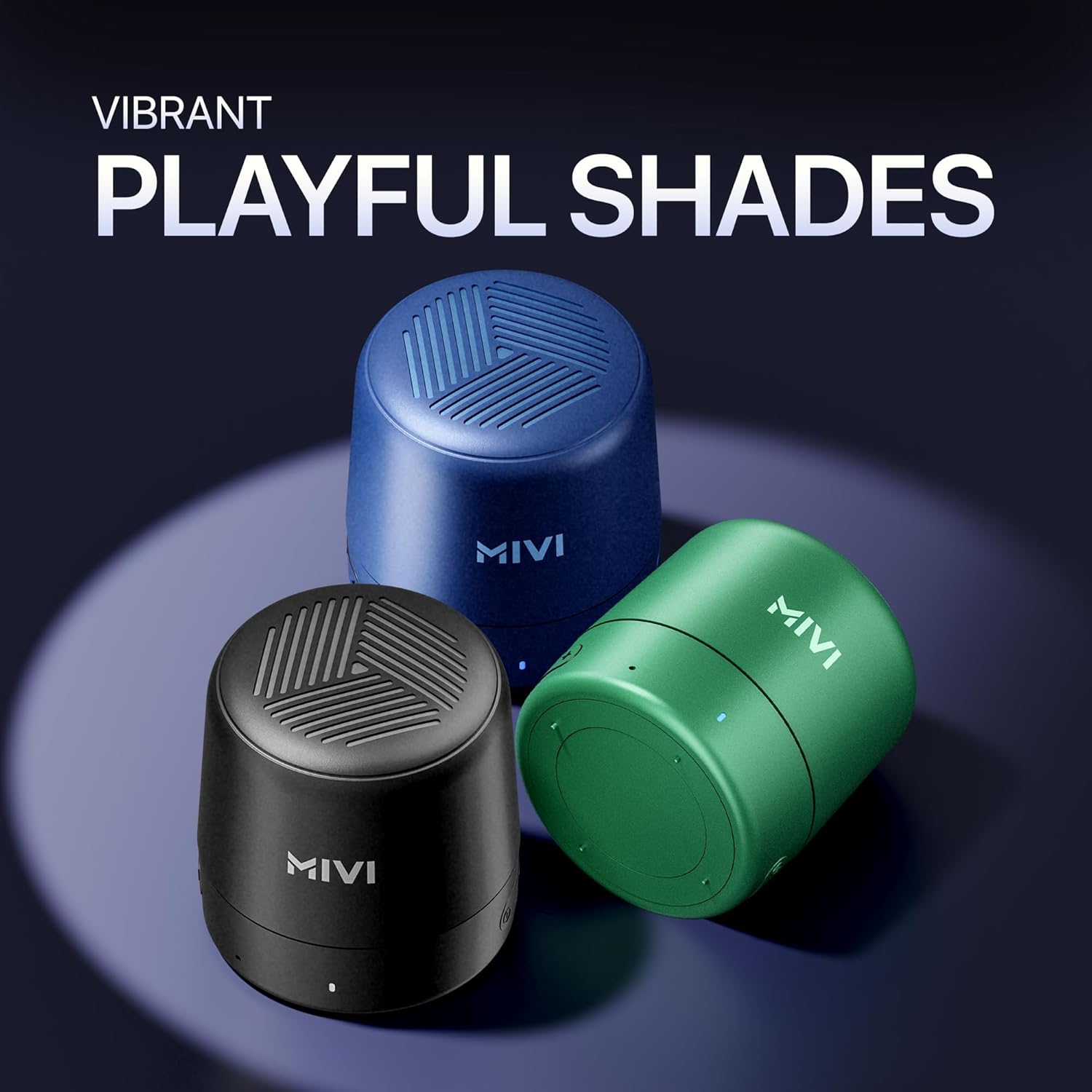
Figure 2: The Mivi Play speaker offers up to 12 hours of music playback.
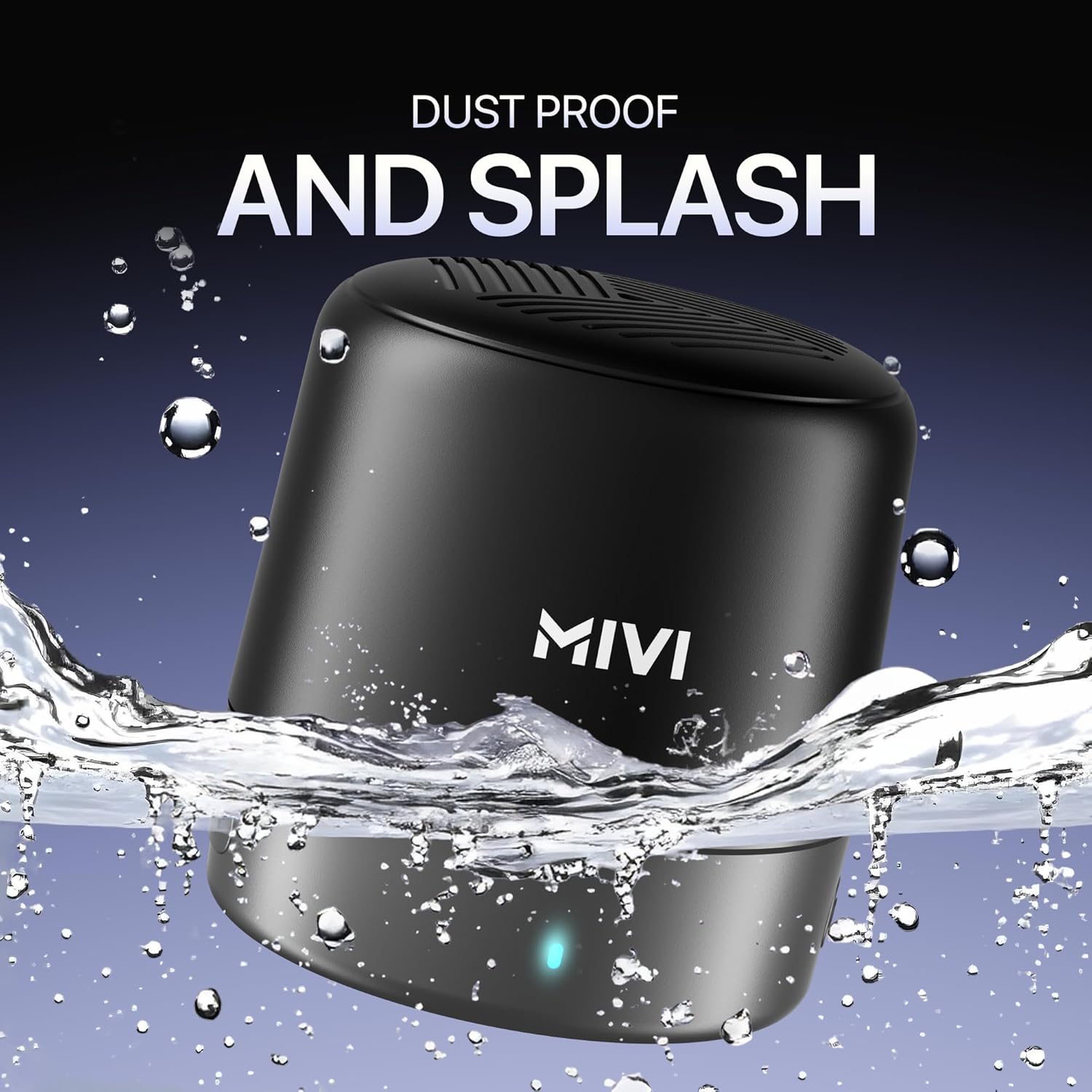
Figure 3: Experience high-definition stereo sound with the Mivi Play.

Figure 4: Enjoy powerful 5W bass from a compact design.

Figure 5: The speaker is designed to be dust and splash proof (IPX4 rated).
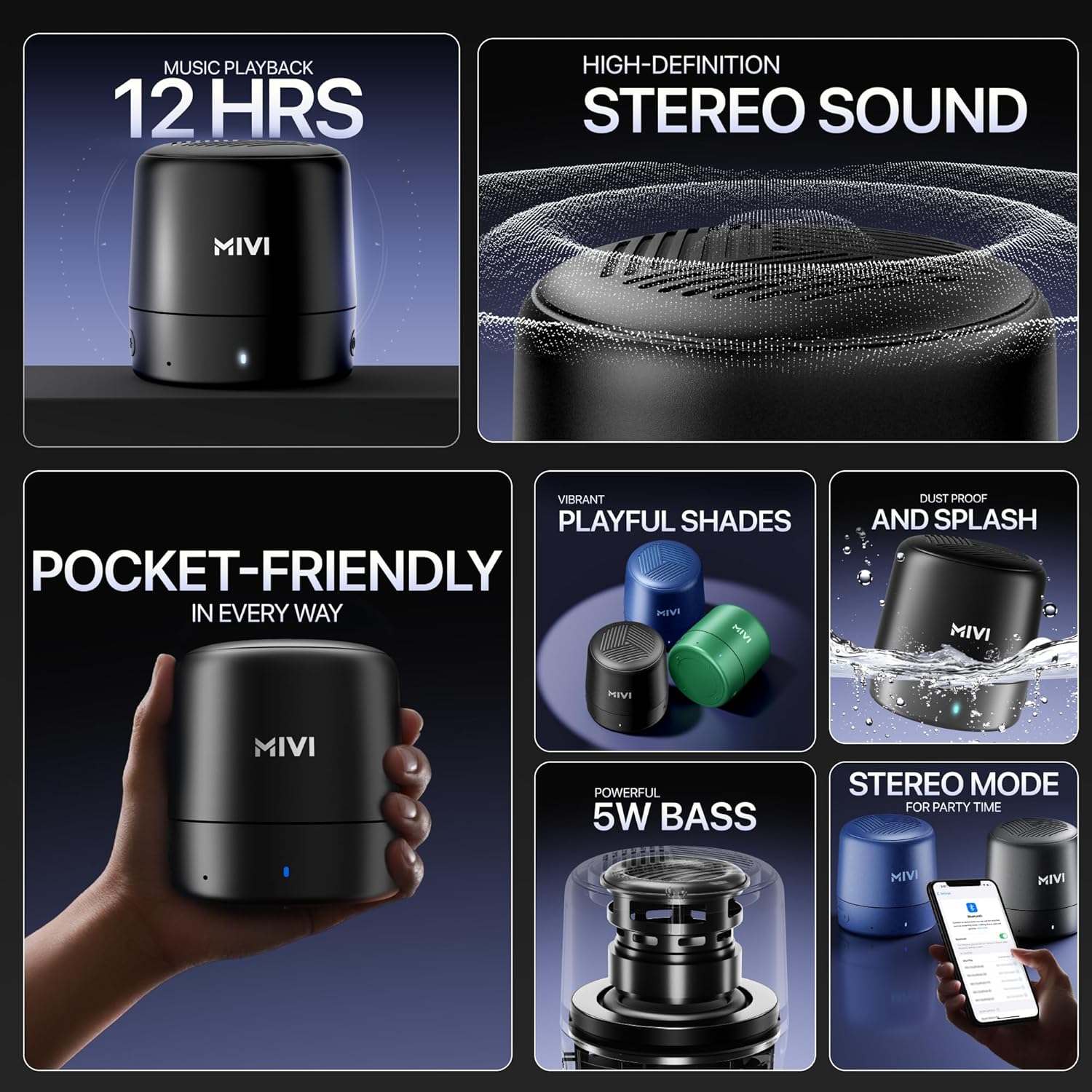
Figure 6: Its compact size makes the Mivi Play speaker pocket-friendly.
4. Setup
4.1 Initial Charging
Before first use, fully charge your Mivi Play speaker. Connect the provided Micro USB charging cable to the speaker's charging port (located under the protective flap) and the other end to a USB power source (e.g., wall adapter, computer USB port). The LED indicator will show charging status.
4.2 Power On/Off
- To Power On: Press and hold the power button (located on the side) for a few seconds until you hear an audible prompt and the LED indicator lights up.
- To Power Off: Press and hold the power button again for a few seconds until you hear an audible prompt and the LED indicator turns off.
4.3 Bluetooth Pairing
To connect your Mivi Play speaker to a Bluetooth-enabled device:
- Ensure the speaker is powered on and in pairing mode (LED indicator will flash).
- On your device (smartphone, tablet, laptop), enable Bluetooth and search for available devices.
- Select "Mivi Play" from the list of devices.
- Once connected, the LED indicator will turn solid, and you will hear a confirmation tone.
4.4 Auxiliary Connection
For non-Bluetooth devices, use the provided Aux cable:
- Connect one end of the Aux cable to the speaker's Aux-in port (under the protective flap).
- Connect the other end to the audio output jack of your device.
- The speaker will automatically switch to Aux mode.
5. Operating Instructions
5.1 Music Playback
- Play/Pause: Press the Play/Pause button once.
- Volume Up/Down: Use the volume rocker buttons (+/-) on the side of the speaker.
- Next Track: Long press the Volume Up (+) button.
- Previous Track: Long press the Volume Down (-) button.
5.2 Call Management
With the built-in microphone, you can manage calls directly from your speaker:
- Answer Call: Press the Play/Pause button once.
- End Call: Press the Play/Pause button once during a call.
- Reject Call: Press and hold the Play/Pause button.

Figure 7: The Mivi Play features intuitive inline buttons for easy control of music and calls.
5.3 Stereo Mode (TWS)
For an enhanced audio experience, you can pair two Mivi Play speakers together:
- Ensure both Mivi Play speakers are powered on and not connected to any other device.
- On one speaker, double-press the Play/Pause button. It will enter TWS pairing mode.
- The two speakers will automatically connect to each other. You will hear a confirmation tone.
- Once paired, connect your device to one of the speakers via Bluetooth as described in section 4.3. Both speakers will now play in stereo.
Figure 8: Two Mivi Play speakers can be paired for a stereo sound experience.
6. Maintenance
6.1 Water Resistance
The Mivi Play speaker has an IPX4 rating, meaning it is resistant to splashes of water from any direction. It is not designed to be submerged in water. Ensure the protective flap covering the charging and Aux ports is securely closed to maintain water resistance.
6.2 Cleaning
To clean your speaker, use a soft, damp cloth. Avoid using harsh chemicals or abrasive cleaners, as these may damage the speaker's finish or internal components.
7. Troubleshooting
- Speaker not turning on: Ensure the battery is charged. Connect the charging cable and try again.
- Cannot pair via Bluetooth: Make sure the speaker is in pairing mode (flashing LED). Ensure Bluetooth is enabled on your device and it's within range (up to 10 meters). Try forgetting the device on your phone and re-pairing.
- No sound: Check the volume levels on both the speaker and your connected device. Ensure the correct input mode (Bluetooth or Aux) is selected.
- Poor sound quality: Ensure the speaker is within Bluetooth range and there are no obstructions. For Aux connection, check the cable for damage.
- Charging issues: Verify the charging cable is securely connected to both the speaker and the power source. Try a different USB port or power adapter.
8. Specifications
| Feature | Specification |
|---|---|
| Model Name | Play |
| Speaker Type | Stereo Speaker |
| Connectivity Technology | Bluetooth, Auxiliary |
| Wireless Communication Technology | Bluetooth 5.0 |
| Speaker Maximum Output Power | 5 Watts |
| Item Weight | 164 Grams |
| Product Dimensions | 7D x 7W x 8H Centimeters |
| Battery Life | Up to 12 Hours |
| Waterproof Rating | IPX4 |
| Built-in Microphone | Yes |
| Control Method | Touch |
| Maximum Range | 10 meters |
9. Warranty and Support
The Mivi Play Bluetooth Speaker comes with a 1-year limited warranty from the date of purchase. For any queries, technical assistance, or warranty claims, please refer to the contact information provided on the warranty card included in your package or visit the official Mivi support website.
Easy responsive controls change music tracks and control volume.