
Scosche CAUXB4RCAA-SP
Scosche CAUXB4RCAA-SP User Manual
Model: CAUXB4RCAA-SP
Brand: Scosche
Introduction
This manual provides detailed instructions for the proper setup, operation, and maintenance of your Scosche CAUXB4RCAA-SP 3.5mm AUX to USB-C Braided Cable & RCA Audio Adapter Kit. This product is designed to facilitate high-quality audio connections between USB-C enabled devices and audio systems with 3.5mm AUX or RCA inputs.
Safety Information
Please read and understand all safety instructions before using this product. Failure to follow these instructions may result in damage to the product or connected devices.
- Do not expose the cable to extreme temperatures, moisture, or corrosive environments.
- Avoid excessive bending or pulling of the cable, especially near the connectors, to prevent internal damage.
- Keep out of reach of children.
- Disconnect the cable from devices when not in use or during electrical storms.
Package Contents
Verify that all items are present in the package:
- 1 x USB-C to 3.5mm Braided Cable
- 1 x RCA Audio Adapter

Image: The Scosche CAUXB4RCAA-SP kit, showing the USB-C to 3.5mm braided cable and the included RCA audio adapter.
Setup Instructions
Follow these steps to connect your audio devices using the Scosche CAUXB4RCAA-SP kit.
Connecting to a 3.5mm AUX Input
- Locate the USB-C port on your smartphone, tablet, or other compatible device.
- Insert the USB-C connector of the braided cable into the USB-C port of your device. Ensure it is fully seated.
- Locate the 3.5mm AUX input port on your car stereo, home audio system, or portable speaker.
- Insert the 3.5mm AUX connector of the braided cable into the 3.5mm AUX input port.
- Select the AUX input source on your audio system.
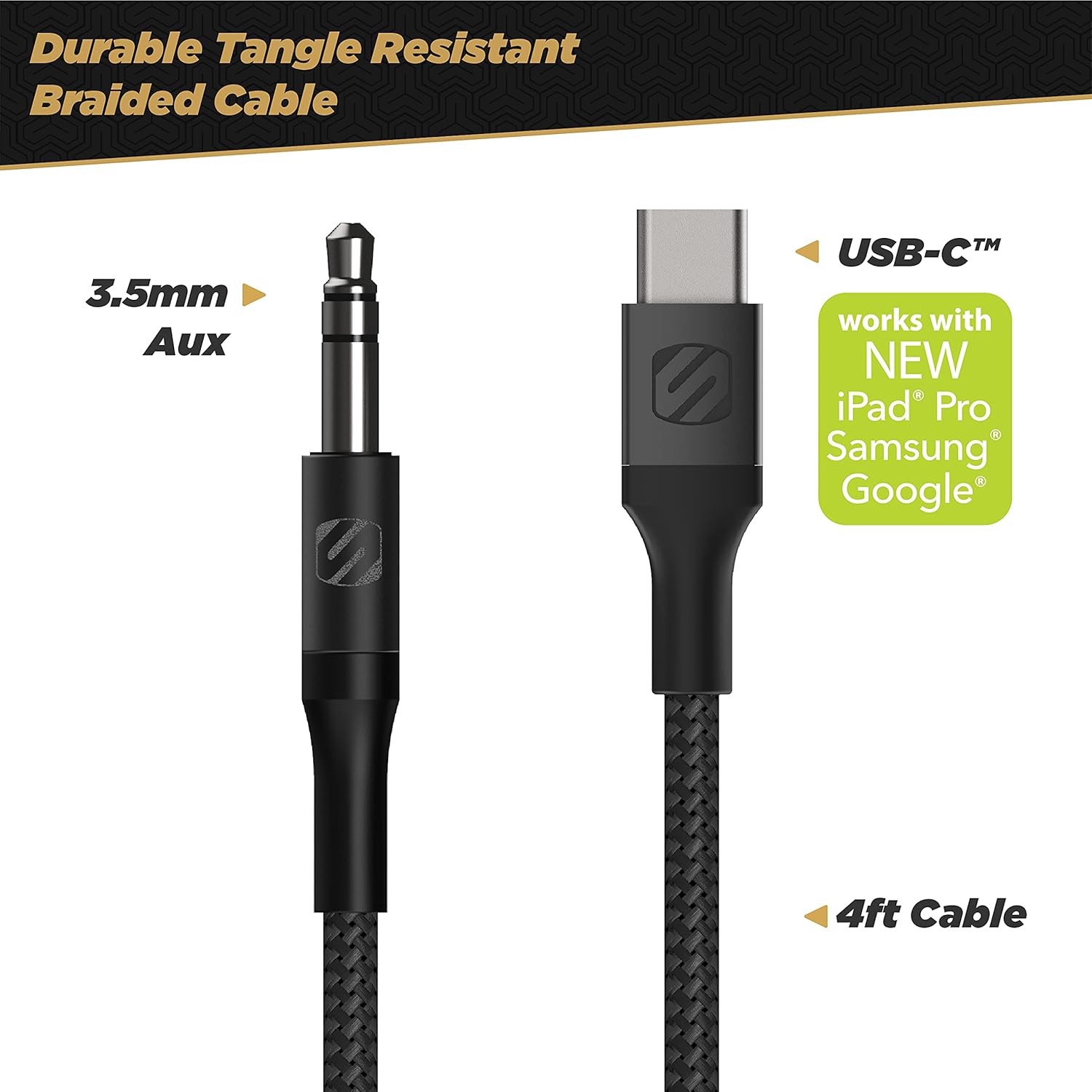
Image: Close-up view of the USB-C and 3.5mm AUX connectors on the braided cable, highlighting its 4-foot length and compatibility with new iPad Pro, Samsung, and Google devices.
Connecting to RCA Inputs (using the adapter)
- Locate the USB-C port on your smartphone, tablet, or other compatible device.
- Insert the USB-C connector of the braided cable into the USB-C port of your device.
- Connect the 3.5mm AUX connector of the braided cable into the female 3.5mm input of the RCA audio adapter.
- Identify the red (right channel) and white (left channel) RCA input ports on your home or car stereo system.
- Connect the corresponding red and white RCA plugs from the adapter into the stereo system's RCA input ports.
- Select the appropriate RCA input source on your audio system.

Image: The optional RCA adapter, featuring red and blue (for right and left audio channels) connectors and premium metal housing, designed for connecting to RCA inputs.

Image: An example setup showing a smartphone connected via the USB-C cable and RCA adapter to an audio receiver, illustrating the integrated Digital-to-Analog Converter (DAC) for high-resolution audio.
Operating Instructions
Once the cable is properly connected to your device and audio system:
- Ensure your audio system is set to the correct input source (AUX or RCA).
- Play audio from your USB-C enabled device (e.g., music, podcasts, videos).
- Adjust the volume on both your device and the audio system to a comfortable listening level.
- The integrated Digital-to-Analog Converter (DAC) in the cable ensures high-resolution audio quality.

Image: A smartphone connected to a car stereo via the USB-C to AUX cable, demonstrating audio playback in a vehicle environment.
Maintenance
Proper care will extend the lifespan of your Scosche CAUXB4RCAA-SP cable:
- Cleaning: Use a soft, dry cloth to wipe the cable and connectors. Do not use liquid cleaners or solvents.
- Storage: Store the cable in a cool, dry place away from direct sunlight and extreme temperatures. Avoid tightly coiling the cable to prevent kinks or damage to the internal wires.
- Handling: Always grasp the connector housing when plugging or unplugging the cable. Avoid pulling on the cable itself. The braided design offers enhanced durability against tangles and wear.
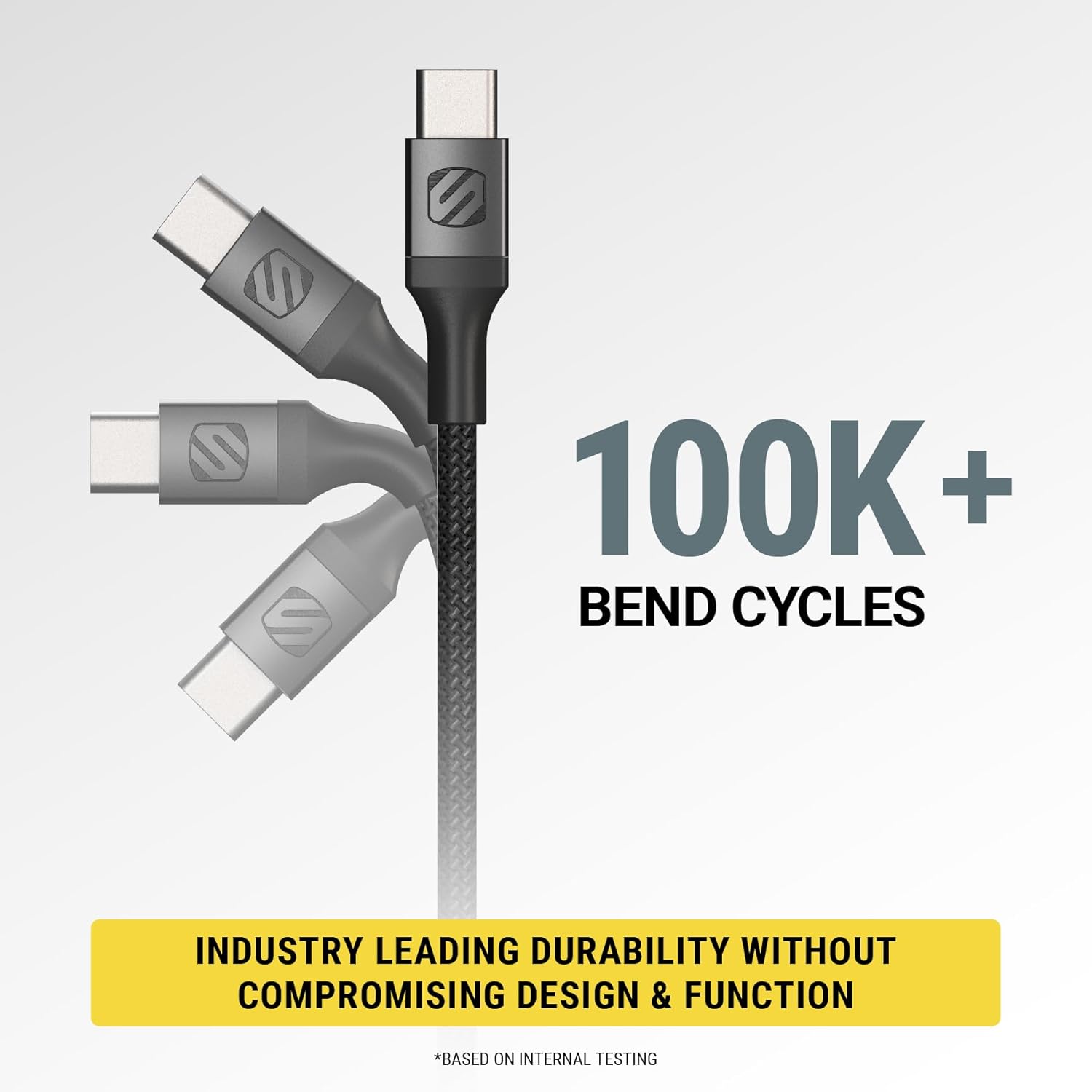
Image: An illustration demonstrating the cable's durability, highlighting its ability to withstand over 100,000 bend cycles, indicating industry-leading durability without compromising design or function.
Troubleshooting
If you experience issues with your Scosche CAUXB4RCAA-SP kit, refer to the following common problems and solutions:
| Problem | Possible Cause | Solution |
|---|---|---|
| No audio output. | Incorrect input selected on audio system; loose connection; device volume too low; incompatible device. |
|
| Poor audio quality (static, distortion). | Loose connection; interference; damaged cable. |
|
| Cable not recognized by device. | USB-C port issue; device software issue. |
|
Specifications
| Feature | Detail |
|---|---|
| Brand | Scosche |
| Model Name | CAUXB4RCAA-SP |
| Connector Type | Auxiliary, RCA, USB Type C |
| Cable Type | AUX, USB |
| Compatible Devices | Smartphone, Tablet, Home/Car Stereos with RCA/3.5mm AUX |
| Special Feature | Braided, Tangle Free, Integrated Digital-to-Analog Converter (DAC) |
| Color | Black |
| Connector Gender | Male-to-Male (cable), Female-to-Male (RCA adapter) |
| Item Weight | 1.6 ounces |
| Product Dimensions | 0.68 x 3.09 x 6.98 inches |
Warranty and Support
Scosche products are designed and engineered to provide reliable performance. For specific warranty information and customer support, please refer to the warranty card included with your product or visit the official Scosche website. Keep your proof of purchase for warranty claims.
Manufacturer: Scosche
Website: www.scosche.com
Related documentsCAUXB4RCAA-SP


Ask a question about this manual
Ask about setup, troubleshooting, compatibility, parts, safety, or missing instructions. Manuals+ will review the question and use this page’s manual context to help answer it.