1. Introduction
Thank you for choosing the Mamibot FLOMO I Vacuum Cleaner Scrubber Washer. This cordless multi-purpose cleaner is designed to simplify your floor cleaning routine by combining vacuuming and wet mopping in one step. It features a self-cleaning base, voice assistance, and an integrated UV lamp for enhanced hygiene. Please read this manual thoroughly before first use to ensure safe and optimal operation of your device.
2. Important Safety Instructions
Always follow basic safety precautions when using electrical appliances to reduce the risk of fire, electric shock, or injury.
- Read all instructions before operating the appliance.
- Do not immerse the main unit, power cord, or charging base in water or other liquids.
- Use only the charging base and power adapter supplied by the manufacturer.
- Unplug the appliance from the power outlet before cleaning, maintenance, or when not in use.
- Keep hair, loose clothing, fingers, and all parts of the body away from openings and moving parts.
- Do not pick up flammable or combustible materials, such as gasoline, or use in areas where they may be present.
- Do not pick up anything that is burning or smoking, such as cigarettes, matches, or hot ashes.
- Do not use without filters in place.
- This appliance is for household use only.
- Keep out of reach of children.
3. Product Components
Familiarize yourself with the parts of your Mamibot FLOMO I.


- Main Unit
- Clean Water Tank
- Dirty Water Tank
- Brush Roll
- HEPA Filter
- Charging Base
- Power Adapter
4. Setup
- Unpack: Carefully remove all components from the packaging.
- Assemble: Insert the handle into the main unit until it clicks into place. Ensure the clean and dirty water tanks are properly seated.
- Charge: Place the main unit onto the charging base. Connect the power adapter to the charging base and plug it into a wall outlet. The indicator lights will show charging status. Fully charge the battery before first use (approximately 4-5 hours).
- Fill Clean Water Tank: Remove the clean water tank. Open the cap and fill with clean tap water. For enhanced cleaning, you may add a small amount of Mamibot-approved cleaning solution. Do not exceed the MAX fill line. Close the cap securely and reinsert the tank into the main unit.
5. Operating Instructions
The Mamibot FLOMO I is designed for efficient cleaning on various hard floor surfaces and low-pile carpets.
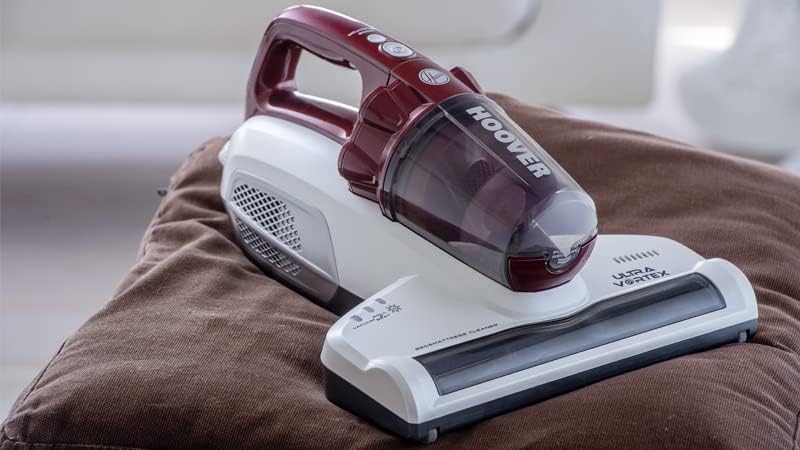
- Power On/Off: Press the Power button on the handle to turn the appliance on or off.
- Cleaning Modes: The device operates in a combined vacuuming and wet mopping mode. It automatically dispenses water and vacuums up dirty water simultaneously.
- UV Sterilization: The integrated UV lamp activates automatically during operation to help sterilize surfaces.
- Voice Assistance: The device provides voice prompts for status updates, such as low battery, full dirty water tank, or self-cleaning initiation.
- Self-Cleaning Function: After cleaning, place the unit back on the charging base. Press the self-cleaning button (if available, or it may initiate automatically). The device will wash the brush roll and internal pipes, eliminating the need for manual cleaning of these components. Ensure the dirty water tank is empty and the clean water tank has sufficient water before initiating self-cleaning.
- Runtime: A fully charged battery provides up to 30 minutes of continuous cleaning time.
6. Maintenance
Regular maintenance ensures optimal performance and extends the lifespan of your Mamibot FLOMO I.
- Emptying Dirty Water Tank: After each use, or when the voice prompt indicates, remove the dirty water tank. Open the lid and dispose of the dirty water. Rinse the tank thoroughly with clean water.
- Cleaning Brush Roll: While the self-cleaning function handles most of the brush cleaning, occasionally remove the brush roll for a deeper clean. Remove any tangled hair or debris. Rinse under running water and allow to air dry completely before reinserting.
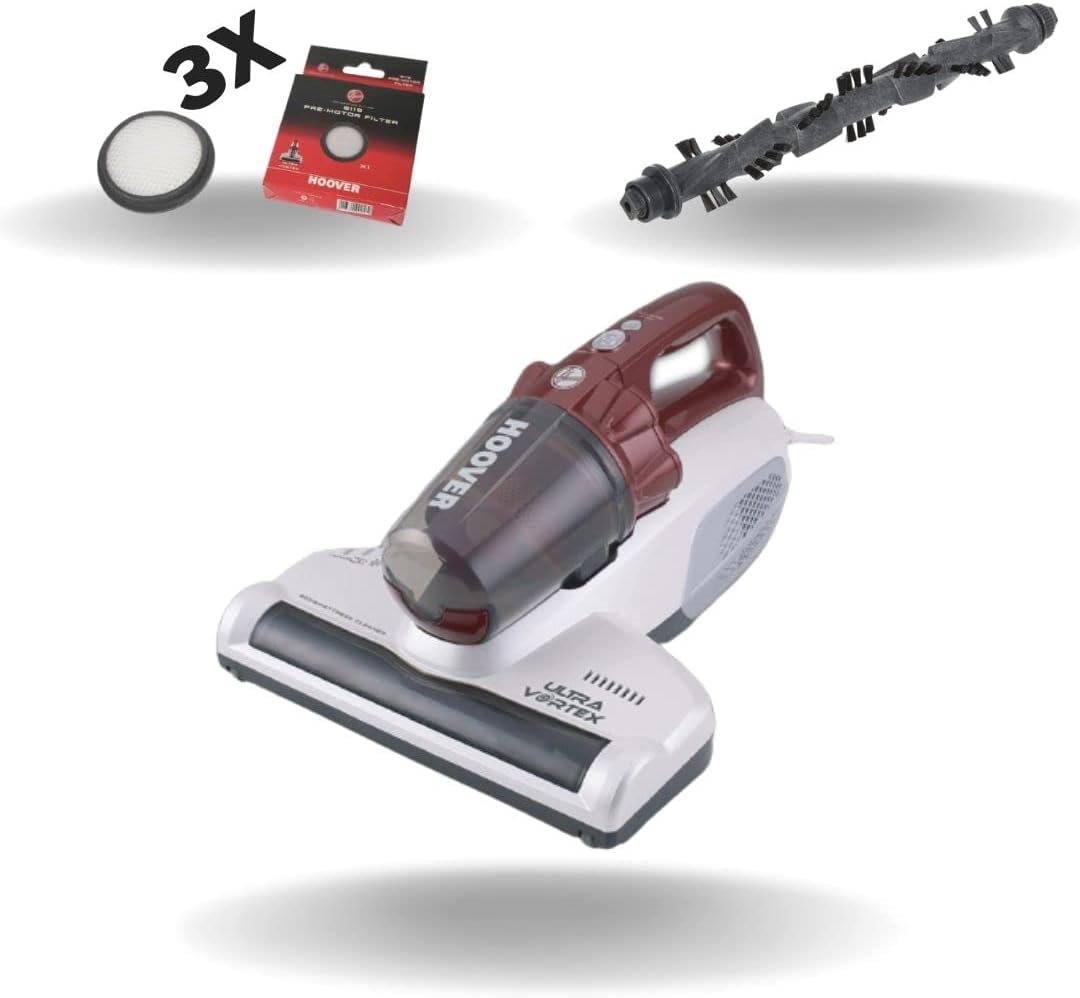
- Cleaning Filters: The HEPA filter should be cleaned regularly. Remove the filter from the dirty water tank. Tap it gently to remove loose debris. If heavily soiled, rinse under running water. Ensure the filter is completely dry before reinserting to prevent mold or odor. Replace filters every 3-6 months depending on usage.
- Cleaning Charging Base: Wipe the charging contacts and the base tray with a damp cloth to remove any water residue or dirt.
- Storage: Store the appliance in a dry, cool place. Ensure the clean and dirty water tanks are empty and clean before storage.
7. Troubleshooting
If you encounter issues with your Mamibot FLOMO I, refer to the following common problems and solutions:
| Problem | Possible Cause | Solution |
|---|---|---|
| Appliance does not turn on | Battery is low or dead Not properly charged | Place on charging base and ensure it is charging. Allow sufficient time for full charge. |
| Poor suction | Dirty water tank full Filter clogged Brush roll tangled Suction inlet blocked | Empty and clean dirty water tank. Clean or replace filter. Clean brush roll of debris. Check and clear any blockages in the suction path. |
| No water dispensing | Clean water tank empty Water nozzle clogged | Refill clean water tank. Check and clear any blockages in the water dispensing nozzle. |
| Voice prompts not working | Volume too low System error | Check if there's a volume control button (refer to product specific controls). Restart the device. If issue persists, contact support. |
If the problem persists after trying these solutions, please contact customer support.
8. Specifications
| Feature | Specification |
|---|---|
| Brand | Mamibot |
| Model Number | ultrvrtxpro |
| Colour | Grey |
| Product Dimensions | 114.81 x 28.96 x 24.89 cm |
| Voltage | 220 Volts |
| Noise Level | 80 dB |
| Runtime | Up to 30 minutes |
| Special Features | Cordless, Self-cleaning base, UV lamp, Voice assistance |
| Item Weight | 2.85 kg |
| Filter Type | Cartridge (HEPA) |
| Surface Recommendation | Carpet, Hard Floor |
| Power Source | Battery Powered |
9. Warranty and Support
The Mamibot FLOMO I comes with a standard manufacturer's warranty. For detailed warranty terms and conditions, please refer to the warranty card included in your product packaging or visit the official Mamibot website. For technical support, spare parts, or service inquiries, please contact your retailer or Mamibot customer service.
Customer Service Contact: Please refer to your purchase documentation or the manufacturer's official website for the most up-to-date contact information.


