1. Introduction
Thank you for choosing the Vanzon V40 Portable Wireless Speaker. This speaker is designed to deliver 24W loud stereo sound with True Wireless Stereo (TWS) functionality, offering up to 24 hours of playtime. Its IPX7 waterproof rating makes it suitable for various environments, including travel, home, and outdoor activities. Please read this manual carefully to ensure proper use and maintenance of your speaker.

Figure 1: Vanzon V40 Portable Wireless Speaker (Purple)
The Vanzon V40 speaker is shown in a vibrant purple color, surrounded by splashing water, emphasizing its IPX7 waterproof capability. This image illustrates the speaker's robust design for outdoor and wet environments.
2. What's in the Box
- Vanzon V40 Portable Wireless Speaker
- USB-C Charging Cable
- AUX Cable
- User Manual (this document)
3. Product Overview
3.1. Controls and Ports

Figure 2: Top Controls of the Vanzon V40 Speaker
This image displays the top panel of the Vanzon V40 speaker, featuring clearly labeled control buttons for power, volume adjustment, play/pause, and mode selection. The buttons are integrated into the speaker's durable exterior.

Figure 3: Bottom Panel and Ports
The bottom of the Vanzon V40 speaker is shown, detailing the model number (V40), input specifications (Type-C 5V/1A), and battery capacity (4000mAh). This view also indicates the location of the charging port and other potential connections.
- Power Button: Press and hold to power on/off.
- Volume Down (-): Short press to decrease volume. Long press for previous track.
- Play/Pause Button (▶): Press to play or pause music.
- Volume Up (+): Short press to increase volume. Long press for next track.
- Mode Button (M): Press to switch between Bluetooth, TF Card, and AUX modes.
- USB-C Port: For charging the speaker.
- AUX Input: For wired audio connection.
- TF Card Slot: For playing music directly from a TF (MicroSD) card.
4. Setup
4.1. Charging the Speaker
Before first use, fully charge the speaker. Connect the provided USB-C cable to the speaker's charging port and the other end to a compatible USB power adapter (5V/1A recommended). The charging indicator light will show the charging status.
4.2. Bluetooth Pairing
- Power on the Vanzon V40 speaker by pressing and holding the Power button. The speaker will enter Bluetooth pairing mode, indicated by a flashing blue LED light.
- On your mobile device (smartphone, tablet, etc.), enable Bluetooth and search for available devices.
- Select "Vanzon V40" from the list of devices.
- Once connected, the LED indicator will turn solid blue, and you will hear an audible confirmation.

Figure 4: Bluetooth 5.0 Connectivity
This graphic illustrates the Vanzon V40 speaker's Bluetooth 5.0 capabilities, showing a stable connection signal extending up to 66 feet, enabling loud stereo sound throughout a multi-room environment.
4.3. True Wireless Stereo (TWS) Pairing
To achieve a true stereo sound experience, you can pair two Vanzon V40 speakers together:
- Ensure both Vanzon V40 speakers are powered on and not connected to any other Bluetooth device.
- On one speaker, long press the Mode (M) button until you hear a pairing tone. This speaker will become the primary speaker.
- The two speakers will automatically connect to each other. Once connected, the primary speaker's LED will flash blue, and the secondary speaker's LED will be solid blue.
- Now, connect your mobile device to the primary speaker via Bluetooth as described in section 4.2.
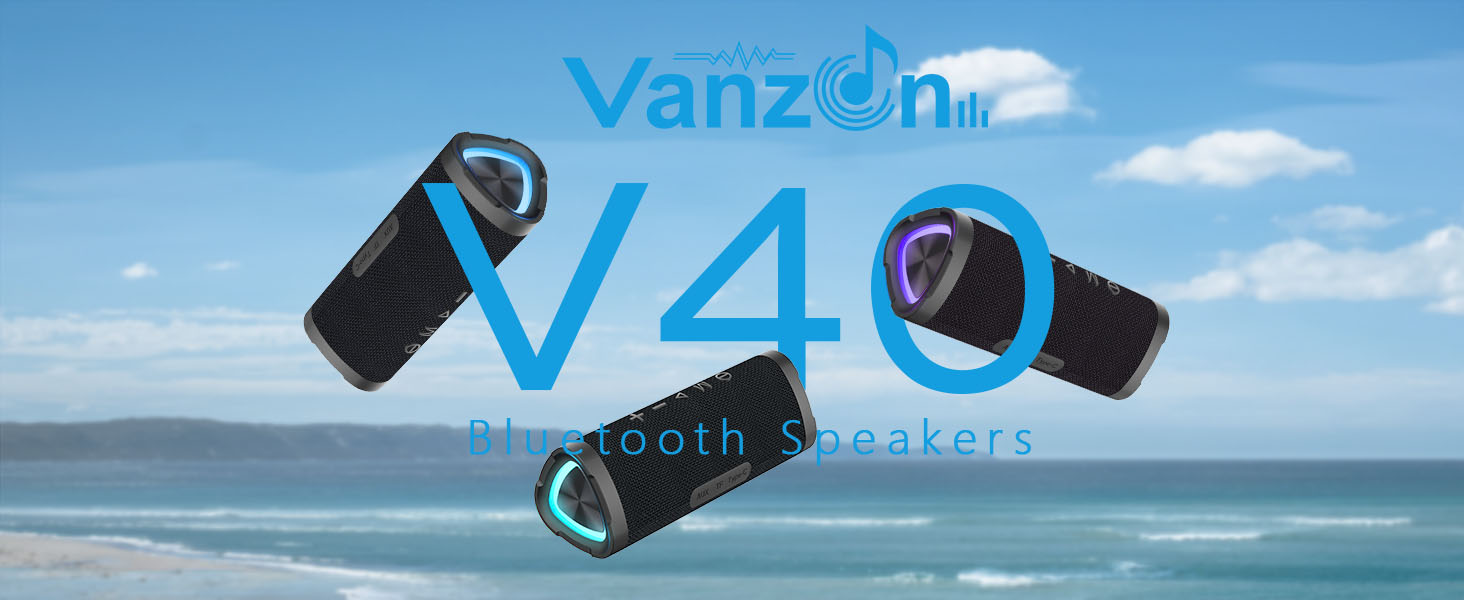
Figure 5: TWS Bluetooth Connection
This image visually represents the True Wireless Stereo (TWS) Bluetooth connection feature, showing two Vanzon V40 speakers wirelessly linked to provide an enhanced stereo audio experience.
5. Operating Instructions
5.1. Basic Music Controls
- Play/Pause: Press the Play/Pause button (▶).
- Volume Up: Short press the '+' button.
- Volume Down: Short press the '-' button.
- Next Track: Long press the '+' button.
- Previous Track: Long press the '-' button.
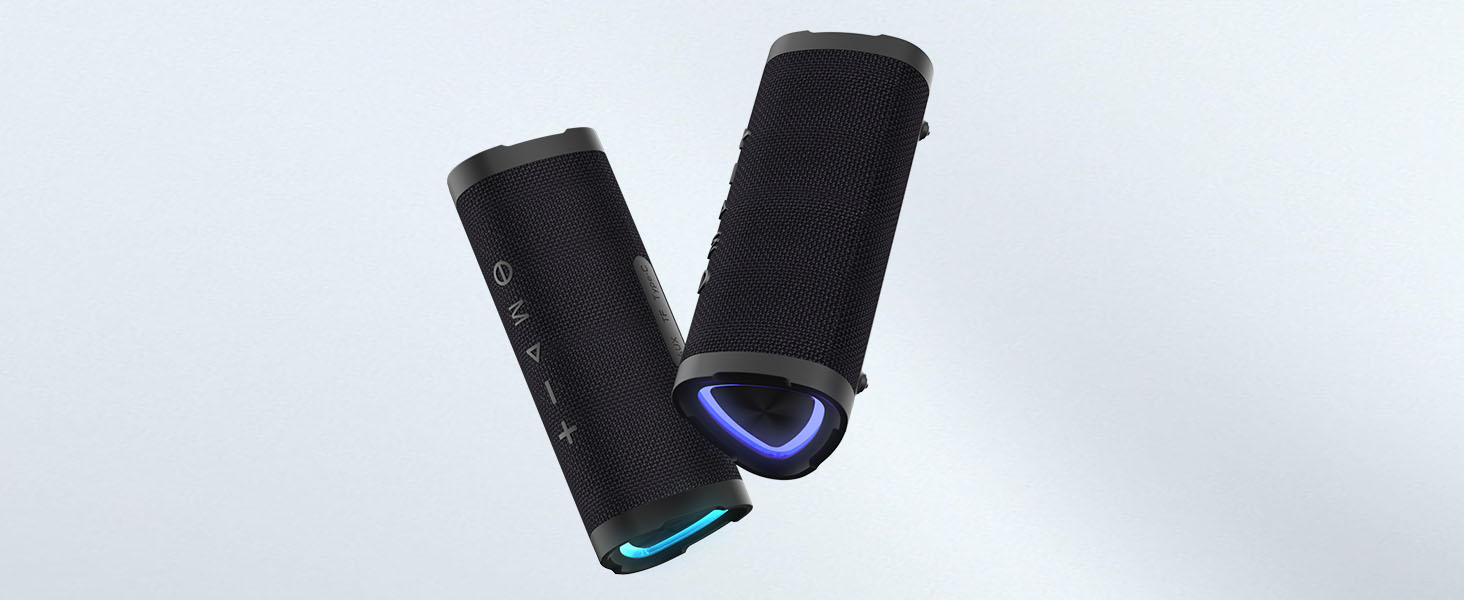
Figure 6: Music Control Buttons
This image focuses on the control buttons of the Vanzon V40 speaker, indicating how users can easily manage their music playback, including play/pause, volume, and track navigation.
5.2. RGB Lighting Control
The Vanzon V40 speaker features dynamic RGB lighting. To cycle through different lighting modes or turn the lights off, short press the Mode (M) button. The lights can be used independently of music playback.
5.3. Using TF Card and AUX Input
In addition to Bluetooth, the speaker supports playback via TF (MicroSD) card and AUX input:
- TF Card: Insert a TF card with your music files into the TF card slot. The speaker will automatically switch to TF card mode and begin playback.
- AUX Input: Connect an audio device to the speaker's AUX port using the provided 3.5mm AUX cable. The speaker will automatically switch to AUX mode.

Figure 7: Multiple Play Modes
This image highlights the versatile connectivity options of the Vanzon V40 speaker, including TF Card, AUX Input, and Type-C interfaces, catering to various audio playback needs.
6. Maintenance
6.1. Cleaning
Wipe the speaker with a soft, damp cloth. Do not use harsh chemicals or abrasive cleaners. Ensure all ports are dry before charging or connecting cables.
6.2. Waterproofing (IPX7)
The Vanzon V40 speaker is IPX7 waterproof, meaning it can be submerged in up to 1 meter of water for 30 minutes. While it is highly water-resistant, it is recommended to ensure the charging port cover is securely closed before exposure to water to prevent damage.
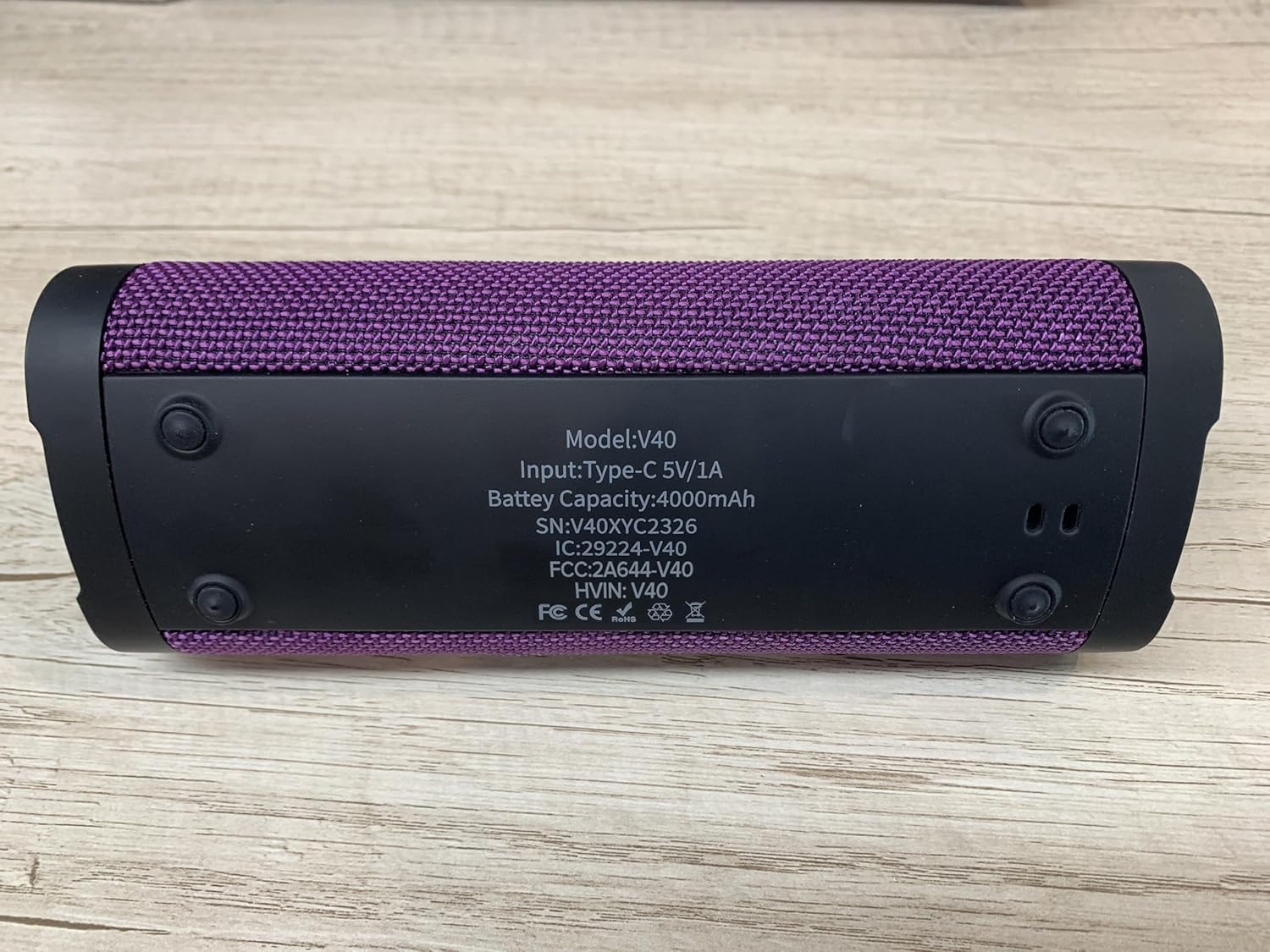
Figure 8: IPX7 Waterproof Feature
This image visually confirms the Vanzon V40 speaker's IPX7 waterproof rating, showing it partially submerged in water, making it suitable for use near beaches and swimming pools without concern for water damage.
7. Troubleshooting
| Problem | Possible Cause | Solution |
|---|---|---|
| Speaker does not power on. | Low battery. | Charge the speaker fully. |
| Cannot pair via Bluetooth. | Speaker is not in pairing mode or already connected to another device. | Ensure the speaker is in pairing mode (flashing blue LED). Disconnect from other devices if necessary. Restart both devices. |
| No sound. | Volume too low, incorrect mode, or device not connected. | Increase volume on both speaker and connected device. Check if the correct mode (Bluetooth, AUX, TF Card) is selected. Re-pair Bluetooth if needed. |
| TWS pairing failed. | Speakers are too far apart or already paired to other devices. | Ensure speakers are close to each other and not connected to other devices. Follow TWS pairing steps carefully. |
8. Specifications

Figure 9: Product Dimensions
This image provides the physical dimensions of the Vanzon V40 speaker, measuring 7.8 inches in depth, 3.1 inches in width, and 3.2 inches in height, indicating its compact and portable design.
- Model Name: V40
- Brand: Vanzon
- Connectivity Technology: Bluetooth 5.0
- Wireless Communication Technology: Bluetooth
- Speaker Maximum Output Power: 24W (2 x 12W)
- Audio Output Mode: Stereo
- Playtime: Up to 24 hours (at 50% volume)
- Waterproof Rating: IPX7
- Battery Capacity: 4000mAh Lithium Ion (included)
- Charging Input: Type-C 5V/1A
- Product Dimensions: 7.8"D x 3.1"W x 3.2"H
- Item Weight: 0.68 Kilograms (1.5 pounds)
- Compatible Devices: Projector, Laptop, Gaming Console, Personal Computer, Smartphone
- Special Feature: Portable, TWS (True Wireless Stereo)
- Control Method: App
- UPC: 767492837780
9. Warranty and Support
For warranty information and customer support, please refer to the contact details provided on the product packaging or visit the official Vanzon website. Keep your purchase receipt for any warranty claims.