
Introduction
Thank you for choosing the mDesign L-Shape Home Office Corner Desk. This manual provides essential information for the safe assembly, proper use, and maintenance of your new desk. Please read all instructions carefully before beginning assembly and retain this manual for future reference.

Image: The mDesign L-Shape Home Office Corner Desk, featuring a gray wash wood top and black metal frame, set up in a home office with a laptop, lamp, and decorative items.
Safety Information
- Always assemble the desk on a soft, clean surface to prevent scratches.
- Ensure all screws and fasteners are securely tightened before use. Periodically check and re-tighten as needed.
- Do not overload the desk or shelves. Refer to specifications for weight limits.
- Keep small parts and packaging materials away from children and pets to prevent choking hazards.
- Avoid standing or sitting on the desk.
- Use caution when moving the assembled desk to prevent injury or damage.
Package Contents
Please verify that all components and hardware are present before beginning assembly. If any parts are missing or damaged, please contact customer support.

Image: A clear view of the mDesign L-Shape Home Office Corner Desk, showing its gray wash wood top and black metal frame structure with two integrated shelves.
Assembly Instructions
Assembly is required for this product. It is recommended to have two people for easier and safer assembly. Please follow these steps:
- Unpack Components: Carefully remove all parts from the packaging and lay them out on a clean, soft surface. Identify each component using the provided parts list (if applicable).
- Assemble Frame: Begin by connecting the metal frame pieces according to the diagrams. Ensure all connections are aligned before tightening screws.
- Attach Shelves: Secure the two integrated shelves to the designated frame sections.
- Install Desktop: Place the L-shaped desktop onto the assembled frame, aligning the pre-drilled holes. Secure the desktop with the provided screws.
- Final Tightening: Once all parts are in place, gently tighten all screws and fasteners. Do not overtighten.
- Position Desk: Carefully move the assembled desk to its desired location.
Video: An official mDesign video showcasing various metal and wood workspace solutions, including the L-Shape Home Office Corner Desk, demonstrating its features and potential arrangements.
Operating Instructions
The mDesign L-Shape Home Office Corner Desk is designed for versatile use in various settings. Its L-shape configuration maximizes corner space, providing ample surface area for a computer, monitor, and other office essentials. The integrated shelves offer convenient storage for books, files, or decorative items.
- Placement: Position the desk in a corner to optimize space. Ensure it is on a level surface to prevent wobbling.
- Work Surface: Utilize the spacious desktop for your computer, writing tasks, or crafting.
- Storage: The two open shelves provide easy access storage for office supplies, books, or personal items.
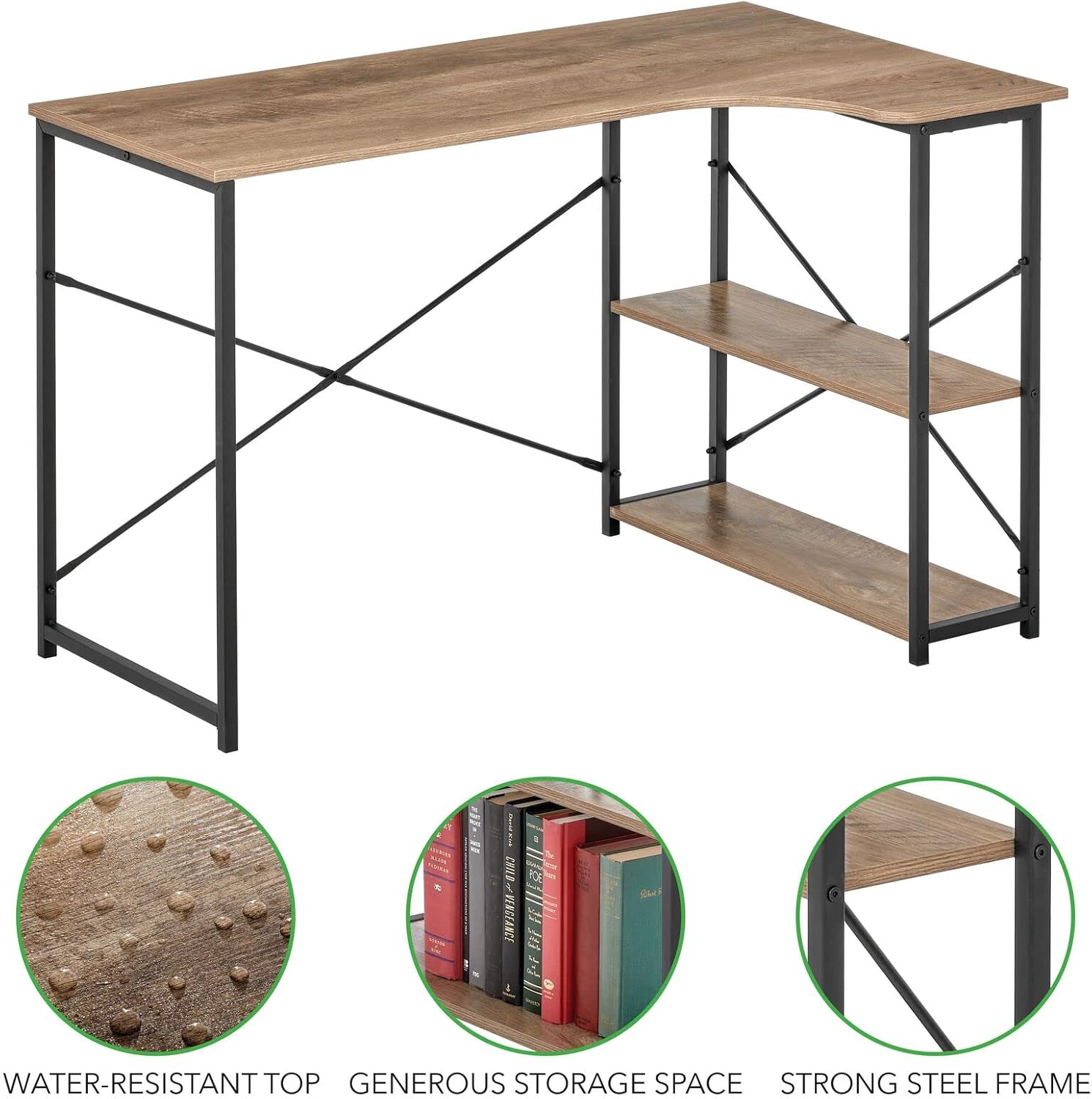
Image: The mDesign L-Shape Home Office Corner Desk, showcasing its functional design with books and a desk lamp on the shelves and main surface.
Maintenance and Care
To ensure the longevity and appearance of your mDesign L-Shape Home Office Corner Desk, follow these care instructions:
- Cleaning: Wipe the desk surfaces with a soft, damp cloth. Avoid harsh chemicals or abrasive cleaners, which can damage the finish.
- Spills: Immediately wipe up any spills to prevent staining, especially on the wood top. The top is water-resistant, but prolonged exposure to liquids should be avoided.
- Inspection: Periodically check all screws and connections to ensure they remain tight. Re-tighten if necessary.
- Sunlight: Avoid prolonged exposure to direct sunlight to prevent fading or warping of the wood finish.
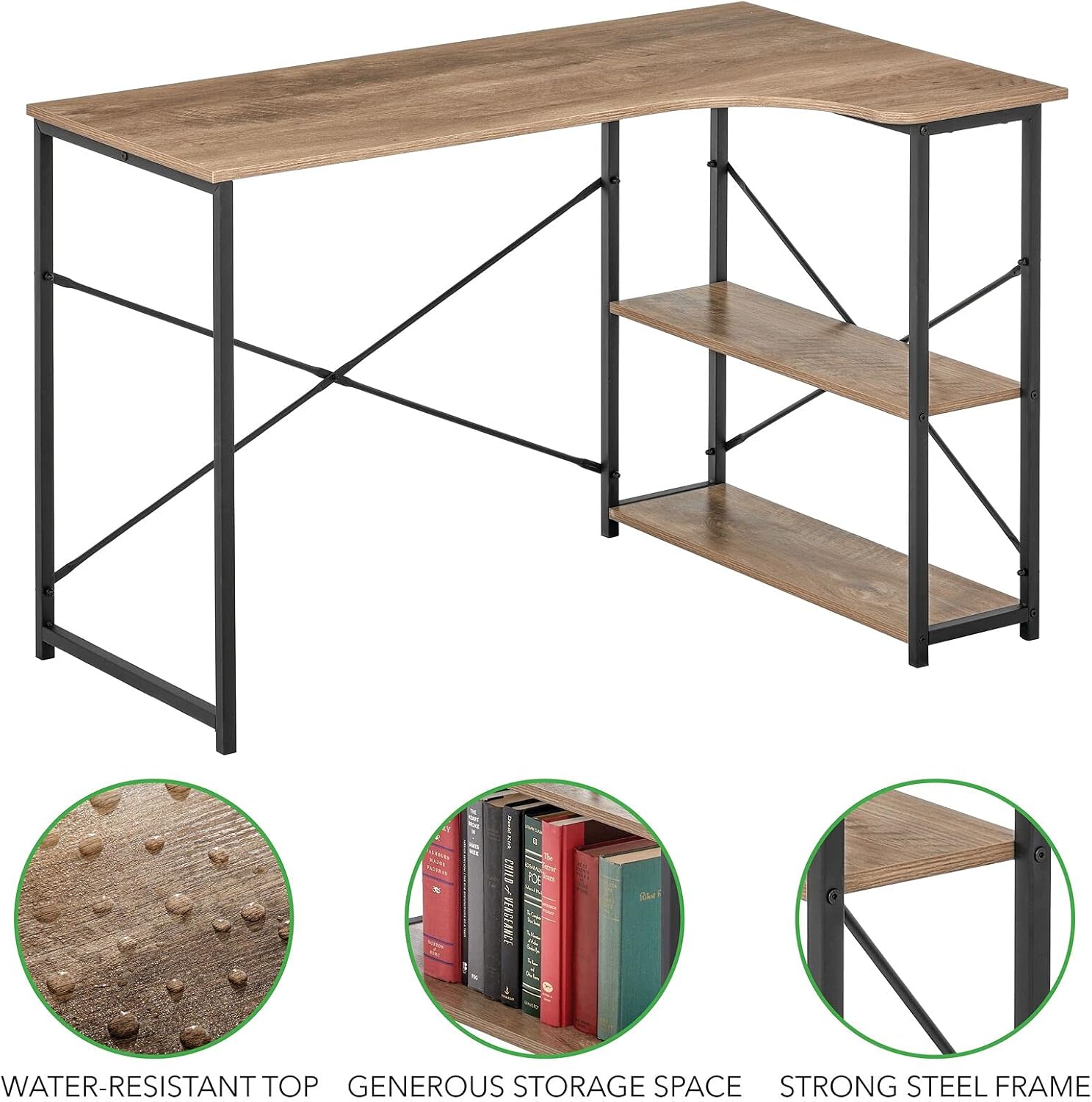
Image: Detailed view highlighting the water-resistant top, generous storage space, and strong steel frame of the mDesign L-Shape Home Office Corner Desk.
Troubleshooting
If you encounter any issues with your desk, refer to the following common troubleshooting tips:
- Desk is Wobbly:
- Ensure all screws and fasteners are fully tightened.
- Verify the desk is placed on a flat, even surface. Adjust floor glides if present.
- Parts Don't Align During Assembly:
- Double-check that you are using the correct parts for each step as per the assembly diagrams.
- Loosen all screws slightly, adjust the alignment, and then re-tighten.
- Missing Hardware:
- Carefully check all packaging materials. Small parts can sometimes be overlooked.
- Contact customer support for replacement parts.
Specifications
| Brand | mDesign |
| Model Number | 17125MDHS |
| Dimensions (D x W x H) | 28.74" x 47.27" x 29.53" (73cm x 120cm x 75cm) |
| Material | Metal, Wood |
| Color | Black/Gray Wash |
| Desk Design | L-Shape Computer Desk |
| Assembly Required | Yes |
| Care Instructions | Wipe with Damp Cloth |

Image: A technical diagram illustrating the precise dimensions of the mDesign L-Shape Home Office Corner Desk in both inches and centimeters.
Warranty and Support
For warranty information or customer support, please refer to the product packaging or visit the official mDesign website. If you have any questions or require assistance with your product, do not hesitate to contact our customer service team.