
Introduction
Thank you for choosing the Dilwe TS100 True Wireless Earbuds. This manual provides essential information for setting up, operating, and maintaining your earbuds to ensure optimal performance and longevity. Please read this manual thoroughly before using the product.
Package Contents
Upon opening your Dilwe TS100 True Wireless Earbuds package, please verify that all the following items are included:
- 2 x Dilwe TS100 Earbuds
- 1 x Charging Case
- 4 x Ear Tips (various sizes)
- 1 x USB-C Charging Cable
- 1 x Instruction Manual (this document)

Image: Contents of the Dilwe TS100 package, including two earbuds, a charging case, a USB-C cable, and multiple ear tip sizes.
Setup
1. Charging the Earbuds and Case
Before initial use, fully charge the earbuds and the charging case. The charging case has a capacity of 400mAh, and each earbud has a 50mAh battery. A full charge typically takes 1-2 hours.
- Connect the provided USB-C cable to the charging port on the case and to a compatible USB power source.
- The indicator lights on the case will show the charging status.
- Place the earbuds into the charging case. They will automatically begin charging.
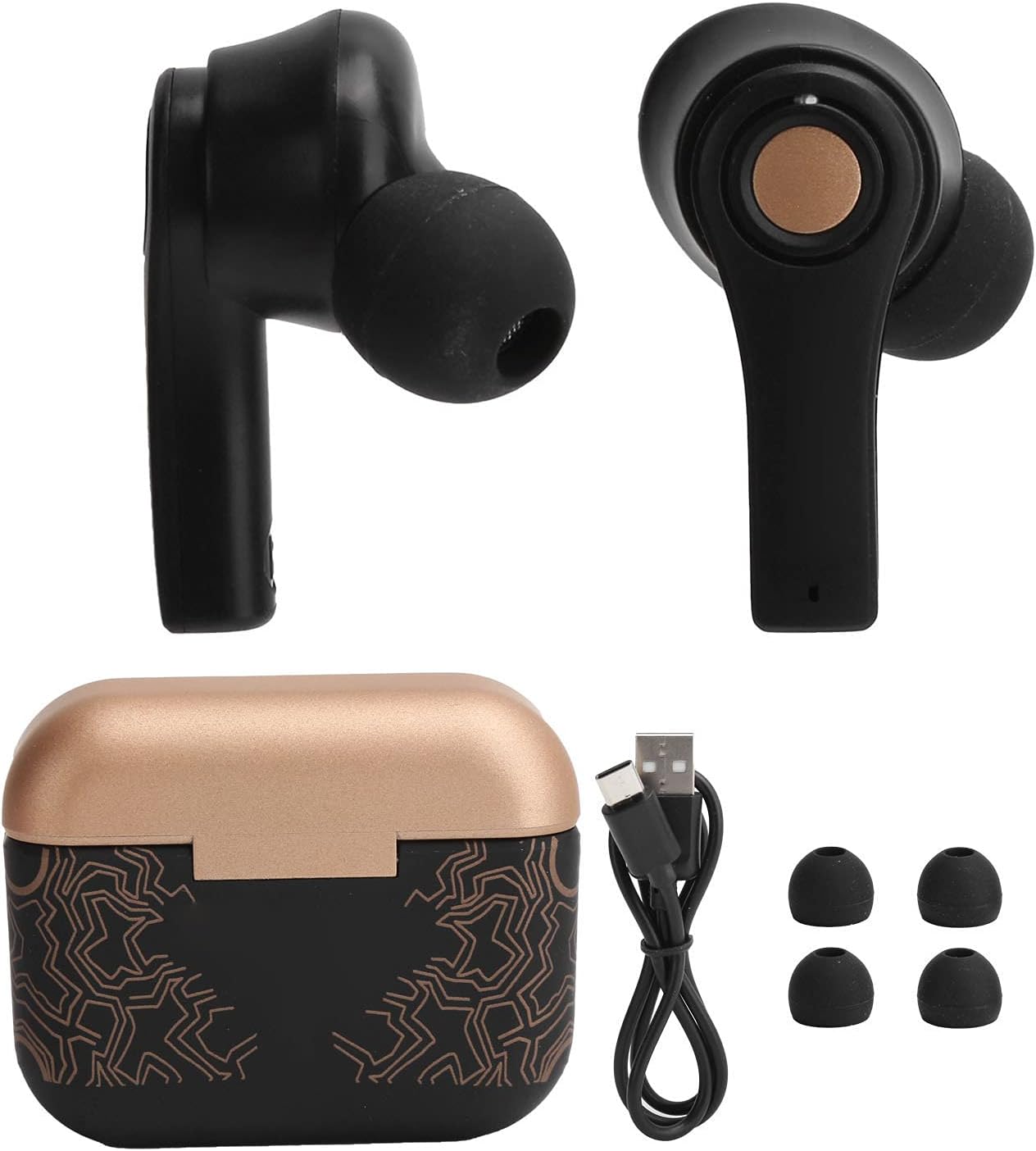
Image: Earbuds placed inside the open charging case, showing charging indicators.
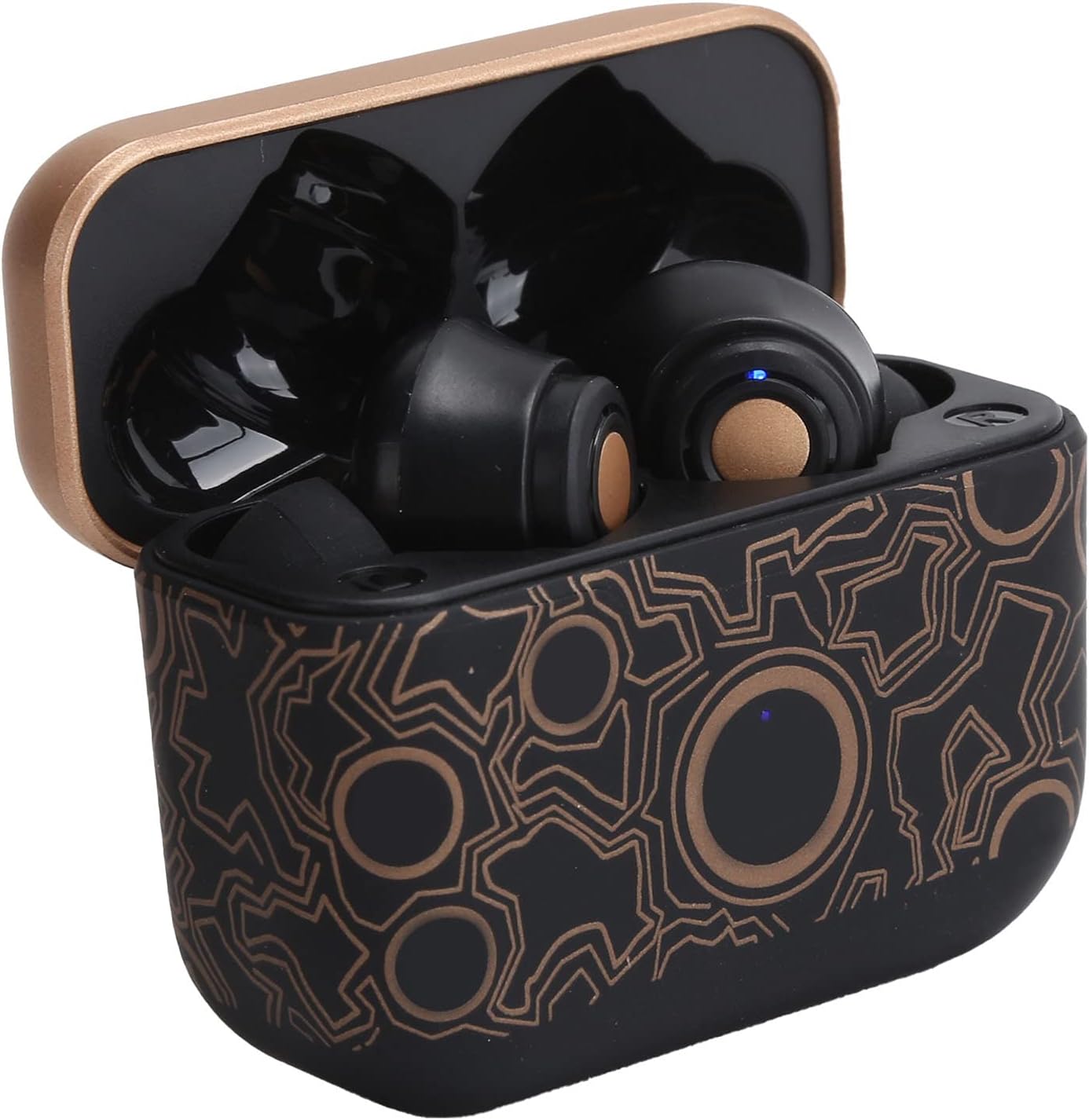
Image: The closed charging case, ready for portable power.
2. Pairing with a Device
The Dilwe TS100 earbuds feature automatic pairing for convenience.
- Ensure the earbuds are charged.
- Open the charging case and remove both earbuds. They will automatically power on and enter pairing mode.
- On your mobile device (e.g., smartphone, tablet), go to the Bluetooth settings.
- Search for available devices and select "TS100" from the list.
- Once connected, you will hear a confirmation tone, and the earbuds' indicator lights will change.
The earbuds support Bluetooth 5.0 connectivity, providing a stable connection within an 18-20 meter range.
Operating Instructions
The Dilwe TS100 earbuds utilize multi-function touch controls for various operations.
Power On/Off
- Power On: Remove the earbuds from the charging case. They will automatically power on.
- Power Off: Place the earbuds back into the charging case. They will automatically power off and begin charging.
Call Control
- Answer Call: Click the multi-function key once.
- Reject Call: Long press the multi-function key.
- Hang Up Call: Click the multi-function key once during a call.
Music Playback Control
- Play/Pause: Click the multi-function key once.
- Next Song: Click the main ear (right earbud) multi-function key three times.
- Previous Song: Click the secondary ear (left earbud) multi-function key three times.
Volume Control
- Volume Up: Double click the main ear (right earbud) multi-function key.
- Volume Down: Double click the secondary ear (left earbud) multi-function key.

Image: An earbud comfortably seated in an ear, highlighting the ergonomic design and touch control surface.
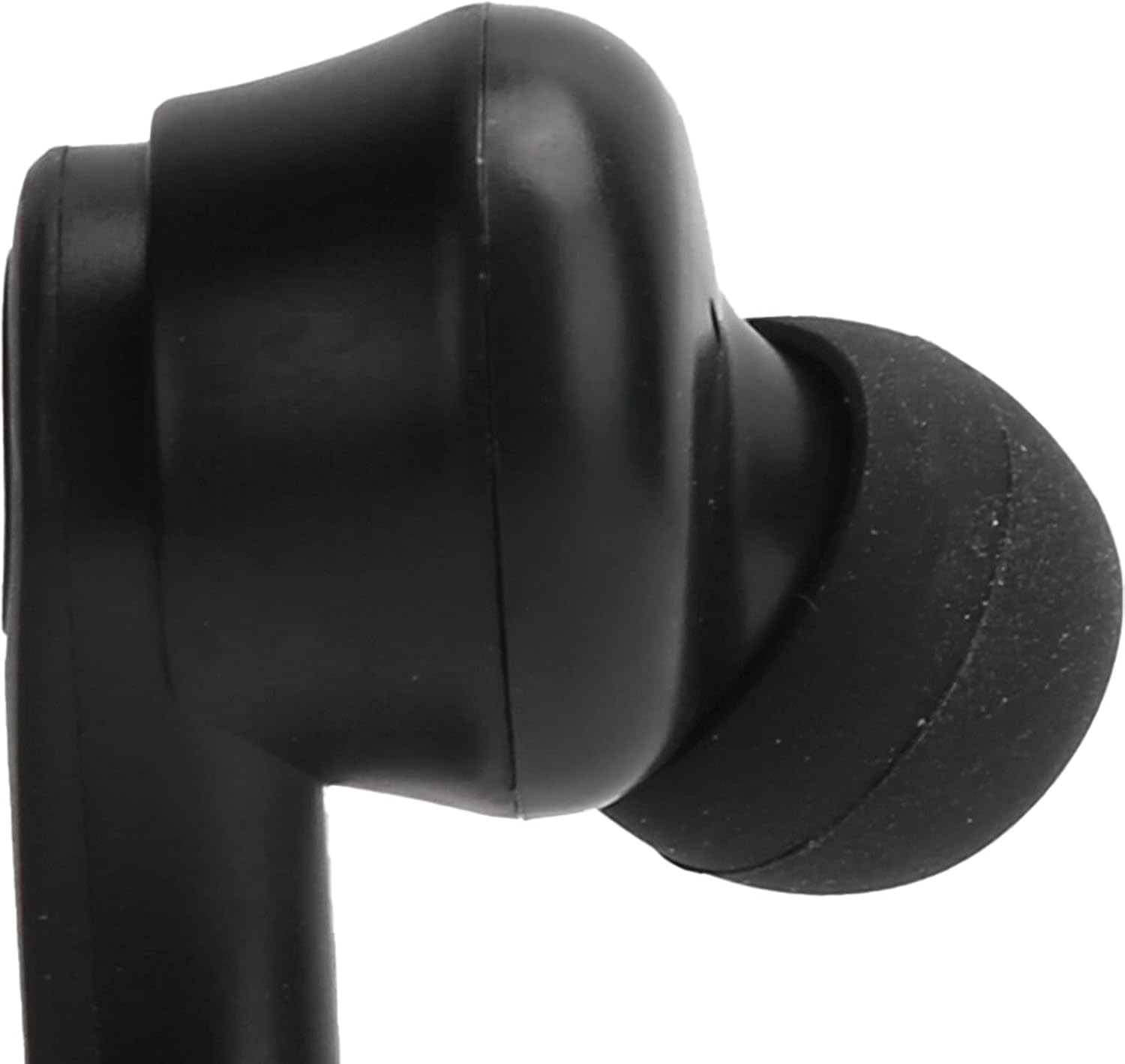
Image: A close-up view of the left earbud's stem, indicating its designation.
Maintenance
Proper maintenance ensures the longevity and optimal performance of your Dilwe TS100 earbuds.
- Cleaning: Regularly clean the earbuds and charging case with a soft, dry, lint-free cloth. Avoid using abrasive materials or harsh chemicals. Gently clean the ear tips and speaker mesh to prevent wax buildup.
- Storage: When not in use, store the earbuds in their charging case to protect them from dust, damage, and to keep them charged.
- Battery Care: To prolong battery life, avoid fully discharging the earbuds and charging case frequently. Charge them regularly, even if not in constant use. The earbuds offer a standby time of 1-2 months.
- Water Resistance: The earbuds feature anti-sweat performance, making them suitable for workouts. However, they are not fully waterproof. Avoid submerging them in water or exposing them to heavy rain.
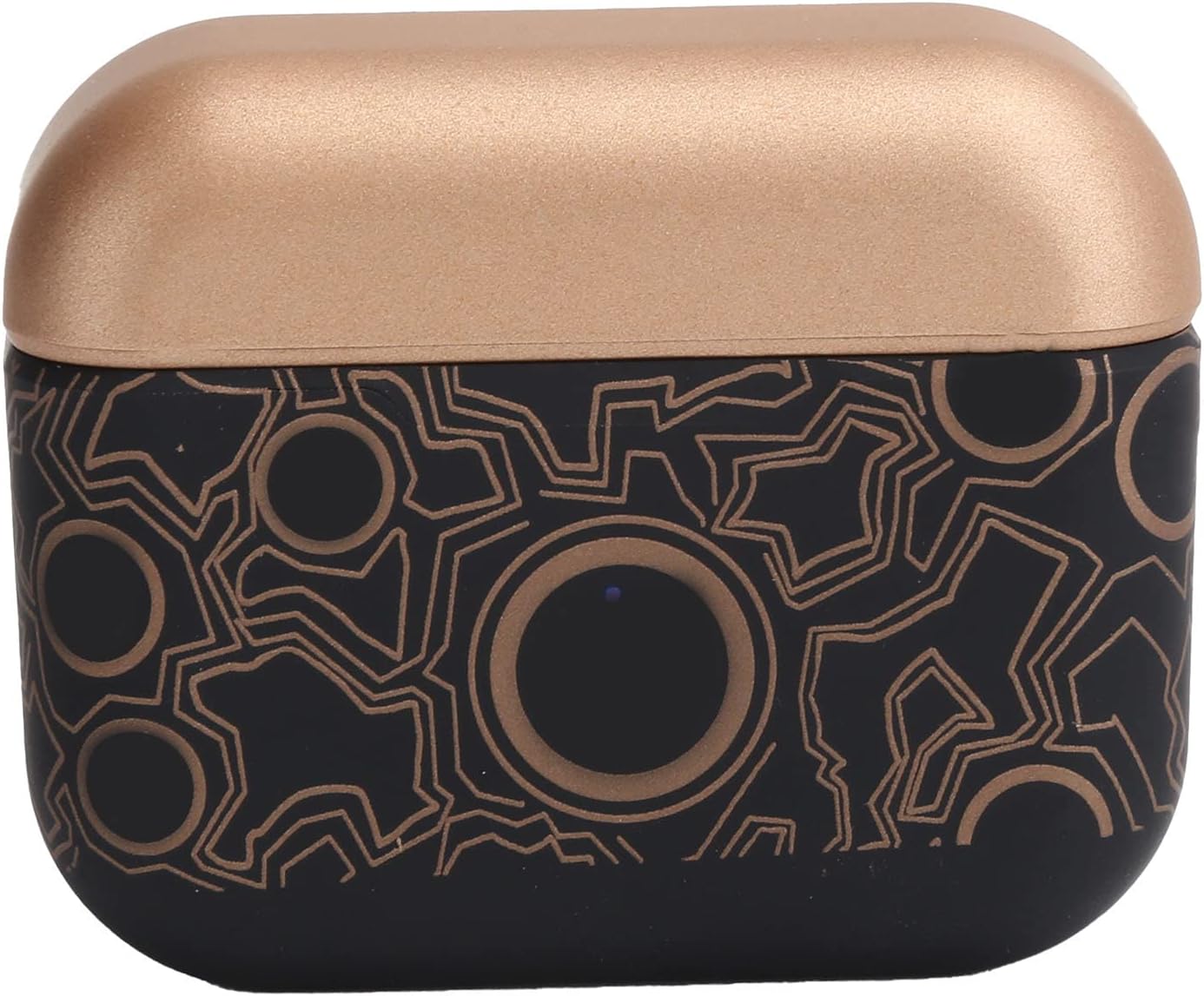
Image: A detailed view of the earbud's tip and speaker mesh, emphasizing areas for cleaning.
Troubleshooting
If you encounter issues with your Dilwe TS100 earbuds, try the following solutions:
- Earbuds not pairing:
- Ensure both earbuds are removed from the charging case.
- Turn off Bluetooth on your device, then turn it back on.
- Forget "TS100" from your device's Bluetooth list and attempt to pair again.
- Ensure earbuds and device are within the 18-20m operating range.
- No sound from one earbud:
- Place both earbuds back into the charging case, close the lid, wait a few seconds, then remove them again.
- Check your device's audio settings to ensure balance is centered.
- Earbuds not charging:
- Ensure the USB-C cable is securely connected to both the charging case and the power source.
- Verify the power source is active.
- Clean the charging contacts on both the earbuds and inside the charging case.
- Touch controls unresponsive:
- Ensure your fingers are clean and dry when using touch controls.
- Restart the earbuds by placing them in the case and taking them out again.
Specifications
| Feature | Detail |
|---|---|
| Item Type | Bluetooth Earbuds |
| Brand | Dilwe |
| Model | TS100 |
| Material | ABS |
| Weight | Approx. 120g / 4.2oz |
| Bluetooth Version | V5.0 |
| Horn Diameter | 13mm |
| Operating Distance | 18-20m |
| Earbud Battery Capacity | 50mAh Polymer Lithium Battery (built-in) |
| Charging Case Capacity | 400mAh Polymer Lithium Battery (built-in) |
| Standby Time | 1-2 months |
| Talk/Music Playing Time | 3-5 hours |
| Charging Interface | USB-C |
| Charging Time | 1-2 hours |
| Frequency | 2400.0-2483.5MHz |
| Control Method | Touch Control |
| Noise Control | Sound Isolation / Noise Reduction |
| Additional Features | Ergonomic, Anti-sweat performance |
Product Overview Video
Video: An official overview of the Dilwe TS100 True Wireless Earbuds, demonstrating key features and design.
Warranty & Support
Dilwe products are designed and manufactured to the highest quality standards. While specific warranty details are not provided in this manual, please refer to the retailer's return policy or the official Dilwe brand store for information regarding warranty coverage and customer support.
For further assistance, you may visit the Dilwe Store on Amazon.