
1. Product Overview
The Rocketek 65W Dell Laptop Charger is designed to provide reliable power to compatible Dell laptops. It features an input voltage range of 100-240V and an output of 19.5V at 3.34A, delivering 65W of power. The charger is also compatible with devices requiring 45W (19V, 2.31A). The connector size is 4.5mm outer diameter with a 3.0mm inner diameter.
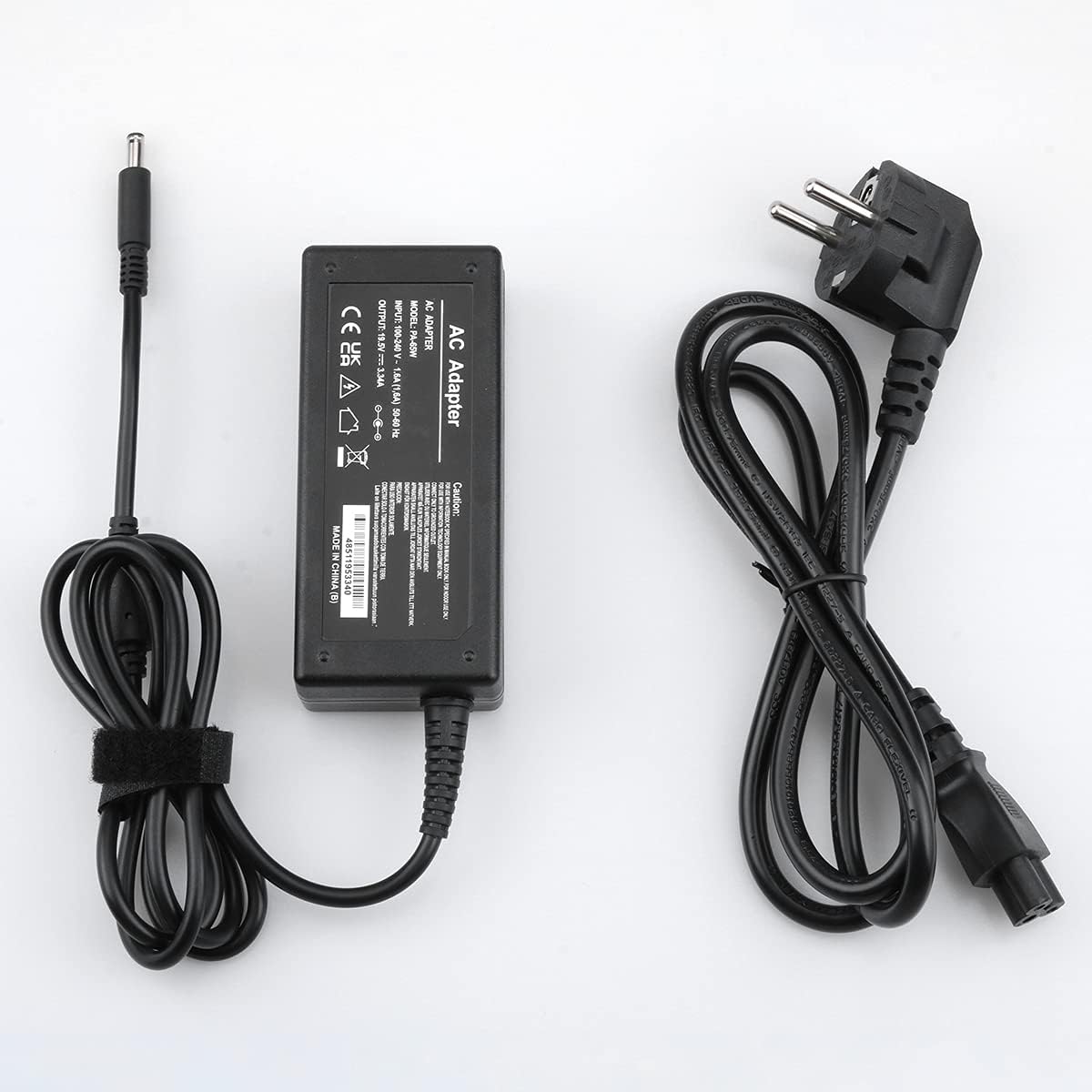
Image 1.1: The Rocketek 65W Dell Laptop Charger includes the AC adapter unit and a detachable power cable.
2. Setup Instructions
Follow these steps to set up your Rocketek laptop charger:
- Connect the AC Power Cable: Insert the AC power cable into the adapter unit. Ensure it is firmly seated.
- Plug into Power Outlet: Connect the other end of the AC power cable into a standard wall power outlet (100-240V).
- Connect to Laptop: Insert the DC connector (the round plug) from the adapter into the power input port on your Dell laptop. Ensure the connection is secure.
- Verify Charging: Confirm that your laptop indicates it is receiving power and charging.
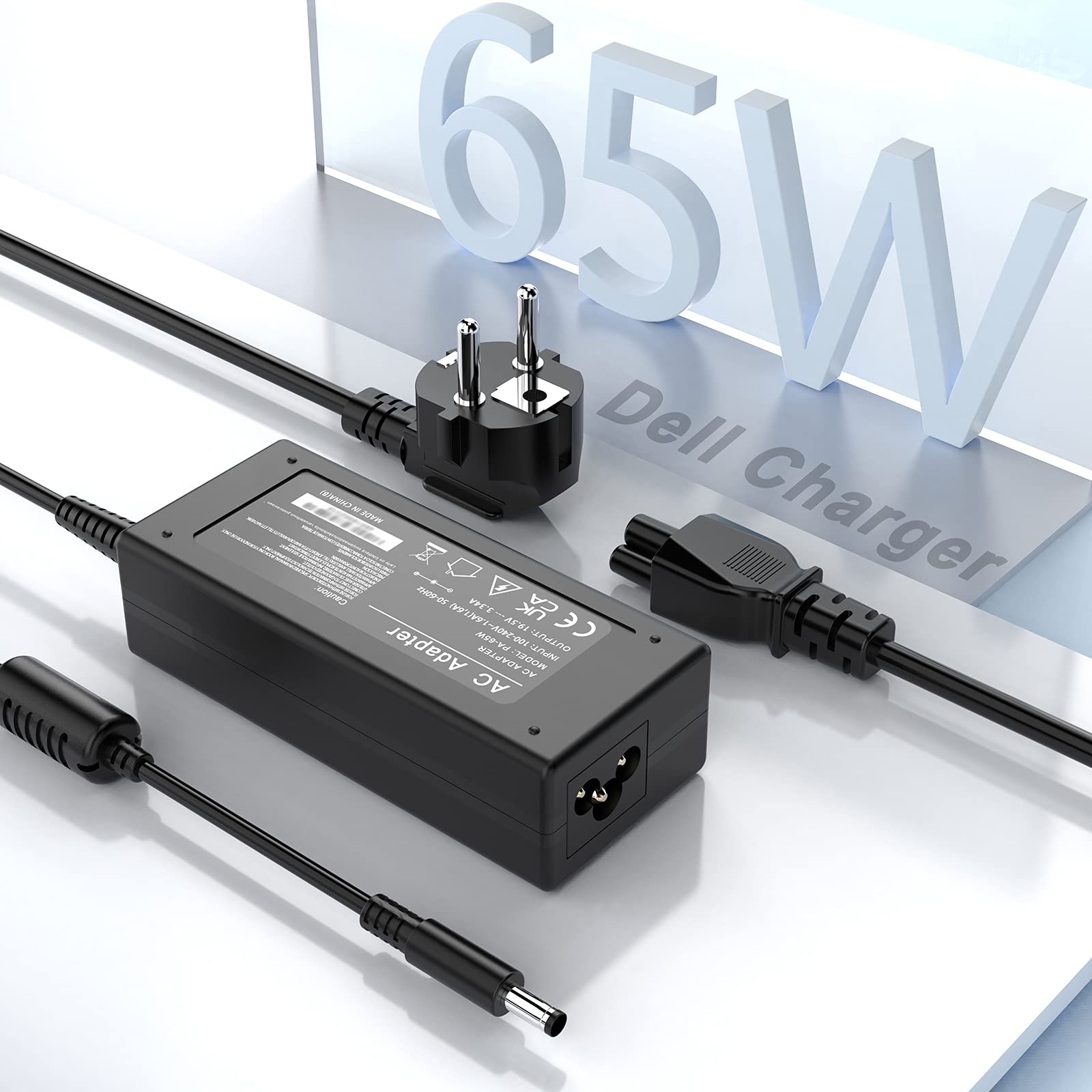
Image 2.1: The charger connected to a Dell laptop and a power strip, illustrating a typical setup.
Important Note: Before connecting, always verify that your laptop's power requirements (voltage, amperage, and wattage) and the DC connector size match the specifications of this charger. This charger is designed for Dell laptops requiring 19.5V, 3.34A (65W) or 19V, 2.31A (45W) with a 4.5mm x 3.0mm connector.
3. Operating Instructions
Once connected, the charger will automatically begin supplying power to your laptop and charging its battery. The charger is equipped with multiple safety features to protect your device:
- Overcharge Protection: Prevents battery damage from excessive charging.
- Overcurrent Protection: Safeguards against damage from current surges.
- Overvoltage Protection: Protects against damage from voltage fluctuations.
- Short-circuiting Protection: Automatically cuts power in case of a short circuit.
- Over-Power Protection: Ensures the charger operates within safe wattage limits.
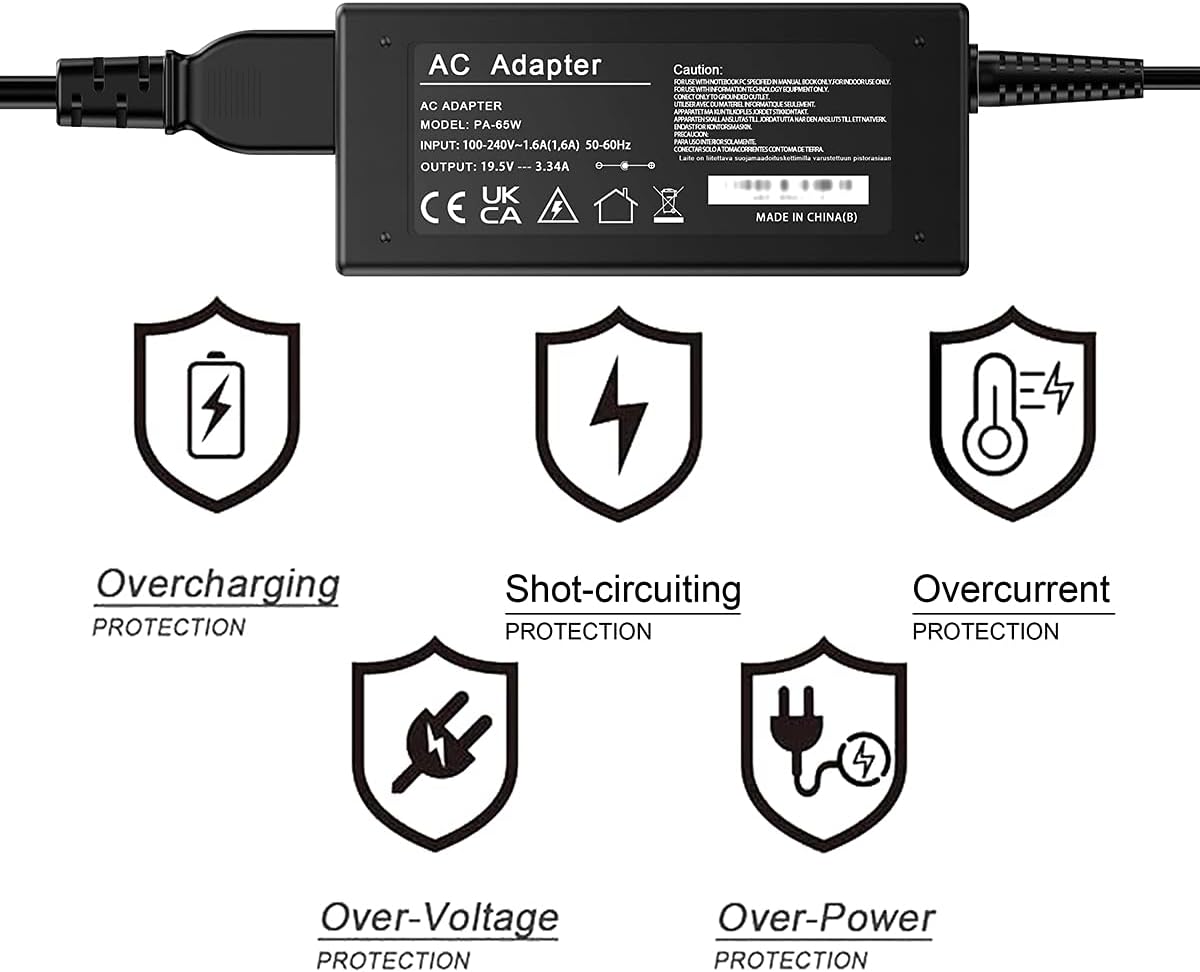
Image 3.1: Visual representation of the multi-protection features integrated into the charger.
4. Maintenance
To ensure the longevity and optimal performance of your Rocketek charger, follow these maintenance guidelines:
- Keep Clean: Regularly wipe the charger and cables with a dry, soft cloth to remove dust and dirt.
- Avoid Extreme Conditions: Do not expose the charger to extreme temperatures, high humidity, or direct sunlight.
- Handle Cables Carefully: Avoid bending or twisting the cables sharply, especially near the connectors, to prevent internal wire damage.
- Store Properly: When not in use, store the charger in a cool, dry place. Avoid wrapping cables too tightly around the adapter.
5. Troubleshooting
If you encounter issues with your charger, refer to the following troubleshooting tips:
- Charger Not Supplying Power:
- Ensure all cable connections are secure at both the wall outlet and the laptop.
- Try plugging the charger into a different wall outlet to rule out a faulty socket.
- Check if the power indicator light (if present) on the adapter is on.
- Laptop Not Charging:
- Verify that the charger's specifications (voltage, amperage, wattage) and connector size (4.5mm x 3.0mm) precisely match your laptop's requirements. An incorrect connector size or power rating will prevent charging.
- Restart your laptop.
- Inspect the DC connector for any physical damage or debris.
- Overheating:
- Ensure the charger is placed in a well-ventilated area and not covered by objects that could trap heat.
- If overheating persists, discontinue use and contact support.

Image 5.1: Illustration of correct (4.5mm x 3.0mm) versus incorrect (7.4mm x 5.0mm) DC connector types. Always ensure your laptop's connector matches the charger.
6. Specifications
| Feature | Specification |
|---|---|
| Input Voltage | AC 100-240V, 1.6A, 50-60Hz |
| Output Voltage/Current | DC 19.5V, 3.34A |
| Power Output | 65W (Compatible with 45W, 19V, 2.31A) |
| DC Connector Size | Outer Diameter: 4.5mm; Inner Diameter: 3.0mm |
| DC Cable Length | 120 cm (47.2 inches) |
| AC Cable Length | 120 cm (47.2 inches) |
| Certifications | CE, FCC, RoHS |
| Dimensions (Adapter) | Approx. 10.6 cm x 4.7 cm x 3 cm (4.2 in x 1.8 in x 1.2 in) |

Image 6.1: Detailed dimensions of the adapter unit and lengths of the DC and AC cables.
Compatible Dell Laptop Series (Partial List):
- Dell XPS 12, XPS 13, XPS 15
- Dell Inspiron 11, 12, 13, 14, 15, 17 series (e.g., 3000, 5000, 7000 series)
- Dell Vostro 14, 15 series
- Dell Latitude 3490, 3590
- Dell Chromebook 13 7310
Note: This list is illustrative. Always confirm your specific laptop model's power requirements and connector type against the charger's specifications.
7. Warranty and Support
Rocketek provides the following warranty and support for this product:
- Replacement or Refund: Free replacement or refund within 3 months of purchase for quality issues.
- Manufacturer's Warranty: 12-month manufacturer's warranty from the date of purchase.
For any quality issues or support inquiries, please contact Rocketek customer service through your purchase platform. Provide your order number and a detailed description of the issue for prompt assistance.