Introduction
The Noise Buds Play V2 Truly Wireless Earbuds are designed to provide a superior audio experience with features like Tru Bass Technology, in-ear detection, and Environmental Noise Cancellation with a 4-mic system. This manual provides detailed instructions for setup, operation, maintenance, and troubleshooting to ensure optimal performance of your earbuds.
What's in the Box
- 1N Bluetooth Headphone
- 1N Charging Case
- 1N Type C Charging Cable
- 1N User Manual

Image: The Noise Buds Play V2 earbuds are shown inside their open charging case, both in Celeste Blue. This image illustrates the complete product package as it appears when unboxed.
Setup
1. Charging the Earbuds and Case
Before first use, fully charge the earbuds and the charging case. Connect the provided Type C charging cable to the charging case and a power source. The indicator lights on the case will show charging status. Once fully charged, disconnect the cable.
2. Pairing with Your Device (Google Fast Pair)
The Noise Buds Play V2 support Google Fast Pair for quick and easy connection with Android devices (v6.0 & above).
- Ensure Bluetooth is enabled on your Android device.
- Open the charging case with the earbuds inside.
- A pop-up notification will appear on your Android device for instant pairing. Tap to connect.
- For other devices, open the case, and the earbuds will enter pairing mode. Select "Noise Buds Play V2" from your device's Bluetooth settings.

Image: A smartphone screen displays a "Buds Play" pop-up notification, indicating the Google Fast Pair feature for seamless device connection.
3. Smart In-Ear Detection
The earbuds feature smart in-ear detection for automatic playback control:
- When an earbud is removed from your ear, media playback will automatically pause.
- When the earbud is placed back in your ear, media playback will automatically resume.

Image: A diagram illustrating the in-ear detection functionality, showing how removing an earbud pauses audio and reinserting it resumes playback.
Operating Instructions
1. Touch Controls
The Noise Buds Play V2 feature full touch controls for managing music, calls, and voice assistants. Refer to the quick start guide included in the box for specific tap functions (e.g., single tap for play/pause, double tap for next track, etc.).

Image: A close-up view of an earbud highlighting the location of the touch sensor, indicating where to interact for control commands.
2. Call Management (Environmental Noise Cancellation)
Equipped with a quad-mic system and Environmental Noise Cancellation (ENC), the earbuds ensure clear calls even in noisy environments. Your voice is isolated from surrounding sounds, allowing for clear communication.

Image: A person wearing the earbuds in a busy city setting, visually representing the effectiveness of the Environmental Noise Cancellation for clear calls.
3. Tru Bass Technology
Experience enhanced audio with Tru Bass Technology, delivering deep and rich bass for an immersive listening experience.
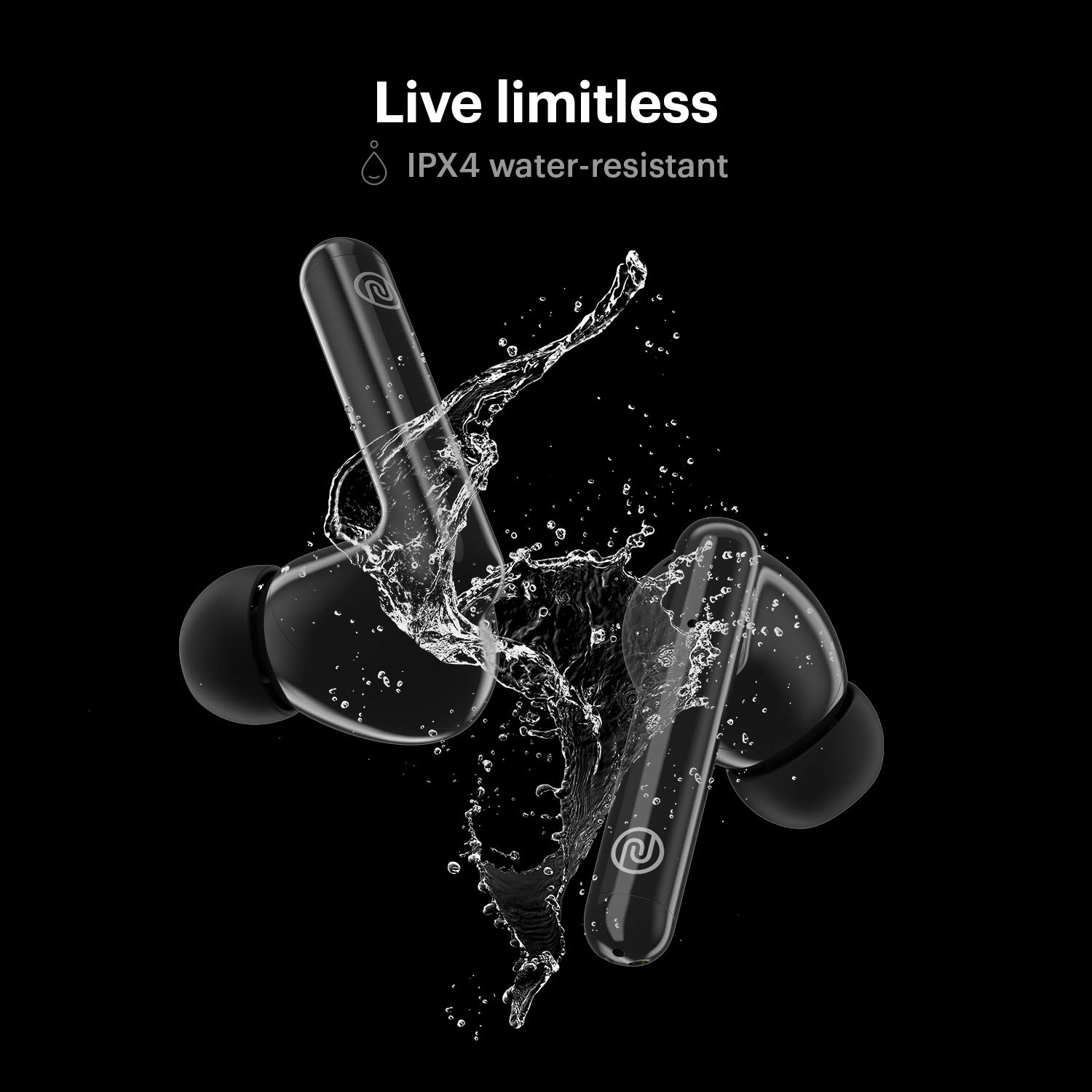
Image: An abstract graphic illustrating sound waves emanating from an earbud, symbolizing the powerful and deep audio output provided by Tru Bass Technology.
4. Battery Life
The earbuds offer up to 5 hours of playtime on a single charge, with a total playtime of up to 25 hours including the charging case.

Image: A visual representation highlighting "25hr total playtime" with the earbuds and charging case, emphasizing the extended battery life.
Maintenance
1. Cleaning
Regularly clean your earbuds and charging case to maintain optimal performance and hygiene. Use a soft, dry, lint-free cloth. Do not use abrasive cleaners or submerge the devices in water.
2. Water Resistance (IPX4)
The Noise Buds Play V2 are IPX4 water-resistant, meaning they are protected against splashing water from any direction. This makes them suitable for workouts and light rain. However, they are not designed for swimming or submersion in water.

Image: Two earbuds are depicted with water splashing around them, visually confirming their IPX4 water-resistant rating.
Troubleshooting
| Problem | Possible Solution |
|---|---|
| Earbuds not pairing or only one earbud connects. |
|
| Poor call quality / Others cannot hear me clearly. |
|
| Audio cutting in and out / Bluetooth disconnection. |
|
| In-ear detection not working. |
|
Specifications
| Feature | Detail |
|---|---|
| Model Name | Buds Play V2 |
| Connectivity Technology | Wireless (Bluetooth) |
| Bluetooth Version | 5.0 |
| Control Method | Touch |
| Microphone Format | With microphone (Quad Mic System) |
| Noise Control | Environmental Noise Cancellation (ENC) |
| Battery Life (Total) | Up to 25 Hours (with charging case) |
| Water Resistance Level | IPX4 Water Resistant |
| Compatible Devices | Android and iOS |
| Charging Port | USB Type C |
| Item Weight | 50 Grams |
| Product Dimensions | 6.01 x 2.46 x 5.91 cm |
| Color | Celeste Blue |
Warranty and Support
Warranty: Get a 1-year assured warranty from Noise by registering your product on support.gonoise.in.
Customer Support: For product-related queries or assistance, please reach out to Noise customer support:
- Phone: 8882132132
- Email: productfeedback@nexxbase.com
Manufacturer: TSL, Fulongfuhe Road, Dongguan city - 523025
Importer/Packer: Nexxbase Marketing Pvt. Ltd, Khasra No-146/25/2/1, Jail Road Badshahpur, Gurugram Haryana-122101


