1. Introduction
This manual provides detailed instructions for the proper use, setup, and maintenance of your Oraimo AirBuds-2S V5.0 Bluetooth Truly Wireless Earbuds. Please read this manual thoroughly before using the product to ensure optimal performance and longevity.
2. What's in the Box
- Oraimo AirBuds-2S Truly Wireless Earbuds
- Charging Case
- USB Charging Cable
- User Manual
- Eartips (various sizes)
3. Product Overview
The Oraimo AirBuds-2S are designed for a truly wireless audio experience, featuring Bluetooth 5.0 connectivity, touch controls, and a lightweight, ergonomic design. The earbuds come with a portable charging case for extended battery life.

Image: Oraimo AirBuds-2S Truly Wireless Earbuds and Charging Case. The image displays the black earbuds resting inside their open charging case, with one earbud shown separately for detail.
4. Key Features
- Bluetooth 5.0: Ensures a faster and more stable wireless connection for seamless audio.
- Extended Playback Time: Up to 5 hours of playback on a single charge, with an additional 15 hours provided by the charging case, totaling 20 hours.
- Ergonomic Design: Lightweight and designed for comfortable, secure wearing throughout the day.
- Immersive Sound with Super Bass: Features 8mm NdFeB drivers for powerful, punchy low-end sound.
- Intuitive Touch Controls: Manage music playback, calls, and voice assistant activation with simple taps.
- Noise Isolation: Designed to reduce ambient noise for a clearer listening experience.
- Water Resistant: Provides protection against splashes and sweat.

Image: Internal driver diagram illustrating stereo sound quality. This graphic shows the components of an earbud driver and sound waves.

Image: Earbud showcasing advanced Bluetooth 5.0 technology. The image highlights the internal circuit board of an earbud with a '5.0' graphic.
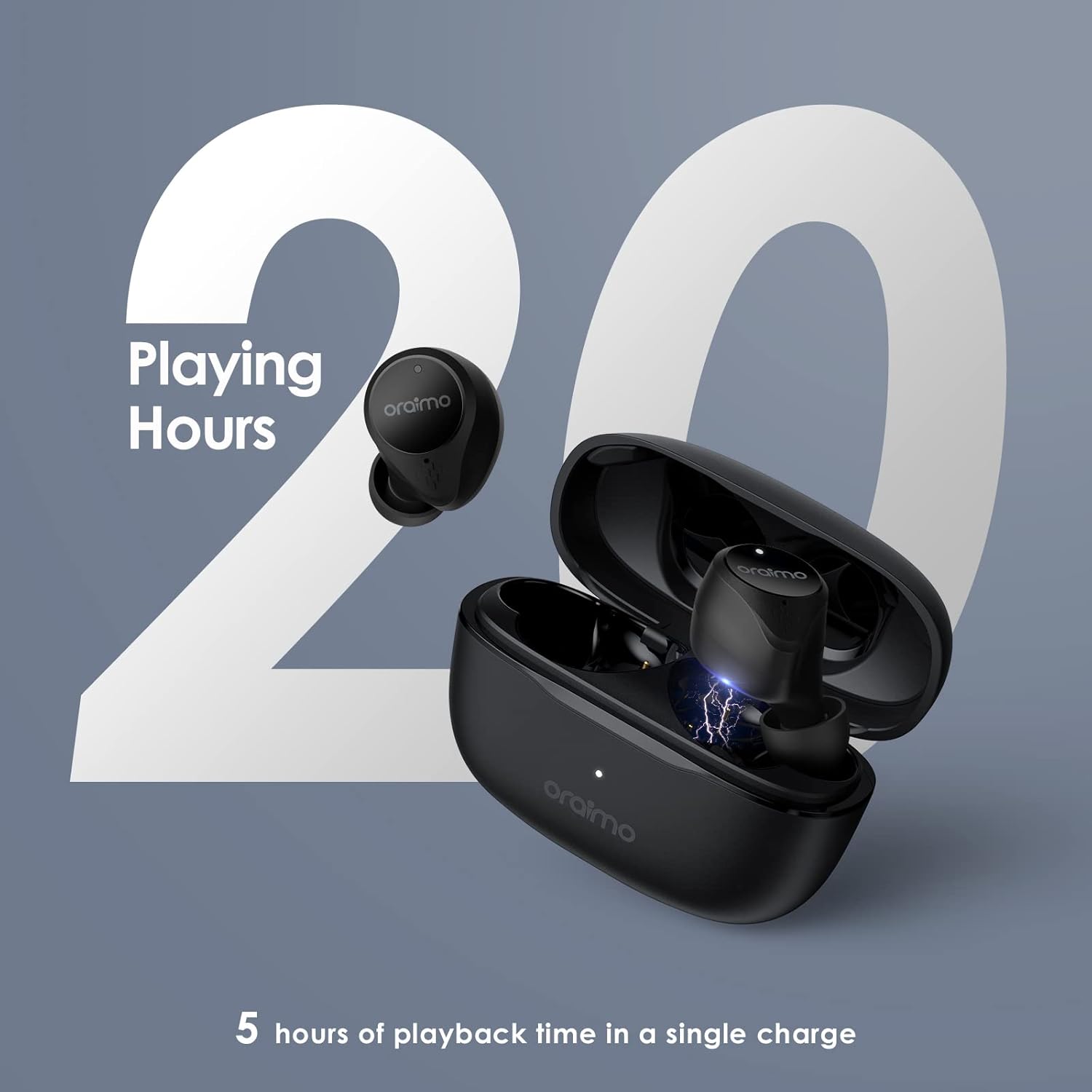
Image: Oraimo AirBuds-2S with a graphic indicating 20 hours of total playing time. The earbuds are shown with their charging case, emphasizing battery endurance.
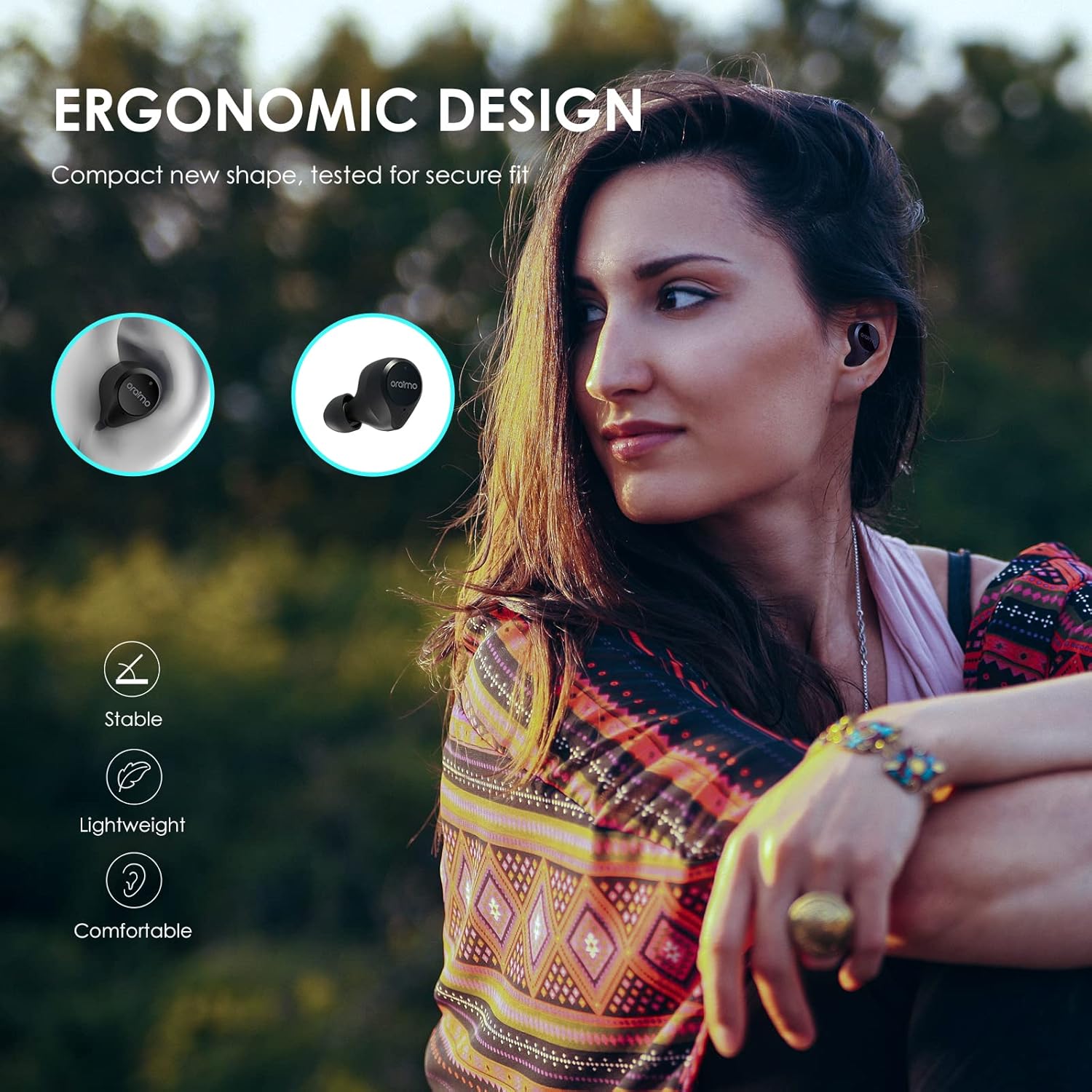
Image: A person wearing Oraimo AirBuds-2S, demonstrating the ergonomic and comfortable fit. The image emphasizes the stable, lightweight, and comfortable design.
5. Setup Guide
5.1 Charging the Earbuds and Case
Before first use, fully charge the earbuds and charging case. Connect the provided USB charging cable to the charging port on the case and a power source. The indicator light on the case will show charging status.
- A full charge provides up to 5 hours of playback time for the earbuds.
- The charging case provides an additional 15 hours of battery life, extending total playback to 20 hours.
- Charging time for the case is approximately 5 hours.

Image: Graphic illustrating the 20-hour total battery life of the Oraimo AirBuds-2S. The image shows the earbuds and charging case with a '20h' indicator.
5.2 Initial Pairing
- Ensure the earbuds are charged.
- Open the charging case. The earbuds will automatically enter pairing mode.
- On your device (smartphone, tablet, etc.), enable Bluetooth.
- Search for available Bluetooth devices and select "Oraimo AirBuds-2S" from the list.
- Once connected, you will hear a confirmation tone, and the earbuds will be ready for use.
After initial setup, the earbuds will automatically connect to your device when the charging case is opened, provided Bluetooth is enabled on your device.

Image: A smartphone screen displaying Bluetooth settings, showing "oraimo Airbuds 2S" as a connected device, illustrating the easy pairing process.
6. Operating Instructions
6.1 Touch Controls
The Oraimo AirBuds-2S feature intuitive touch controls on both earbuds. The functions are as follows:
| Action | Function |
|---|---|
| Single Tap (MFB button) | Play/Pause music, Answer/End a call |
| Double Tap (Right Earbud) | Next song |
| Double Tap (Left Earbud) | Previous song |
| Long Press (MFB button) | Reject a call, Activate voice assistant (Siri/Google) |
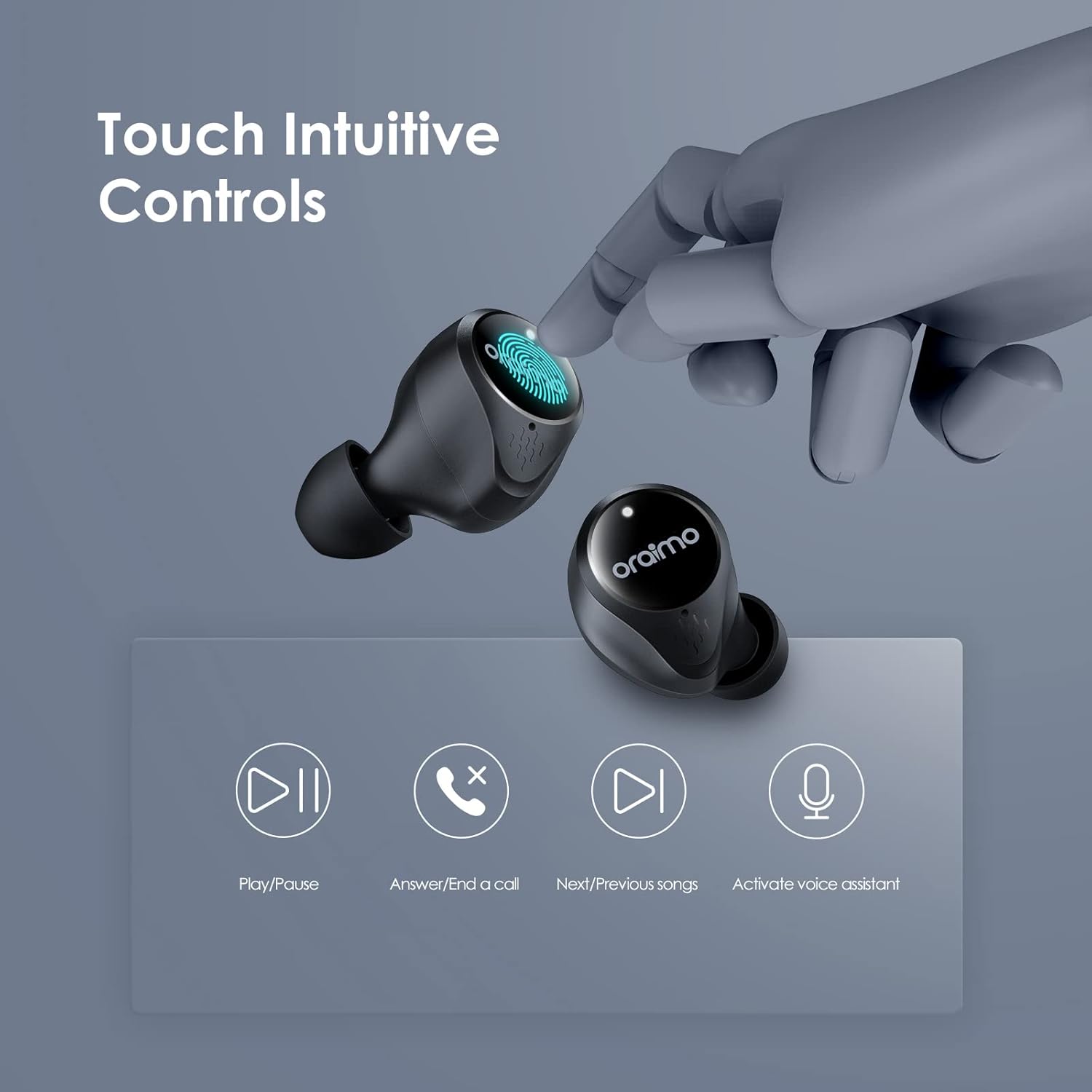
Image: Diagram illustrating the touch-sensitive area on the Oraimo AirBuds-2S and its corresponding functions for music and call management.
6.2 Calling
- Answer/End Call: Single tap the MFB button on either earbud.
- Reject Call: Long press the MFB button on either earbud.
6.3 Voice Assistant
Long press the MFB button on either earbud to activate your device's voice assistant (Siri for iOS, Google Assistant for Android).
7. Maintenance
- Cleaning: Regularly clean the earbuds and charging case with a soft, dry cloth. Avoid using harsh chemicals or abrasive materials.
- Storage: Store the earbuds in their charging case when not in use to protect them and keep them charged. Keep them in a cool, dry place away from extreme temperatures.
- Water Resistance: The earbuds are water-resistant, but not waterproof. Avoid submerging them in water or exposing them to heavy rain. Dry them thoroughly if they get wet.
- Charging Port: Keep the charging port free of dust and debris to ensure proper charging.
8. Troubleshooting
| Issue | Possible Solution |
|---|---|
| Earbuds not pairing | Ensure earbuds are charged. Turn off and on Bluetooth on your device. Forget the device in Bluetooth settings and re-pair. |
| Only one earbud working | Place both earbuds back in the case, close it, then open again. Ensure both earbuds are charged. |
| No sound | Check device volume. Ensure earbuds are connected. Try re-pairing. |
| Charging issue | Check charging cable and adapter. Ensure charging contacts on earbuds and case are clean. |
| Touch controls unresponsive | Ensure your fingers are clean and dry. Restart the earbuds by placing them in the case and taking them out. |
9. Specifications
| Feature | Detail |
|---|---|
| Model Name | OEB-E102DN |
| Connectivity Technology | Bluetooth 5.0 |
| Wireless Communication Technology | Bluetooth |
| Earpiece Shape | In Ear |
| Control Type | Touch, Call Control |
| Audio Driver Type | Dynamic Driver |
| Battery Life (Earbuds) | Up to 5 Hours |
| Total Playback Time (with Case) | Up to 20 Hours |
| Charging Time (Case) | Approximately 5 Hours |
| Bluetooth Range | Up to 10 Meters (33 feet) |
| Water Resistance Level | Water Resistant |
| Item Weight | 100 Grams |
| Material | Plastic |
| Compatible Devices | Cellphones (Android and iOS) |
| Noise Control | Sound Isolation |
10. Warranty and Support
Your Oraimo AirBuds-2S are covered by a 1-year manufacturer's warranty from the date of purchase. This warranty covers manufacturing defects and ensures your product functions as intended under normal use.
For warranty claims, technical support, or further assistance, please refer to the contact information provided on the product packaging or visit the official Oraimo website. You may also refer to the product detail page on Amazon for additional information.


