
1. Introduction
Thank you for choosing the Cello C1920S 19-inch HD Ready LED TV. This compact and elegant television is designed to provide a versatile viewing experience with a range of integrated features. This manual provides essential information for setting up, operating, and maintaining your new television.
The Cello C1920S features an integrated triple tuner for DVB-T2 (terrestrial), DVB-S2 (satellite), and DVB-C (cable) reception, allowing you to access a wide variety of channels. Its USB input enables recording of live television and playback of stored media. With multiple connectivity options including HDMI, USB, Scart, and VGA, you can easily connect external devices such as game consoles, hard drives, or use it as a computer monitor. This television is ideal for various settings, including homes, guest rooms, caravans, trucks, or boats.
2. What's Included
Please check the box contents carefully. If any items are missing or damaged, contact your retailer.
- Cello C1920S 19-inch LED TV
- Power Cable
- Remote Control
- 2 x AAA Batteries
- TV Stand
- Quick Start Guide
3. Setup
3.1 Unpacking and Placement
Carefully remove the TV from its packaging. Place the TV on a stable, flat surface or mount it on a wall using a compatible VESA mount (not included). Ensure adequate ventilation around the TV.
3.2 Attaching the Stand
If using the included stand, align the stand with the mounting holes on the bottom of the TV. Secure it with the provided screws. Refer to the Quick Start Guide for detailed illustrations.
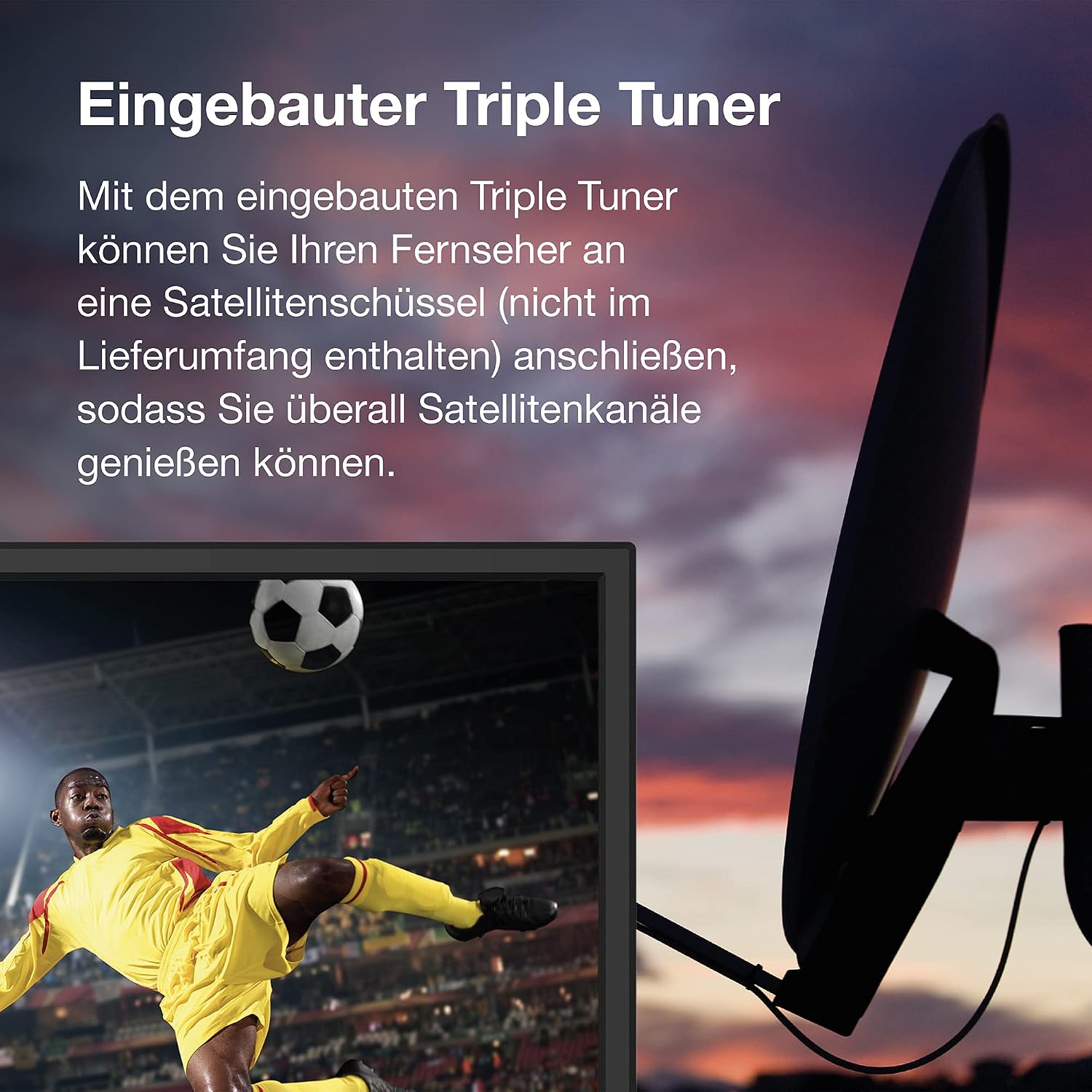
Image: Bottom view of the Cello C1920S TV, showing the attachment points for the stand.
3.3 Connecting Power
Connect the power cable to the TV's power input and then to a suitable wall outlet (100-240V AC, 50-60Hz).
3.4 Antenna/Satellite Connection
Connect your terrestrial antenna, satellite dish, or cable TV feed to the appropriate input on the TV's rear panel. The C1920S features an integrated triple tuner for DVB-T2, DVB-S2, and DVB-C.

Image: The Cello C1920S TV with an integrated satellite tuner, shown connected to a satellite dish for channel reception.
3.5 Connecting External Devices
Use the available ports (HDMI, USB, Scart, VGA) to connect external devices. For example, connect a game console or streaming device via HDMI.

Image: A hand connecting an HDMI cable to an external device, illustrating how to connect to the Cello C1920S TV's HDMI input.
3.6 Initial Setup Wizard
Upon first power-on, the TV will guide you through an initial setup process, including language selection, country, and channel scanning. Follow the on-screen instructions.
4. Operating
4.1 Remote Control
Insert the two AAA batteries into the remote control, ensuring correct polarity. The remote control allows you to power on/off, change channels, adjust volume, access menus, and control other TV functions.
4.2 Channel Tuning
After initial setup, you can re-scan for channels or fine-tune settings via the TV's menu. Navigate to the 'Channel' or 'Setup' section in the main menu to access tuning options for DVB-T2, DVB-S2, or DVB-C.
4.3 USB Recording (PVR) and Media Playback
Connect a USB storage device (e.g., a USB flash drive or external hard drive) to the TV's USB port to enable PVR (Personal Video Recorder) functionality. You can record live TV programs or pause live broadcasts. The USB port also supports playback of various media files (photos, music, videos) stored on your USB device.

Image: A hand inserting a USB drive into the USB port on the side of the Cello C1920S TV, demonstrating USB connectivity for recording and media playback.
4.4 Electronic Program Guide (EPG)
Access the Electronic Program Guide (EPG) to view upcoming TV schedules and program information. This feature helps you plan your viewing and set reminders or recordings.
4.5 Parental Control
The TV includes parental control features to restrict access to certain channels or programs based on age ratings. Refer to the TV's menu settings for configuration.
5. Maintenance
5.1 Cleaning the TV
Before cleaning, unplug the TV from the power outlet. Use a soft, dry cloth to wipe the screen and cabinet. For stubborn marks, lightly dampen the cloth with water or a mild, non-abrasive screen cleaner. Avoid using harsh chemicals or abrasive materials.
5.2 Remote Control Battery Replacement
When the remote control's range decreases or it stops responding, replace the AAA batteries. Ensure correct polarity when inserting new batteries.
6. Troubleshooting
If you encounter issues with your TV, refer to the following common troubleshooting steps. For more detailed solutions, consult the full user manual available online.
- No Power: Ensure the power cable is securely connected to both the TV and the wall outlet. Check if the outlet is functioning.
- No Picture/Sound: Verify that the correct input source is selected. Check all cable connections (antenna, HDMI, etc.). Perform a channel scan if using an antenna or satellite.
- Poor Picture Quality: Adjust picture settings (brightness, contrast, sharpness) in the TV menu. Ensure your antenna or satellite signal is strong and properly aligned.
- Remote Control Not Working: Check and replace the batteries. Ensure there are no obstructions between the remote and the TV's IR sensor.
- USB Device Not Recognized: Ensure the USB device is formatted correctly (FAT32 or NTFS) and that the files are compatible. Try a different USB port or device.
7. Specifications
| Feature | Specification |
|---|---|
| Model Number | C1920S |
| Screen Size | 19 inches (47 cm diagonal) |
| Resolution | HD Ready (1366 x 768 pixels) |
| Display Technology | LED |
| Refresh Rate | 60 Hz |
| Tuners | DVB-C, DVB-T, DVB-T2, DVB-S, DVB-S2 |
| Connectivity | 1x HDMI, 1x USB, Scart, VGA, CI Slot, 3.5mm Audio |
| Aspect Ratio | 16:9 |
| Dimensions (D x W x H) | 7P x 35l x 28H cm (without stand) |
| Weight | 3 Kilograms |
| Power Consumption (SDR) | 17.0 W |
| Power Consumption (Standby) | 0.3 W |
| Power Supply | 100-240 V AC, 50-60 Hz |
| Special Features | Parental Control, USB Recording (PVR), EPG |
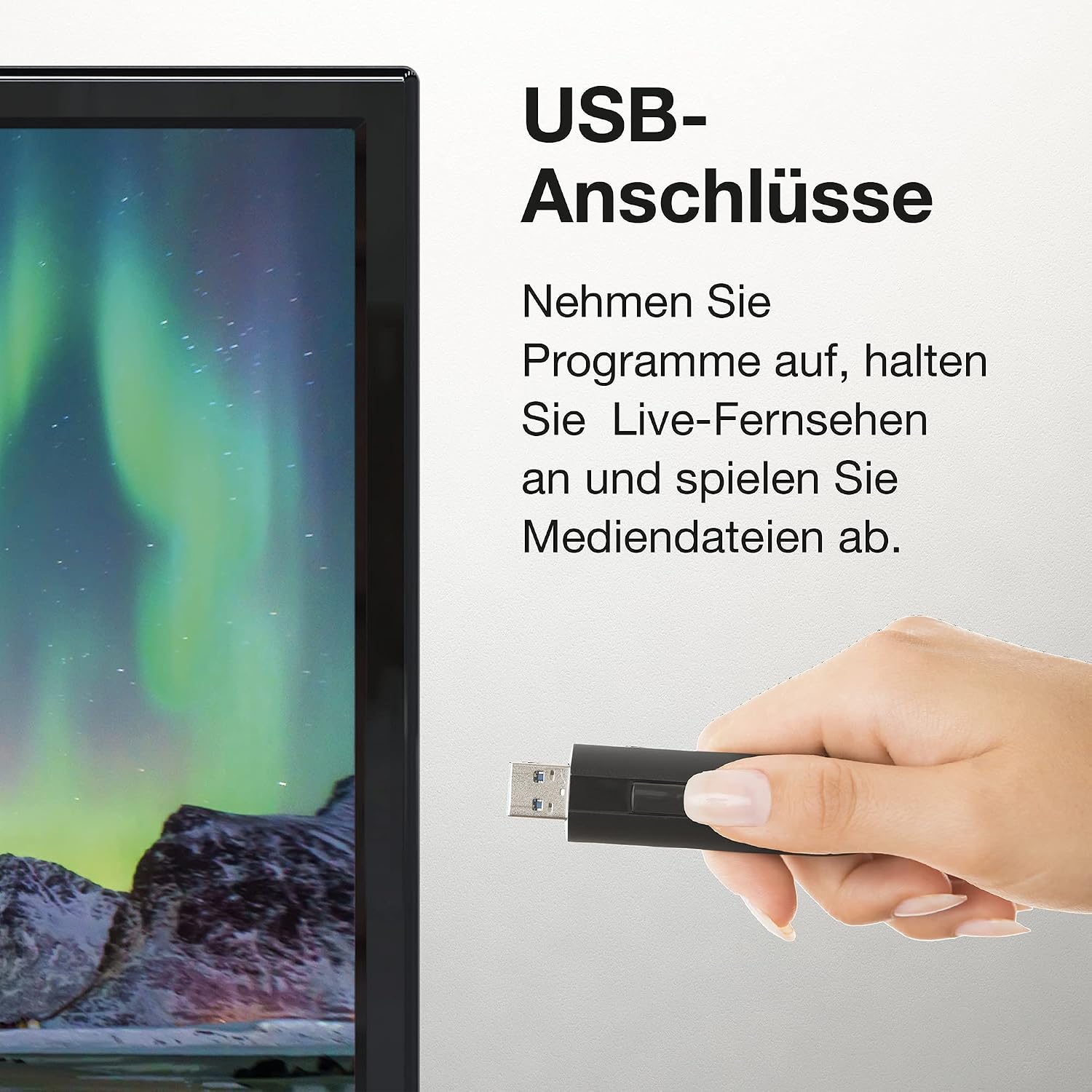
Image: Product dimensions of the Cello C1920S TV, showing width (440mm), height (307mm), and depth (160mm with stand).

Image: EU Energy Label for the Cello C1920S TV, indicating an energy efficiency class F and 17 kWh per 1000 hours of operation. For more details, visit eprel.ec.europa.eu/qr/566345.
8. Warranty and Support
Cello televisions are manufactured in England, ensuring quality and reliability. For customer service and support, Cello provides a customer hotline in Europe.
For the most up-to-date and comprehensive user manual in your preferred language, please visit the official Cello Electronics website:


