
1. Introduction
The DEPSTECH 1944P HD Wireless Endoscope (Model WF050) is a high-resolution inspection camera designed for various applications, including motor engine inspection, sewer and plumbing analysis, and general home appliance repairs. It features a 5MP camera, 3X digital zoom, and 6 adjustable LED lights for clear visibility in dark and wet environments. The semi-rigid cable allows for flexible maneuvering into tight spaces. This manual provides essential information for setting up, operating, maintaining, and troubleshooting your endoscope.

Figure 1: DEPSTECH WF050 Wireless Endoscope
2. Key Features
- 1944P HD Video Inspection Camera & One-Click Photo Taking: Equipped with a 2nd generation COMS chip, this endoscope captures 5MP clear pictures and fluent 1944P HD video. Photos and videos can be taken with a single click.
- 3X Zoom Feature: Allows for 3X magnification to get a closer look at details. The optimal observation distance is between 2.76 inches and 15.7 inches.
- Flexible Semi-rigid Snake Camera: The 16.5-foot long semi-rigid cable can be bent and holds its shape, extending into various corners. The probe has a small diameter of 8.5 mm, suitable for narrow spaces.
- IP67 Waterproof Endoscope & 6 LED Lights: The camera lens and cable are waterproof, enabling use in wet and dark environments. Six adjustable LED lights on the camera tip and a bright LED flashlight on the body ensure clear visibility.
- Helpful Attachments: Includes a mirror for side viewing, and a magnet and hook for retrieving objects.

Figure 2: 1944P HD Camera Clarity

Figure 3: 3X Digital Zoom Function

Figure 4: One-Click Photo Taking
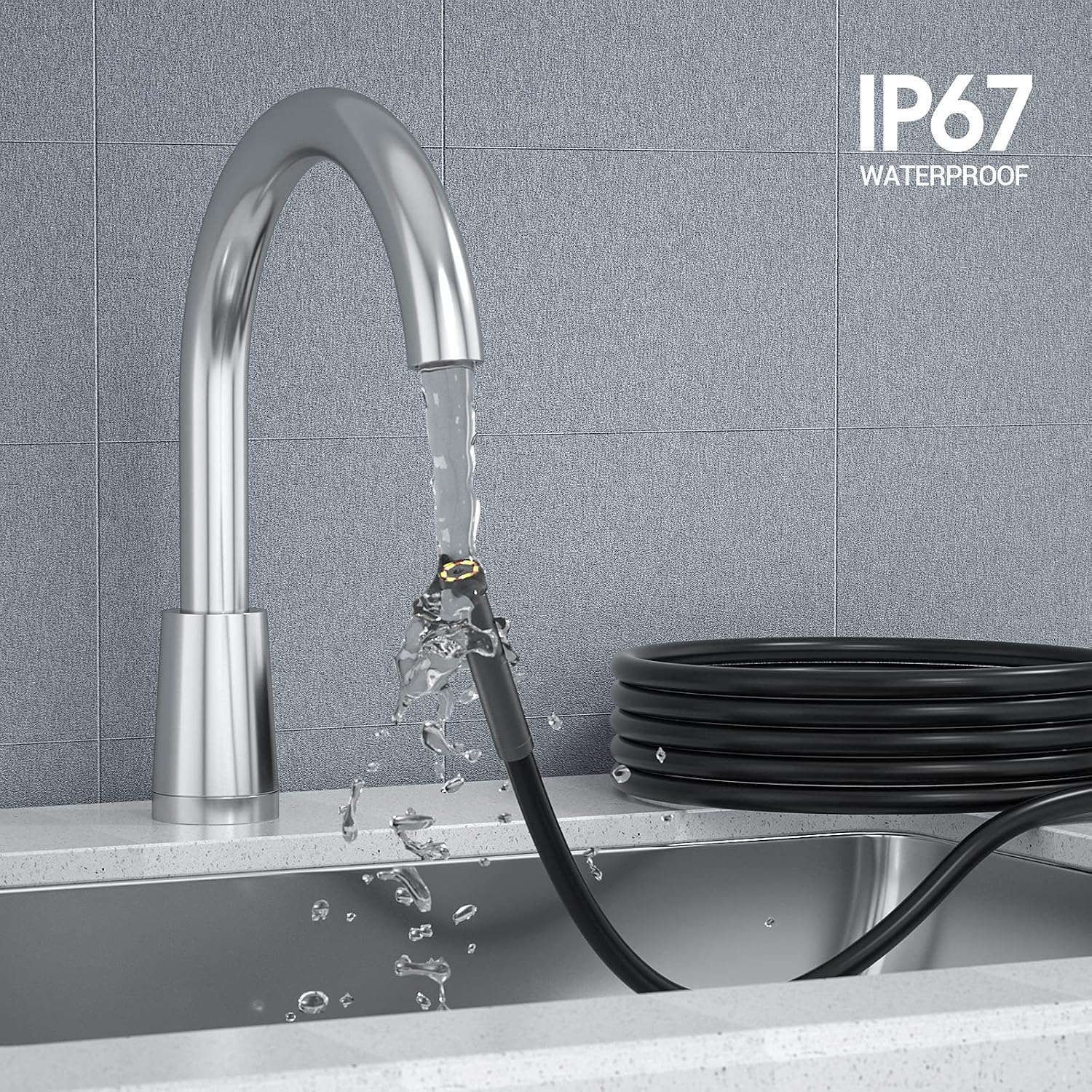
Figure 5: Included Accessories
Product Demonstration Video
Video 1: Official DEPSTECH demonstration of the WF050 endoscope's capabilities, including its 1944P resolution and various inspection uses.
3. Setup Guide
3.1 Package Contents
Before starting, ensure all items are present in the package:
- DEPSTECH WF050 Wireless Endoscope
- USB Charging Cable
- Mirror Attachment
- Hook Attachment
- Magnet Attachment
- User Manual

Figure 6: Typical Package Contents
3.2 Initial Charging
Charge the endoscope fully before first use. Connect the USB charging cable to the endoscope's charging port and a standard USB power adapter (not included). The charging indicator light will show the charging status.
3.3 App Installation
This wireless endoscope requires a compatible application to display the camera feed on your smartphone or tablet. Search for the official DEPSTECH app on your device's app store (e.g., Apple App Store for iOS, Google Play Store for Android) and install it. Follow the on-screen instructions within the app for initial setup.
Figure 7: Device Compatibility
4. Operating Instructions
4.1 Power On/Off
Press and hold the power button on the control unit to turn the endoscope on or off. A blue indicator light will illuminate when the device is powered on.
4.2 Connecting to Your Device
- Power on the endoscope.
- On your smartphone or tablet, go to Wi-Fi settings.
- Locate and connect to the Wi-Fi network broadcast by the endoscope (usually named "DEPSTECH_XXXX"). No password is typically required.
- Open the installed DEPSTECH application. The camera feed should now be visible on your device's screen.
4.3 Adjusting LED Brightness
The endoscope features 6 adjustable LED lights on the camera tip. Use the dimmer wheel or dedicated buttons on the control unit to adjust the brightness level for optimal viewing in different lighting conditions.

Figure 8: LED Brightness Control
4.4 Capturing Photos and Videos
Press the dedicated photo/video button on the control unit to capture images or start/stop video recording. Captured media will be saved directly to your connected device via the app.

Figure 9: One-Click Capture Button
4.5 Using the Zoom Feature
The endoscope supports 3X digital zoom. Use the zoom buttons on the control unit to magnify the image on your screen, allowing for closer inspection of details.
Figure 10: Digital Zoom in Action
4.6 Attaching Accessories
The included mirror, hook, and magnet attachments can be screwed onto the camera probe for specialized tasks. Ensure they are securely fastened before use.

Figure 11: Attaching Accessories
4.7 Common Applications
The DEPSTECH WF050 is versatile for various inspection needs:
- Car/Auto Maintenance: Inspect engine components, exhaust systems, and hard-to-reach areas.
- Air-conditioning Inspection: Check ducts and vents for blockages or damage.
- Pipeline Inspection: Examine plumbing for clogs, leaks, or corrosion.
- Home Appliance Repairs: Look inside washing machines, refrigerators, or other appliances.

Figure 12: Diverse Application Scenarios
5. Maintenance
5.1 Cleaning
The camera lens and cable are IP67 waterproof. After use in wet or dirty environments, gently wipe the camera probe and cable with a damp cloth. For stubborn grime, a mild soap solution can be used, followed by a clean, damp cloth. Ensure the control unit is kept dry and clean.
5.2 Storage
Store the endoscope in a cool, dry place away from direct sunlight and extreme temperatures. Coil the cable loosely to prevent kinks or damage. Keep all accessories together in a safe place.
6. Troubleshooting
If you encounter issues with your DEPSTECH WF050 endoscope, refer to the table below for common problems and their solutions.
| Problem | Possible Cause | Solution |
|---|---|---|
| No image on screen / App freezes | Wi-Fi not connected or unstable; App issue. | Ensure Wi-Fi is connected to the endoscope's network. Restart the app and/or the endoscope. Check for app updates. |
| Poor image quality | Insufficient lighting; Camera lens dirty; Incorrect focal distance. | Adjust LED brightness. Clean the camera lens. Ensure the object is within the optimal focal distance (2.76-15.7 inches). |
| Device not powering on | Low battery; Faulty power button. | Charge the device fully. If the issue persists, contact customer support. |
| Attachments not fitting | Incorrect alignment. | Ensure the attachment is aligned correctly with the screw threads on the camera probe before twisting. |
7. Specifications
| Feature | Detail |
|---|---|
| Model | WF050 |
| Video Capture Resolution | 1944P (5MP) |
| Camera Diameter | 8.5 mm |
| Cable Length | 16.5 FT |
| Waterproof Rating | IP67 |
| LED Lights | 6 adjustable LEDs |
| Zoom Feature | 3X Digital Zoom |
| Battery Life | Approx. 4 hours continuous work |
| Connectivity | Wireless (Wi-Fi) |
| Compatibility | iOS, Android, Tablet |
| Item Weight | 12.6 ounces |
| Package Dimensions | 6.42 x 6.18 x 2.01 inches |
8. Warranty and Support
DEPSTECH products come with a standard manufacturer's warranty. For detailed warranty information, product support, or to purchase additional accessories, please visit the official DEPSTECH Store or contact their customer service directly.
Official DEPSTECH Store: https://www.amazon.com/stores/DEPSTECH/page/EC395369-836D-419E-BE5A-E5B6E5823B6A


