
Mellerware ES9440110L
Mellerware Brizy Bright Ceiling Fan User Manual
Model: ES9440110L
1. Introduction and Safety Information
Thank you for choosing the Mellerware Brizy Bright Ceiling Fan. This manual provides essential information for the safe installation, operation, and maintenance of your new ceiling fan. Please read this manual thoroughly before installation and keep it for future reference.
Important Safety Instructions:
- Always disconnect power at the main circuit breaker before installation, cleaning, or maintenance.
- Installation must be performed by a qualified electrician in accordance with all local and national electrical codes.
- Ensure the mounting structure can support the weight of the fan (approximately 6.65 kg).
- Do not insert objects into the path of the rotating blades.
- Keep children away from the fan during operation.
- This fan is designed for indoor use only.
2. Product Overview
The Mellerware Brizy Bright is a modern ceiling fan with an integrated LED light, designed to provide efficient air circulation and illumination. It features a silent DC motor, 6 speed settings, a timer, and a convenient remote control. Its reversible function allows for year-round use, cooling in summer and distributing heat in winter.

Figure 2.1: Mellerware Brizy Bright Ceiling Fan (Dark Wood model).
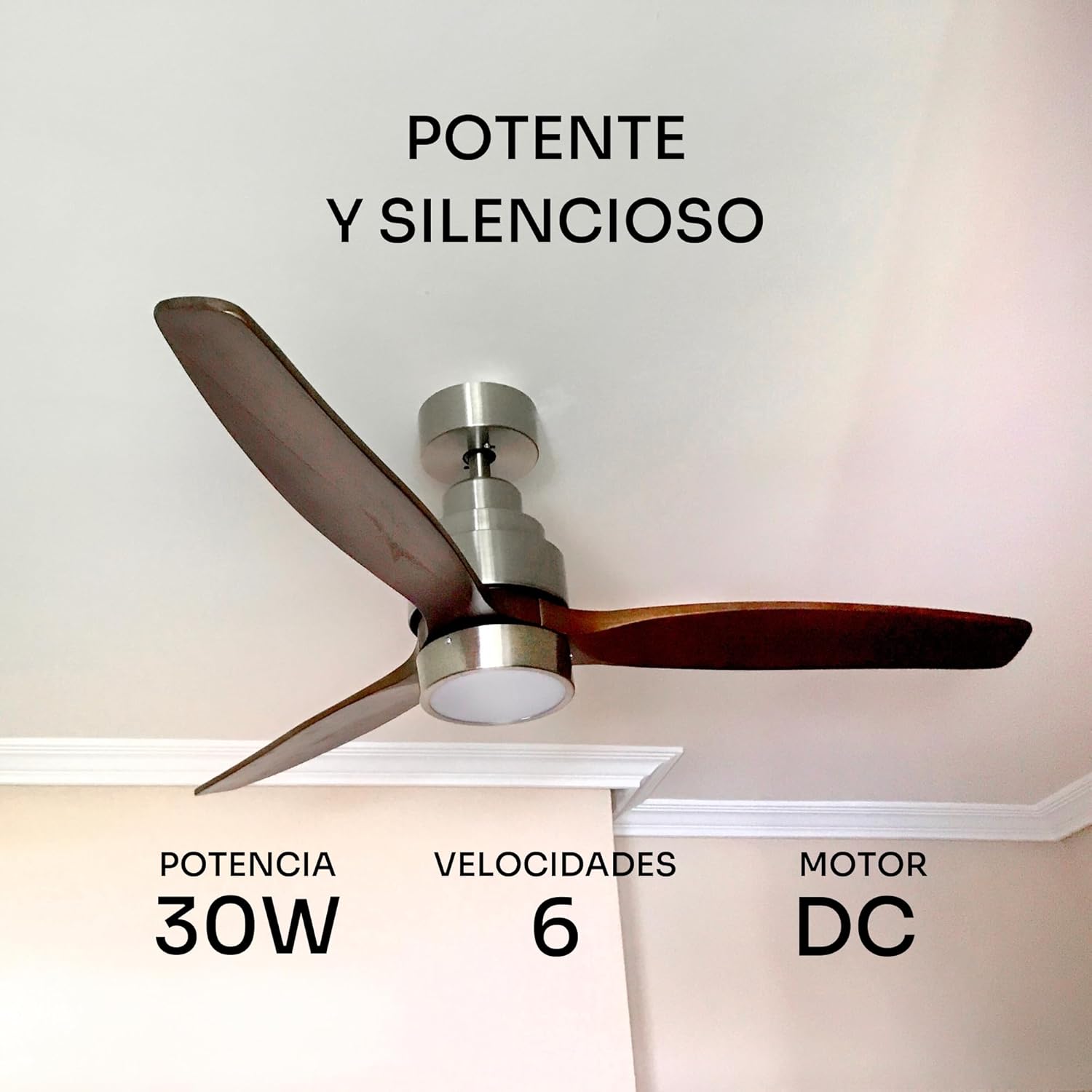
Figure 2.2: The Brizy Bright fan seamlessly integrated into a room setting.
3. Setup and Installation
Before beginning installation, ensure all components are present and undamaged. Refer to the included hardware kit for specific fasteners.
Pre-installation Checklist:
- Verify that the ceiling junction box is securely mounted and rated for fan support.
- Ensure adequate clearance from walls and other obstructions (minimum 30 cm from blade tip to wall).
- Confirm power supply is off at the circuit breaker.
Installation Steps:
- Mounting Bracket Installation: Secure the mounting bracket to the ceiling junction box using the provided screws.
- Wiring Connections: Connect the fan's electrical wires to the household wiring according to the wiring diagram provided in the separate installation guide. Ensure all connections are secure and insulated.
- Motor Assembly Attachment: Carefully lift the fan motor assembly and hang it onto the mounting bracket hook.
- Blade Attachment: Attach the three ultra-light wooden blades to the motor housing using the designated screws. Ensure they are firmly secured.
- Light Kit Installation: Connect the LED light kit wiring to the fan's light wiring and secure the light kit to the bottom of the fan motor assembly.
- Canopy Installation: Slide the canopy up to the ceiling and secure it to the mounting bracket, covering all wiring.

Figure 3.1: Detail of the fan's quality materials: ultralight wooden blades and aluminum body.
4. Operating Instructions
Your Mellerware Brizy Bright fan is operated via the included remote control. Ensure the remote has working batteries.
Remote Control Functions:

Figure 4.1: The remote control for the Brizy Bright fan.
- Power Button: Turns the fan and light on/off.
- Fan Speed (1-6): Adjusts the fan speed from 1 (lowest) to 6 (highest).
- Light Control: Toggles the light on/off.
- Light Temperature Adjustment: Cycles through warm, neutral, and cold light temperatures.
- Light Dimming: Adjusts the intensity of the LED light.
- Timer (2H, 4H, 8H): Sets the fan to turn off automatically after 2, 4, or 8 hours.
- Breeze Mode: Activates a gentle, varying airflow to simulate a natural breeze.
- Night Mode: Operates the fan at a very low, quiet speed, ideal for sleeping.
Summer/Winter Function:
The fan features a reversible motor for year-round comfort. This function is typically controlled via a switch on the fan's motor housing or the remote control (refer to specific remote instructions if applicable).
- Summer Function (Counter-clockwise rotation): Blades generate a downward airflow, creating a cooling breeze.
- Winter Function (Clockwise rotation): Blades create an upward airflow, circulating warm air accumulated near the ceiling throughout the room.

Figure 4.2: Illustration of the fan's dual summer and winter functions.

Figure 4.3: Adjustable LED light temperatures: Cold, Neutral, and Warm.
5. Maintenance
Regular maintenance ensures the longevity and optimal performance of your ceiling fan.
Cleaning:
- Always turn off the power at the circuit breaker before cleaning.
- Use a soft, damp cloth to wipe down the fan blades and motor housing.
- Do not use abrasive cleaners or solvents, as they may damage the finish.
- Periodically check and tighten all screws on the fan blades and mounting hardware.
General Care:
- No lubrication is required for the DC motor.
- Ensure the fan is balanced to prevent wobbling. If wobbling occurs, check blade alignment and tightness.
6. Troubleshooting
If you experience issues with your Mellerware Brizy Bright fan, consult the following table for common problems and solutions.
| Problem | Possible Cause | Solution |
|---|---|---|
| Fan does not start | No power supply Loose wire connections Remote control battery dead | Check circuit breaker Verify all wiring connections are secure Replace remote control batteries |
| Light does not work | Loose wire connection LED module failure | Check light kit wiring Contact customer support for replacement |
| Fan wobbles | Loose blade screws Unbalanced blades Loose mounting bracket | Tighten all blade screws Check blade balance and use balancing kit if necessary Ensure mounting bracket is securely fastened |
| Remote control not responding | Dead batteries Remote not paired Obstruction between remote and receiver | Replace batteries Refer to pairing instructions in separate guide Ensure clear line of sight to fan receiver |
| Excessive noise | Loose screws Motor housing rubbing Blade imbalance | Check and tighten all screws Ensure no parts are touching Balance blades |
7. Specifications
Detailed technical specifications for the Mellerware Brizy Bright Ceiling Fan.
| Feature | Specification |
|---|---|
| Brand | Mellerware |
| Model Number | ES9440110L |
| Color | Dark Wood |
| Product Dimensions | 2.54 x 2.54 x 2.54 cm (Fan body); 132 cm (Diameter) |
| Power / Wattage | 45 W (Fan), 30 W (Motor) |
| Voltage | 230 Volts (AC) |
| Material | Wood (Blades), Aluminum (Body) |
| Number of Blades | 3 |
| Number of Speeds | 6 |
| Special Features | Quiet DC Motor, Integrated LED Light (Adjustable Temperature), Remote Control, Timer, Summer/Winter Function, Breeze Mode, Night Mode |
| Item Weight | 6.65 Kilograms |
| Recommended Room Size | Up to 20 m² |
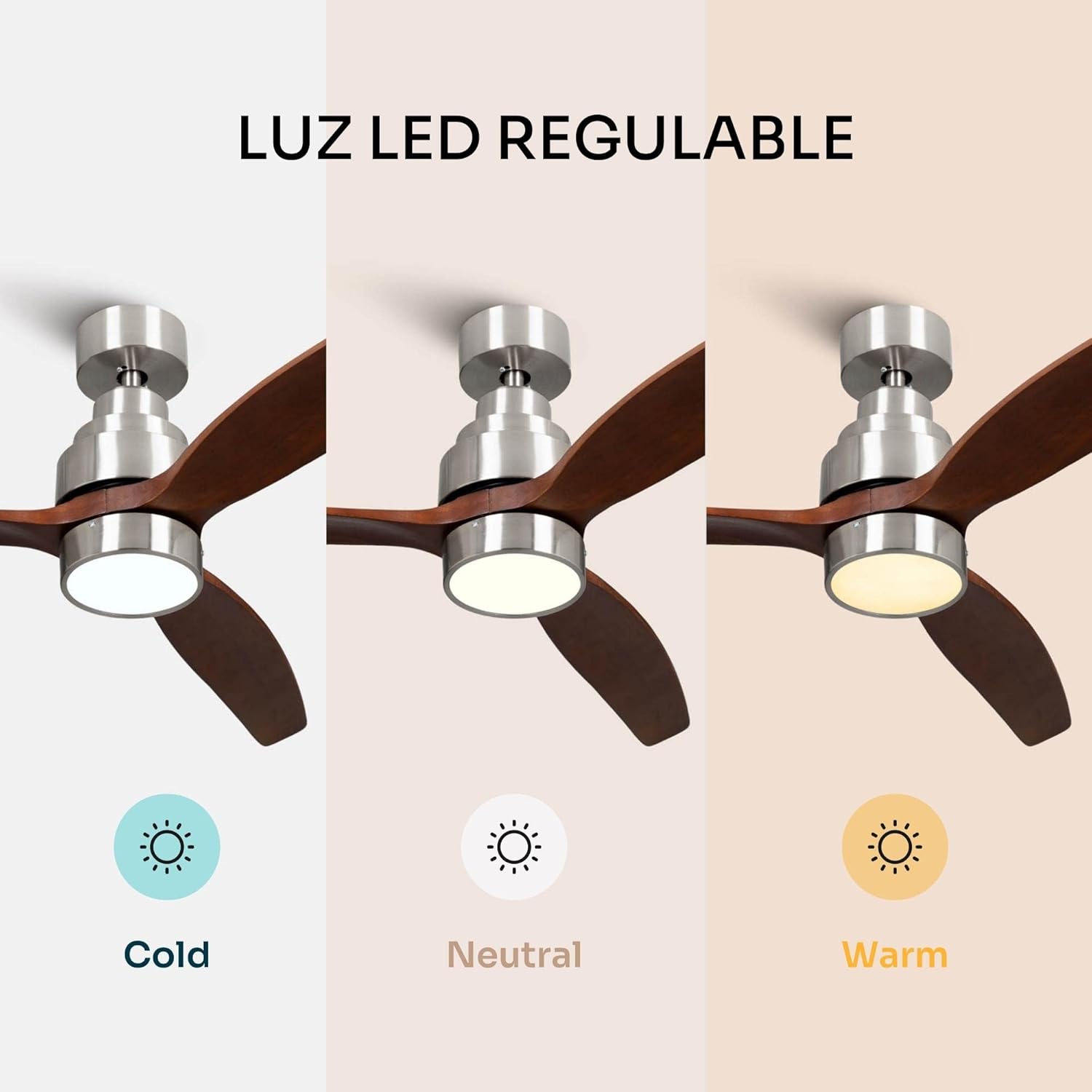
Figure 7.1: Key performance specifications of the fan.

Figure 7.2: The fan features an ultra-silent DC motor for quiet operation.
8. Warranty and Support
Mellerware products are manufactured to high-quality standards. For information regarding warranty coverage, terms, and conditions, please refer to the warranty card included with your product or visit the official Mellerware website.
Customer Support:
If you require technical assistance, have questions about your product, or need to report a defect, please contact Mellerware customer support. Contact details can typically be found on the product packaging, the official Mellerware website, or your purchase receipt.
Please have your model number (ES9440110L) and purchase date ready when contacting support.
Related documentsES9440110L


Ask a question about this manual
Ask about setup, troubleshooting, compatibility, parts, safety, or missing instructions. Manuals+ will review the question and use this page’s manual context to help answer it.