
Product Overview
The VIZIO V-Series 4K UHD Smart TV delivers an immersive entertainment experience with its epic 4K UHD picture quality. Featuring Dolby Vision Bright Mode, HDR10, a full array backlight, and active pixel tuning, it ensures crystal-clear and sharp visuals. The VIZIO IQ Active processor provides enhanced detail and vibrancy. For gamers, the V-Gaming engine offers sub 10ms input lag, 4K 48-60 fps Variable Refresh Rate, Auto Game Mode, and a dedicated gaming menu. The award-winning SmartCast platform provides access to a wide selection of built-in apps, including WatchFree+ for free live TV and hundreds of channels. Bluetooth headphone connectivity allows for private listening. SmartCast also supports Apple AirPlay 2 and Chromecast built-in for seamless content streaming and mirroring.

Figure 1: Front view of the VIZIO V-Series Smart TV.
What's in the Box
Upon unboxing your VIZIO V-Series Smart TV, please ensure all the following components are present:
- VIZIO 43-Inch V-Series 4K UHD LED Smart TV
- Power Cable
- Voice Remote Control
- TV Stand (2 pieces)
Setup Guide
1. Physical Installation
Your VIZIO V-Series TV can be installed using the included stand or a compatible VESA wall mount (sold separately). Ensure the TV is placed on a stable, level surface or securely mounted to a wall.

Figure 2: The slim profile of the VIZIO V-Series TV, suitable for both stand and wall mounting.
2. Connecting Power and Devices
Connect the power cable to the TV and a wall outlet. Connect your external devices (e.g., cable box, gaming console, Blu-ray player) to the available HDMI ports on the back of the TV. The TV features multiple HDMI inputs for versatile connectivity.

Figure 3: Rear view of the VIZIO V-Series TV, highlighting the input ports for connecting external devices.
3. Initial Setup and Network Connection
Upon first power-on, the TV will guide you through the initial setup process. This includes selecting your language, connecting to your home Wi-Fi network (or using an Ethernet connection), and performing a channel scan if you are using an antenna. Follow the on-screen prompts to complete the setup.
Operating Instructions
SmartCast Platform
The VIZIO SmartCast platform provides access to a vast library of streaming apps and content. Navigate the SmartCast home screen using your Voice Remote. You can browse recommended content, access your installed apps, and manage inputs.

Figure 4: The VIZIO SmartCast home screen, offering a wide range of applications and content.
Voice Remote and Voice Assistants
The included Voice Remote allows for convenient control of your TV using voice commands. Press the microphone button on the remote and speak your command. The V-Series TV is also compatible with popular voice assistants like Alexa and Google Assistant, allowing for integrated smart home control.
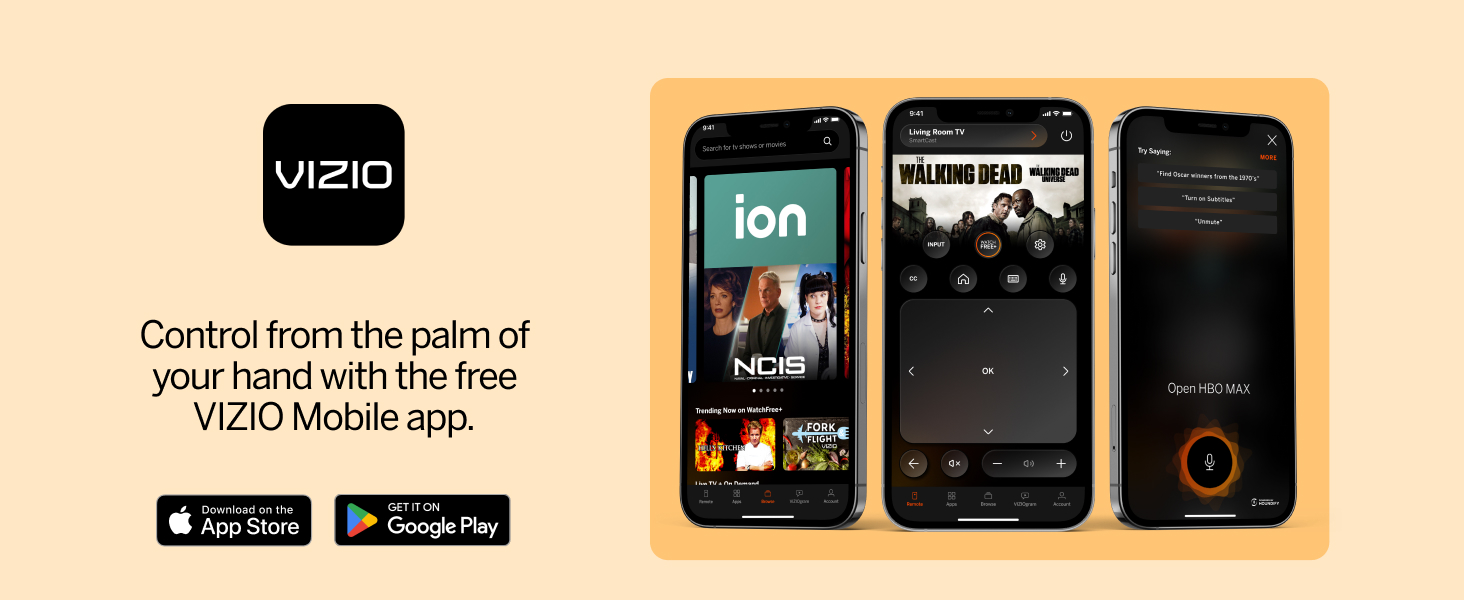
Figure 5: The VIZIO Voice Remote in use, enabling hands-free control of the TV.
Gaming Features
For an optimized gaming experience, the V-Series TV incorporates the V-Gaming Engine. This feature provides sub 10ms input lag, 4K 48-60 fps Variable Refresh Rate (VRR), and Auto Game Mode. Access the dedicated gaming menu for quick adjustments to settings that enhance gameplay.

Figure 6: VIZIO TV optimized for gaming, showcasing the IQ Active Processor and V-Gaming Engine.
Bluetooth Audio
Connect your Bluetooth headphones to the V-Series TV for private listening without disturbing others. This feature is ideal for late-night viewing or when you desire an immersive audio experience.

Figure 7: Private listening via Bluetooth headphones connected to the VIZIO TV.
Key Features
- 4K Ultra HD: Experience breathtaking detail with over 8 million pixels, offering 4 times the resolution of 1080p.
- Dolby Vision Bright Mode: Enjoy lifelike accuracy, color saturation, black detail, and brightness. Supports HDR10+ and HLG formats.
- Full Array Backlight: LEDs are evenly distributed across the screen for superior light uniformity and picture performance.
- IQ Active Processor: Delivers superior picture processing and intelligent 4K upscaling for enhanced HD content.
- Active Pixel Tuning: Intelligent pixel-level brightness adjustments fine-tune contrast levels frame by frame in over 2000 zones.
- SmartCast Platform: Access a wide array of streaming apps, free channels via WatchFree+, and integrate with Apple AirPlay 2 and Chromecast built-in.
- V-Gaming Engine: Optimized for gaming with sub 10ms input lag, 4K 48-60 fps Variable Refresh Rate, and Auto Game Mode.
Maintenance
Proper maintenance ensures the longevity and optimal performance of your VIZIO V-Series Smart TV.
Cleaning the Screen
To clean the screen, gently wipe it with a soft, lint-free cloth. For stubborn marks, lightly dampen the cloth with water or a specialized screen cleaner. Avoid using harsh chemicals, abrasive materials, or direct spraying of liquids onto the screen.
General Care
Keep the TV in a well-ventilated area to prevent overheating. Avoid blocking ventilation openings. Regularly check cable connections to ensure they are secure. Unplug the TV during lightning storms or when it will be unused for extended periods.
Troubleshooting
This section provides solutions to common issues you might encounter with your VIZIO V-Series Smart TV.
| Problem | Possible Cause | Solution |
|---|---|---|
| No Power | Power cable disconnected; outlet issue. | Ensure power cable is securely connected to TV and a working outlet. Try a different outlet. |
| No Picture/Sound | Incorrect input selected; loose HDMI cable. | Press the "Input" button on your remote to cycle through inputs. Check HDMI cable connections. |
| Wi-Fi Disconnection | Router issue; weak signal. | Restart your router and modem. Move TV closer to router or use an Ethernet cable. Reconnect to Wi-Fi in TV settings. |
| Remote Not Responding | Dead batteries; remote not paired. | Replace batteries. If Voice Remote, re-pair it according to the full user manual. |
For more detailed troubleshooting steps, please refer to the full user manual.
Technical Specifications
- Model: V435-J01
- Screen Size: 43 Inches
- Display Technology: LED
- Resolution: 4K Ultra HD (3840 x 2160)
- Refresh Rate: 60 Hz
- HDR Support: Dolby Vision, HDR10+, HLG
- Processor: IQ Active Processor
- Gaming Engine: V-Gaming Engine (sub 10ms input lag, 4K 48-60 fps VRR, Auto Game Mode)
- Connectivity: Ethernet, HDMI, USB
- Special Features: SmartCast, Voice Remote, Apple AirPlay 2, Chromecast built-in, Alexa Compatibility, Google Assistant Compatibility
- Product Dimensions (D x W x H): 8.35" x 38.31" x 24.52" (with stand)
- Item Weight: 15.87 Pounds
- Speaker Type: Built-In
- Wattage: 10 watts
Support & Warranty
For comprehensive information, detailed instructions, and advanced troubleshooting, please download the official user manual:
Information regarding product warranty and service can be found within the full user manual or by visiting the official VIZIO support website.