
1. Introduction
This manual provides detailed instructions for the setup, operation, and maintenance of your Pyle PDWMU211 Dual UHF Wireless Microphone System. This system is designed for clear, distortion-free audio transmission, suitable for various applications including karaoke, conferences, and public speaking. Please read this manual thoroughly before using the product to ensure proper function and longevity.
2. Package Contents
Verify that all items listed below are included in your package. If any items are missing or damaged, please contact customer support.

Image Description: An overview of the Pyle PDWMU211 system components, including the receiver, two transmitters, two headset microphones, two lavalier microphones, a rechargeable battery, AA batteries, a 3.5mm adapter, and a USB cable.
- Receiver Base (1)
- Beltpack Transmitter (2)
- Headset Microphone (2)
- Lavalier Microphone (2)
- Rechargeable Battery (for Receiver) (1)
- AA Batteries (for Transmitters) (4)
- 3.5mm Adapter (1)
- USB Charging Cable (1)
- Power Cable / Power Adapter (1)
3. Setup Instructions
3.1 Receiver Setup

Image Description: A diagram illustrating the components of the receiver, including the 6.35mm audio plug, power switch, power/charging indicator, DC 5V charging port, RF signal indicator, antenna, and battery compartment with a rechargeable battery.
- Charge the Receiver: Insert the rechargeable battery into the receiver's battery compartment. Connect the USB charging cable to the DC 5V charging port on the receiver and plug the other end into a USB power source (e.g., computer, USB wall adapter). The power/charging indicator will illuminate during charging.
- Connect to Audio System: Insert the 6.35mm audio plug of the receiver into the microphone input jack of your amplifier, mixer, or audio system. If your system requires a 3.5mm input, use the provided 3.5mm adapter.
- Position the Antenna: Ensure the receiver's antenna is extended and positioned for optimal signal reception.
3.2 Transmitter Setup

Image Description: A diagram detailing the bodypack transmitter, showing the volume adjust/ON/OFF button, microphone connector, antenna, LED display, CH button down, CH button up, and the battery compartment requiring two AA batteries.
- Install Batteries: Open the battery compartment on each beltpack transmitter and insert two AA batteries, observing correct polarity.
- Connect Microphone: Plug either the headset microphone or the lavalier microphone into the microphone connector on the beltpack transmitter. Secure the connection by screwing the connector into place.
- Wear Transmitter: Attach the beltpack transmitter to your clothing using the integrated clip. Position the microphone appropriately (e.g., headset mic over your head, lavalier mic clipped to your lapel).

Image Description: A close-up view of a hand connecting a microphone cable to the input jack of the Pyle PDWMU211 bodypack transmitter.

Image Description: A hand inserting two AA batteries into the open battery compartment of the Pyle PDWMU211 bodypack transmitter.
4. Operating Instructions
4.1 Powering On/Off
- Receiver: Slide the power switch on the receiver to the "ON" position. The power indicator will light up.
- Transmitter: Rotate the volume adjust/ON/OFF button on the beltpack transmitter clockwise to turn it on. The LED display will illuminate, showing the current frequency and battery level.
4.2 Frequency Selection
The Pyle PDWMU211 system offers up to 8 selectable UHF channels to avoid interference.
- With the transmitter powered on, press the "CH Up" or "CH Down" buttons located inside the battery compartment to cycle through available frequencies.
- Ensure that the transmitter and receiver are set to the same frequency for proper communication. The receiver's RF signal indicator will confirm a successful connection.
4.3 Volume Adjustment
- Transmitter: Adjust the output volume of the microphone using the volume adjust/ON/OFF knob on the beltpack transmitter.
- Receiver: The receiver base features independent and adjustable channel volume controls. Use these to fine-tune the overall output level to your audio system.
4.4 Operational Range
The system has an operation range of up to 160+ feet. Optimal performance is achieved in open areas with minimal obstructions.
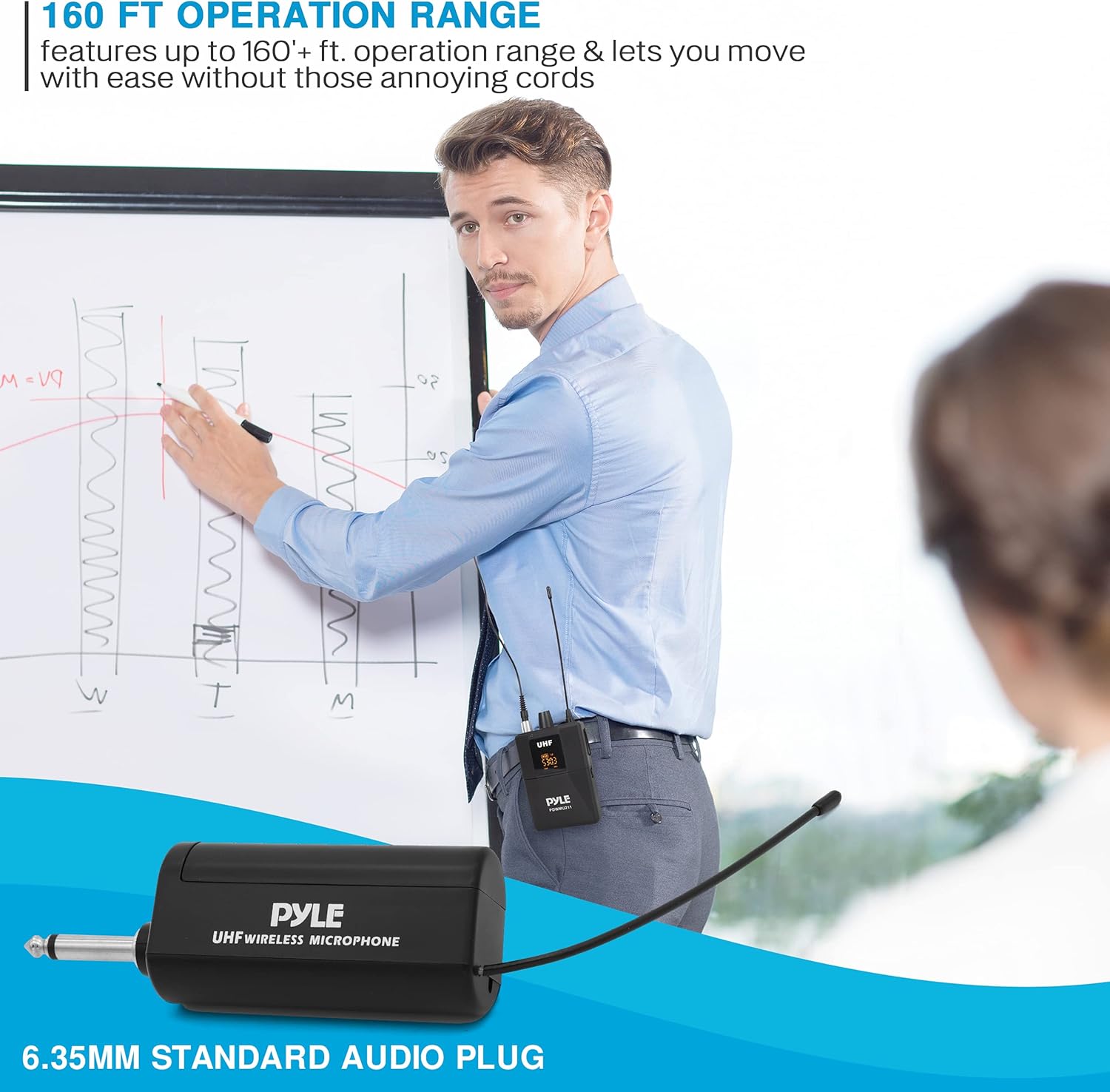
Image Description: A person wearing a headset microphone and a beltpack transmitter, presenting in a room, illustrating the wireless freedom and operational range of the system.
5. Maintenance
- Cleaning: Use a soft, dry cloth to clean the surfaces of the receiver and transmitters. Avoid using liquid cleaners or solvents.
- Battery Care:
- Remove AA batteries from transmitters if the system will not be used for an extended period to prevent leakage.
- Ensure the receiver's rechargeable battery is fully charged before long storage periods and recharged periodically to maintain battery health.
- Storage: Store the system in a cool, dry place away from direct sunlight and extreme temperatures.
6. Troubleshooting
| Problem | Possible Cause | Solution |
|---|---|---|
| No sound output |
|
|
| Interference or static |
|
|
| Low volume |
|
|
7. Specifications
Transmitter Specifications:
- RF Output: >10 dBm
- Modulation Type: FM
- Max Deviation: ± 40 KHz
- Spurious Emission: > 55 dBc
- Nominal Current Drain: <100mA
- Power Supply: 2x AA Batteries
Receiver Specifications:
- Signal / Noise Ratio: -105dB
- Border Upon Channel Rejection: >70dB
- T.H.D.: <1%
- Audio Output Level: 0-300 mV
- Dimensions: 6.8 x 5.3 x 1.7 inches
- Power Supply: 110/220V (12-15V Power Adapter) / Rechargeable Battery
General System Specifications:
- UHF Band Microphone System
- Operation Range: Up to 160'+ ft.
- Selectable Frequency Range: Up to (8) Channels
- Audio Output Jack: 1/4"
- Balanced Output Jack: XLR
- Item Weight: 1.21 pounds
- Package Dimensions: 12.36 x 7.64 x 2.6 inches
8. Warranty and Support
For warranty information or technical support, please refer to the warranty card included with your product or visit the official Pyle website. Keep your purchase receipt as proof of purchase.
Pyle Official Website: www.pyleusa.com


