Introduction
The Lenovo HT05 Wireless Earphones offer a high-quality audio experience with advanced features. Utilizing Bluetooth 5.0 technology, these in-ear earbuds provide stable connectivity, high-speed data transfer, and low power consumption. The True Wireless Stereo (TWS) design allows for independent use of each earbud. They come with a compact charging case for convenient storage and recharging. A built-in microphone ensures clear communication during calls. The earphones feature smart touch controls for easy management of audio playback and calls.

Image: Lenovo HT05 True Wireless Earphones showcasing key features.

Image: Binaural design of the Lenovo HT05 earbuds in their charging case.
Package Contents
Please check the package for the following items:
- Lenovo HT05 Wireless Earphones (Left and Right)
- Charging Case
- Ear Cushions (various sizes)
- USB Charging Cable
- User Manual
Setup
1. Charging the Earphones and Case
Before first use, fully charge the earphones and the charging case. Connect the provided USB charging cable to the charging port on the case and a power source. The indicator lights on the case will show the charging status. Once fully charged, the indicator lights will change or turn off.
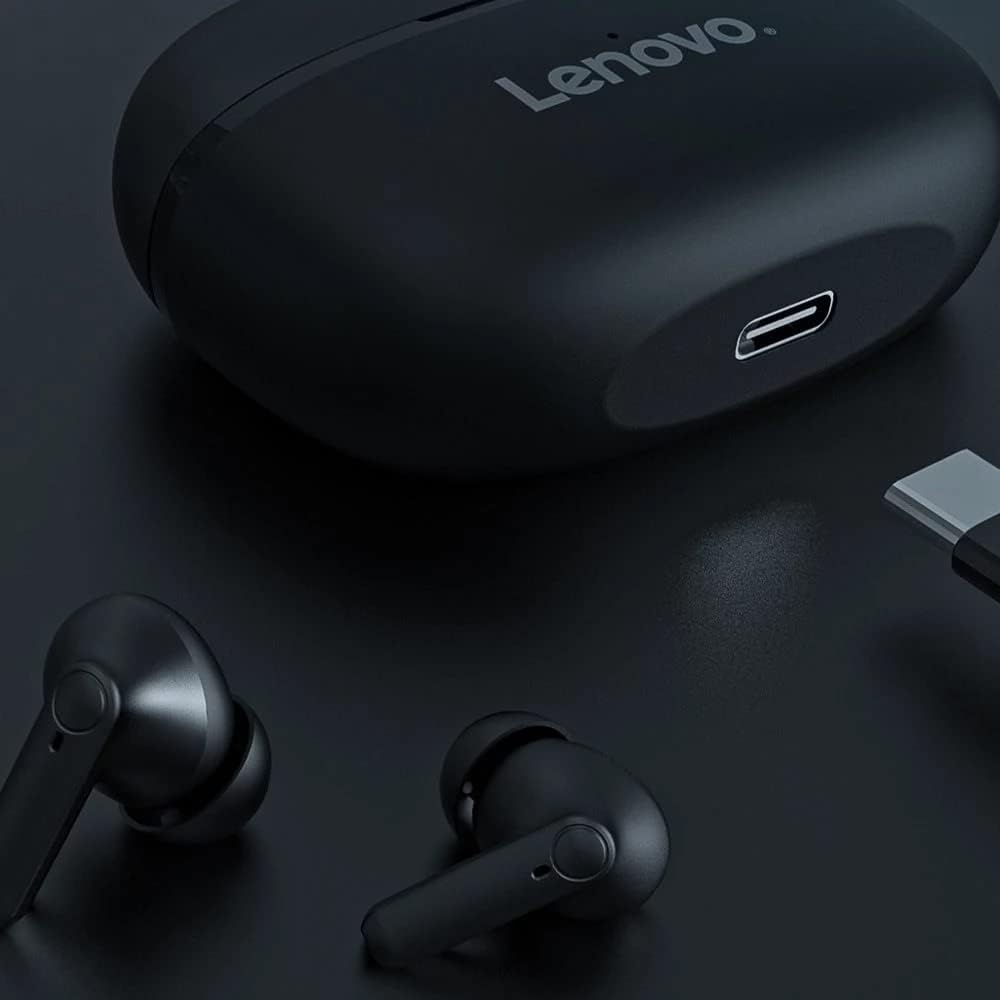
Image: Charging port on the Lenovo HT05 charging case.

Image: Battery and charging information for Lenovo HT05.
2. Pairing with a Device
- Open the charging case. The earphones will automatically power on and enter pairing mode.
- On your device (smartphone, tablet, etc.), enable Bluetooth.
- Search for available Bluetooth devices and select "Lenovo HT05" from the list.
- Once connected, a voice prompt will confirm successful pairing.
The earphones will automatically reconnect to the last paired device when taken out of the case, if Bluetooth is enabled on the device.
Operating Instructions
Power On/Off
- Power On: Open the charging case, and the earphones will power on automatically.
- Power Off: Place the earphones back into the charging case and close the lid. They will power off automatically.
Smart Touch Controls
The Lenovo HT05 earphones feature intuitive touch controls on each earbud. Refer to the diagram below for specific functions:
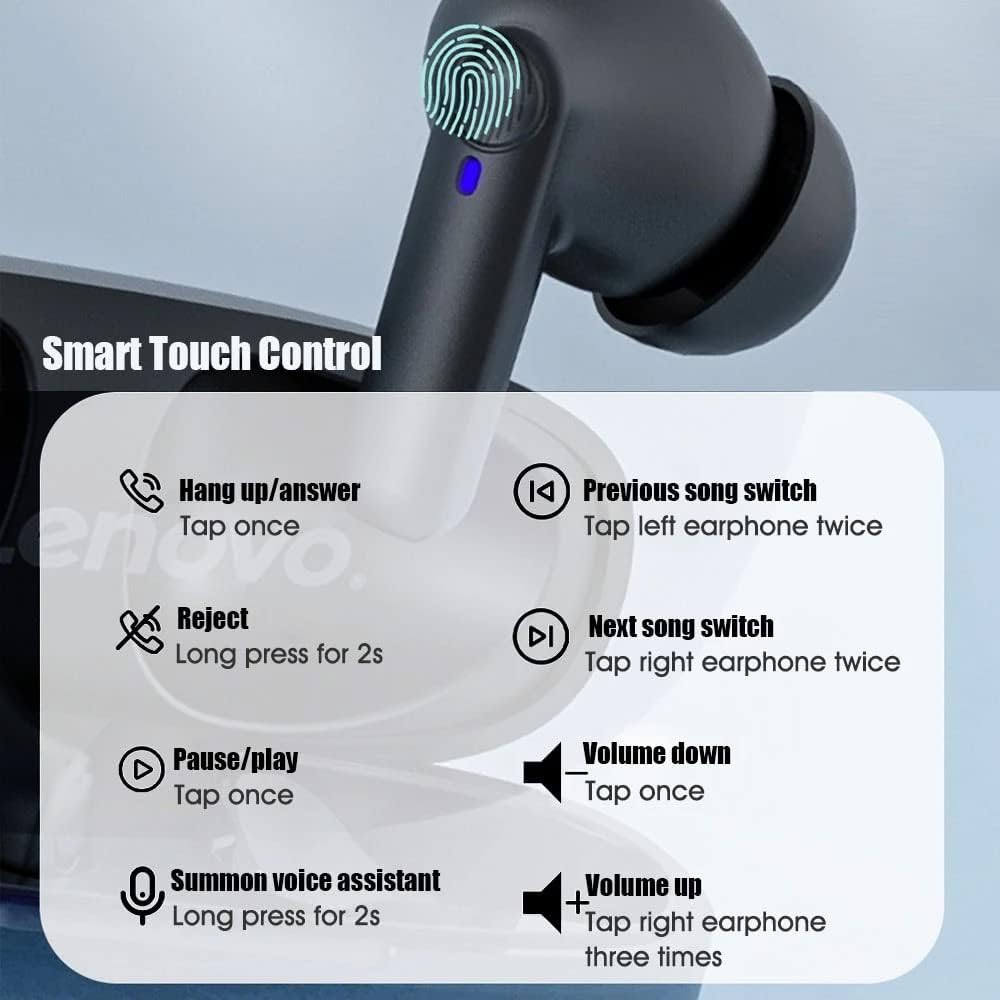
Image: Detailed Smart Touch Control functions.
- Answer/Hang Up Call: Tap once on either earbud.
- Reject Call: Long press for 2 seconds on either earbud.
- Play/Pause Music: Tap once on either earbud.
- Previous Song: Tap the left earbud twice.
- Next Song: Tap the right earbud twice.
- Volume Down: Tap once on the left earbud.
- Volume Up: Tap the right earbud three times.
- Summon Voice Assistant: Long press for 2 seconds on either earbud.

Image: Activating the voice assistant.
Low Latency Mode
The earphones are designed to provide low latency for synchronized audio and video, enhancing experiences like gaming and video playback.

Image: Low latency feature for gaming and video.
Maintenance
- Keep the earphones and charging case clean and dry. Use a soft, dry cloth to wipe them.
- Avoid exposing the earphones to extreme temperatures, humidity, or corrosive substances.
- Do not attempt to disassemble or modify the earphones, as this will void the warranty.
- Store the earphones in their charging case when not in use to protect them and keep them charged.
Troubleshooting
Earphones not pairing or connecting:
- Ensure both earphones are charged.
- Turn off Bluetooth on your device and turn it back on.
- Delete "Lenovo HT05" from your device's Bluetooth list and attempt to pair again.
- Place the earphones back in the charging case, close the lid, wait a few seconds, then open it again to reset.
Only one earphone working:
- Ensure both earphones are charged.
- Place both earphones back into the charging case, close the lid, and then open it again. This often re-syncs them.
- Try resetting the earphones and re-pairing them with your device.
Earphones not charging:
- Ensure the charging cable is securely connected to both the case and the power source.
- Check if the charging port on the case is clean and free of debris.
- Verify that the power source is working correctly.
- Ensure the earphones are properly seated in the charging case, making good contact with the charging pins.
Specifications
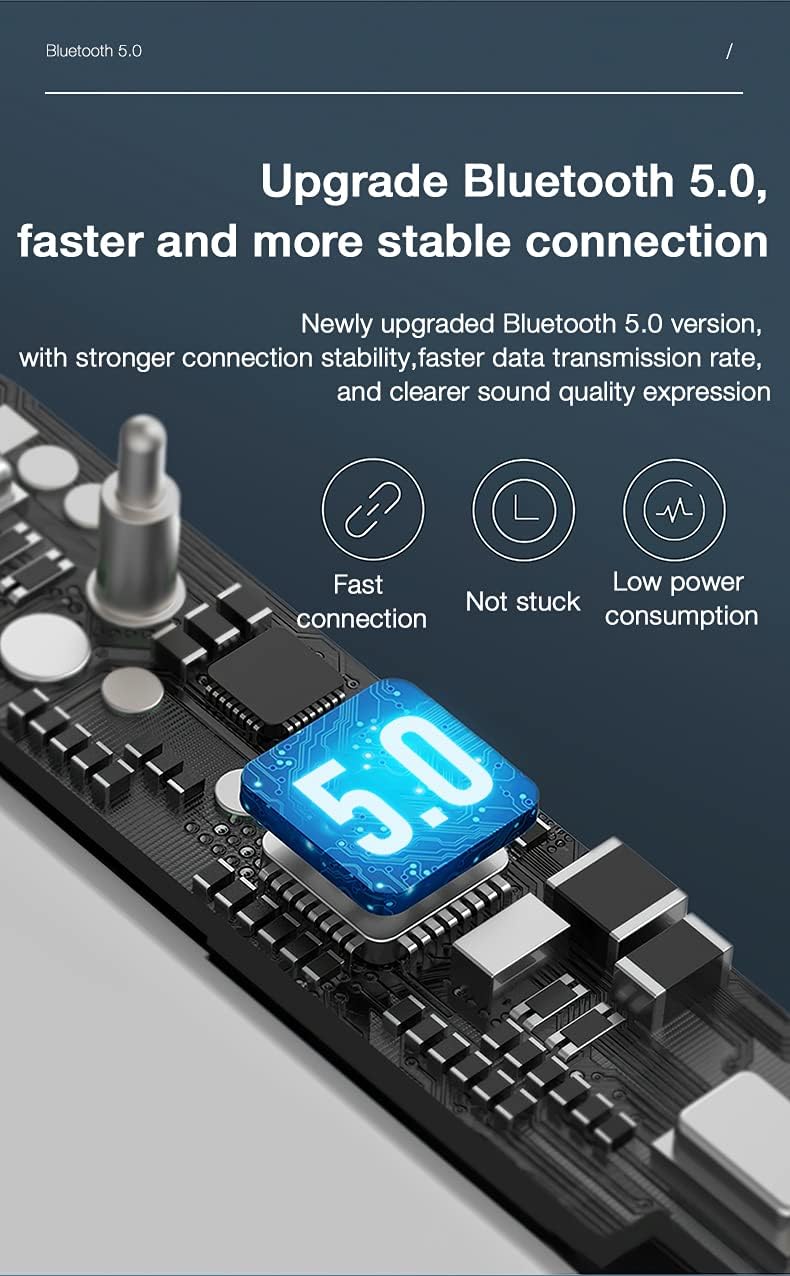
Image: Bluetooth 5.0 technology for enhanced connectivity.
| Feature | Detail |
|---|---|
| Model Name | HT05 |
| Connectivity Technology | Wireless (Bluetooth 5.0) |
| Wireless Communication Technology | Bluetooth |
| Ear Placement | In Ear |
| Form Factor | In Ear, Bud |
| Control Method | Touch |
| Microphone Format | Built-In |
| Special Features | Sweatproof |
| Water Resistance Level | Water Resistant (IPX5) |
| Item Weight | 50 Grams |
| Material | Plastic |
| Charging Case Battery Capacity | 250mAh |
| Listening Time | Approximately 4 hours |
| Charging Time | Approximately 2 hours |
| Included Components | Ear Cushions |
| Color | Black |
Warranty Information
The Lenovo HT05 Wireless Earphones typically come with a 6-month limited warranty from the date of purchase. This warranty covers manufacturing defects. Please retain your proof of purchase for warranty claims. The warranty does not cover damage caused by misuse, accidents, unauthorized modifications, or normal wear and tear.
Support
For further assistance, technical support, or warranty claims, please refer to the official Lenovo support channels or contact your retailer. You may find additional resources on the official Lenovo website.