
1. Introduction
The LITTLE BALANCE 8415 Cardio Connect 4 USB Smart Body Fat Meter is designed to provide comprehensive body composition analysis and weight measurement. This device utilizes advanced 4-contact technology to measure 13 body indicators, including weight, BMI, body fat, water percentage, muscle mass, and bone mass, along with heart rate and heart index. It features a large LCD display, USB rechargeable battery, and connects to the FitDays app via Bluetooth for detailed tracking and analysis.

Image 1.1: The LITTLE BALANCE 8415 Smart Body Fat Meter, showcasing its sleek black tempered glass design and integrated display.
2. Safety Information
- Always use the scale on a hard, flat, and stable surface to ensure accurate measurements. Avoid carpets or uneven floors.
- Do not use the scale on wet or slippery surfaces. Ensure your feet and the scale surface are dry before use.
- This device is for personal use and general health tracking. It is not intended for medical diagnosis or treatment. Consult a healthcare professional for medical advice.
- Keep the scale away from extreme temperatures, direct sunlight, and high humidity.
- Do not disassemble or attempt to repair the scale yourself. Contact customer support if issues arise.
- Individuals with pacemakers or other internal medical devices should not use this scale due to its bio-electrical impedance analysis (BIA) technology.
3. Package Contents
Verify that all items are present in the package:
- LITTLE BALANCE 8415 Smart Body Fat Meter
- USB Charging Cable
- User Manual (this document)
4. Product Features
- Comprehensive Body Analysis: Measures 13 body indicators including BMI, body fat, water percentage, muscle mass, and bone mass.
- Cardio Indicators: Provides heart rate and heart index analysis.
- 4-Contact Technology: Utilizes 4 invisible electrodes for accurate and reliable bio-impedance measurements.
- USB Rechargeable: Battery-free operation with USB charging, offering approximately 6 months of battery life on a 3-hour charge.
- XXL LCD Display: Large 108 x 62 mm backlit screen for clear readability of 8 main indicators without a smartphone.
- Bluetooth Connectivity: Seamless data synchronization with the FitDays app.
- FitDays App: Offers real-time data tracking, historical graphs, reference values, multi-user support with automatic recognition, athlete mode, and baby mode.
- High Capacity: Supports weights up to 180 kg with a graduation of 100 g.
- Durable Design: Constructed with tempered glass.

Image 4.1: Icon representing the two cardio functions (heart rate and heart index) measured by the scale.
5. Setup
5.1 Initial Charging
Before first use, fully charge the scale. Connect the provided USB cable to the charging port on the scale and to a standard USB power source (e.g., computer, USB wall adapter). The display will indicate charging status. A full charge takes approximately 3 hours.
5.2 App Download and Installation
The FitDays app is essential for accessing all smart features and detailed body composition analysis. Download the app from your smartphone's app store (iOS App Store or Google Play Store) or by scanning the QR code shown in Image 5.1.
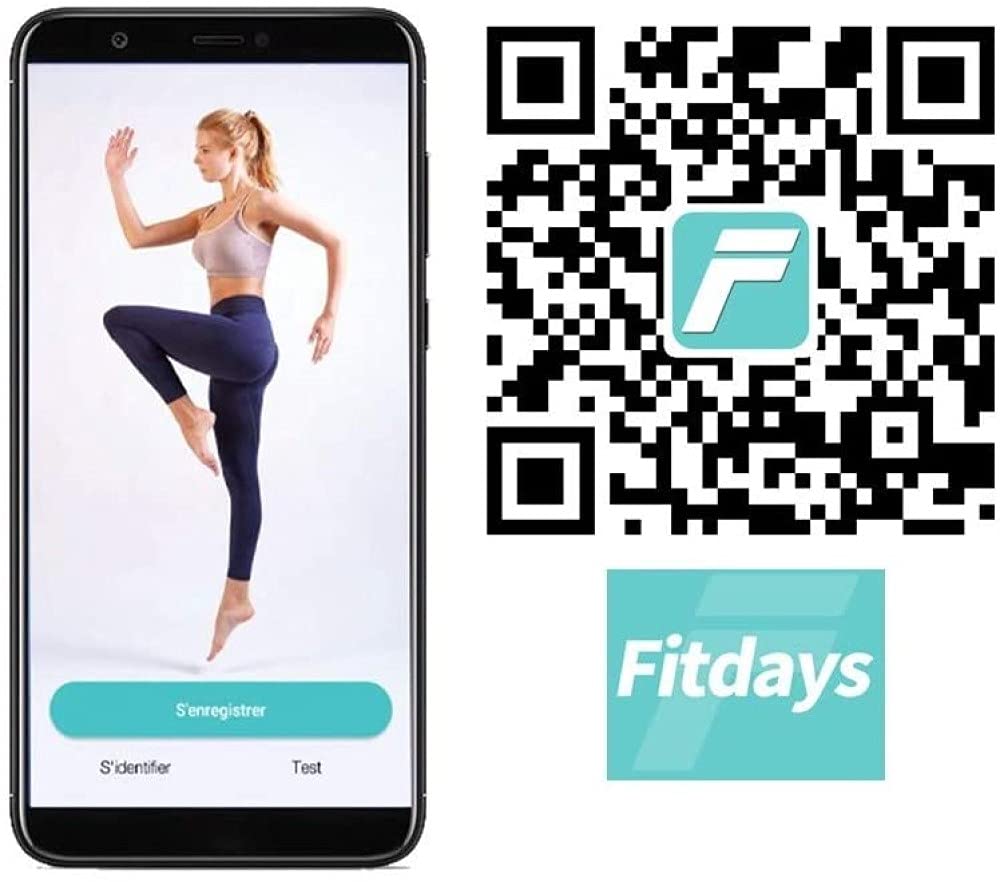
Image 5.1: Smartphone displaying the FitDays app interface and a QR code for easy download. The app allows for comprehensive tracking of health data.
After installation, create your user profile within the app, entering necessary personal details such as age, height, and gender. This information is crucial for accurate body composition calculations.
5.3 Bluetooth Pairing
- Ensure Bluetooth is enabled on your smartphone.
- Open the FitDays app.
- Step onto the scale briefly to activate it. The Bluetooth icon on the scale's display should blink, indicating it's ready to pair.
- The app should automatically detect the scale. Follow the on-screen prompts in the FitDays app to complete the pairing process.
5.4 Initial Calibration
For the first use or if the scale has been moved, perform an initial calibration:
- Place the scale on a hard, flat surface.
- Step onto the scale briefly until a weight reading appears, then step off.
- The scale will display '0.0' or a similar indication, confirming calibration.
6. Operating Instructions
6.1 Basic Weighing (Without App)
To measure only your weight:
- Place the scale on a hard, flat surface.
- Step onto the scale with bare feet, ensuring your feet are positioned over the electrodes.
- Stand still until your weight is displayed and stabilizes. The scale's XXL LCD screen will show your weight and up to 8 main indicators directly.

Image 6.1: Close-up view of the scale's digital display, showing various body composition metrics and weight in kilograms.
6.2 Using Smart Functions (With FitDays App)
For full body composition analysis and data tracking:
- Ensure the scale is charged and Bluetooth is active on your smartphone.
- Open the FitDays app and select your user profile.
- Step onto the scale with bare feet, ensuring good contact with all four electrodes. Stand still.
- The scale will measure your weight and body composition. The data will automatically synchronize with the FitDays app.
- View detailed analysis, historical data, and graphs within the app.
6.3 User Modes (Athlete Mode, Baby Mode)
The FitDays app supports different user modes for specialized measurements:
- Athlete Mode: Designed for individuals with a higher muscle mass and lower body fat percentage, who engage in regular intense physical activity. This mode adjusts the BIA algorithm for more accurate readings for athletes.
- Baby Mode: Allows you to weigh an infant or small child. First, weigh yourself, then step off. The scale will zero out. Step back on holding the baby, and the scale will calculate the baby's weight by subtracting your initial weight.
Select these modes within your profile settings in the FitDays app.

Image 6.2: The LITTLE BALANCE 8415 scale positioned in a modern bathroom, demonstrating its suitability for home use.
7. Charging
The LITTLE BALANCE 8415 scale is equipped with a USB rechargeable battery, eliminating the need for disposable batteries. When the battery is low, a low battery indicator will appear on the display.
- Connect the provided USB cable to the charging port on the side or back of the scale.
- Plug the other end of the USB cable into a compatible USB power source (e.g., computer, power bank, USB wall adapter).
- The display will show a charging animation or indicator.
- A full charge typically takes about 3 hours and provides approximately 6 months of use (based on 500 weigh-ins).
8. Maintenance and Care
- Cleaning: Wipe the scale surface with a slightly damp cloth. Do not use abrasive cleaners or immerse the scale in water.
- Storage: Store the scale in a cool, dry place, away from direct sunlight and extreme temperatures. Avoid placing heavy objects on the scale when not in use.
- Handling: The scale features a tempered glass surface. Handle with care to prevent damage.
9. Troubleshooting
- No Display/Scale Not Turning On: Ensure the scale is charged. Connect it to a USB power source and allow it to charge for at least 30 minutes before attempting to use it again.
- Inaccurate Readings:
- Ensure the scale is on a hard, flat, and stable surface.
- Perform initial calibration (step on, step off).
- Ensure bare feet are making good contact with all electrodes.
- Avoid moving the scale frequently.
- App Not Connecting/Syncing:
- Verify Bluetooth is enabled on your smartphone.
- Ensure the FitDays app has Bluetooth permissions.
- Restart the FitDays app and/or your smartphone.
- Step on the scale to activate it and make it discoverable.
- Body Composition Data Not Appearing: Ensure you are standing on the scale with bare feet, making proper contact with the electrodes. Ensure your profile information (age, height, gender) is correctly entered in the FitDays app.
10. Specifications
| Brand | LITTLE BALANCE |
| Model Number | 8415 |
| Weight Capacity Maximum | 180 Kilograms |
| Readout Accuracy | 100 grams |
| Display Type | LCD (108 x 62 mm) |
| Special Features | Body Fat, Heart Rate, Smart, Large Display, USB Rechargeable, Multiple User Modes |
| Battery Type | USB Rechargeable |
| Material Type | Tempered Glass |
| Item Weight | 1.6 Kilograms |
| Dimensions | 30 x 30 x 2.5 cm |

Image 10.1: The LITTLE BALANCE 8415 Smart Body Fat Meter with its dimensions indicated, showing a 300mm x 300mm surface area.
11. Warranty and Support
For warranty information, technical support, or service inquiries, please refer to the official LITTLE BALANCE website or contact their customer service department. Keep your purchase receipt as proof of purchase.
