
1. Introduction
Thank you for choosing the AutoFull C3 Gaming Chair. This manual provides essential information for the safe assembly, operation, and maintenance of your new chair. Designed for ergonomic comfort and support, the AutoFull C3 is suitable for extended gaming sessions, office work, and relaxation.
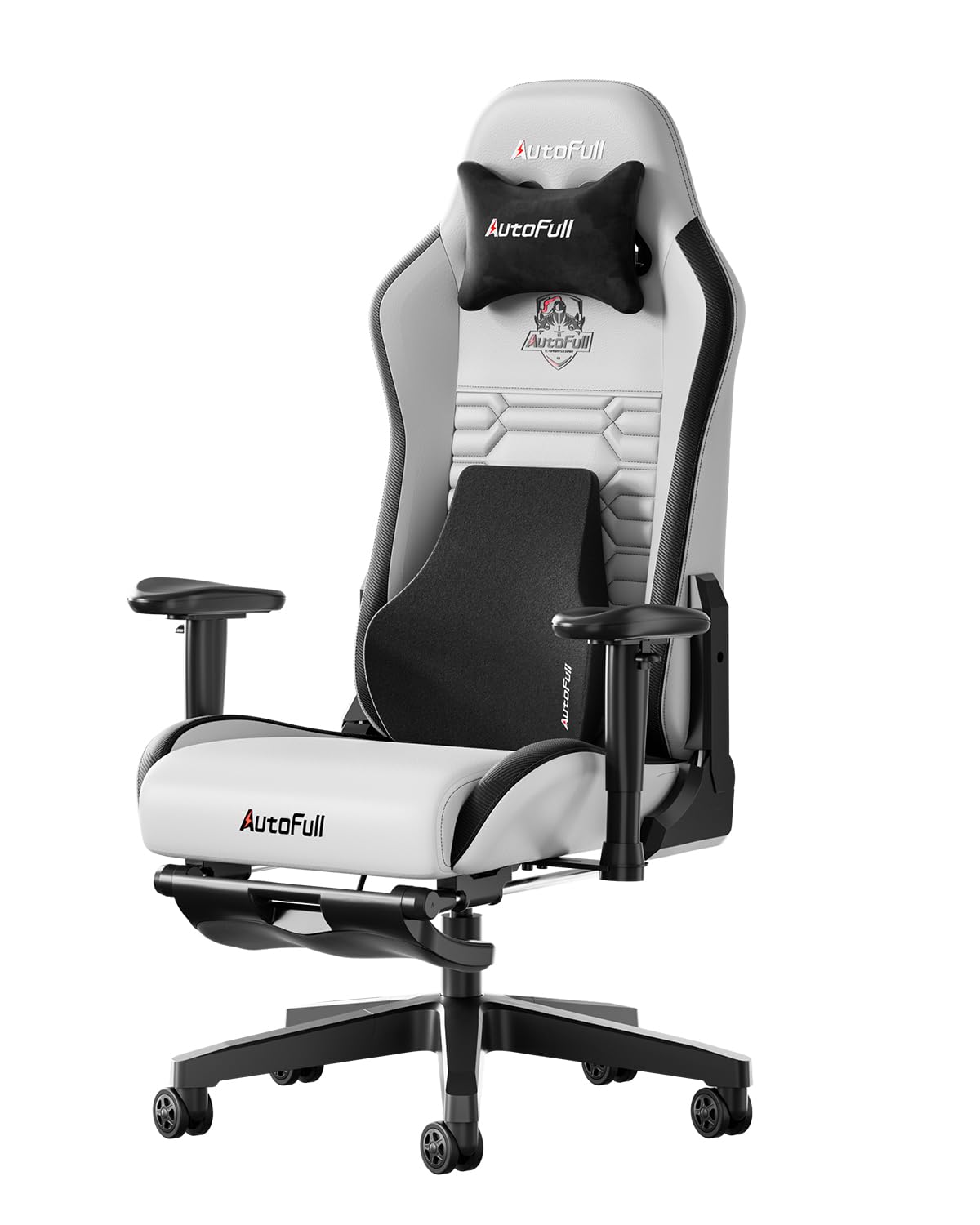
Figure 1: AutoFull C3 Gaming Chair (Grey)
2. Safety Information
Please read and understand all safety warnings before assembly and use.
- WARNING: This product requires careful assembly. Ensure all parts are securely fastened before use.
- Do not exceed the maximum weight capacity of 350 lbs (158.75 kg).
- Be cautious when adjusting the chair's height using the gas lift mechanism to prevent injury.
- Keep children and pets away from the assembly area.
- Use the chair only for its intended purpose.
3. Package Contents
Before beginning assembly, verify that all components listed below are present and undamaged. If any parts are missing or damaged, please contact customer support.

Figure 2: All components included in the package.
- Backrest
- Seat Cushion
- Headrest Pillow
- Lumbar Pillow
- Armrests (2)
- Footrest Assembly
- Base Core
- Chair Wheels (5)
- Gas Lift Cylinder
- Tilt Mechanism
- Assembly Hardware (screws, Allen wrench)
4. Setup and Assembly
Follow these steps carefully to assemble your AutoFull C3 Gaming Chair. It is recommended to have two people for certain steps.
- Assemble the Chair Base: Attach the five base arms to the base core. Insert the chair wheels into the ends of each base arm. Place the gas lift cylinder into the center hole of the assembled base. Ensure all connections are secure.

Figure 3: Assembling the chair's star-shaped base with wheels and gas lift.
- Attach the Seat to the Backrest: Align the seat cushion with the backrest. Secure them using the provided screws. Ensure the connection is firm and stable.

Figure 4: Securing the seat cushion to the backrest.
- Install the Tilt Mechanism: Attach the tilt mechanism to the underside of the seat cushion using the designated screws. Ensure the


