Introduction
This manual provides comprehensive instructions for the Heegomn Waterproof Digital Camera, designed for children, teens, and beginners. It covers setup, operation, maintenance, and troubleshooting to ensure you get the most out of your camera. Capture happy moments underwater and on land with its 16MP photo and 1080P Full HD video capabilities.
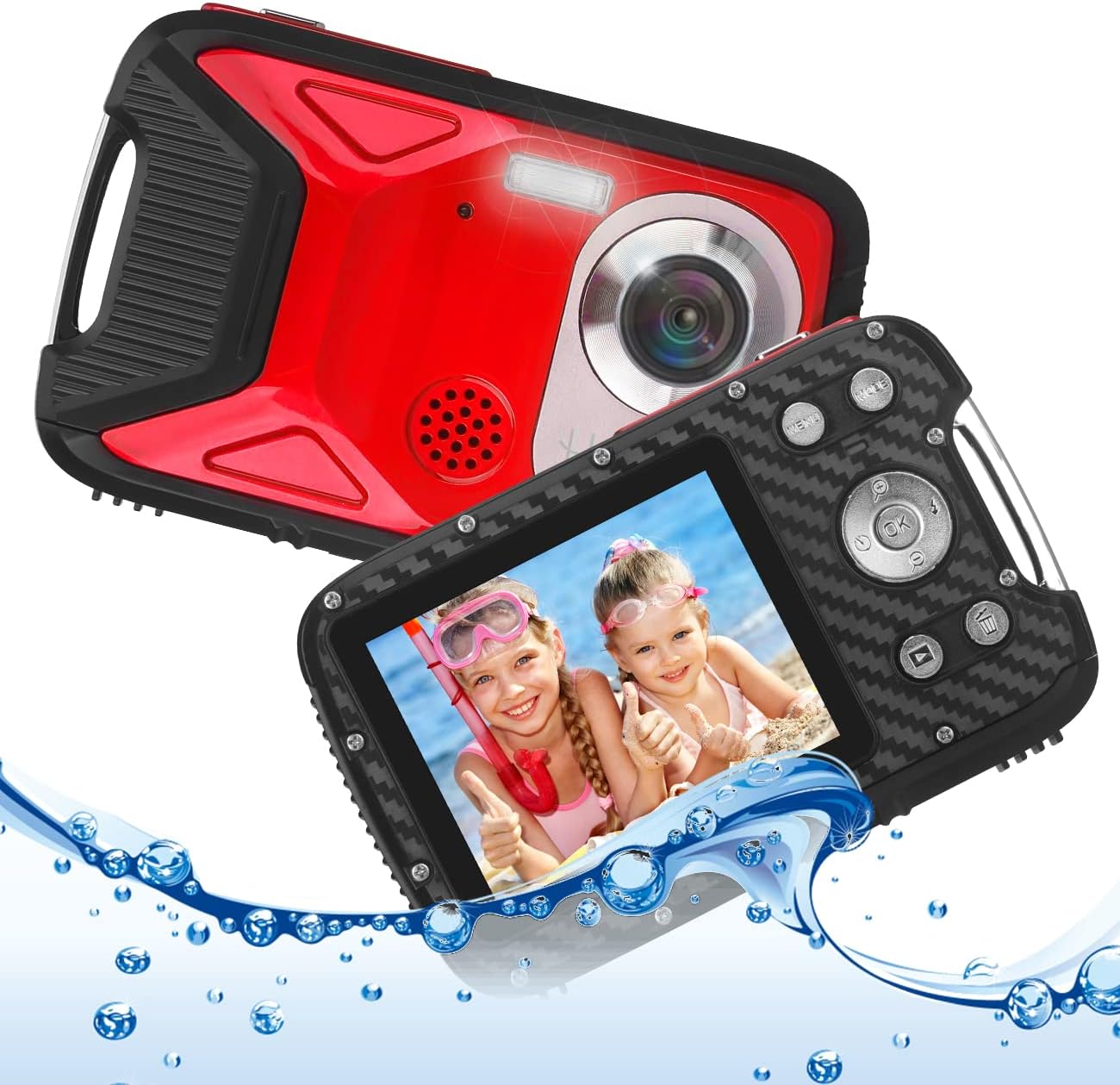
Image: Front and back view of the Heegomn Waterproof Digital Camera, highlighting its design and screen displaying two children in water. Water splashes are visible around the camera, emphasizing its waterproof feature.
Package Contents
Please check the box for the following items:
- 1x Heegomn Digital Camera
- 1x Rechargeable Li-ion Battery
- 1x USB Cable
- 1x Camera Pouch
- 1x User Manual (this document)
Note: A Micro SD card is required for operation and is NOT included. Please purchase separately. Class 10, up to 32GB, is strongly recommended.
Setup
1. Battery and Memory Card Installation
Before first use, ensure the battery is fully charged and a compatible Micro SD card is inserted.
- Locate the battery/card compartment on the side of the camera.
- To open, press the cover lock (A) with one hand and push the cover (B) in the direction indicated by the arrow.
- Insert the rechargeable Li-ion battery into the compartment, ensuring the correct polarity (+/-) as marked.
- Insert a Micro SD card (not included) into the designated slot until it clicks into place.
- Close the battery compartment cover firmly until it locks securely. Ensure it is properly sealed, especially before underwater use.

Image: Detailed diagram illustrating the insertion of the 1050mAh Li-ion battery and a Micro SD card (not included) into the camera's compartment.

Image: A quick installation guide demonstrating the steps to open the battery compartment, insert the battery, and securely close the compartment.
2. Charging the Battery
Connect the camera to a USB power source (e.g., computer, USB wall adapter) using the provided USB cable. The charging indicator light will illuminate. Once fully charged, the light will change or turn off. A full charge provides approximately 3 hours of working time.
Operating Instructions
Camera Controls Overview
Familiarize yourself with the camera's buttons and their functions:
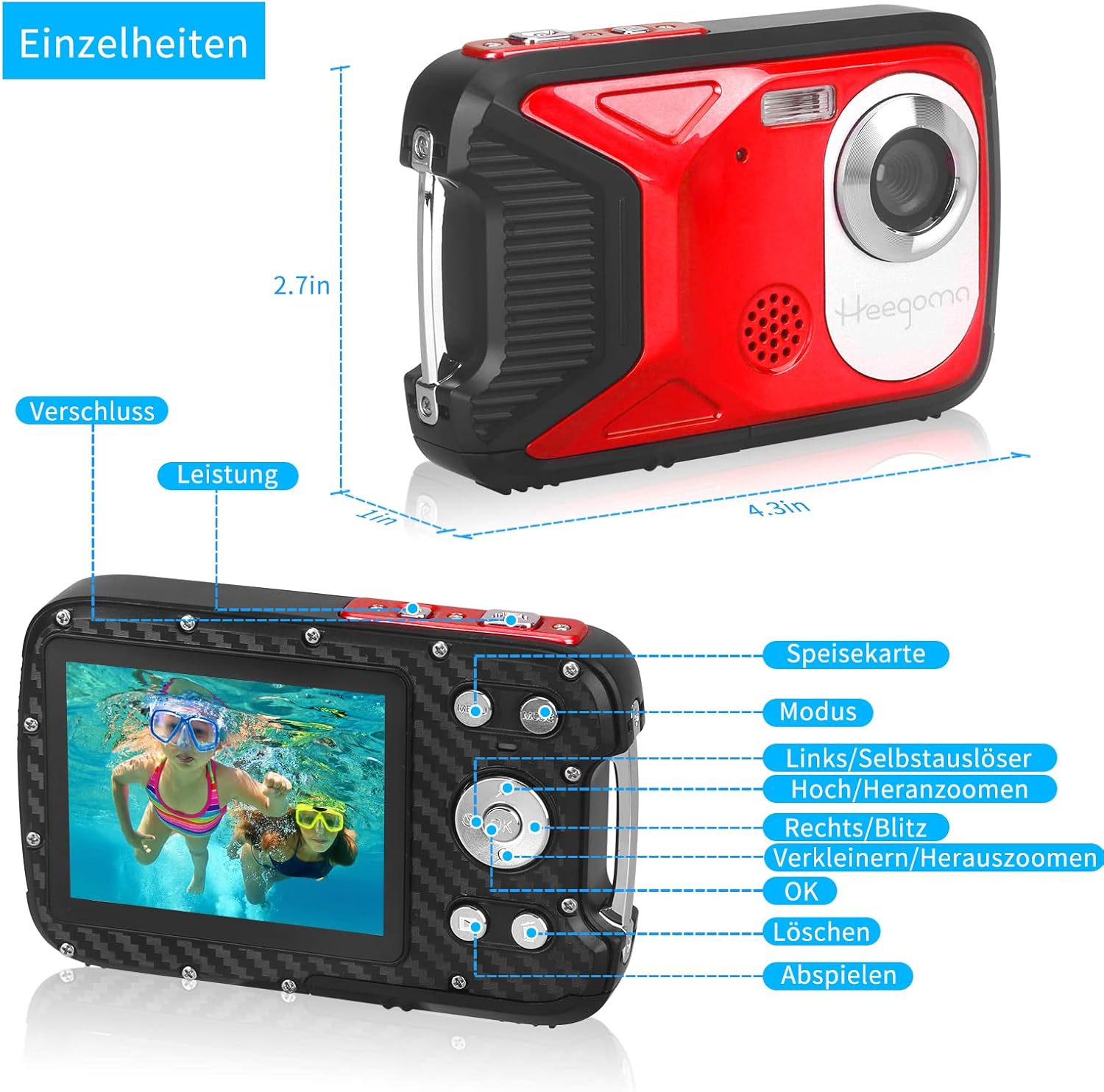
Image: Detailed diagram labeling the camera's buttons and their corresponding functions, including Power, Shutter, Menu, Mode, Zoom, OK, Delete, and Playback.
- Power Button: Turns the camera on/off.
- Shutter Button: Takes photos or starts/stops video recording.
- Mode Button: Switches between Photo, Video, and Playback modes.
- Menu Button: Accesses the camera settings menu.
- OK Button: Confirms selections in the menu.
- Navigation Buttons (Up/Down/Left/Right): Navigate menu options, control digital zoom (Up/Down), or activate flash/self-timer (Left/Right).
- Delete Button: Deletes selected photos/videos in Playback mode.
- Playback Button: Enters playback mode to view captured media.
1. Taking Photos
Turn on the camera using the Power button. Ensure you are in Photo mode (indicated on the screen). Frame your shot and press the Shutter button to capture a 16-megapixel image.
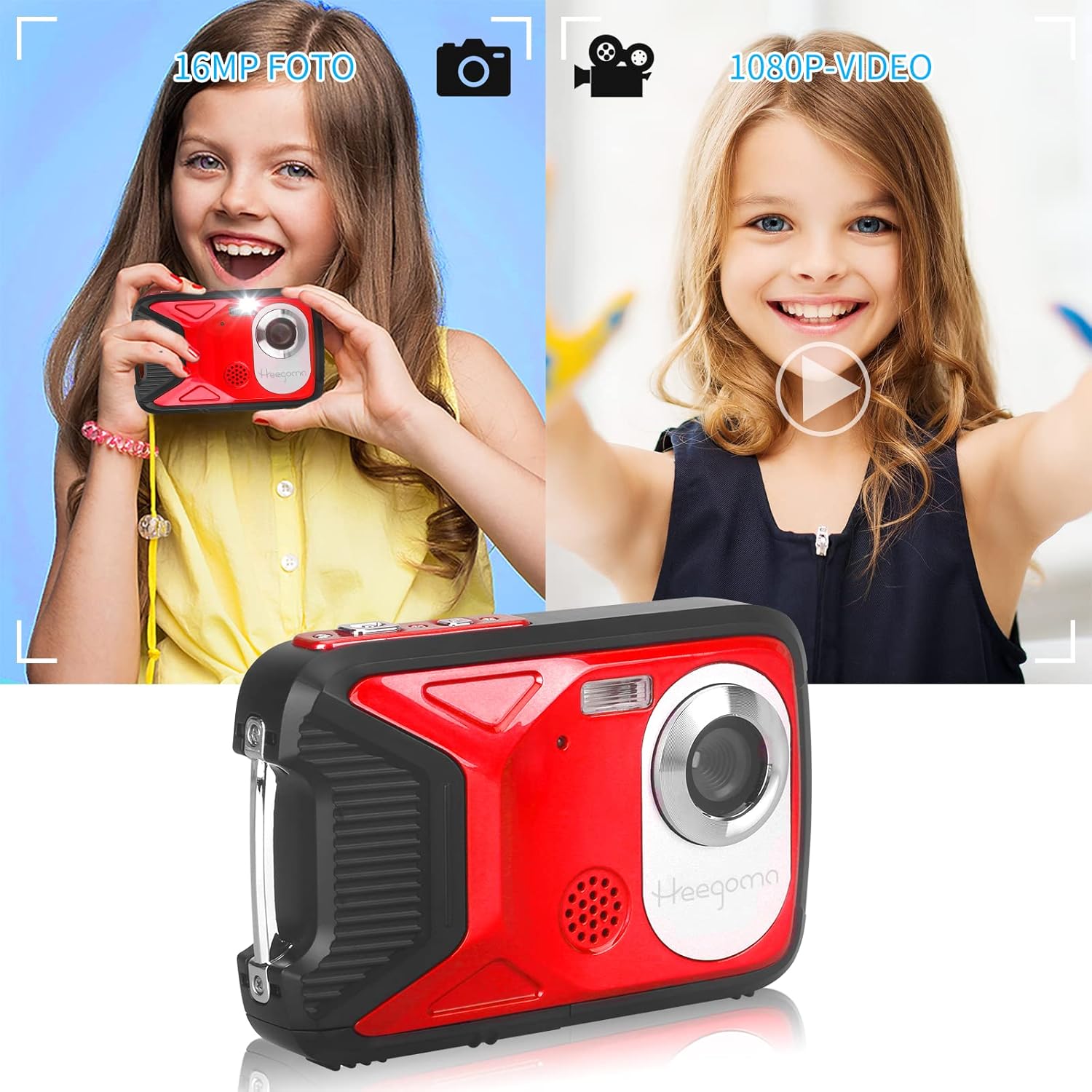
Image: A child holding the Heegomn camera, demonstrating its use for taking 16MP photos and recording 1080P videos.
2. Recording Videos
Switch to Video mode using the Mode button. Press the Shutter button once to start recording 1080P Full HD video, and press it again to stop recording.
3. Playback
Press the Playback button to review your photos and videos. Use the navigation buttons to scroll through your media. Press the OK button to play videos. Use the Delete button to remove unwanted files.
4. Camera Settings
Press the Menu button to access various settings. Use the navigation buttons to select options and the OK button to confirm. Key settings include:
- Photo Resolution: Up to 16.0 Megapixels (4608 x 3456).
- Video Resolution: FHD (1920 x 1080), HD (1280 x 720), D1 (720 x 480), VGA (640 x 480), QVGA (320 x 240).
- Digital Zoom: Up to 8x digital zoom.
- White Balance: Auto, Daylight, Cloudy, Tungsten, Fluorescent.
- Effects: Normal, Black & White, Sepia, Red, Green, Blue, Sunset, Warm, Cool, Overexposure, IR, Binary, Vivid, Undertone, Dog Eye, Aibao, Gothic, Japanese Style, LOMO, Negative.
- Scene Modes: Auto, Night Portrait, Night Landscape, Portrait, Landscape, Sport, Party, Beach, High Sensitivity, Underwater.
- Self-Timer: 2, 5, or 10 seconds delay.
- Continuous Shooting: 1, 2, 3, 5, or 10 shots.
- Flash Mode: Auto, On, Off.
- Anti-Shake: Yes.
- Face Detection / Smile Capture / Panorama: Yes.
5. PC Connection (Webcam Function)
Connect the camera to your computer using the provided Mini USB 2.0 cable. The camera can function as a network webcam for video calls or for transferring files to your computer.
6. Official Product Videos
No official product videos from the seller were found to be embedded in this manual. If available, relevant videos demonstrating features or usage would be displayed here.
Maintenance
- Cleaning: Use a soft, dry cloth to clean the camera body. For the lens and screen, use a specialized lens cleaning cloth. Do not use abrasive cleaners or solvents.
- Waterproof Care: Always ensure the battery/card compartment cover is securely closed and sealed before exposing the camera to water. After underwater use, rinse the camera with fresh water and dry it thoroughly with a soft cloth. Do not open the compartment when the camera is wet.
- Battery Care: Store the battery in a cool, dry place when not in use. Avoid extreme temperatures. If the camera will not be used for an extended period, remove the battery.
- Storage: Store the camera in a cool, dry place, away from direct sunlight and excessive humidity.
Troubleshooting
- Camera does not turn on:
- Ensure the battery is fully charged.
- Check if the battery is inserted correctly with the right polarity.
- Verify the battery compartment is securely closed.
- Cannot take photos/record videos:
- Check if a Micro SD card is inserted.
- Ensure the Micro SD card has sufficient free space.
- Verify the Micro SD card is not locked (read-only).
- Format the Micro SD card (this will erase all data).
- Images/Videos are blurry:
- Clean the camera lens.
- Ensure adequate lighting.
- Hold the camera steady while shooting.
- Camera freezes or becomes unresponsive:
- Remove and reinsert the battery to reset the camera.
- Water leakage:
- Immediately power off the camera and remove the battery.
- Ensure the battery compartment was properly sealed before water exposure.
- Contact customer support if leakage occurs despite proper sealing.
Specifications
| Feature | Specification |
|---|---|
| Photo Resolution | 16.0 Megapixels (4608 x 3456) / 12M / 8M / 5M / 3M / 1.2M |
| Video Resolution | FHD (1920 x 1080) / HD (1280 x 720) / D1 (720 x 480) / VGA (640 x 480) / QVGA (320 x 240) |
| Screen | 2.8" TFT Color LCD (270-degree rotation) |
| Digital Zoom | 8x |
| Aperture | F 2.8, f = 5.3 mm |
| Field of View | 60° |
| Shutter Speed | 1/2 ~ 1/2000 seconds |
| Focus | 1.5 m ~ infinity |
| Sensitivity | Auto / 100 / 200 / 400 / 800 |
| Water Resistance | Up to 5 meters underwater |
| PC Interface | Mini USB 2.0 |
| Power Source | Li-ion Battery (1050mAh) |
| Dimensions (approx.) | 14 x 13.1 x 4.2 cm (Package) |
| Weight (approx.) | 250 grams |
| Model Number | Heegomn-052201 |
Warranty
This Heegomn product comes with a 1-year warranty from the date of purchase. This warranty covers manufacturing defects. It does not cover damage caused by misuse, accidents, unauthorized repairs, or failure to follow the instructions in this manual. Please retain your proof of purchase for warranty claims.
Support
For further assistance, technical support, or warranty inquiries, please contact Heegomn customer service through the platform where you purchased the product or visit the official Heegomn brand store on Amazon:
Visit the Heegomn Store on Amazon
Please have your model number (Heegomn-052201) and purchase details ready when contacting support.