
ATUMTEK ATSS067
ATUMTEK 60-inch Selfie Stick Tripod (Model ATSS067) User Manual
Model: ATSS067 | Brand: ATUMTEK
1. Introduction
This manual provides detailed instructions for the ATUMTEK 60-inch Selfie Stick Tripod, Model ATSS067. This versatile device combines a selfie stick and a stable tripod, designed for capturing photos and videos with smartphones. It features an extendable pole, a 360° rotatable phone holder, and a detachable Bluetooth remote control, making it suitable for various applications including selfies, group photos, video recording, vlogging, and live streaming.
2. Package Contents
Please verify that all items listed below are included in your package:
- 60" Selfie Stick Tripod
- Rechargeable Bluetooth Remote Shutter
- USB Cable
- User Manual
3. Product Overview
Familiarize yourself with the main components of your ATUMTEK Selfie Stick Tripod.

Figure 1: ATUMTEK 60-inch Selfie Stick Tripod in both compact and extended tripod modes, alongside its detachable Bluetooth remote.
- Phone Holder: Securely grips your smartphone.
- Telescopic Pole: Extendable aluminum alloy pole for adjustable height.
- Handle/Tripod Base: Ergonomic handle that unfolds into a stable tripod.
- Bluetooth Remote: Detachable remote for wireless photo/video capture.
- Tripod Release Button: Button on the handle to deploy the tripod legs.
4. Setup Instructions
4.1 Unfolding the Tripod
- Hold the handle firmly.
- Press the "PUSH" button located on the side of the handle.
- Gently pull the bottom part of the handle downwards to extend the three tripod legs. Ensure the legs are fully spread for maximum stability.

Figure 2: Illustration of the stable tripod base with non-slip pads and double-triangle structure.

Figure 3: Detail of the one-touch open button for deploying the tripod legs.
4.2 Attaching Your Smartphone
- Gently pull apart the spring-loaded phone holder clamps.
- Insert your smartphone between the clamps, ensuring it is securely held. The holder supports devices with a width between 2.2 inches and 3.5 inches.
- Adjust the phone holder's angle as needed. It can rotate 360° and tilt 180° for optimal positioning.

Figure 4: The phone holder's adjustable rotation and tilt capabilities.

Figure 5: Phone holder compatibility with various smartphone sizes.
4.3 Pairing the Bluetooth Remote
- Remove the Bluetooth remote from its slot in the handle.
- Press and hold the button on the remote for 3 seconds until the indicator light flashes, indicating it's in pairing mode.
- On your smartphone, go to Settings > Bluetooth.
- Select "ATUMTEK" or a similar device name from the list of available devices to pair. The indicator light will stop flashing once successfully paired.
- The remote will automatically reconnect to your phone when turned on, if previously paired.

Figure 6: The detachable Bluetooth remote control.

Figure 7: Visual guide for Bluetooth remote pairing.
4.4 Charging the Bluetooth Remote
The Bluetooth remote is rechargeable. Connect the provided USB cable to the Micro USB port on the remote and plug the other end into a USB power source (e.g., computer, wall adapter). The indicator light will show charging status and turn off when fully charged.
5. Operation
5.1 Extending the Telescopic Pole
To extend the pole, simply pull the top section upwards. The pole has multiple adjustable sections, allowing it to extend up to 60 inches (150 cm). To retract, push the sections back down until fully collapsed.

Figure 8: The telescopic pole extended to its maximum length.
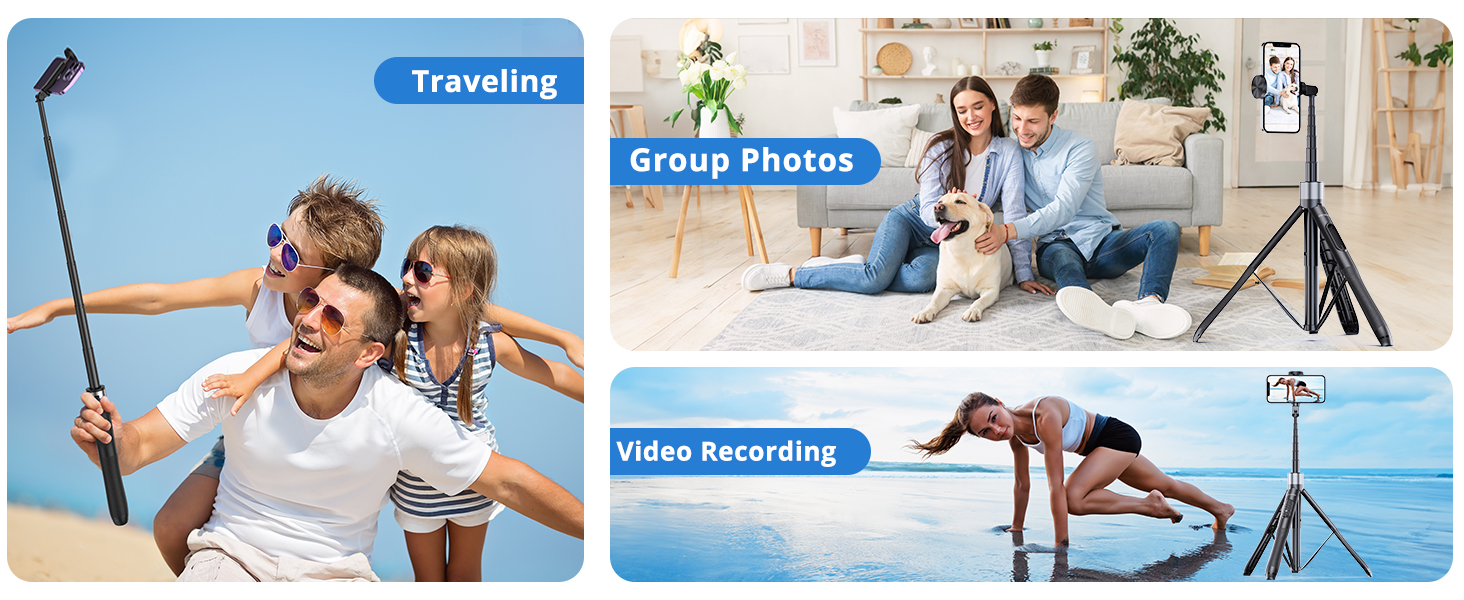
Figure 9: Adjustable height options for the tripod, from compact to fully extended.
5.2 Using as a Selfie Stick
With the tripod legs folded, hold the ergonomic handle. Extend the telescopic pole to your desired length. Use the Bluetooth remote to capture photos or start video recording.
5.3 Using as a Tripod
With the tripod legs fully extended and placed on a stable, flat surface, adjust the pole height and phone angle. Use the Bluetooth remote to capture hands-free photos or videos.
5.4 Android Camera Settings Adjustment
Some Android phones may default the volume keys to control zoom or focus. For optimal use with the Bluetooth remote, ensure your phone's camera settings are configured to use the volume key as a shutter button.
- Open your phone's camera application.
- Navigate to Camera Settings (often represented by a gear icon).
- Look for a setting related to "Volume key function" or "Shooting methods".
- Select the option to use the volume key as a "Shutter" or "Take picture". Avoid selecting "Zoom" or "Focus".

Figure 10: Guide for adjusting Android camera settings for remote shutter functionality.
6. Maintenance
- Cleaning: Wipe the device with a soft, dry cloth. Avoid using harsh chemicals or abrasive materials.
- Storage: Store the selfie stick tripod in a cool, dry place when not in use. Ensure it is fully collapsed to prevent damage.
- Battery Care: Charge the Bluetooth remote regularly to maintain battery health, even if not used frequently.
7. Troubleshooting
7.1 Bluetooth Remote Not Pairing/Connecting
- Ensure the remote is charged.
- Make sure Bluetooth is enabled on your smartphone.
- Turn the remote off and on again to re-enter pairing mode.
- Forget the device in your phone's Bluetooth settings and attempt to pair again.
- Ensure no other Bluetooth devices are interfering with the connection.
7.2 Tripod Instability
- Ensure the tripod legs are fully extended and locked into position on a flat, stable surface.
- Avoid using the tripod in strong winds or on uneven terrain.
- Verify your phone is securely centered in the holder.
7.3 Phone Not Fitting in Holder
The phone holder accommodates devices between 2.2 inches and 3.5 inches in width. If your phone, especially with a thick case, exceeds this range, it may not fit. Remove bulky cases if necessary.
7.4 Pinch Hazard Warning
Exercise caution when opening and closing the phone holder and when collapsing the tripod legs to avoid pinching your fingers. Always handle with care.
8. Specifications
| Product Dimensions | 2.36 x 2.36 x 13.31 inches (collapsed) |
| Item Weight | 14.1 ounces (400 Grams) |
| Model Number | ATSS067 |
| ASIN | B0923WVVN4 |
| Batteries | 1 Lithium Metal battery (included) |
| Brand | ATUMTEK |
| Color | Black |
| Material | Aluminum, Polycarbonate (PC) |
| Weight Limit | 15 Kilograms |
| Maximum Height | 60 Inches |
| Tripod Head Type | Ball Heads |
9. Warranty & Support
The ATUMTEK 60-inch Selfie Stick Tripod (Model ATSS067) comes with a 3-year warranty. For any product inquiries, technical assistance, or warranty claims, please contact ATUMTEK customer service. Refer to the contact information provided on the product packaging or the official ATUMTEK website for support details.
FCC Compliance: This device complies with FCC Radio Frequency Emission regulations. FCC ID: 2ASUP-ATSS055.
Related documentsATSS067


Ask a question about this manual
Ask about setup, troubleshooting, compatibility, parts, safety, or missing instructions. Manuals+ will review the question and use this page’s manual context to help answer it.