
1. Introduction
1.1 Product Overview
The Decathlon Run 100 Men's Running Shoes are designed for comfort and performance during running activities. These shoes feature a lightweight design and a mixed material construction, providing a balance of breathability and support for male runners.
1.2 Key Features
- Brand: Decathlon
- Color: Gray
- Material: Mixed (Outer material)
- Sports Type: Running
- Gender: Men
- Closure Type: Lace-Up
2. Setup
2.1 First Use
Before your first run, ensure the laces are securely tied to provide a snug yet comfortable fit. Walk around in the shoes for a few minutes to ensure they feel right and there are no pressure points.
2.2 Sizing and Fit
These shoes are available in various sizes, including 47 EU as specified. For optimal comfort and performance, ensure you select the correct size. It is recommended to try on shoes at the end of the day when your feet are slightly swollen to get the most accurate fit. Your toes should have a little room to wiggle, and your heel should feel secure without slipping.
3. Operating
3.1 How to Use for Running
The Decathlon Run 100 shoes are specifically designed for road running. They provide cushioning and support suitable for regular running sessions. Ensure your laces are tied securely to prevent tripping and provide adequate foot stability during your run. These shoes are suitable for various running distances and intensities on paved surfaces.
4. Maintenance
4.1 Cleaning and Care
To maintain the longevity and appearance of your Decathlon Run 100 shoes, follow these care instructions:
- Hand Wash Only: Do not machine wash or tumble dry. Use a soft brush or cloth with mild soap and cold water to clean the exterior.
- Drying: Allow shoes to air dry naturally at room temperature. Avoid direct sunlight or heat sources, as this can damage the materials.
- Storage: Store shoes in a cool, dry place away from direct sunlight when not in use.

Image 1: Side view of the Decathlon Run 100 Men's Running Shoe, showcasing its gray mesh upper, white sole, and lace-up closure.
5. Troubleshooting
5.1 Common Issues and Solutions
- Discomfort or Blisters: Ensure proper sizing and lacing. Consider wearing appropriate running socks. If discomfort persists, the shoe may not be suitable for your foot type.
- Excessive Wear: Regular use will lead to wear. Rotate with other running shoes if possible to extend lifespan. Ensure you are using the shoes for their intended purpose (road running).
- Slipping Laces: Double knot your laces if they frequently come undone.
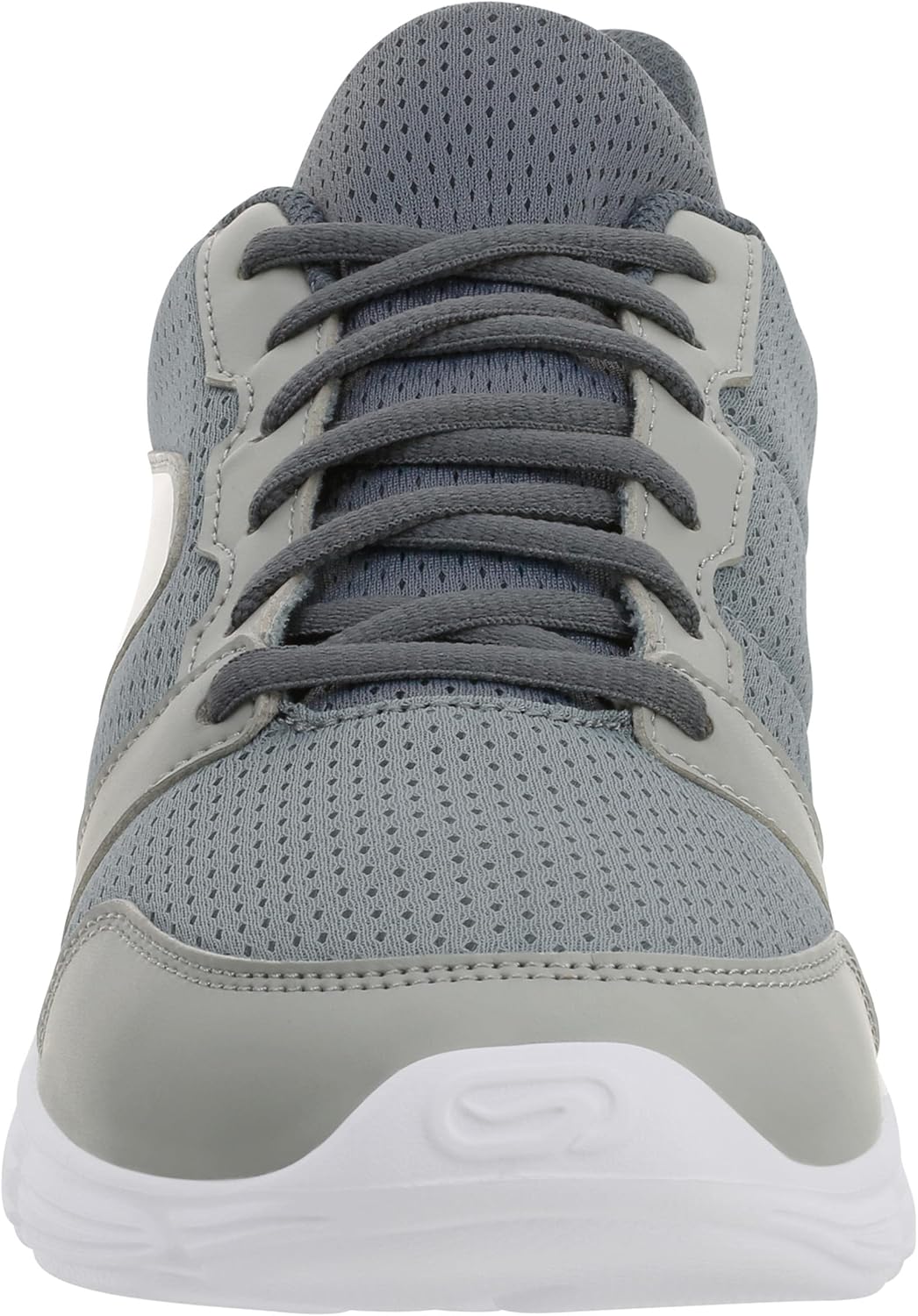
Image 2: Front view of the Decathlon Run 100 Men's Running Shoe, highlighting the breathable mesh toe box and the gray lace-up system.
6. Specifications
| Feature | Detail |
|---|---|
| Brand | Decathlon |
| Model Name | Run 100 |
| ASIN | B0923D9MH3 |
| Color | Gray |
| Outer Material | Mixed |
| Closure Type | Lace-Up |
| Sports Type | Running |
| Gender | Men |
| Care Instructions | Hand Wash |
| Date First Available | 8 April 2021 |
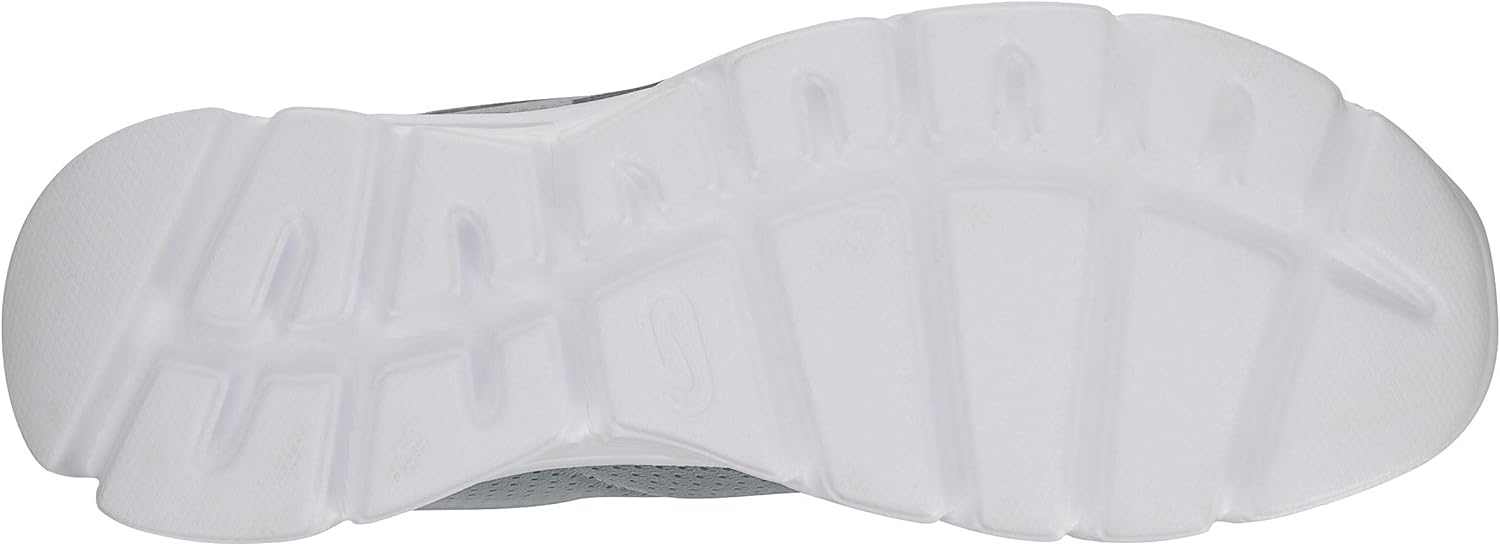
Image 3: Bottom view of the Decathlon Run 100 Men's Running Shoe, displaying the sole's tread pattern designed for grip.
7. Warranty and Support
For information regarding warranty coverage or product support, please refer to the official Decathlon website or contact Decathlon customer service directly. Keep your proof of purchase for any warranty claims.
Decathlon Official Website: www.decathlon.com

