
Hisense 65U7G
Hisense ULED Premium 65U7G QLED Series 65-inch Android 4K Smart TV User Manual
Model: 65U7G
Introduction
This user manual provides essential information for the setup, operation, and maintenance of your Hisense ULED Premium 65U7G QLED Series 65-inch Android 4K Smart TV. Please read this manual thoroughly before using the product to ensure proper and safe operation. Keep this manual for future reference.
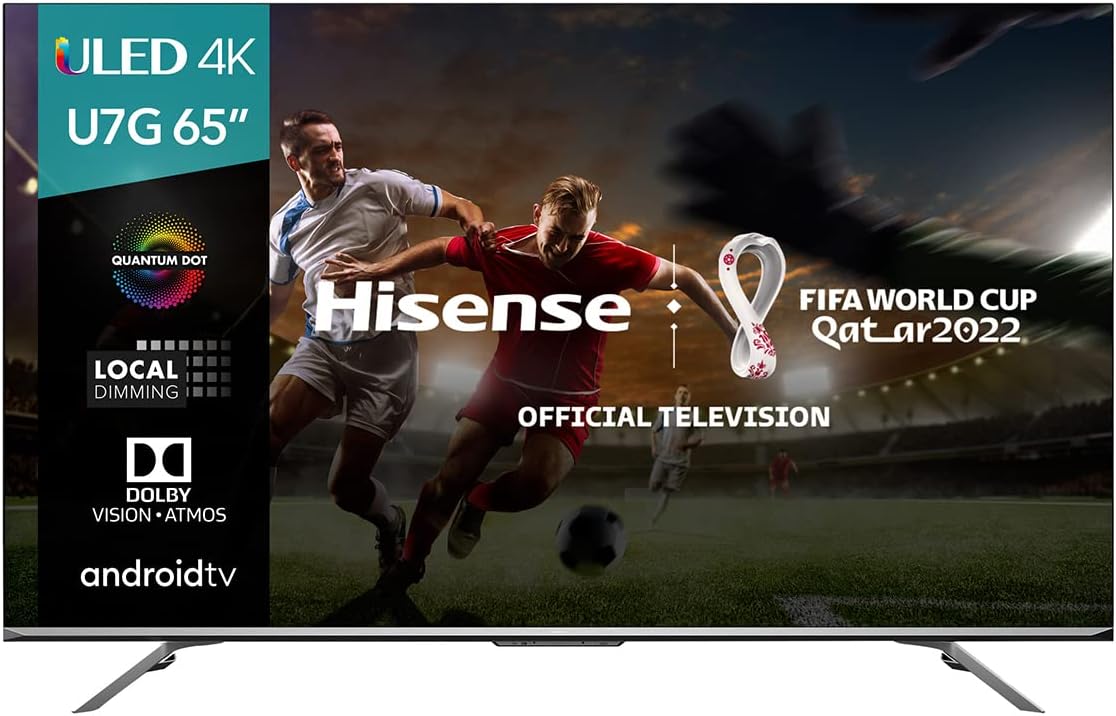
Figure 1: Hisense 65U7G QLED Series 65-inch Android 4K Smart TV.
Safety Information
Always adhere to the following safety precautions to prevent fire, electric shock, or injury:
- Do not expose the TV to rain or moisture.
- Do not open the TV casing. Refer all servicing to qualified personnel.
- Ensure proper ventilation. Do not block ventilation openings.
- Place the TV on a stable, level surface to prevent it from falling.
- Unplug the TV during lightning storms or when unused for long periods.
- Keep small parts and batteries out of reach of children.
What's in the Box
Verify that all components are present in the packaging:
- TV Unit
- Power Cable
- Stand
- Remote Control
- Quick Start Guide
Setup
1. Attaching the Stand
Carefully place the TV screen-down on a soft, clean surface. Attach the stand legs to the designated slots on the bottom of the TV using the provided screws. Ensure the stand is securely fastened before placing the TV upright.

Figure 2: TV dimensions for placement and stand attachment.
2. Connecting Devices
Connect your external devices such as cable boxes, gaming consoles, or Blu-ray players to the TV's input ports. The Hisense 65U7G features multiple HDMI ports, including HDMI 2.1 for high-performance devices, USB ports, and an Ethernet port for wired network connectivity.
- HDMI: For high-definition audio and video. Use HDMI 2.1 ports for 4K@120Hz content.
- USB: For connecting USB storage devices.
- Ethernet: For a stable wired internet connection.
- Wi-Fi: For wireless internet connection (configured during initial setup).
3. Initial Power On and Setup Wizard
After connecting the power cable, press the power button on the remote control or the TV. The TV will guide you through the initial setup wizard, including language selection, network connection, and channel scanning.
Operating Your TV
1. Remote Control
The included remote control allows you to navigate the TV's features. It includes dedicated buttons for popular streaming services and a voice control button for Google Assistant.

Figure 3: Voice Remote functionality for easy control.
2. Android TV Interface
Your Hisense 65U7G runs on the Android TV operating system, providing access to a wide range of apps, streaming services, and Google Assistant. The home screen can be customized to display your favorite content.
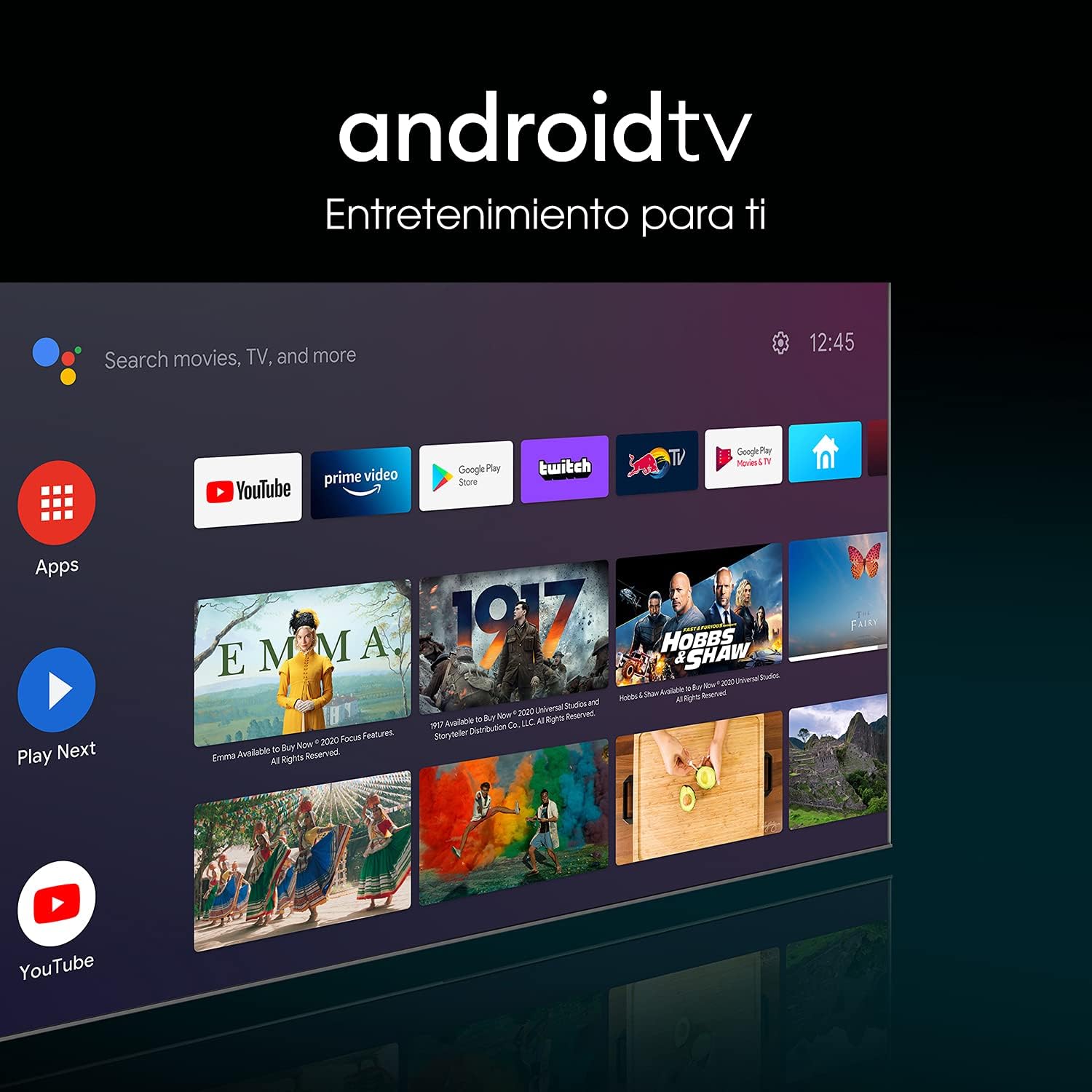
Figure 4: Android TV interface for content access.
3. Picture and Sound Enhancements
The TV incorporates several technologies to deliver a superior viewing and listening experience:
- 4K ULED: Enhances color, contrast, brightness, and motion beyond standard 4K.
- Quantum Dot Wide Color Gamut: Produces over one billion shades for purer, richer, and more accurate colors.
- Full Array Local Dimming: Provides precise control over backlight zones for deeper blacks and brighter whites.
- 1000-nit Peak Brightness: Delivers stunning HDR 'pop' and clear visuals even in bright rooms.
- Dolby Vision & Dolby Atmos: Cinema technology for your home, offering amazing realism in picture and immersive sound.
- IMAX Enhanced: Optimizes content for a premium at-home cinematic experience.

Figure 5: Quantum Dot Colour for vibrant and accurate colors.

Figure 6: Full Array Local Dimming for enhanced contrast.

Figure 7: High peak brightness for vivid details.
4. Gaming Features
The 65U7G is optimized for gaming with features designed to provide a smooth and responsive experience:
- 120Hz Native Refresh Rate: Ensures smoother motion and reduces blur in fast-paced scenes.
- HDMI 2.1: Supports higher bandwidth for 4K@120Hz gaming.
- Variable Refresh Rate (VRR): Synchronizes the TV's refresh rate with the game console's frame rate to eliminate screen tearing.
- Auto Low Latency Mode (ALLM): Automatically switches the TV to a low-latency mode when a game is detected.
- Game Mode Pro: Combines these features for an optimized gaming experience.

Figure 8: Game Mode Pro for optimized gaming performance.
5. Motion Enhancement
Ultra Motion: This technology removes digital 'noise' that can affect moving objects, ensuring exceptionally clear visuals for fast-moving content like sports or action movies. The 120Hz native refresh rate further contributes to fluid motion.

Figure 9: Ultra Motion for clear and fluid movement.
Maintenance
1. Cleaning the Screen
To clean the screen, gently wipe it with a soft, lint-free cloth. For stubborn marks, lightly dampen the cloth with water or a screen-cleaning solution specifically designed for electronics. Avoid using harsh chemicals or abrasive materials.
2. Software Updates
Your Android TV may receive periodic software updates. Ensure your TV is connected to the internet to receive these updates, which can improve performance and add new features. You can check for updates in the TV's settings menu.
Troubleshooting
If you encounter issues with your TV, refer to the following common solutions. For more detailed troubleshooting, please consult the full user manual available online.
| Problem | Possible Solution |
|---|---|
| No Power | Check if the power cable is securely connected to the TV and the power outlet. Ensure the outlet is functional. |
| No Picture / Distorted Picture | Verify the correct input source is selected. Check cable connections to external devices. Try restarting the TV. |
| No Sound | Check the volume level and mute settings. Ensure external audio devices are properly connected and configured. |
| Network Connection Issues | Restart your router/modem. Check Wi-Fi password. For wired connections, ensure the Ethernet cable is connected. |
| Remote Control Not Responding | Replace the batteries. Ensure there are no obstructions between the remote and the TV's IR sensor. |
Specifications
| Feature | Detail |
|---|---|
| Model Number | 65U7G |
| Screen Size | 65 Inches |
| Display Technology | ULED, QLED (Quantum Dot) |
| Resolution | 4K (3840 x 2160) |
| Refresh Rate | 120 Hz Native |
| HDR Support | Dolby Vision, HDR10+ |
| Peak Brightness | Up to 1000 nits |
| Operating System | Android TV |
| Voice Assistants | Alexa Built-in, Google Assistant |
| Connectivity | Bluetooth, Ethernet, HDMI (including 2.1), USB, Wi-Fi |
| Dimensions (W x D x H) | 57" x 3.5" x 33.1" (without stand) |
| Weight | 43 Pounds |
| Power Supply | AC 120V, 50/60Hz |
Warranty and Support
Hisense provides a limited warranty for this product. For specific warranty terms and conditions, please refer to the warranty card included with your TV or visit the official Hisense website. For technical support, product registration, or service inquiries, please contact Hisense customer support.
An official User Manual (PDF) is available for download: Download User Manual (PDF)
Official Product Videos
No official product videos from the seller were found in the provided data to embed in this manual.