Introduction
This manual provides essential instructions for the safe and efficient use of your SAMSUNG Jet 60 Pet Cordless Stick Vacuum Cleaner. Please read this manual thoroughly before operating the appliance and retain it for future reference.
Important Safety Information
Always follow basic safety precautions when using electrical appliances to reduce the risk of fire, electric shock, or injury.
- Do not use outdoors or on wet surfaces.
- Do not allow to be used as a toy. Close attention is necessary when used by or near children.
- Use only as described in this manual. Use only manufacturer’s recommended attachments.
- Do not use with a damaged cord or plug. If appliance is not working as it should, has been dropped, damaged, left outdoors, or dropped into water, return it to a service center.
- Do not pull or carry by cord, use cord as a handle, close a door on cord, or pull cord around sharp edges or corners. Do not run appliance over cord. Keep cord away from heated surfaces.
- Do not unplug by pulling on cord. To unplug, grasp the plug, not the cord.
- Do not handle plug or appliance with wet hands.
- Do not put any object into openings. Do not use with any opening blocked; keep free of dust, lint, hair, and anything that may reduce airflow.
- Keep hair, loose clothing, fingers, and all parts of body away from openings and moving parts.
- Turn off all controls before unplugging.
- Use extra care when cleaning on stairs.
- Do not use to pick up flammable or combustible liquids, such as gasoline, or use in areas where they may be present.
- Do not pick up anything that is burning or smoking, such as cigarettes, matches, or hot ashes.
- Do not use without dust bin and/or filters in place.
- Prevent unintentional starting. Ensure the switch is in the off-position before connecting to battery pack, picking up or carrying the appliance.
- Recharge only with the charger specified by the manufacturer. A charger that is suitable for one type of battery pack may create a risk of fire when used with another battery pack.
- Use appliances only with specifically designated battery packs. Use of any other battery packs may create a risk of injury and fire.
- When battery pack is not in use, keep it away from other metal objects, like paper clips, coins, keys, nails, screws or other small metal objects, that can make a connection from one terminal to another. Shorting the battery terminals together may cause burns or a fire.
- Under abusive conditions, liquid may be ejected from the battery; avoid contact. If contact accidentally occurs, flush with water. If liquid contacts eyes, additionally seek medical help. Liquid ejected from the battery may cause irritation or burns.
- Do not use a battery pack or appliance that is damaged or modified. Damaged or modified batteries may exhibit unpredictable behavior resulting in fire, explosion or risk of injury.
- Do not expose a battery pack or appliance to fire or excessive temperature. Exposure to fire or temperature above 130°C (265°F) may cause explosion.
- Follow all charging instructions and do not charge the battery pack or appliance outside of the temperature range specified in the instructions. Charging improperly or at temperatures outside of the specified range may damage the battery and increase the risk of fire.
- Have servicing performed by a qualified repair person using only identical replacement parts. This will ensure that the safety of the product is maintained.
- Do not modify or attempt to repair the appliance or the battery pack (as applicable) except as indicated in the instructions for use and care.
Package Contents
Verify that all components are present in your package:


- Jet 60 Pet Main Unit: The primary vacuum body with motor and dustbin.
- Jet Fit Brush: Main cleaning head for various floor types.
- Extension Pipe: Connects the main unit to the cleaning head.
- Combination Tool: For dusting and upholstery.
- Long-Reach Crevice Tool: For tight corners and narrow spaces.
- Mini Motorized Tool: Reduces fine dust and pet hair from tight spaces.
- Removable Battery: Lithium-Ion battery for cordless operation.
- Charger: For recharging the battery.
Setup and Assembly
1. Assembling the Vacuum
- Insert the extension pipe into the main body until it clicks securely.
- Attach the desired cleaning head (e.g., Jet Fit Brush) to the other end of the extension pipe until it clicks.
- Ensure the battery is fully charged before first use. Slide the battery into the slot on the main unit until it clicks.

2. Charging the Battery
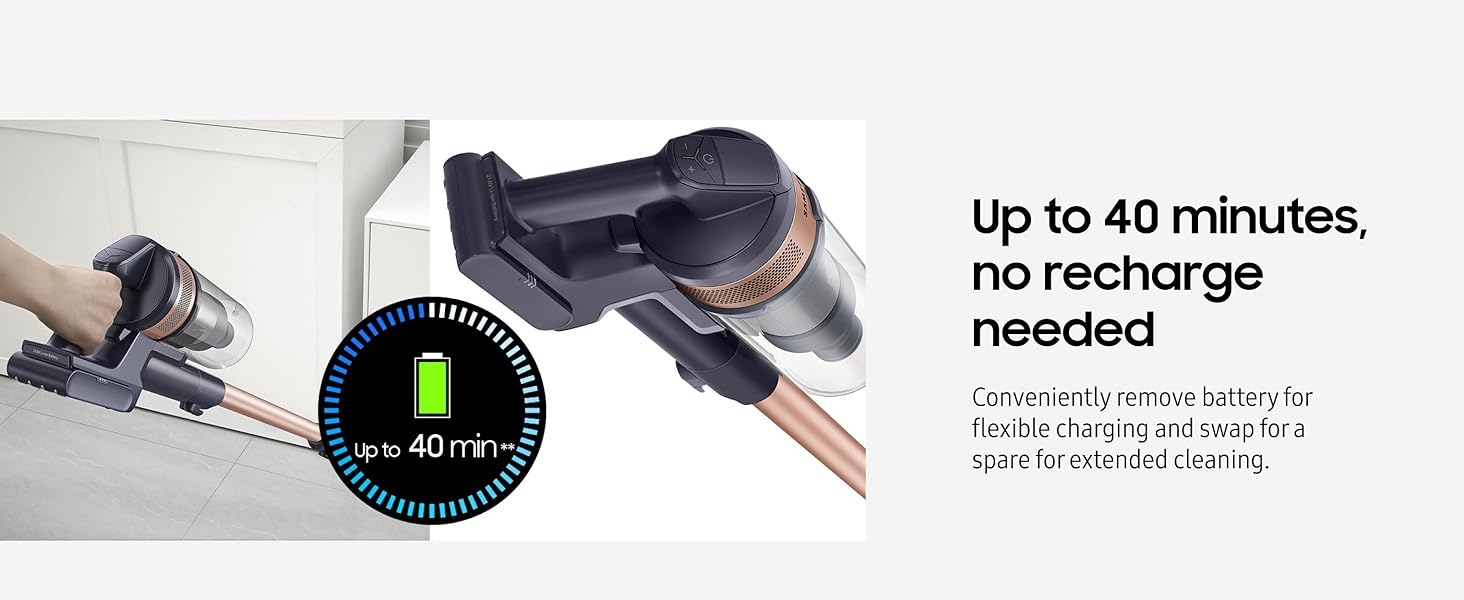
The battery can be charged while attached to the vacuum or separately. A full charge provides up to 40 minutes of runtime at minimum power with a non-motorized tool.
- On-Vacuum Charging: Connect the charger directly to the charging port on the main unit.
- Off-Vacuum Charging: Remove the battery from the main unit by pressing the release button and sliding it out. Connect the battery to the standalone charger.
3. Mounting Options
The vacuum can be mounted on a wall or stored upright using the charging stand.

Operating Instructions
1. Power On/Off and Suction Control
Press the power button to turn the vacuum on or off. Use the '+' and '-' buttons to adjust the suction power according to your cleaning needs.

2. Cleaning Different Surfaces
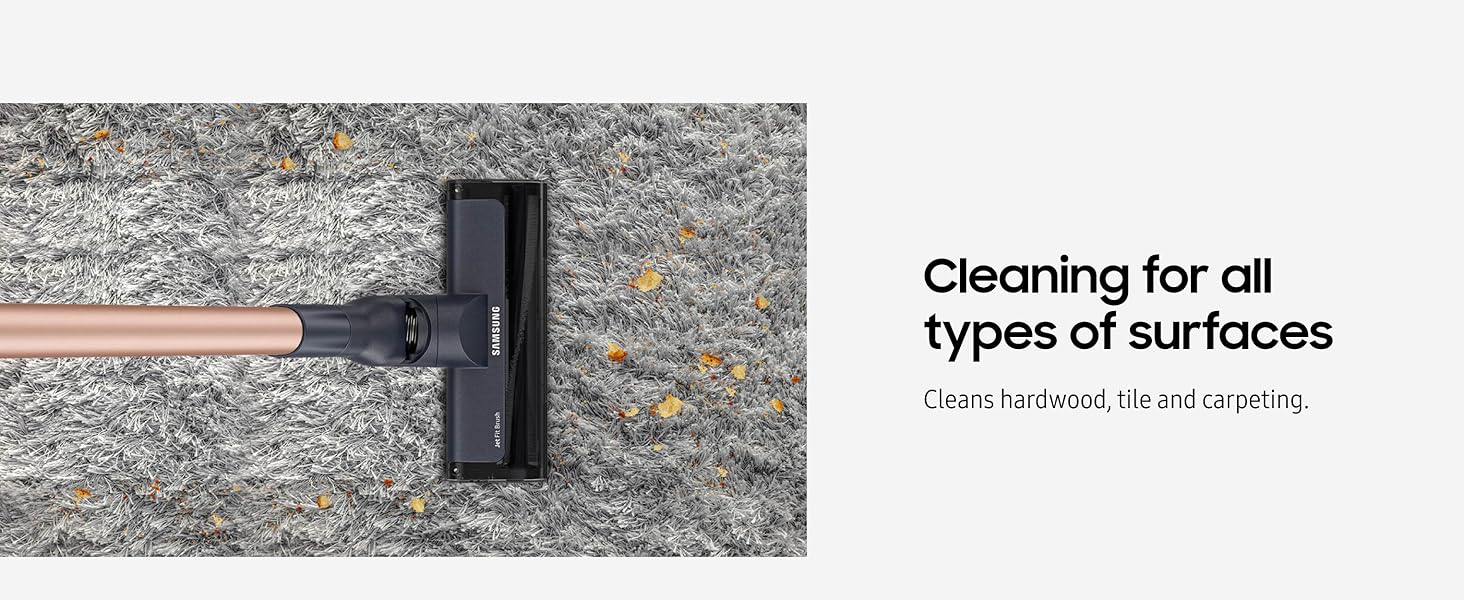
The Jet Fit Brush is designed for effective cleaning on hardwood, tile, and carpeting.
3. Using Attachments
Select the appropriate attachment for specific cleaning tasks:
- Combination Tool: Ideal for dusting furniture, shelves, and delicate surfaces.
- Long-Reach Crevice Tool: Perfect for narrow gaps, corners, and along baseboards.
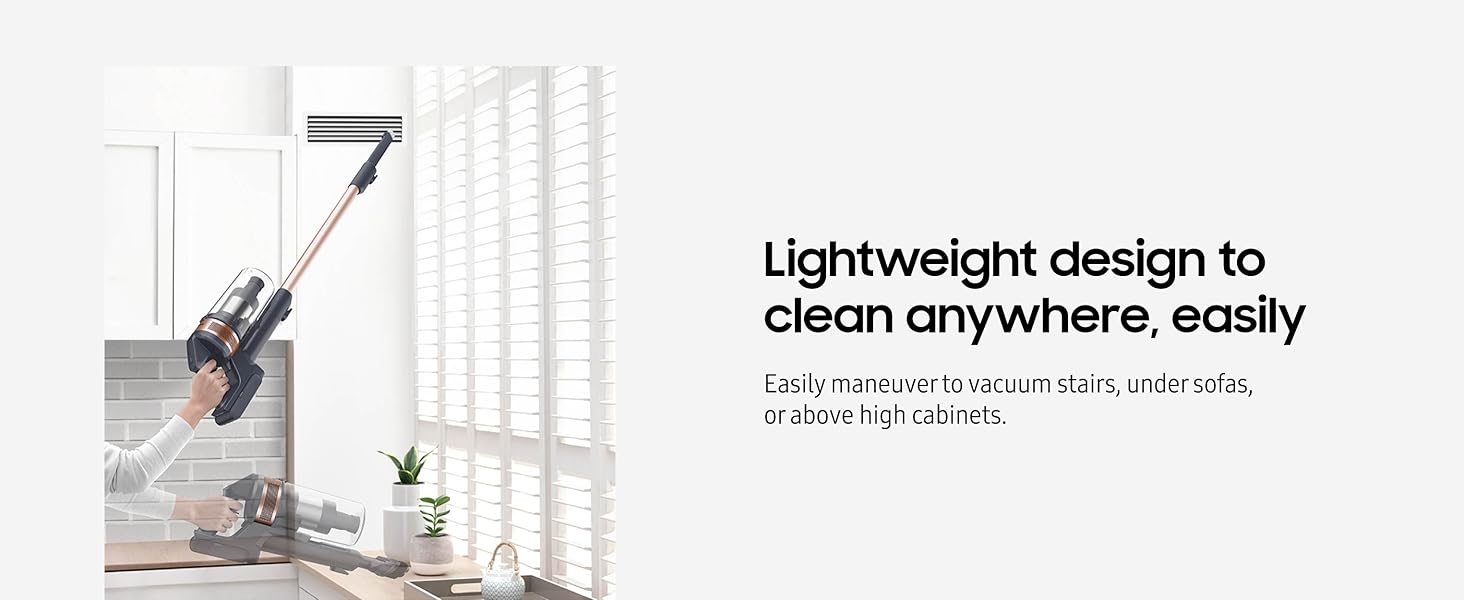
- Mini Motorized Tool: Effectively removes pet hair and fine dust from upholstery, stairs, and car interiors.

Maintenance
Regular maintenance ensures optimal performance and extends the lifespan of your vacuum cleaner.
1. Emptying and Cleaning the Dust Bin
The 0.8-liter dust bin should be emptied regularly. It is fully washable for thorough cleaning.
- Detach the dust bin from the main unit.
- Open the dust bin and empty its contents into a waste receptacle.
- Rinse the dust bin with water if necessary and allow it to dry completely before reattaching.
2. Filter Maintenance
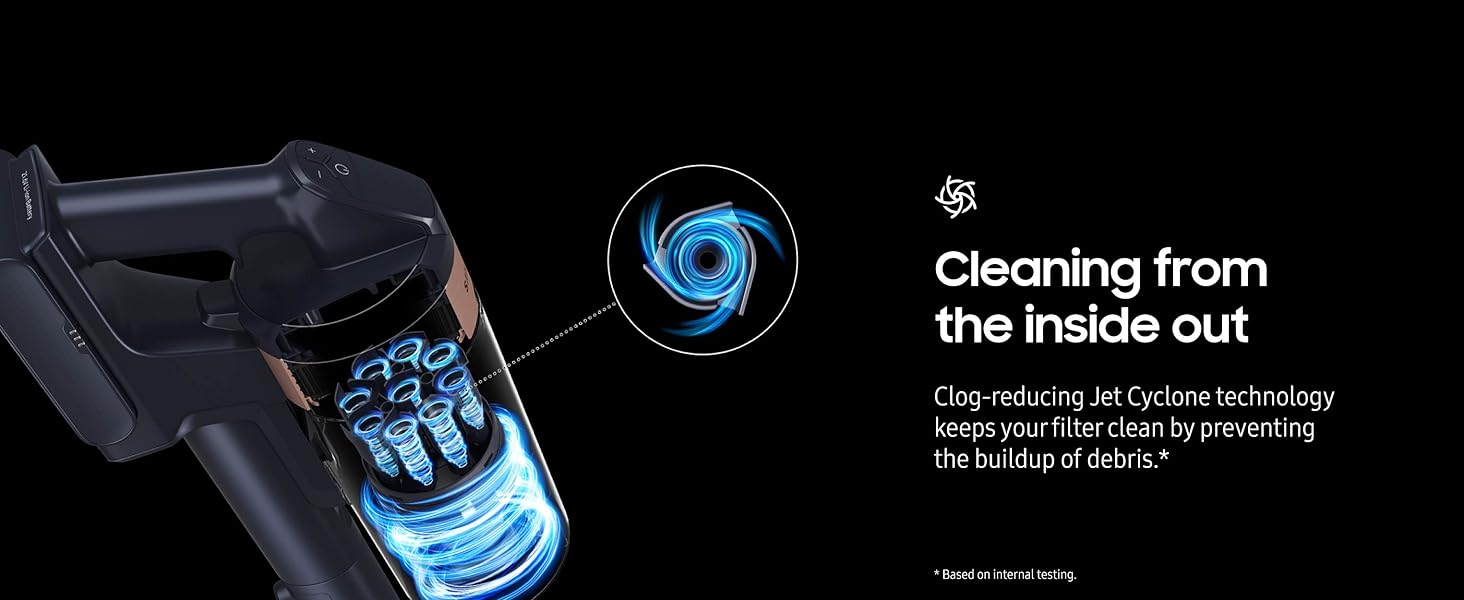
The vacuum features a multi-layered filtration system, including a metal mesh grille filter, Jet Cyclone system, washable microfilter, and fine dust filter. Regular cleaning of these filters is crucial for maintaining suction power and air quality.
- Remove the dust bin and access the internal filters.
- Clean the metal mesh grille filter and the Jet Cyclone system by tapping out debris.
- The washable microfilter can be rinsed under running water. Ensure it is completely dry before reinstallation.
- The fine dust filter should also be cleaned periodically.

3. Brush Maintenance
Periodically check the Jet Fit Brush for tangled hair or debris. Remove any obstructions to ensure effective cleaning.
Troubleshooting
Refer to the table below for common issues and their solutions.
| Problem | Possible Cause | Solution |
|---|---|---|
| Vacuum does not turn on. | Battery is not charged or not properly inserted. | Ensure battery is fully charged and securely inserted into the main unit. |
| Low suction power. | Dust bin is full; filters are clogged; brush roll is obstructed. | Empty the dust bin. Clean all filters. Remove any tangled hair or debris from the brush roll. |
| Battery runtime is short. | Battery not fully charged; using high power mode; battery degradation. | Ensure battery is fully charged. Use lower power settings for longer runtime. Consider purchasing a spare battery if needed. |
| Brush roll not spinning. | Obstruction in the brush roll; brush head not properly attached. | Check for and remove any obstructions. Ensure the brush head is securely attached to the extension pipe. |
Product Specifications
| Feature | Detail |
|---|---|
| Brand | Samsung |
| Model Name | Jet 60 Pet |
| Model Number | VS15A6032R7 |
| Special Feature | Bagless, Lightweight Design |
| Filter Type | Disk, Multi-cyclonic, Fine Dust Filter |
| Included Components | Jet Fit Brush, Combination Tool, Long-Reach Crevice Tool, Mini Motorized Tool, Battery, Charger |
| Cordless | Yes |
| Dust Bin Capacity | 0.2 Gallons (0.8 Liters) |
| Wattage | 150 Air Watts (Max Suction Power) |
| Recommended Uses | Hardwood, Tile Floor, Carpet, Home |
| Form Factor | Stick |
| Color | Rose Gold (as per product title, though spec says Gold) |
| Product Dimensions | 9.8"L x 8"W x 44.2"H |
| Battery Type | Lithium-Ion |
| Battery Life | Up to 40 minutes (minimum power, non-motorized tool) |
| Noise Level | 60 Decibels |
| Item Weight | 5.7 pounds |
| Control Method | Push Button, Touch |
Warranty and Support
For warranty information, technical support, or service inquiries, please refer to the warranty card included with your product or visit the official Samsung support website. Keep your proof of purchase for warranty claims.
Online Support: www.samsung.com/us/support/