
1. Introduction
The WiZ Smart Plug transforms any standard electrical outlet into a smart outlet, allowing you to control connected devices remotely via the WiZ Connected app or voice commands. This manual provides detailed instructions for setting up, operating, and maintaining your WiZ Smart Plug to ensure optimal performance and safety.
2. Safety Information
Please read all safety instructions carefully before using the WiZ Smart Plug. Failure to follow these instructions may result in electric shock, fire, or other hazards.
- For indoor use only. Do not expose to water or moisture.
- Do not exceed the maximum load rating of 2 Amps (120 Volts). Overloading may cause damage to the device or create a fire hazard.
- Ensure the plug is fully inserted into the outlet.
- Do not disassemble or modify the device.
- Keep out of reach of children.
3. Package Contents
Verify that all items are present in your package:
- 1 Smart plug
4. Product Overview
The WiZ Smart Plug is designed for simplicity and efficiency, allowing you to easily integrate traditional appliances into your smart home ecosystem.

Image: The WiZ Smart Plug shown alongside its retail packaging.

Image: A detailed view of the WiZ Smart Plug, highlighting its compact design and standard Type B electrical prongs.
Its compact size ensures that it does not obstruct adjacent outlets, even when two plugs are used in a single duplex receptacle.
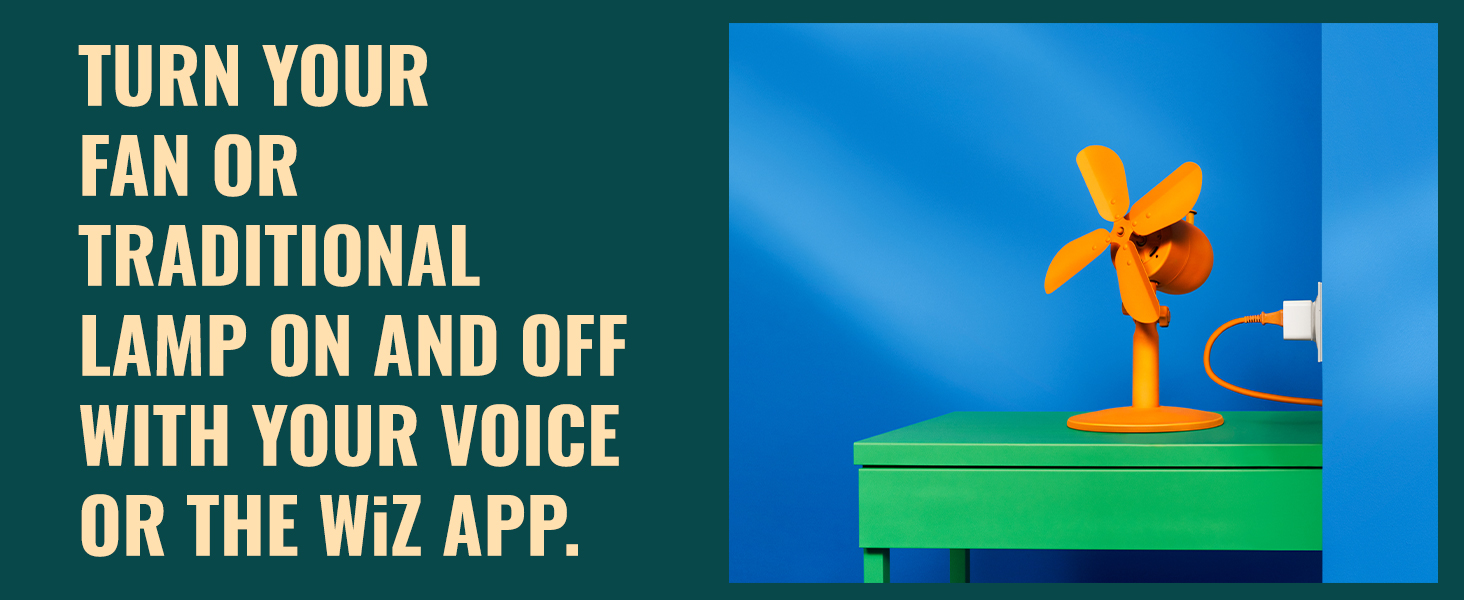
Image: Two WiZ Smart Plugs plugged into a single wall outlet, demonstrating their compact design that allows for dual use.
5. Setup
Setting up your WiZ Smart Plug is a straightforward process. You will need a WiZ Smart Plug, your home Wi-Fi network (2.4 GHz), and an Android phone or iPhone.
Step-by-Step Setup Guide:
- Download the WiZ App:
Begin by downloading the official WiZ Connected app from the App Store (for iOS) or Google Play Store (for Android). Once installed, open the app and create a new 'Home' to organize your smart devices.
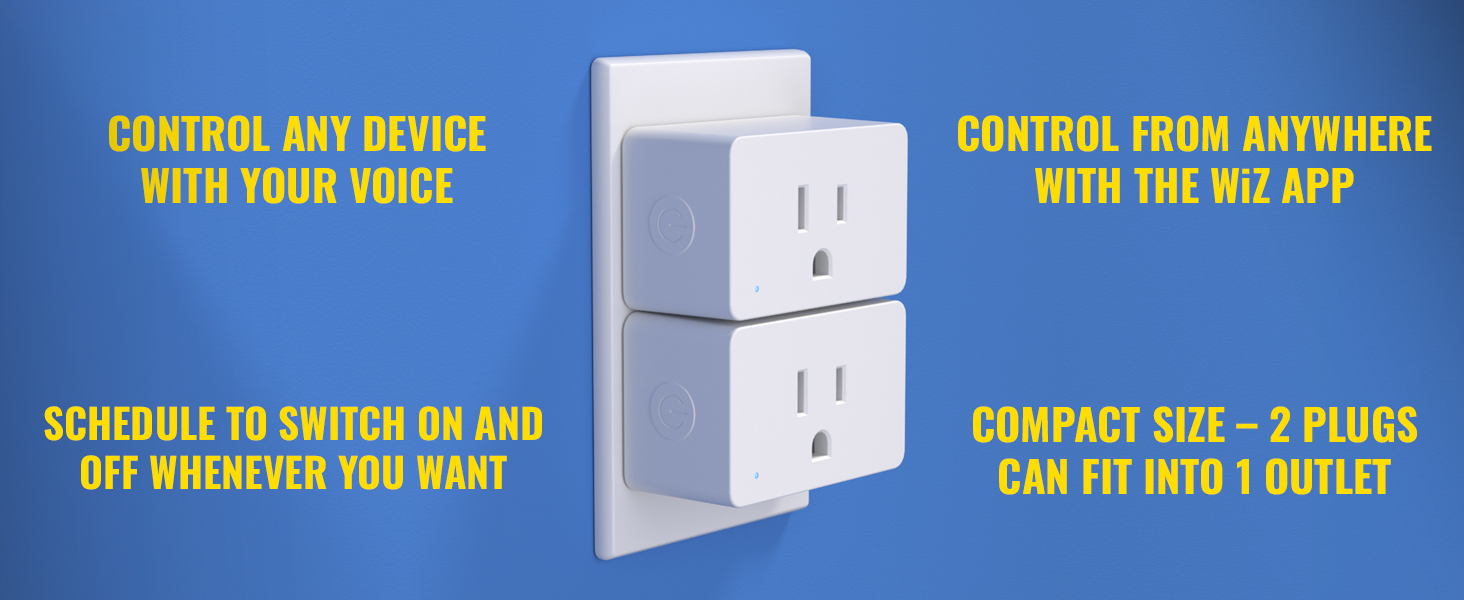
Image: Illustration showing the WiZ app icon and instructions to download it and create a home.
- Install the Smart Plug and Switch On:
Plug your WiZ Smart Plug into a standard electrical outlet. Ensure the outlet is powered on. The smart plug will automatically enter pairing mode, and you should see a notification in the WiZ app indicating a new device has been found via Bluetooth.
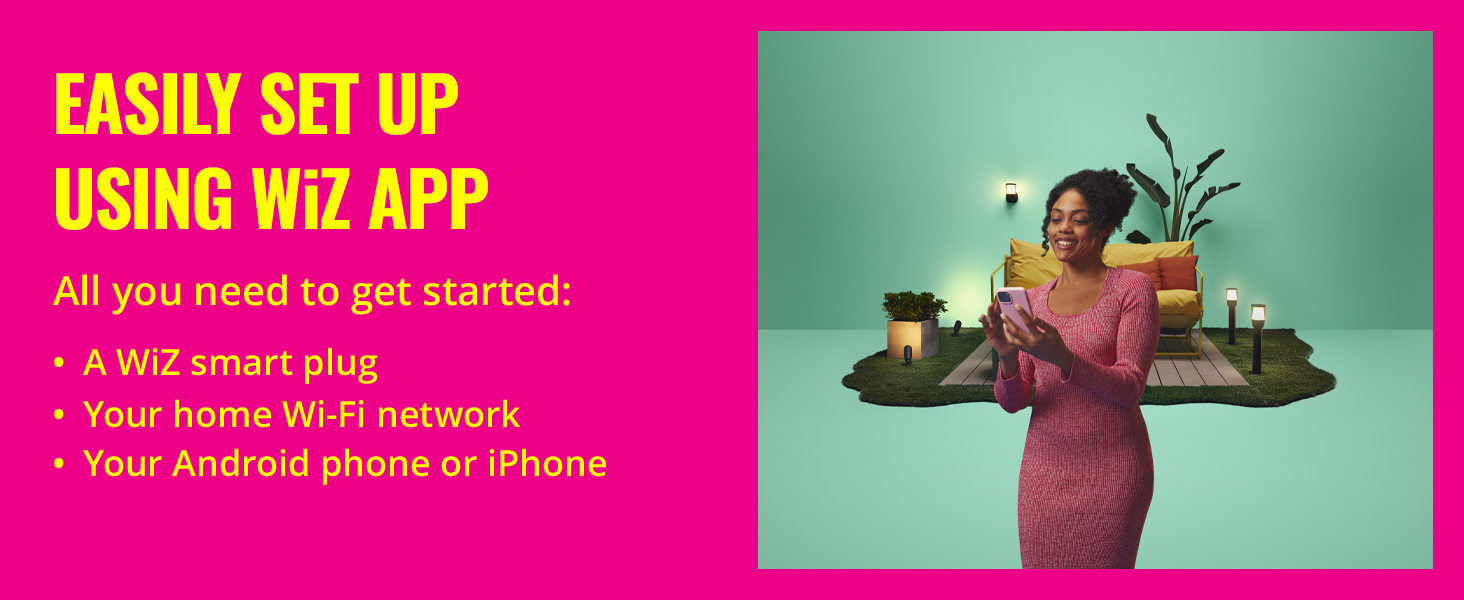
Image: A hand plugging in the WiZ Smart Plug, with a phone screen showing a 'Devices found' notification.
- Connect the Smart Plug to Wi-Fi:
Follow the in-app instructions to connect your smart plug to your home's 2.4 GHz Wi-Fi network. It is crucial to connect to the 2.4 GHz band, as the smart plug does not support 5 GHz networks.
Image: A person interacting with their phone, illustrating the step to connect the smart plug to a 2.4 GHz Wi-Fi network.
- Enjoy WiZ Features:
Once connected, you can begin controlling your devices. The WiZ Smart Plug is compatible with popular voice assistants like Alexa, Google Home, and HomeKit (via Matter QR code), offering versatile control options.
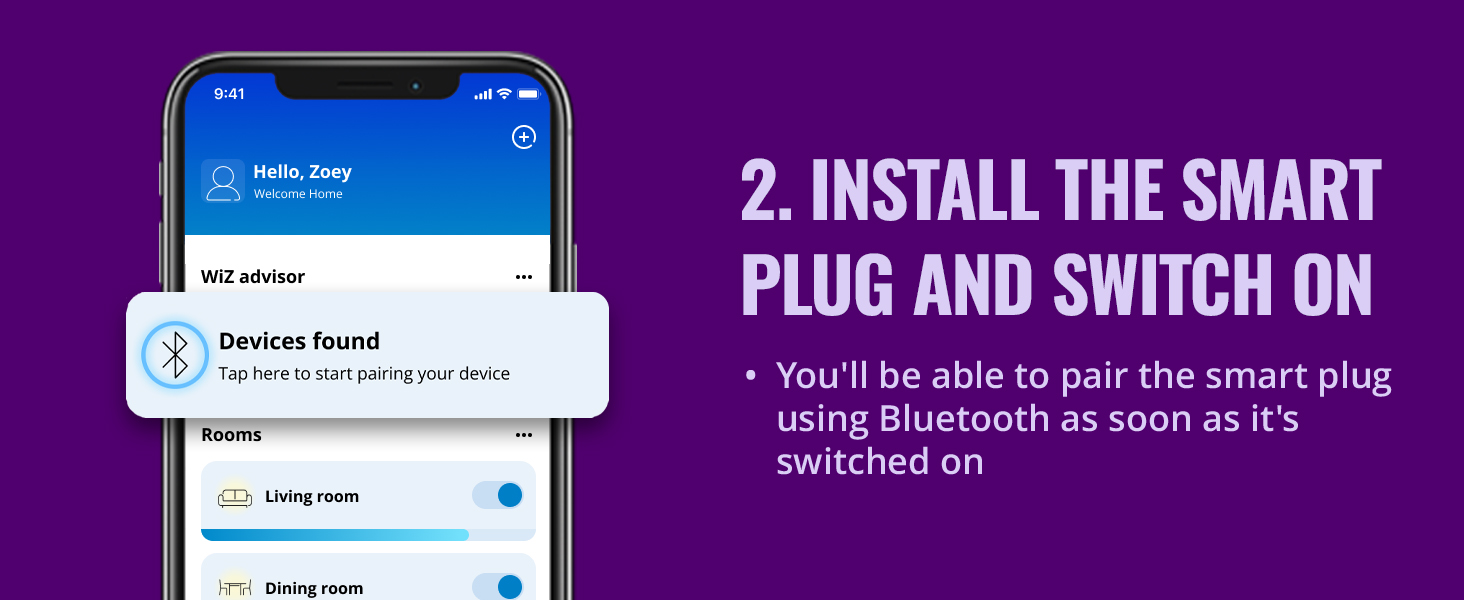
Image: Various smart home devices including a smart plug, smart bulb, and voice assistants, indicating broad compatibility.
6. Operating Instructions
The WiZ Smart Plug offers multiple ways to control your connected devices, providing convenience and flexibility.
Control via WiZ App:
The WiZ Connected app is your central hub for managing the smart plug. You can turn devices on/off, set schedules, and customize scenes from anywhere with an internet connection.

Image: Icons representing various control options: control anywhere, schedules, voice control, and smart switches/sensors.
Voice Control:
Integrate your WiZ Smart Plug with voice assistants for hands-free control. Simply link your WiZ account to Google Home, Amazon Alexa, or use Siri Shortcuts.

Image: A person interacting with a voice assistant, demonstrating the ease of voice control for the smart plug.
Scheduling and Scenes:
- Schedules: Automate your devices to turn on or off at specific times, aligning with your daily routine.
- Custom Scenes: Create and save custom settings for your devices, allowing you to activate multiple actions with a single command or tap.
7. Maintenance
The WiZ Smart Plug requires minimal maintenance to ensure long-lasting performance.
- Cleaning: Disconnect the smart plug from the power outlet before cleaning. Wipe the exterior with a soft, dry cloth. Do not use liquid cleaners or abrasive materials.
- Storage: If storing the device for an extended period, keep it in a cool, dry place away from direct sunlight and extreme temperatures.
8. Troubleshooting
If you encounter issues with your WiZ Smart Plug, refer to the following common solutions:
| Problem | Possible Cause | Solution |
|---|---|---|
| Device not connecting to Wi-Fi | Incorrect Wi-Fi band (5 GHz instead of 2.4 GHz), weak signal, incorrect password. | Ensure your phone is connected to a 2.4 GHz Wi-Fi network during setup. Move the smart plug closer to your router. Double-check your Wi-Fi password. |
| Device unresponsive | Power outage, app glitch, device frozen. | Unplug the smart plug from the outlet for 10 seconds, then plug it back in. Restart the WiZ app. Check your internet connection. |
| Cannot pair via Bluetooth | Bluetooth disabled on phone, device already paired. | Enable Bluetooth on your smartphone. Ensure the smart plug is in pairing mode (unplug and replug if necessary). |
For more detailed troubleshooting or persistent issues, please refer to the WiZ Connected app's help section or visit the official WiZ Connected support website.
9. Specifications
| Feature | Detail |
|---|---|
| Product Dimensions | 2.76 x 2.76 x 6.3 inches |
| Item Model Number | 000000929002446806 |
| Weight | 2.43 ounces |
| Manufacturer | Signify |
| Operation Mode | OFF-NONE-ON |
| Current Rating | 2 Amps |
| Operating Voltage | 120 Volts |
| Contact Type | Normally Closed |
| Connector Type | Clamp |
| Contact Material | Plastic |
| International Protection Rating | IP20 |
| Number of Positions | 10 |
10. Warranty and Support
The WiZ Smart Plug comes with a manufacturer's warranty. Please refer to the warranty information provided with your purchase or visit the official WiZ Connected website for details regarding warranty terms and conditions.
For technical support, product inquiries, or further assistance, please visit the WiZ Connected support page or contact their customer service through the WiZ Connected app.