
CHIQ CPC07PAP01
CHiQ 7000BTU Portable Air Conditioner User Manual
Model: CPC07PAP01
1. Introduction
Thank you for choosing the CHiQ 7000BTU Portable Air Conditioner. This appliance is designed to provide efficient cooling, dehumidification, and air circulation for your indoor spaces. Please read this manual thoroughly before operation to ensure proper use, maintenance, and safety.
2. Safety Instructions
Always follow basic safety precautions when using electrical appliances to reduce the risk of fire, electric shock, and injury.
- Ensure the power supply matches the voltage specified on the rating label.
- Do not operate the unit with a damaged cord or plug.
- Keep the appliance away from flammable materials.
- Do not block air inlets or outlets.
- Unplug the unit before cleaning or servicing.
- This appliance is for indoor use only.
3. Product Overview
Familiarize yourself with the components of your CHiQ Portable Air Conditioner.

Figure 3.1: Front view of the CHiQ Portable Air Conditioner with its remote control, illustrating the main unit and its user interface.

Figure 3.2: The portable air conditioner unit shown alongside its standard accessories, including the exhaust hose, window sealing kit, and remote control.
4. Setup and Installation
Follow these steps to set up your portable air conditioner for optimal performance.
4.1 Positioning the Unit
Place the unit on a flat, stable surface, ensuring there is at least 30 cm (12 inches) of space around the unit for proper airflow.
4.2 Window Kit Installation
The included window sealing kit is essential for exhausting hot air outside.
- Attach the exhaust hose to the air outlet on the back of the unit.
- Extend the exhaust hose and connect the window adapter to the other end.
- Install the window sealing plate or fabric seal in your window opening.
- Insert the window adapter into the opening of the window sealing kit, ensuring a tight seal to prevent hot air from re-entering the room.

Figure 4.1: Schematic diagram illustrating the correct setup of the portable air conditioner with the exhaust hose connected to a window sealing kit for efficient heat expulsion.

Figure 4.2: The rear of the unit, highlighting the power cord and plug connection point, as well as the removable air filter for maintenance.
4.3 Power Connection
Plug the power cord into a grounded electrical outlet. Ensure the outlet meets the power requirements of the unit.
5. Operating Instructions
Your CHiQ Portable Air Conditioner offers multiple operating modes for various comfort needs.
5.1 Control Panel and Remote Control
The unit can be operated via the control panel on top of the unit or the included remote control. Buttons typically include Power, Mode, Fan Speed, Timer, and Temperature Adjustment.
5.2 Operating Modes
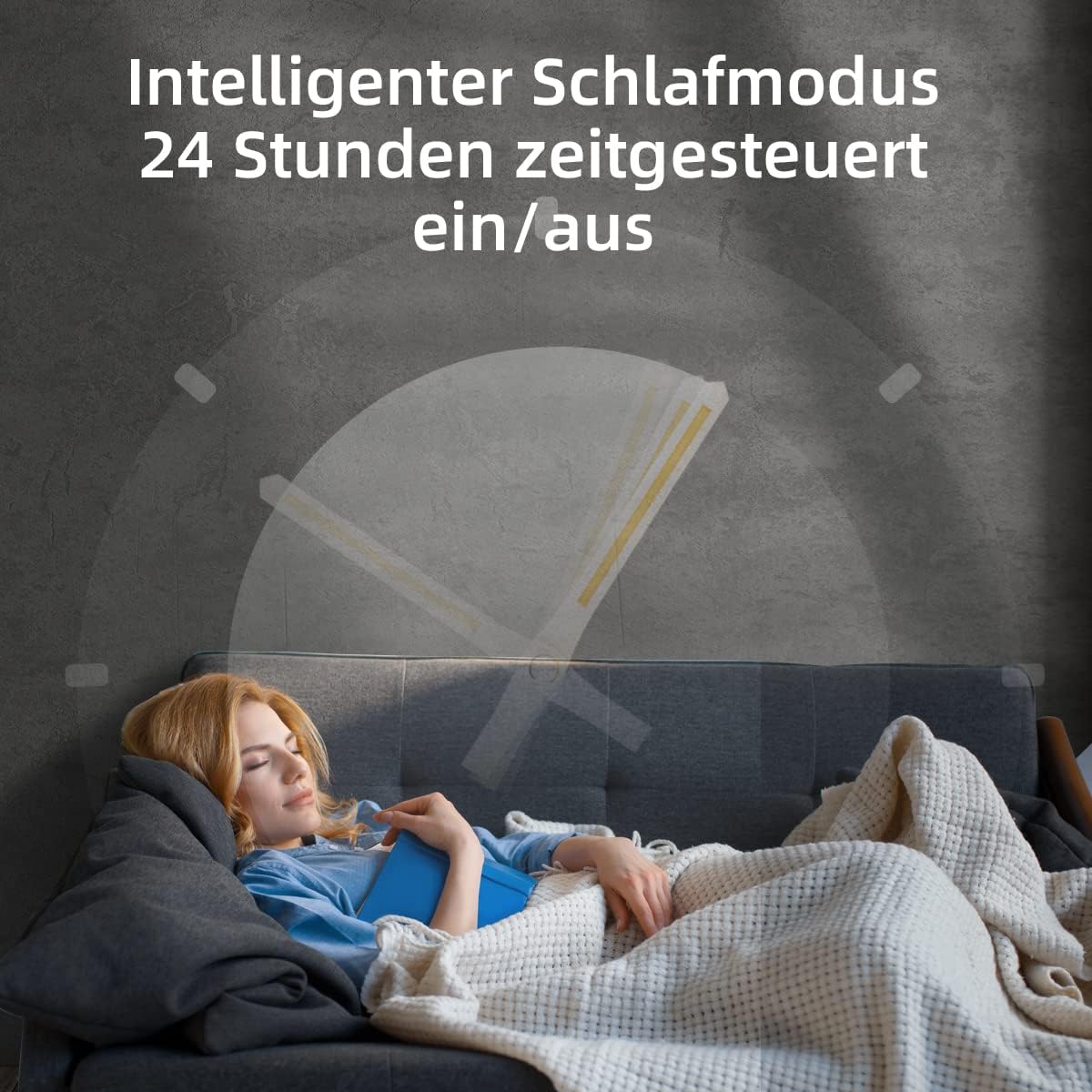
Figure 5.1: Visual representation of the four primary operating modes: Cooling, Dehumidification, Air Supply (Fan), and Intelligent Sleep Mode.

Figure 5.2: Illustration demonstrating the effective airflow distance of approximately 5 meters from the unit, ensuring wide coverage.

Figure 5.3: The unit's intelligent sleep mode, designed for quiet operation and comfortable temperatures during rest, with a 24-hour timer function.

Figure 5.4: Depiction of the internal compressor, which provides excellent cooling performance without the need for ice.

Figure 5.5: The unit features 360-degree rotatable universal wheels, allowing for easy movement and positioning in any room.
- Cooling Mode: Select this mode for powerful cooling. Adjust the temperature between 16°C and 32°C. The unit provides a strong airflow of 340 m³/h, capable of quickly cooling rooms.
- Fan Mode: Circulates air without cooling. Choose from three fan speeds (low, medium, high) to suit your preference.
- Dehumidification Mode: Reduces humidity in the air, ideal for damp environments.
- Sleep Mode: Designed for quiet operation and energy efficiency during sleep. The unit automatically adjusts temperature and fan speed for optimal comfort. Features a 24-hour on/off timer.
5.3 Timer Function
Set the unit to turn on or off automatically within a 24-hour period using the timer function on the control panel or remote control.
6. Maintenance
Regular maintenance ensures the longevity and efficiency of your air conditioner.
6.1 Cleaning the Air Filter
The air filter should be cleaned regularly, typically every two weeks, or more often depending on usage and air quality.
- Unplug the unit from the power outlet.
- Locate the air filter panel, usually at the back or side of the unit.
- Remove the filter.
- Clean the filter with a vacuum cleaner or wash it gently with warm water and mild detergent. Ensure it is completely dry before reinserting.
- Reinstall the filter and close the panel.

Figure 6.1: A hand cleaning the removable air filter, emphasizing the importance of regular cleaning for optimal performance and air quality.
6.2 Draining Condensed Water
The unit is designed to evaporate most of the condensed water. However, in high humidity conditions, the internal water tank may fill up. If the unit stops operating and displays a 'Full Tank' indicator, you will need to drain the water.
- Turn off and unplug the unit.
- Place a shallow pan or tray under the drain outlet at the bottom rear of the unit.
- Remove the drain plug to allow water to flow out.
- Once drained, replace the drain plug securely.
6.3 Storage
If storing the unit for an extended period, ensure it is completely drained and the filter is clean and dry. Store in a cool, dry place, covered to protect from dust.
7. Troubleshooting
Refer to this section for common issues and their solutions.
| Problem | Possible Cause | Solution |
|---|---|---|
| Unit does not turn on | No power supply Water tank full | Check power cord and outlet Drain the water tank |
| No cooling effect | Window kit not properly installed Air filter dirty Room too large | Ensure exhaust hose is sealed Clean the air filter Ensure unit is suitable for room size |
| Loud noise | Unit not on a flat surface Obstruction in fan | Place on a level surface Check for foreign objects |
| Error codes displayed | Refer to specific error code in full manual | Consult the comprehensive user manual for detailed error code explanations and solutions. If the issue persists, contact customer support. |
If the problem persists after attempting these solutions, please contact CHiQ customer support.
8. Specifications
Detailed technical specifications for the CHiQ 7000BTU Portable Air Conditioner.
| Feature | Specification |
|---|---|
| Brand | CHIQ |
| Model Number | CPC07PAP01 |
| Cooling Capacity | 7000 British Thermal Units (BTU) |
| Refrigerant | R-290 |
| Energy Efficiency Class | A |
| Power Source | Corded Electric |
| Wattage | 55 Watts |
| Product Dimensions (LxWxH) | 32.69 x 44.09 x 70 cm |
| Material | ABS |
| Installation Type | Window |
| Special Features | Easy to install |
9. Warranty and Support
CHiQ products come with a limited warranty. Please refer to the warranty card included with your purchase for specific terms and conditions. For technical support, spare parts, or service inquiries, please contact CHiQ customer service through their official website or the contact information provided in your product packaging.
No official product videos from the seller were available for embedding in this manual.