
1. Introduction
This manual provides essential instructions for the proper use, setup, and maintenance of your ATN Thor LT 320 5-10x Thermal Rifle Scope. The Thor LT is an ultra-light thermal imaging device featuring a 60 Hz refresh rate thermal sensor, designed for detecting heat signatures in various conditions. It incorporates a classic ergonomic design, Black Hot/White Hot viewing modes, multiple reticle patterns, an HD display, and a user-friendly interface with one-shot zeroing capability. Constructed from hardened aluminum alloy, this durable optic is recoil resistant and built for reliability.

Figure 1: ATN Thor LT 320 5-10x Thermal Rifle Scope. This image displays the overall design of the thermal rifle scope, highlighting its compact and cylindrical form factor with control buttons on the central housing.
2. Key Features
- 60Hz Thermal Sensor: Detects animal heat signatures for rapid target acquisition.
- White Hot/Black Hot Mode: Offers selectable color palettes for displaying thermal imagery.
- One Shot Zero: Facilitates quick and easy sight-in of the scope.
- Multiple Reticle Patterns: Provides various reticle options to suit user preference.
- Ergonomic Design: Features a classic design with a user-friendly interface and wide field of view.
- Lightweight Construction: Weighs approximately 1.4 lbs (650g), allowing for mounting on various platforms.
- Extended Battery Life: Provides over 10 hours of continuous use.
- Durable Build: Constructed from hardened aluminum alloy, offering recoil resistance.
- Comfortable Eye Relief: Designed with a 3-inch eye relief for user comfort.
3. Package Contents
Upon unpacking, please ensure all items are present and in good condition:
- ATN ThOR LT 320 5-10x Thermal Rifle Scope
- USB-C Charging Cable
- Lens Cloth
- Quick Start Guide
4. Setup
4.1 Mounting the Scope
The ATN Thor LT is designed for easy mounting on most platforms using standard 30mm mount rings. Ensure the scope is securely fastened to your firearm's rail system using appropriate mounting hardware (not included unless specified). The scope supports a cantilever mount configuration.

Figure 2: Easy Mounting and Eye Relief. This image illustrates the scope mounted with 30mm standard rings, emphasizing the ease of installation and the comfortable 3-inch eye relief.
4.2 Initial Charging
Before first use, fully charge the internal battery using the provided USB-C cable. Connect the cable to the scope's charging port and a compatible USB power source. The charging indicator will show the charging status. A full charge provides over 10 hours of continuous operation.
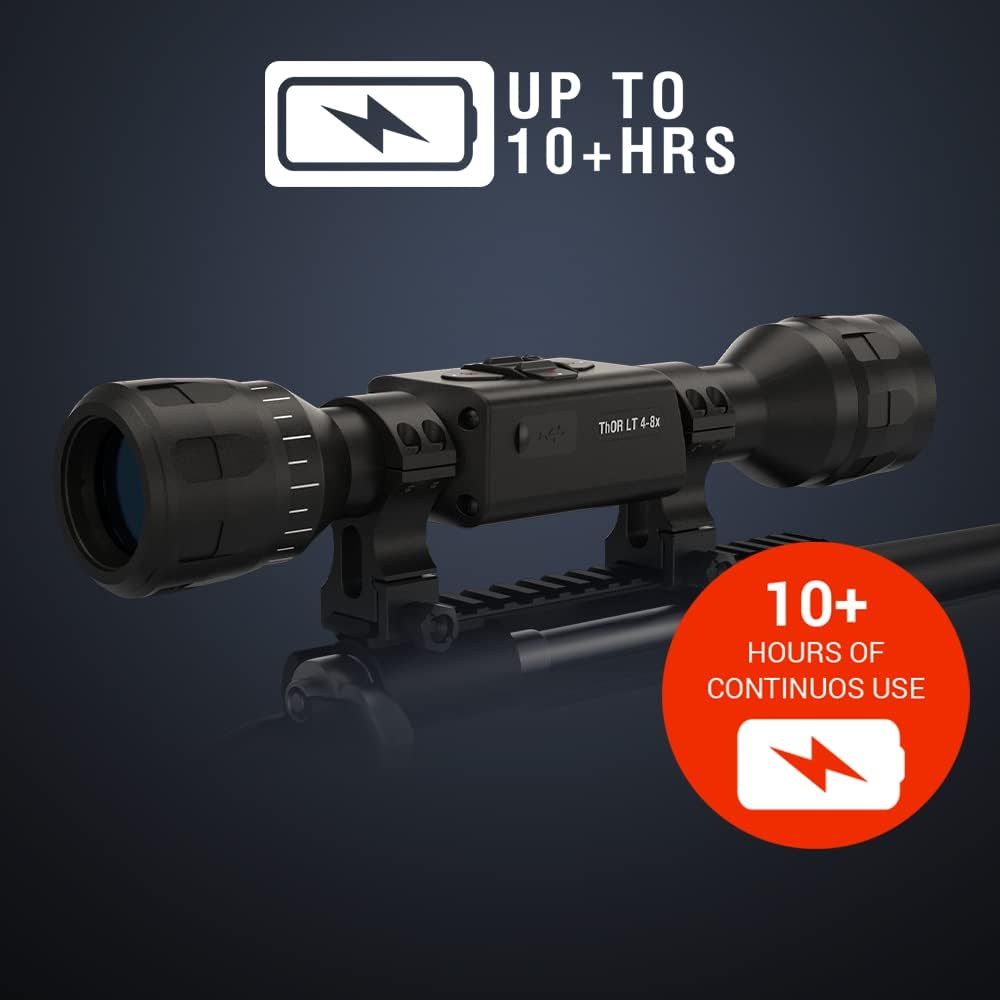
Figure 3: Up to 10+ Hours of Continuous Use. This image highlights the extended battery life of the ATN Thor LT, indicating it can operate for over 10 hours on a single charge.
5. Operation
5.1 Power On/Off
To power on the device, press and hold the power button located on the top of the scope until the ATN logo appears on the display. To power off, press and hold the power button again until the device shuts down.
5.2 Menu Navigation
The ATN Thor LT features an intuitive menu system. Use the directional buttons (up, down, left, right) to navigate through menu options and the center button to select. Refer to the on-screen prompts for specific function adjustments.
5.3 One Shot Zero
The One Shot Zero feature simplifies the zeroing process. After mounting, fire a shot at your target. The scope will allow you to adjust the reticle to the point of impact with a single adjustment, saving time and ammunition. Follow the on-screen instructions for precise calibration.

Figure 4: One Shot Zero Functionality. This image demonstrates the 'One Shot Zero' feature, showing a target with a reticle adjusted to the point of impact after a single shot.
5.4 Color Modes
The scope offers 'White Hot' and 'Black Hot' thermal viewing modes. These modes invert the color representation of heat signatures, allowing you to choose the display that provides the best contrast and visibility for your environment. Switch between modes via the main menu or a dedicated shortcut button, if available.

Figure 5: Thermal Color Modes. This image illustrates the 'Color Modes' feature, displaying a thermal view of two animals with a red reticle, indicating how heat signatures are rendered.
5.5 Magnification
The ATN Thor LT 320 offers a 5-10x magnification range. Adjust the magnification using the designated controls on the scope to zoom in or out on your target. Note that digital magnification may affect image clarity at higher settings.
6. Maintenance
To ensure the longevity and optimal performance of your ATN Thor LT, follow these maintenance guidelines:
- Cleaning: Use the provided lens cloth to gently clean the optics. For stubborn dirt, use a specialized lens cleaning solution. Avoid abrasive materials.
- Storage: Store the scope in a cool, dry place, away from direct sunlight and extreme temperatures. Use a protective case when transporting.
- Battery Care: For long-term storage, ensure the battery is partially charged (around 50%). Avoid fully discharging the battery for extended periods.
- Inspection: Regularly inspect the scope for any signs of damage, loose components, or wear.
7. Troubleshooting
If you encounter issues with your ATN Thor LT, refer to the following common troubleshooting steps:
- No Power: Ensure the battery is fully charged. Try connecting the scope to a power source to see if it powers on.
- Flickering Screen/Lock-ups: Perform a soft reset by holding the power button until the device restarts. If the issue persists, ensure the firmware is up to date (check the ATN website for updates).
- Poor Image Quality: Check if the lens is clean and free of smudges. Adjust the focus if available. Ensure you are in an appropriate color mode for the environment.
- Zeroing Issues: Re-verify your mounting. Ensure the scope is securely attached and not shifting. Repeat the One Shot Zero process carefully.
For persistent issues not covered here, please contact ATN customer support.
8. Specifications
| Feature | Specification |
|---|---|
| Brand | ATN |
| Model Name | TIWSTLT350X |
| Color | Black |
| Style | Thermal Rifle Scope |
| Sport | Hunting |
| Item Weight | 2 Pounds (approx. 0.91 kg) |
| Material | Aluminum |
| Magnification | 5x - 10x |
| Compatible Devices | Cross Bow, Rifle |
| Mounting Type | Cantilever Mount |
| Night Vision | Yes (Thermal Imaging) |
| Field Of View | 11.6 Degrees |
| Reticle Type | Crosshair (Multiple patterns available) |
| UPC | 658175112556 |
| Item Dimensions LxWxH | 11.5 x 2.2 x 2.2 inches |
| Model Year | 2020 |
| Included Components | ATN ThOR LT 320 5-10x Thermal Rifle Scope |
9. Warranty and Support
9.1 Warranty Information
The ATN Thor LT 320 5-10x Thermal Rifle Scope comes with a 3-year warranty from the date of purchase. This warranty covers manufacturing defects and ensures the product meets its specified performance standards under normal use. Please retain your proof of purchase for warranty claims.
9.2 Customer Support
For technical assistance, warranty claims, or any other inquiries, please visit the official ATN website or contact their customer support department. Detailed contact information can typically be found on the ATN website or in the product packaging.