
Introduction
The CONNECOM GD900 series offers robust digital and analog two-way radio communication. Designed for heavy-duty use in various commercial and industrial environments, these radios provide clear and organized communications with advanced features like dual mode operation, high/low power settings, and a recording function.
Getting Started
1. Battery Installation
To install the 2000mAh high-capacity Lithium Ion battery, align the battery with the back of the radio and slide it into place until it clicks securely. Ensure the battery is fully seated to maintain power and water resistance.

Image: The back of the GD900 radio with the battery being inserted, indicated by a blue arrow.
2. Antenna Attachment
Screw the antenna clockwise into the connector on the top of the radio until it is finger-tight. Do not overtighten.

Image: Three GD900 radios with their antennas attached, standing upright in their charging docks.
3. Charging the Battery
Place the radio with the installed battery into the charging base. Connect the charging base to a power outlet. The indicator light on the charger will turn red while charging and green when fully charged.

Image: A single GD900 radio placed in its charging base, showing the charging contacts.
Basic Operation
1. Powering On/Off and Channel Selection
Turn the top-left knob clockwise to power on the radio. The 1.77-inch LCD color display will illuminate. Use the top-right knob to select channels within the configured zones. The display provides clear indicators for signal, battery level, and transmit power.

Image: A close-up view of the GD900's LCD display, showing various icons for signal, battery, and channel information.

Image: A collage of detailed views of the GD900 radio, highlighting the top knobs, side accessory ports, and battery contacts.
2. Digital and Analog Modes
The GD900 supports both Digital Mobile Radio (DMR) and Analog modes. Digital mode provides crisp and clear communication, free from the noisy interference often found in analog systems. The radio features 1024 channel capacity with dual time slots for enhanced privacy.
Video: An official product video showcasing the GD900 DMR radios, highlighting features like IP65 rating, LCD display, high/low power settings, and clear communication in various environments.
3. Communication Features
The DMR digital broadcasting ensures crisp and clear communication sounds, eliminating the noisy interference of analog walkie-talkies. The radio also includes a recording function that allows you to record up to 8 minutes of important conversations for later review.
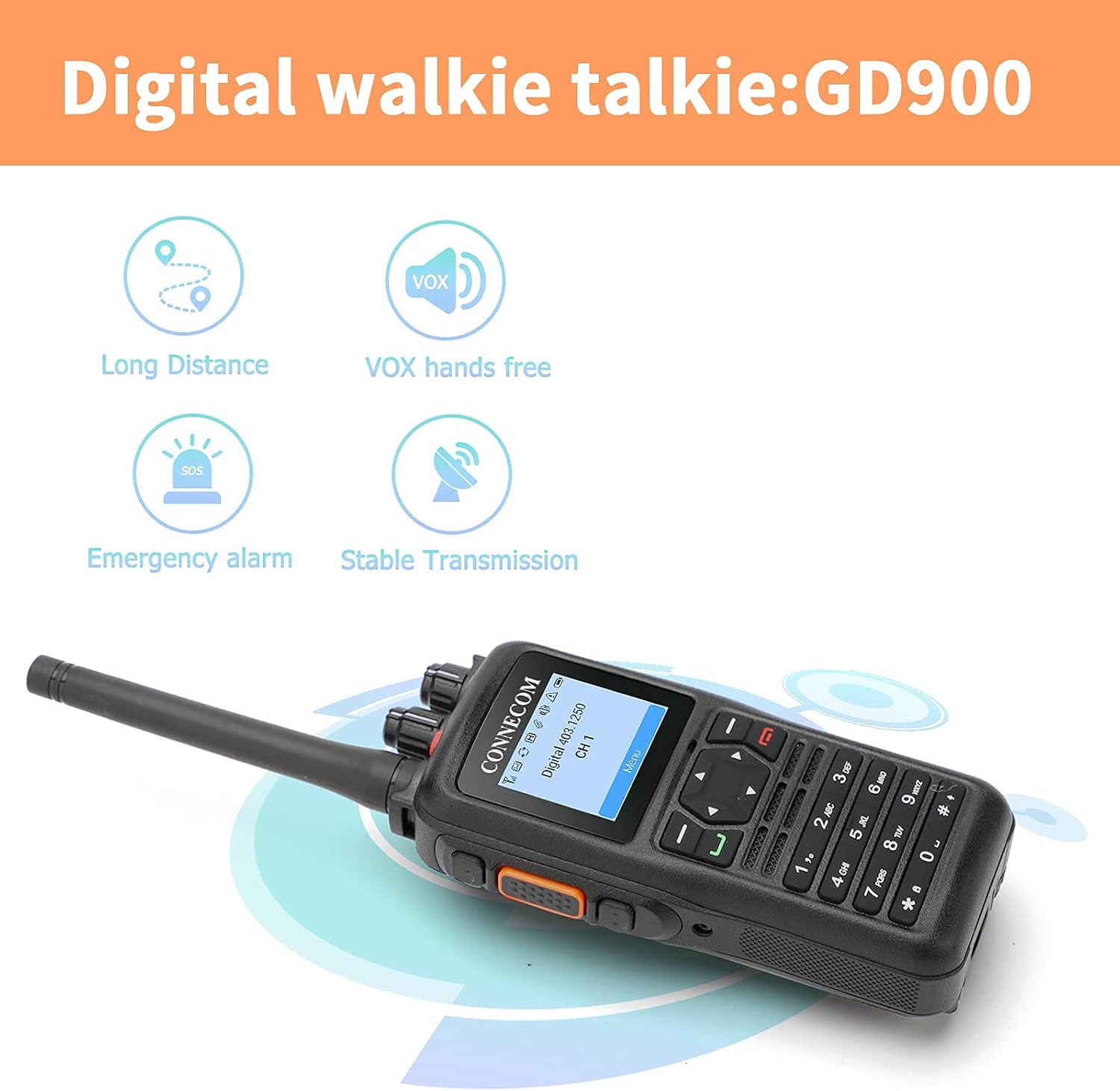
Image: An illustration highlighting key features of the GD900, including long distance communication, VOX hands-free operation, emergency alarm, and stable transmission.

Image: A construction worker communicating clearly using the GD900 radio in a noisy outdoor setting, emphasizing clear communication.
Advanced Features
Programming (CPS)
The GD900 allows for Front Panel Programmable Channels. For advanced features and full customization, CPS (Customer Programming Software) programming is required via a Windows PC. This allows for detailed configuration of zones, groups, contacts, and even small text messages.
Video: A detailed explanation of the GD900 DMR radio's programming functions, demonstrating how to use the CPS software on a computer to configure the radio.
Maintenance
Water and Dust Resistance
The GD900 radios are designed with a waterproof rating, providing protection against water ingress. This feature enhances durability in various working environments.
Troubleshooting
Common Issues
- No Power: Ensure the battery is correctly installed and fully charged. Check the charging base connection.
- No Communication: Verify that both radios are on the same channel and within range. Check the selected zone.
- Poor Audio Quality: Ensure the antenna is securely attached. Move to an area with better signal reception.
- Advanced Configuration: For features beyond basic channel selection, CPS programming is required. Refer to the official User Guide (PDF) for detailed instructions on advanced programming.
Specifications
| Feature | Detail |
|---|---|
| Item Weight | 4.09 pounds |
| Product Dimensions | 5.83 x 2.56 x 1.42 inches |
| Item Model Number | GD900 |
| Batteries | 3 Lithium Ion batteries required. |
| Display Type | LCD |
| Number of Channels | 32 |
| Special Feature | Long Range |
| Frequency Range | 430-470 MHz |
| Talking Range Maximum | 10 Kilometer |
| Water Resistance Level | Waterproof |
Warranty and Support
Warranty Information
The CONNECOM GD900 radios come with a 2-year warranty.
User Manual
For a comprehensive guide and detailed instructions, please refer to the official User Guide (PDF).
