
Braun BC09G
Braun BC09G Digital Alarm Clock - User Manual
Model: BC09G
Introduction
Thank you for choosing the Braun BC09G Digital Alarm Clock. This manual provides detailed instructions for setting up, operating, and maintaining your new alarm clock. Please read this manual thoroughly before use to ensure proper functionality and to maximize your product experience.
The Braun BC09G features a negative LCD display, a crescendo alarm, and a convenient snooze/backlight function, all in a compact design.
Important Safety Information
- Keep the device away from water and high humidity.
- Do not expose to direct sunlight or extreme temperatures.
- Use only the specified battery type (1 x AA battery).
- Do not mix old and new batteries, or different types of batteries.
- Dispose of batteries according to local regulations.
- Do not attempt to disassemble or repair the device yourself. Contact qualified service personnel.
Package Contents
- Braun BC09G Digital Alarm Clock
- User Manual (this document)
Note: 1 x AA battery is required for operation and is not included in the package.
Product Overview
Familiarize yourself with the main components of your Braun BC09G alarm clock.

Image: Rear view of the Braun BC09G Digital Alarm Clock, showing battery compartment and setting buttons.

Image: Front view of the Braun BC09G Digital Alarm Clock displaying time 12:15 and alarm 7:00 AM.

Image: Side view of the Braun BC09G Digital Alarm Clock, showing its compact profile.
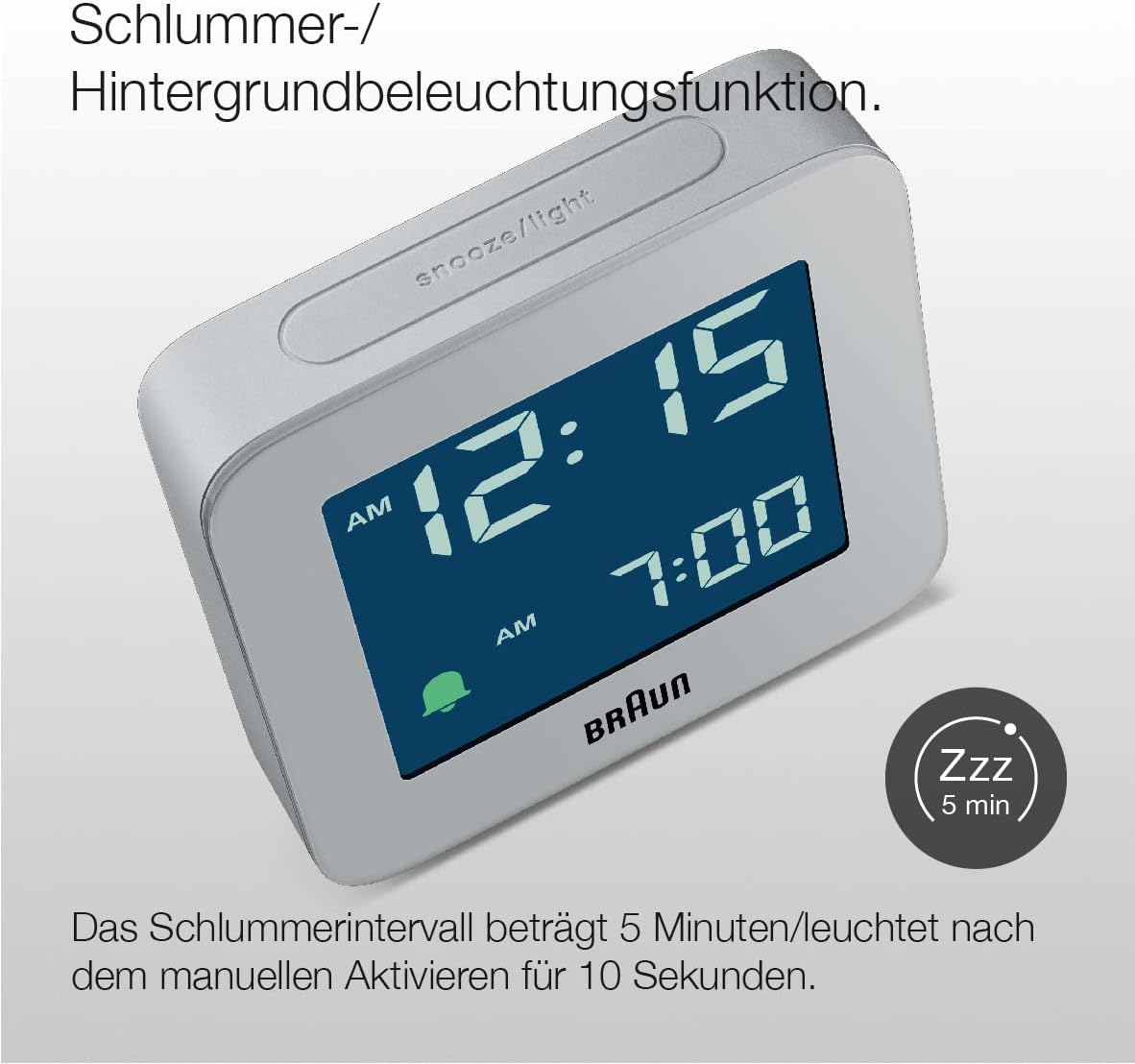
Image: Top view of the Braun BC09G Digital Alarm Clock, highlighting the large snooze/light button.

Image: Angled view of the Braun BC09G Digital Alarm Clock, showcasing the negative LCD display.
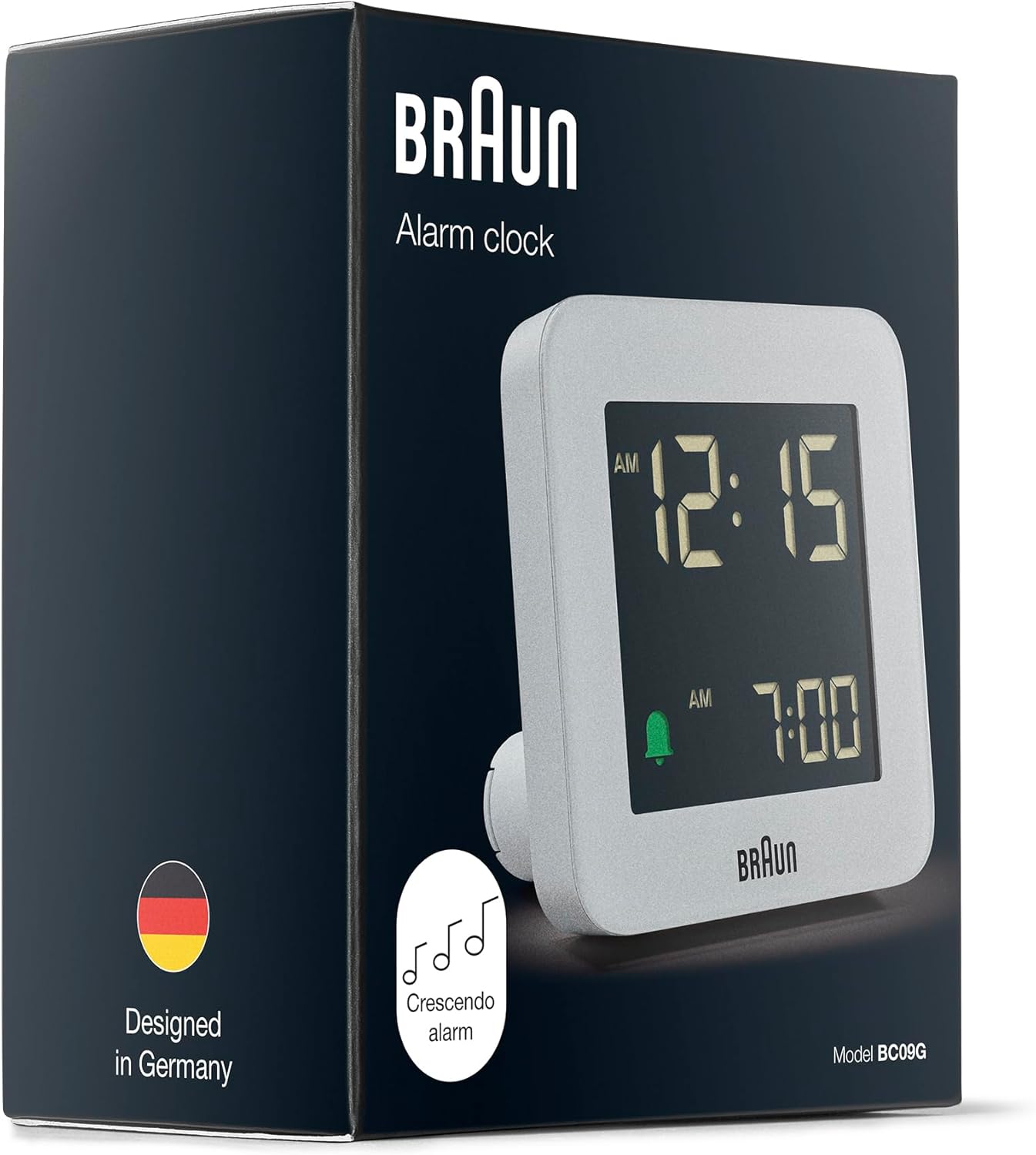
Image: Packaging of the Braun BC09G Digital Alarm Clock, showing the product inside its box.
Setup
1. Installing the Battery
- Open the battery compartment cover located on the back of the alarm clock.
- Insert one (1) AA battery, ensuring the polarity (+/-) matches the diagram inside the compartment.
- Close the battery compartment cover securely.
Note: The clock requires 1 x AA battery, which is not supplied.
2. Initial Time Setting
Upon battery installation, the display will activate. Refer to the operating instructions to set the current time.
Operating Instructions
Setting the Time
- Locate the "TIME SET" button on the back of the clock.
- Press and hold the "TIME SET" button until the hour digits begin to flash.
- Use the "+" or "-" buttons (usually located near the "TIME SET" button) to adjust the hour.
- Press "TIME SET" again to move to the minute digits, then use "+" or "-" to adjust the minutes.
- Press "TIME SET" one more time to confirm and exit time setting mode.
Setting the Alarm
- Locate the "ALARM SET" button on the back of the clock.
- Press and hold the "ALARM SET" button until the alarm hour digits begin to flash.
- Use the "+" or "-" buttons to adjust the alarm hour.
- Press "ALARM SET" again to move to the alarm minute digits, then use "+" or "-" to adjust the minutes.
- Press "ALARM SET" one more time to confirm and exit alarm setting mode.
Activating/Deactivating the Alarm
- To activate the alarm, slide the "ALARM ON/OFF" switch (or press the dedicated alarm button) to the "ON" position. An alarm icon (e.g., a bell) will appear on the display.
- To deactivate the alarm, slide the "ALARM ON/OFF" switch to the "OFF" position. The alarm icon will disappear.
Snooze and Backlight Function

Image: Close-up of the Braun BC09G showing the snooze/light button and a 'Zzz' icon indicating snooze function.
- When the alarm sounds, press the large "SNOOZE/LIGHT" button on top of the clock to activate the snooze function. The alarm will pause for approximately 5 minutes before sounding again.
- Pressing the "SNOOZE/LIGHT" button at any time will illuminate the display for approximately 10 seconds, allowing you to view the time in low light conditions.
Crescendo Alarm

Image: Illustration of the crescendo alarm feature, showing musical notes increasing in frequency.
The Braun BC09G features a crescendo alarm. When the alarm activates, the sound will start softly and gradually increase in frequency and volume to gently wake you up. If not turned off, the alarm will continue to increase in intensity.
12/24 Hour Display Option

Image: Close-up of the negative LCD display, showing time in a dark background with light digits.
To switch between 12-hour (with AM/PM indicator) and 24-hour display formats, locate the "12/24 HR" button (or a similar switch) on the back of the clock and press it. The display will change accordingly.
Note: The contrast of the negative digital display may vary depending on the ambient room lighting conditions.
Maintenance
- Cleaning: Wipe the clock with a soft, dry cloth. Do not use abrasive cleaners or chemical solvents.
- Battery Replacement: When the display dims or the alarm weakens, it's time to replace the AA battery. Follow the battery installation steps in the "Setup" section.
- Storage: If storing the clock for an extended period, remove the battery to prevent leakage.
Troubleshooting
| Problem | Possible Cause | Solution |
|---|---|---|
| Clock display is blank or dim. | Battery is dead or incorrectly installed. | Replace the AA battery, ensuring correct polarity. |
| Alarm does not sound. | Alarm is not activated or set incorrectly. | Ensure the "ALARM ON/OFF" switch is in the "ON" position and the alarm time is set correctly. Check battery. |
| Snooze/backlight not working. | Battery is low or dead. | Replace the AA battery. |
| Display contrast is poor. | Ambient room lighting conditions. | Adjust the clock's position relative to light sources. This is a characteristic of negative LCD displays. |
Specifications
| Brand | Braun |
| Model Number | BC09G |
| Color | Grey |
| Display Type | Digital (Negative LCD) |
| Special Features | Alarm, Snooze, Backlight, Crescendo Alarm |
| Product Dimensions (W x H x D) | 7.5 cm x 7.5 cm x 4.5 cm |
| Item Weight | 87 Grams |
| Power Source | Battery Powered (1 x AA battery, not included) |
| Movement Type | Quartz |
| Material | Plastic |

Image: Diagram showing the dimensions of the Braun BC09G Digital Alarm Clock (7.5 cm x 7.5 cm x 4.5 cm).
Warranty and Support
This Braun BC09G Digital Alarm Clock comes with a limited warranty. For specific warranty terms and conditions, please refer to the documentation provided with your purchase or contact Braun customer support.
For technical support, troubleshooting assistance, or to inquire about replacement parts, please visit the official Braun website or contact their customer service department. Contact information can typically be found on the product packaging or the Braun official website.
Related documentsBC09G


Ask a question about this manual
Ask about setup, troubleshooting, compatibility, parts, safety, or missing instructions. Manuals+ will review the question and use this page’s manual context to help answer it.