
Introduction
Thank you for choosing the Braun Digital Projection Alarm Clock Model BC15B. This manual provides essential information for setting up, operating, and maintaining your new alarm clock. Please read these instructions carefully before use and retain them for future reference.

Image: The Braun Digital Projection Alarm Clock BC15B, showcasing its sleek black design with a digital display and a red projection of the time.
Setup
1. Powering the Clock
The BC15B alarm clock can be powered by batteries or the included power adapter.
- Battery Installation: The clock requires 3 x AA batteries (not included) for basic operation. Open the battery compartment, insert the batteries according to the polarity markings, and close the compartment.
- Power Adapter Connection: For continuous backlight and to enable the projection feature, connect the included power adapter to the clock and a wall outlet.

Image: The clock display with backlight, illustrating the four adjustable brightness levels available when using the power adapter.
2. Initial Time Setting
Upon first power-up or after battery replacement, you may need to set the time. Refer to the "Operating Instructions" section for detailed instructions on setting the time and selecting the 12-hour or 24-hour format.
Operating Instructions
1. Projection Feature
The projection feature displays the time onto a wall or ceiling. It is activated when the power adapter is used and can be set to remain continuously active. The projection can be rotated to ensure correct orientation.
- Activation: Ensure the power adapter is connected. Locate the projection button/switch (refer to physical device for exact location) to turn the projection on or off.
- Rotation: Use the projection rotation control (refer to physical device) to adjust the angle of the projected time for optimal viewing.

Image: The alarm clock projecting the time onto a surface, demonstrating the projection functionality when the power adapter is in use.

Image: The Braun alarm clock on a bedside table, projecting the time onto a wall in a bedroom environment.
2. Alarm Function
The BC15B features a crescendo beep alarm that increases in frequency and volume if not turned off.
- Setting the Alarm: Use the alarm setting buttons (refer to physical device) to set your desired wake-up time.
- Activating/Deactivating Alarm: Toggle the alarm on or off using the dedicated switch or button.
- Crescendo Alarm: The alarm starts with a soft beep and gradually becomes more frequent and louder to ensure you wake up.

Image: Icons representing the crescendo beep alarm and the 5-minute snooze function, highlighting these key features of the clock.
3. Snooze and Backlight
The clock includes a snooze function and adjustable backlight.
- Snooze: Press the snooze button (typically a large button on top) when the alarm sounds to temporarily silence it. The snooze interval is 5 minutes.
- Backlight: The negative LCD display has four customizable backlight brightness levels. When the power adapter is used, the backlight can remain continuously on. The digital display's contrast may vary depending on room lighting.
4. Time Format
You can choose between a 12-hour or 24-hour display format for the time.
- Changing Format: Use the dedicated button (refer to physical device) to switch between 12-hour (with AM/PM indicator) and 24-hour formats.

Image: The negative LCD display of the clock, showing the time and indicating the 12-hour/24-hour setting option.
Maintenance
To ensure the longevity and proper functioning of your Braun Digital Projection Alarm Clock, follow these simple maintenance guidelines:
- Cleaning: Wipe the clock's surface with a soft, dry cloth. Do not use abrasive cleaners or solvents, as they may damage the finish.
- Battery Replacement: If using batteries, replace them when the display dims or the clock functions become erratic. Always replace all three AA batteries at the same time.
- Storage: If storing the clock for an extended period, remove the batteries to prevent leakage.
Troubleshooting
If you encounter any issues with your Braun Digital Projection Alarm Clock, please refer to the following common solutions:
- Clock Not Turning On:
- Check if batteries are correctly installed and not depleted.
- Ensure the power adapter is securely connected to both the clock and a working power outlet.
- Projection Not Working:
- Verify that the power adapter is connected, as projection requires external power.
- Check if the projection feature is activated.
- Display is Dim or Unreadable:
- Adjust the backlight brightness levels if the power adapter is connected.
- Ensure the room lighting is not too bright, as digital display contrast can be affected.
- Replace batteries if operating on battery power.
- Alarm Not Sounding:
- Confirm that the alarm is set and activated.
- Check the alarm volume settings (if applicable, though not specified in JSON).
Specifications
| Brand | Braun |
| Model | BC15B |
| Color | Black |
| Display Type | Digital (Negative LCD) |
| Key Feature | Alarm, Projection, Snooze, Backlight |
| Power Source | Battery Powered (3 x AA, not included) and AC Power Adapter (included) |
| Snooze Interval | 5 minutes |
| Backlight Levels | 4 customizable levels (with power adapter) |

Image: A visual representation of the Braun BC15B alarm clock's size, shown in a hand for scale, indicating its compact dimensions (90mm height).
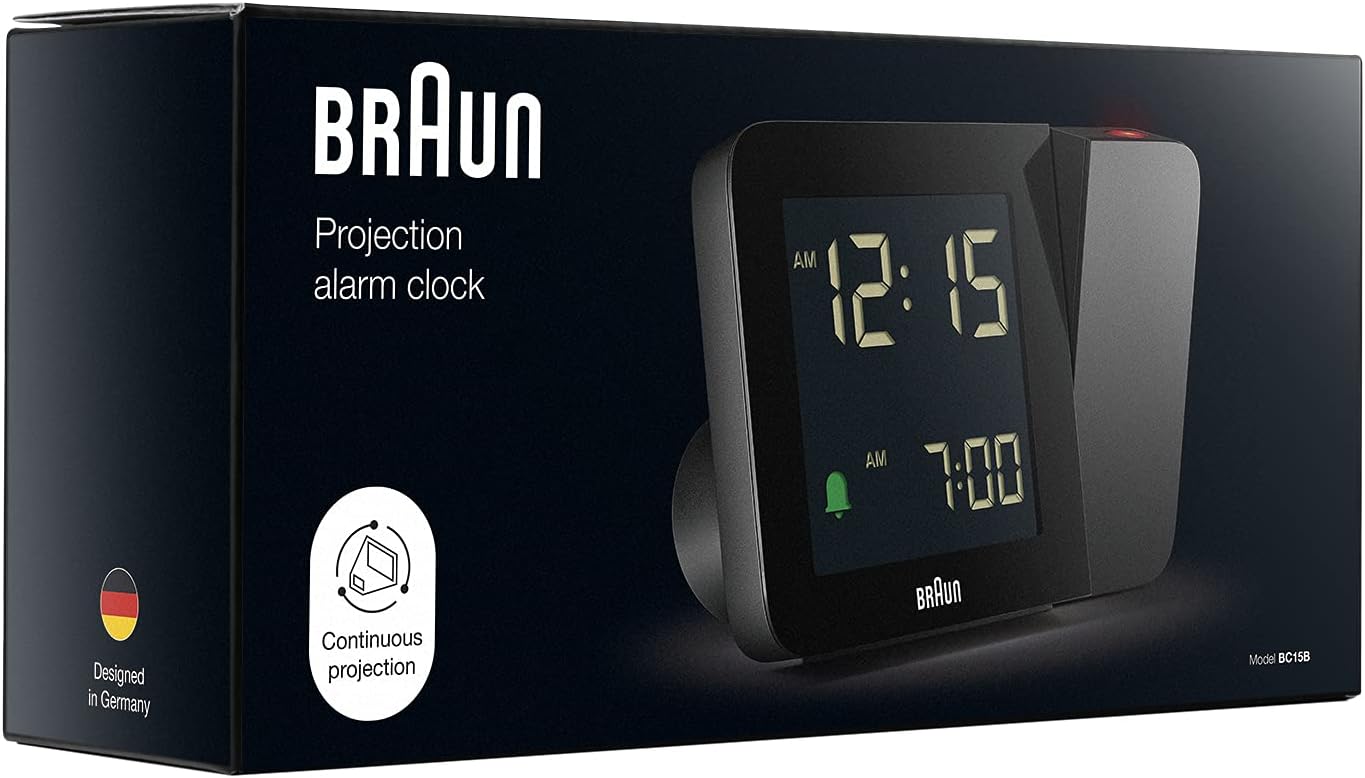
Image: The retail packaging for the Braun Digital Projection Alarm Clock BC15B, highlighting its design and key features like continuous projection.