Introduction to Your ScentAir Whisper Home Diffuser
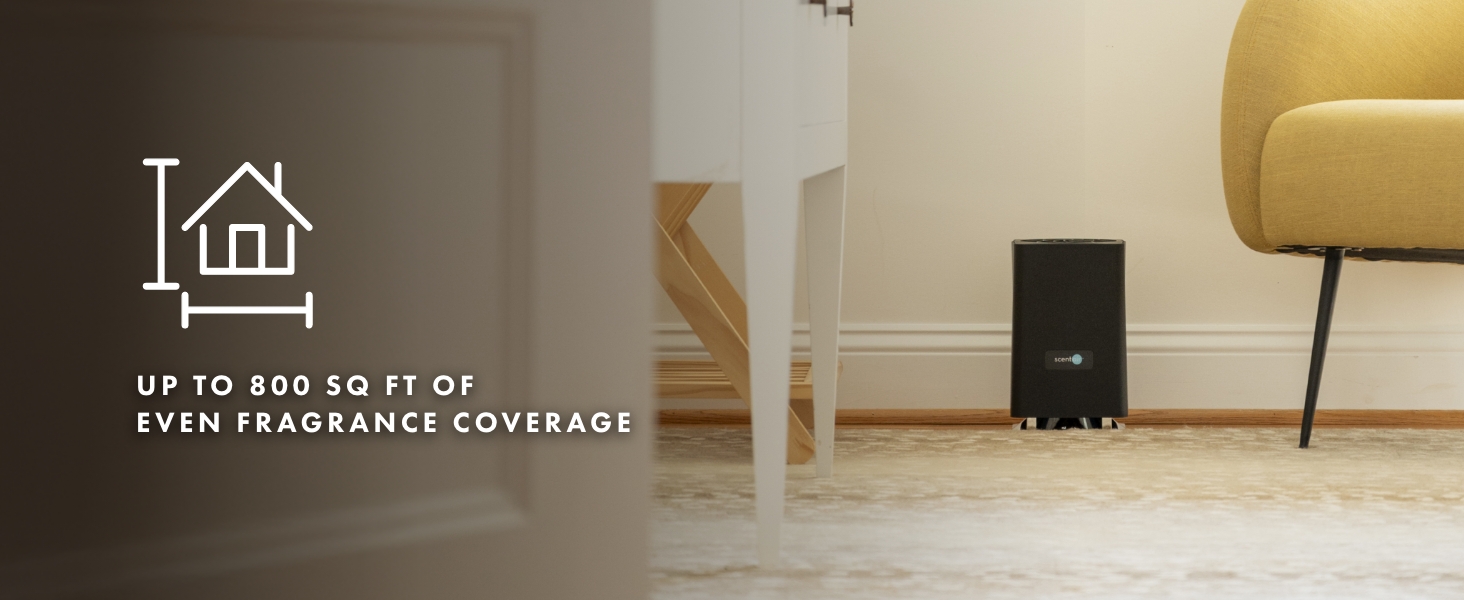
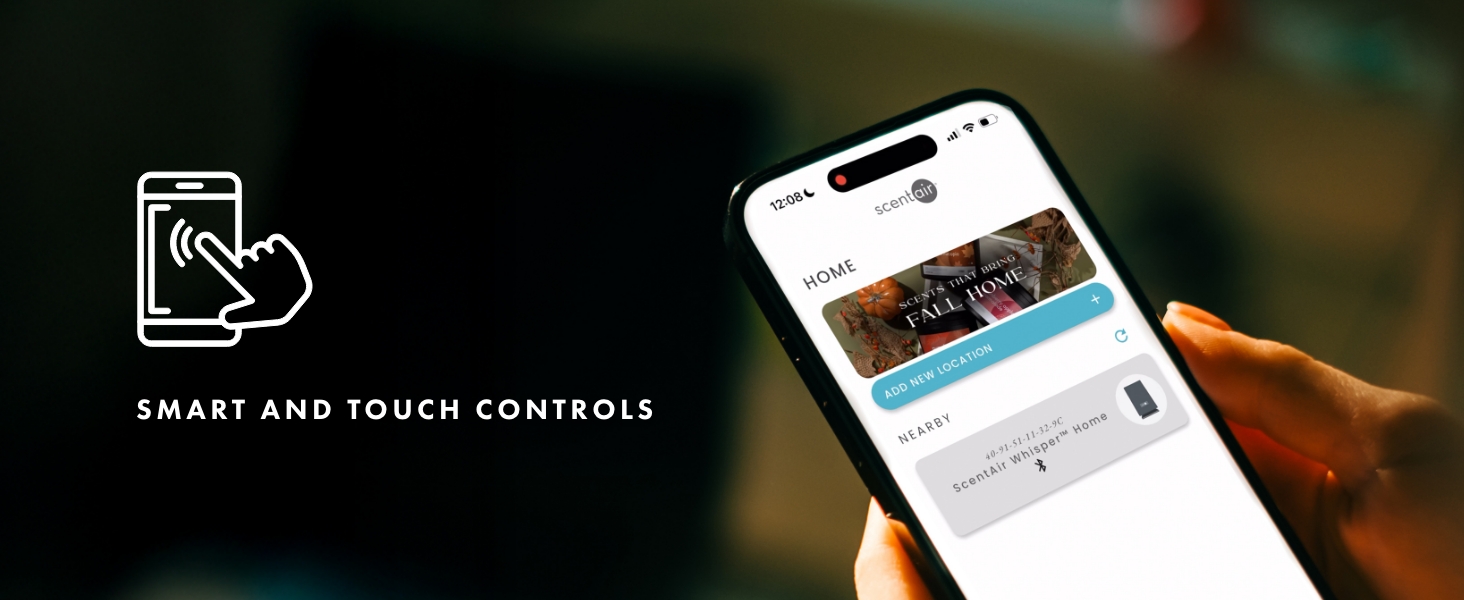
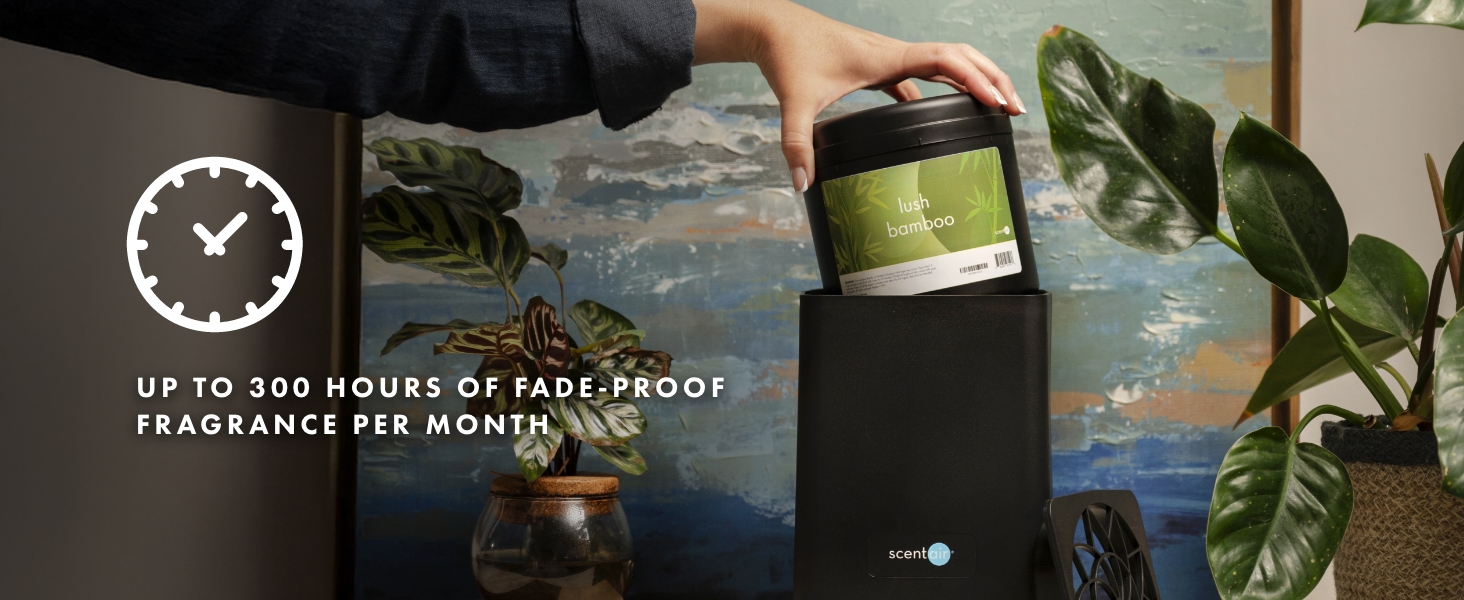
The ScentAir Whisper Home Diffuser is designed to bring a light, ambient fragrance to your living space using patented dry-air technology. This whisper-quiet machine effectively scents areas up to 800 sq. ft., providing up to 300 hours of vivid fragrance per month. It offers versatile placement options, allowing it to stand upright or lay flat, and includes LED lighting to complement your decor. Enjoy effortless control through manual adjustments, the ScentAir app via Wi-Fi and Bluetooth, or integrate it with Google Assistant and Amazon Alexa for smart home convenience.

Watch a video showcasing the ScentAir Whisper Home experience, highlighting its features and benefits.
What's in the Box
Your ScentAir Whisper Home Diffuser package includes the following items:
- ScentAir Whisper Home Diffuser (White)
- Power Adapter
- User Manual
- Note: Fragrance cartridges are sold separately.
Setup and First Use
Follow these steps to set up your ScentAir Whisper Home Diffuser:
- Unbox the ScentAir Whisper Home diffuser and plug it into a power source.
- If using a fragrance cartridge, insert it into the diffuser.
- Adjust the machine's position to stand up straight or lay flat.
- Manually adjust the settings or use advanced Wi-Fi & Bluetooth controls, Google Assistant, or Amazon Alexa.
- Download the ScentAir app to schedule fragrance release and adjust settings remotely.
- Ensure the diffuser is in a well-ventilated area and not near water sources or sensitive electronics.
- When not in use, turn off the diffuser or remove the fragrance cartridge to conserve power.


Operating Your Diffuser
The ScentAir Whisper Home Diffuser offers multiple ways to control your scent experience.
Manual Controls
The diffuser can be operated directly using its physical controls for basic on/off functionality and intensity adjustments.
Using the ScentAir App (Wi-Fi & Bluetooth)
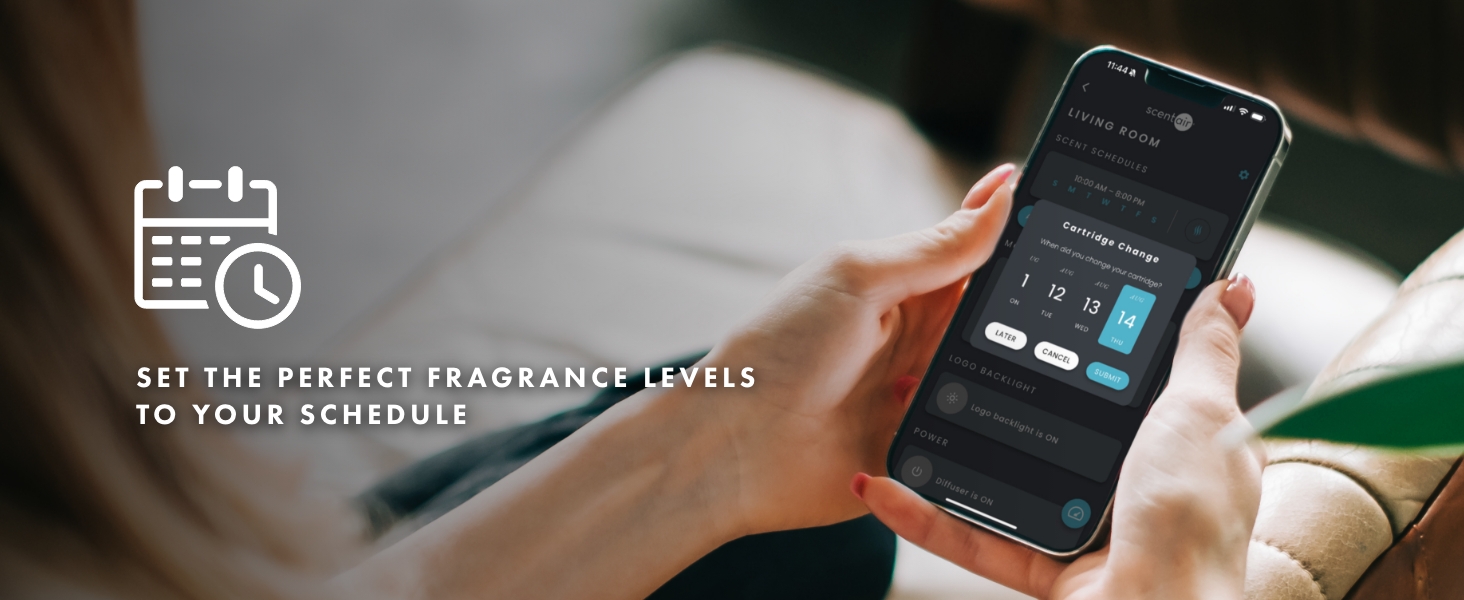
For advanced control and customization, download the ScentAir app on your smartphone. The app allows you to:
- Connect your diffuser via Wi-Fi or Bluetooth.
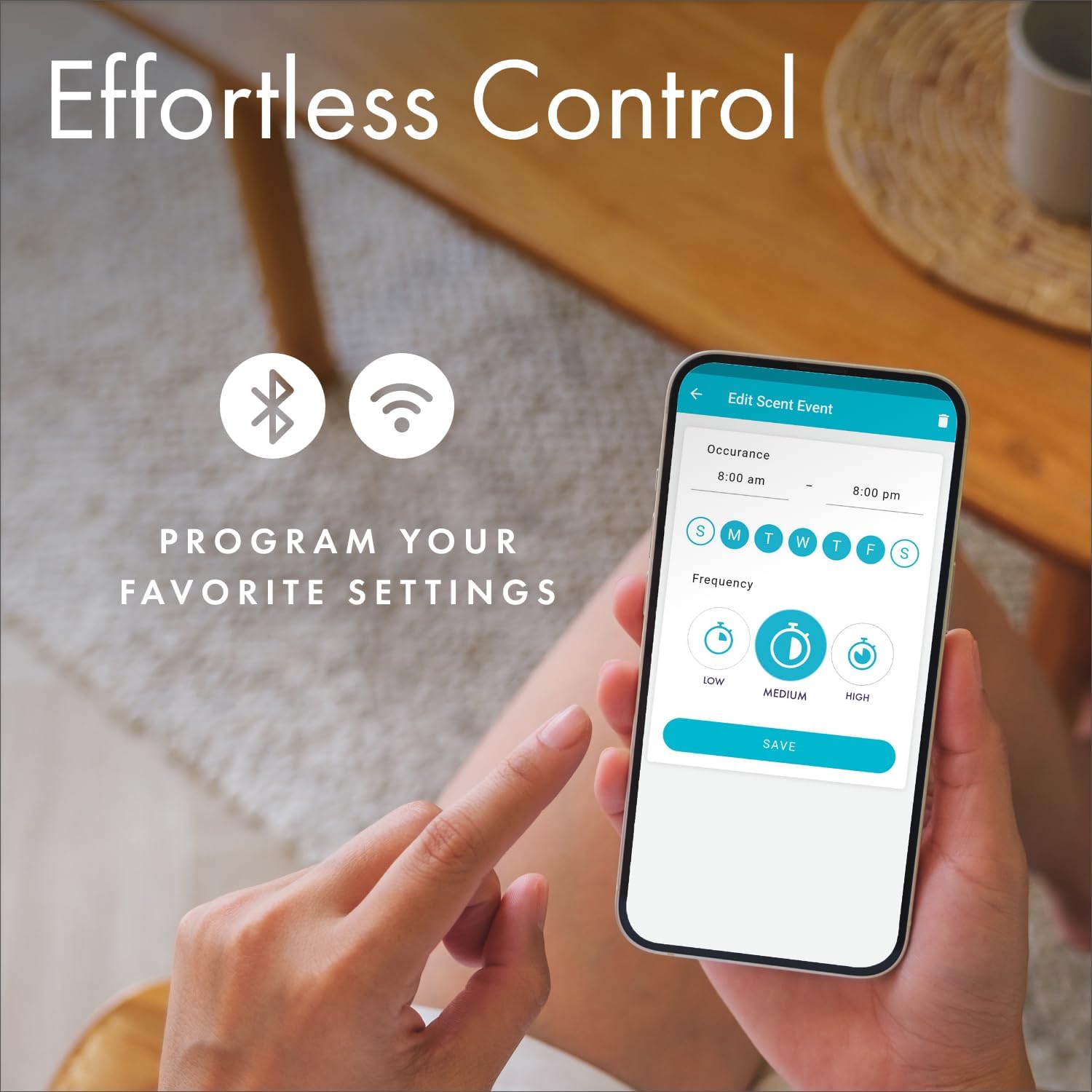
- Adjust scent intensity levels (Low, Medium, High).
- Create custom schedules for fragrance release.
- Monitor cartridge life and receive replacement notifications.


Smart Home Integration
The ScentAir Whisper Home Diffuser is compatible with Google Assistant and Amazon Alexa, allowing you to control your diffuser using voice commands for seamless integration into your smart home ecosystem.
An overview video demonstrating the ScentAir Whisper Home Diffuser's features and smart capabilities.
Fragrance Cartridge Replacement
Fragrance cartridges are designed for easy replacement. The ScentAir app will notify you when a cartridge is running low and needs to be replaced, typically lasting up to 300 hours of use.
- Gently remove the top cover of the diffuser.
- Lift out the empty fragrance cartridge.
- Insert a new ScentAir fragrance cartridge into the diffuser.
- Replace the top cover, ensuring it is securely seated.

Detailed instructions on how to replace the ScentAir fragrance cartridge in your Whisper Home machine.
Maintenance and Care
To ensure optimal performance and longevity of your ScentAir Whisper Home Diffuser, follow these simple maintenance guidelines:
- Cleaning: Periodically wipe the exterior of the diffuser with a soft, dry cloth to remove dust. Do not use liquid cleaners or immerse the unit in water.
- Air Vents: Ensure the air vents on the top and bottom of the diffuser remain clear of obstructions to allow for proper airflow and scent diffusion.
- Storage: If storing the diffuser for an extended period, remove the fragrance cartridge and store the unit in a cool, dry place.
Troubleshooting
If you encounter any issues with your ScentAir Whisper Home Diffuser, try the following solutions:
- No Scent Output:
- Check if the fragrance cartridge is properly inserted and not empty.
- Ensure the diffuser is powered on and the fan is operating.
- Increase the scent intensity setting via the app or manual controls.
- Device Not Connecting to App:
- Verify your Wi-Fi or Bluetooth connection is active.
- Restart the diffuser and your smartphone.
- Ensure the app is updated to the latest version.
- Unusual Noise:
- Check for any obstructions in the fan area (ensure power is off before inspecting).
- Ensure the diffuser is placed on a stable, flat surface.
- Power Issues:
- Confirm the power adapter is securely plugged into both the diffuser and a working electrical outlet.
- Try a different outlet.
If problems persist, please contact ScentAir Customer Support.
Product Specifications
| Feature | Detail |
|---|---|
| Brand | ScentAir |
| Model Name | SWD3000W |
| Color | White |
| Recommended Uses | Home |
| Material | Plastic |
| Special Feature | Liquidless |
| Power Source | DC Power Supply |
| Capacity | 100 Milliliters |
| Floor Area Coverage | 800 Square Feet |
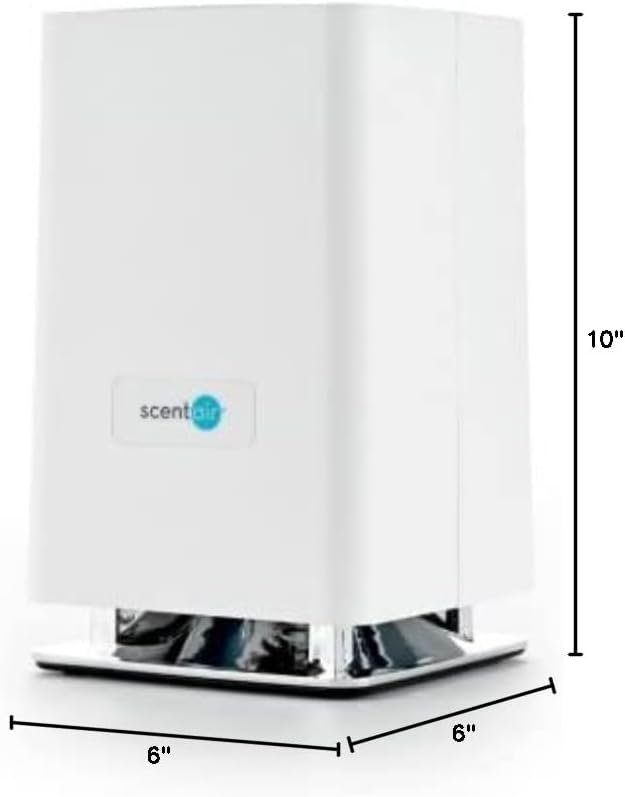
| Product Dimensions | 6"L x 6"W x 10"H |
| Light Source Type | LED |
| Wattage | 15 watts |
| Shape | Rectangular |
| Auto Shutoff | No |
| Item Weight | 3.74 pounds |
| UPC | 850011778012 |
Safety Information
Please read and adhere to the following safety guidelines:
- Avoid direct skin contact with undiluted essential oils.
- Keep out of reach of children and pets.
- Ensure proper ventilation during use.
- Do not block the air vents of the diffuser.
- Use only ScentAir approved fragrance cartridges.
- Do not attempt to disassemble or repair the unit yourself. Contact qualified service personnel if needed.
Warranty and Support
For warranty information, product support, or any inquiries, please visit the official ScentAir website or contact ScentAir Customer Support directly. Keep your purchase receipt for warranty claims.
