
Important Safety Instructions
Please read and understand all safety instructions before using this product. Failure to follow these instructions may result in electric shock, fire, or serious injury.
- Indoor Use Only: This charger is designed for indoor use. Do not expose it to rain, moisture, or extreme temperatures.
- Keep Dry: Ensure the charger and your hands are dry before plugging in or unplugging.
- Proper Ventilation: Do not cover the charger during operation. Ensure adequate ventilation to prevent overheating.
- Disconnect When Not in Use: Always unplug the charger from the power outlet when not in use or before cleaning.
- Avoid Damage: Do not use the charger if the cord, plug, or casing is damaged. Contact customer support for assistance.
- Correct Voltage: Only connect the charger to a power outlet with the specified voltage range (100-240V AC).
- Child Safety: Keep the charger out of reach of children.
- Intended Use: Use this charger only for its intended purpose, which is charging compatible Li-ion batteries requiring 25.2V 1A output.
Product Overview
Components
- Charger Unit with US Plug
- Integrated Output Cable with DC Connector

Image: The Dilwe Li-ion Battery Charger, showing its compact black casing, integrated US plug, and output cable with a DC connector.
Key Features
- Durable Construction: Made with PC high-temperature fireproof shell material for enhanced safety.
- Intelligent Protection: Features intelligent overvoltage, overload, and short circuit protection to prevent damage to the battery and charger.
- Wide Input Voltage: Operates stably with an input voltage range of 100-240V AC (50/60Hz), suitable for various regions.
- Output: Provides a stable 25.2V 1A output for efficient charging.
- Indicator Light: Equipped with an indicator light to show charging status.

Image: The charger unit with a background suggesting intelligent protection, emphasizing its safety features.
Setup
Follow these steps to set up your Dilwe Li-ion Battery Charger:
- Inspect the Charger: Before each use, visually inspect the charger, cable, and plug for any signs of damage. Do not use if damaged.
- Connect to Device: Plug the DC output connector of the charger into the charging port of your compatible Li-ion battery device. Ensure a secure connection.
- Connect to Power: Insert the US plug of the charger into a standard 100-240V AC wall outlet.
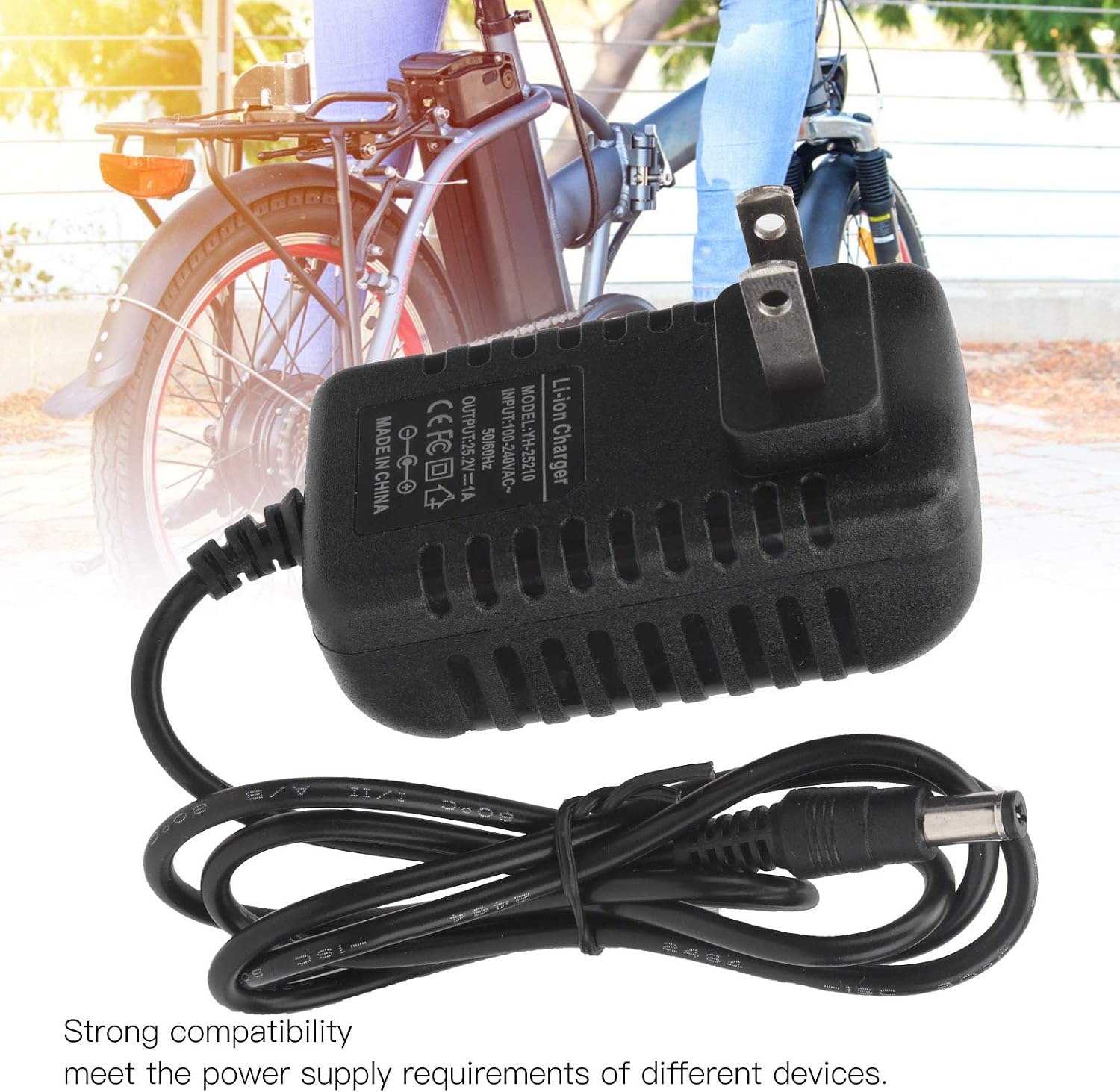
Image: The charger with its DC connector plugged into a device, illustrating the connection process.
Operating Instructions
Once properly connected, the charger will begin the charging process. Observe the indicator light for status:
- Charging Indicator: The indicator light will illuminate (typically red) to show that the battery is currently charging.
- Full Charge Indicator: The indicator light will change color (typically green) when the battery is fully charged.
Once the battery is fully charged, disconnect the charger from the power outlet first, then disconnect it from your device.
Maintenance
Proper maintenance ensures the longevity and safe operation of your charger.
- Cleaning: Disconnect the charger from all power sources before cleaning. Use a soft, dry cloth to wipe the exterior. Do not use liquid cleaners or solvents.
- Storage: Store the charger in a cool, dry place away from direct sunlight and moisture when not in use. Avoid wrapping the cable too tightly.
- Regular Inspection: Periodically check the charger, cable, and connectors for any signs of wear, cuts, or damage.
Troubleshooting
If you encounter issues with your charger, refer to the following table:
| Problem | Possible Cause | Solution |
|---|---|---|
| Charger indicator light does not turn on. | No power from outlet; charger not properly plugged in; damaged charger. | Check power outlet with another device; ensure charger is fully plugged in; inspect charger for damage. |
| Battery not charging. | Incorrect connection to device; device battery issue; charger malfunction. | Ensure DC connector is securely plugged into the device; verify device battery is compatible and functional; try another compatible charger if available. |
| Charger feels excessively hot. | Poor ventilation; overloaded circuit; internal fault. | Ensure charger has adequate airflow; unplug immediately and discontinue use if overheating persists. Contact support. |
Specifications
| Model | YH-25210 |
| Input | 100-240V AC, 50/60Hz |
| Output | 25.2V 1A |
| Material | PC High Temperature Fireproof Shell |
| Plug Type | US Plug |
| Product Dimensions | Approximately 0.39 x 0.39 x 0.39 inches (1 x 1 x 1 cm) |
| Item Weight | Approximately 3.2 ounces (90.7 grams) |
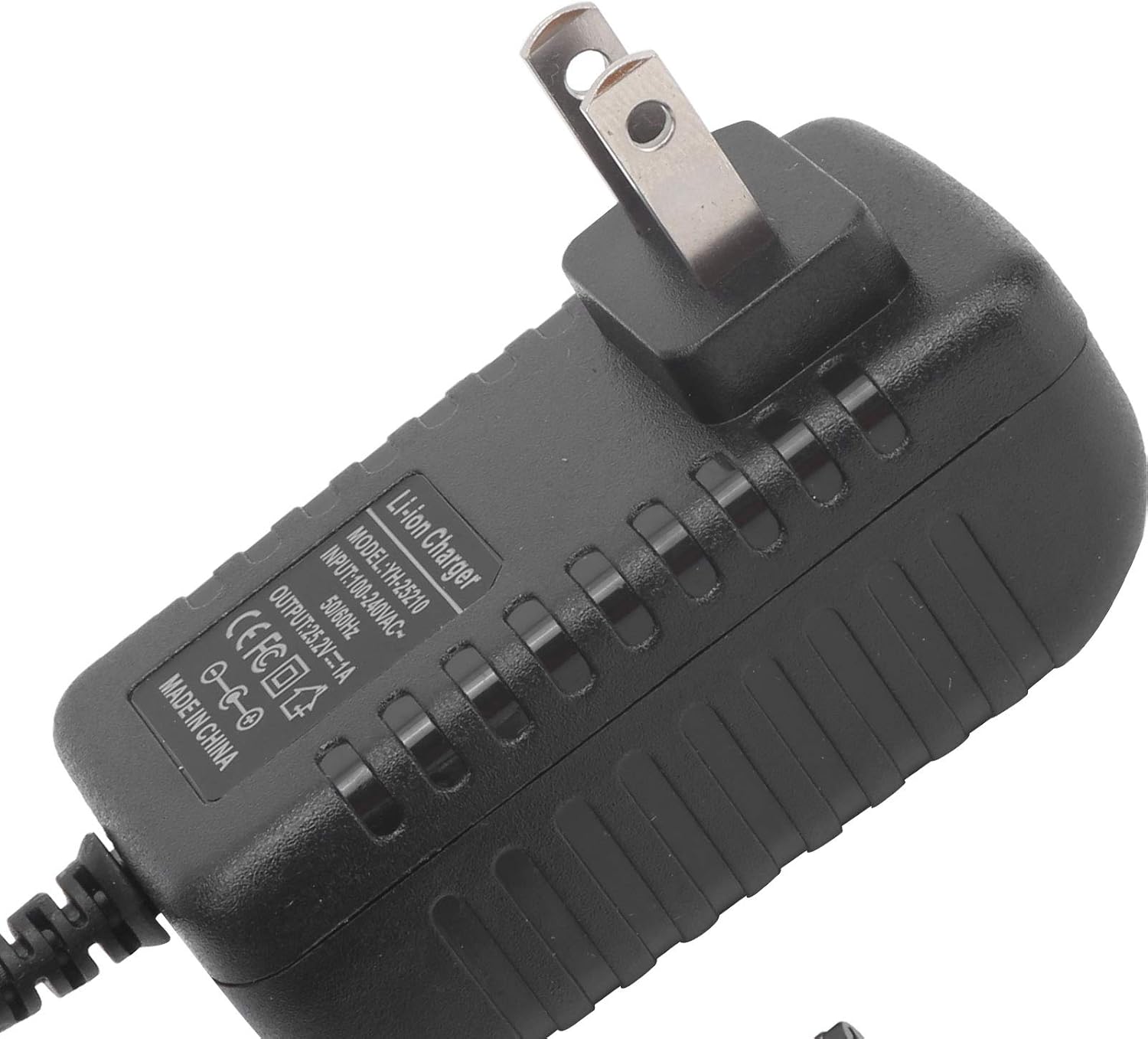
Image: A close-up view of the charger's label, detailing its model number (YH-25210), input voltage, and output specifications.
Warranty and Support
For warranty information or technical support, please refer to the documentation provided with your purchase or contact Dilwe customer service directly. Keep your purchase receipt as proof of purchase.
For further assistance, you may visit the official Dilwe store or contact their support channels.