
1. Introduction
Thank you for choosing the iJoy Gravity TWS Earbuds. This manual provides essential information for setting up, operating, and maintaining your new wireless earbuds. Please read it thoroughly before use to ensure optimal performance and longevity of your device.
2. Safety Information
- Do not expose the earbuds or charging case to extreme temperatures, direct sunlight, or fire.
- Avoid dropping, disassembling, or modifying the device.
- Keep the device away from water and liquids, except for the IPX4 water-resistant protection against splashes. Do not submerge.
- Use only the provided charging cable or a certified USB-C cable for charging.
- Prolonged exposure to loud sounds may cause hearing damage. Adjust volume to a safe level.
3. Package Contents
Ensure all items are present in your package:
- iJoy Gravity TWS Earbuds (Left and Right)
- Wireless Charging Case
- USB-C Charging Cable (not explicitly listed but implied by charging method)
- User Manual (this document)
4. Product Overview
The iJoy Gravity TWS Earbuds are designed for comfortable, high-quality audio. Below are the main components:

Image: The iJoy Gravity TWS Earbuds in their open charging case, showcasing the left and right earbuds.

Image: The iJoy Gravity TWS Earbuds and charging case surrounded by white feathers, illustrating their lightweight design.
Each earbud features a touch-sensitive surface for controls and is designed to fit securely in the ear. The charging case protects the earbuds and provides additional battery life.
5. Setup
5.1 Charging the Earbuds and Case
Before first use, fully charge the earbuds and the charging case.
- Charging the Earbuds: Place the earbuds into the charging case. They will begin charging automatically. The indicator lights on the case will show charging status.
- Charging the Case: Connect the charging case to a power source using a USB-C cable. Alternatively, the case supports wireless charging.
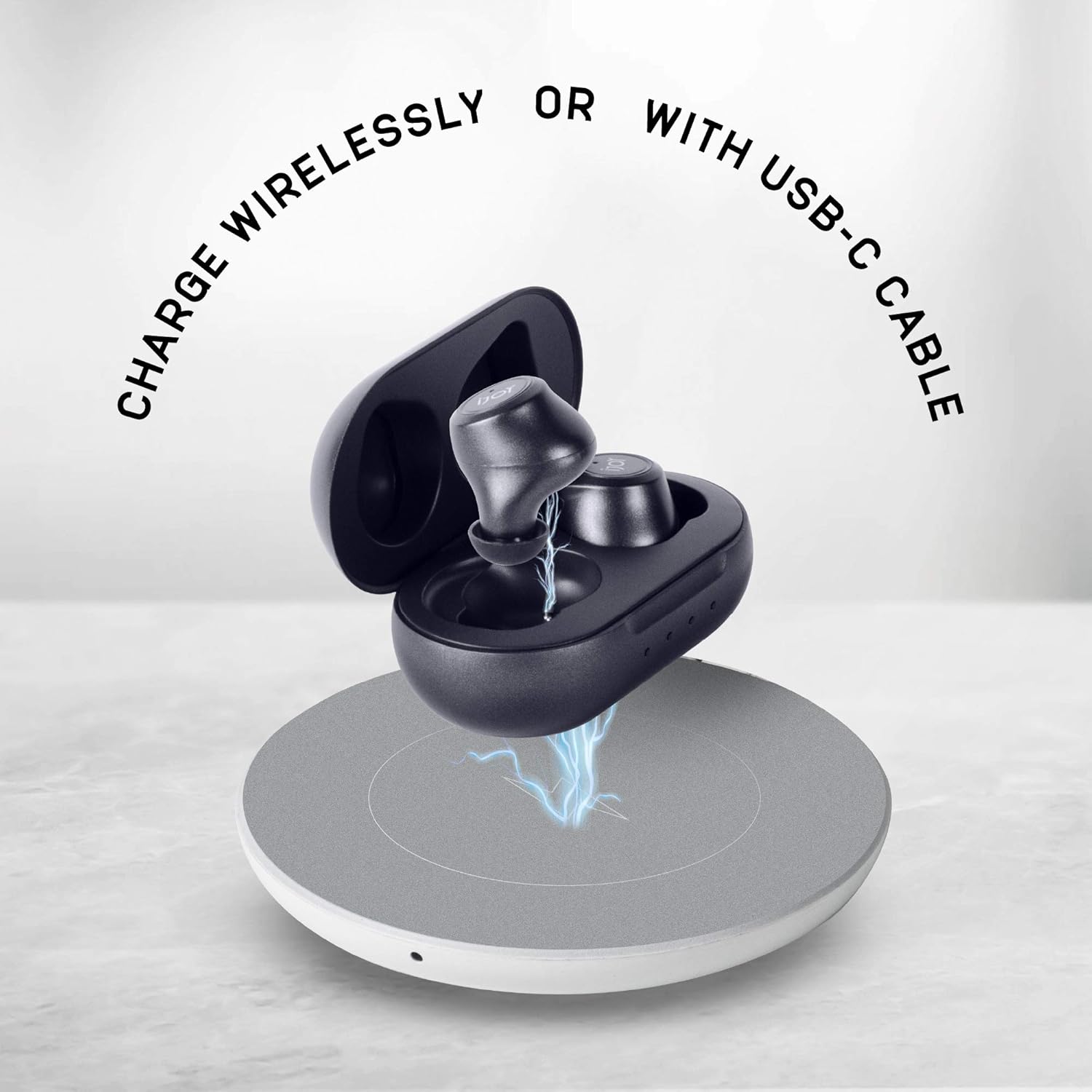
Image: An illustration showing the charging time for the earbuds (1 hour) and the case (1.5 hours).

Image: The iJoy Gravity TWS Earbuds charging case placed on a wireless charging pad, indicating wireless charging capability.
5.2 Pairing with a Bluetooth Device
- Ensure the earbuds are charged.
- Open the charging case. The earbuds will automatically enter pairing mode (indicator lights may flash).
- On your device (smartphone, tablet, etc.), enable Bluetooth.
- Search for available Bluetooth devices and select "iJoy Gravity" from the list.
- Once connected, the earbuds will indicate successful pairing (e.g., a voice prompt or steady light).
Video: A demonstration of the iJoy Gravity True Wireless Earbuds, showcasing their design and how they are used. This video illustrates the product's physical appearance and basic interaction.
6. Operating Instructions
6.1 Wearing the Earbuds
Gently insert each earbud into your ear canal. Rotate slightly to find a comfortable and secure fit. The 'L' and 'R' markings indicate the left and right earbuds, respectively.

Image: A close-up view of an earbud tip, highlighting its design for in-ear comfort and sound delivery.
6.2 Touch Controls
The iJoy Gravity TWS Earbuds feature intuitive touch controls on each earbud:
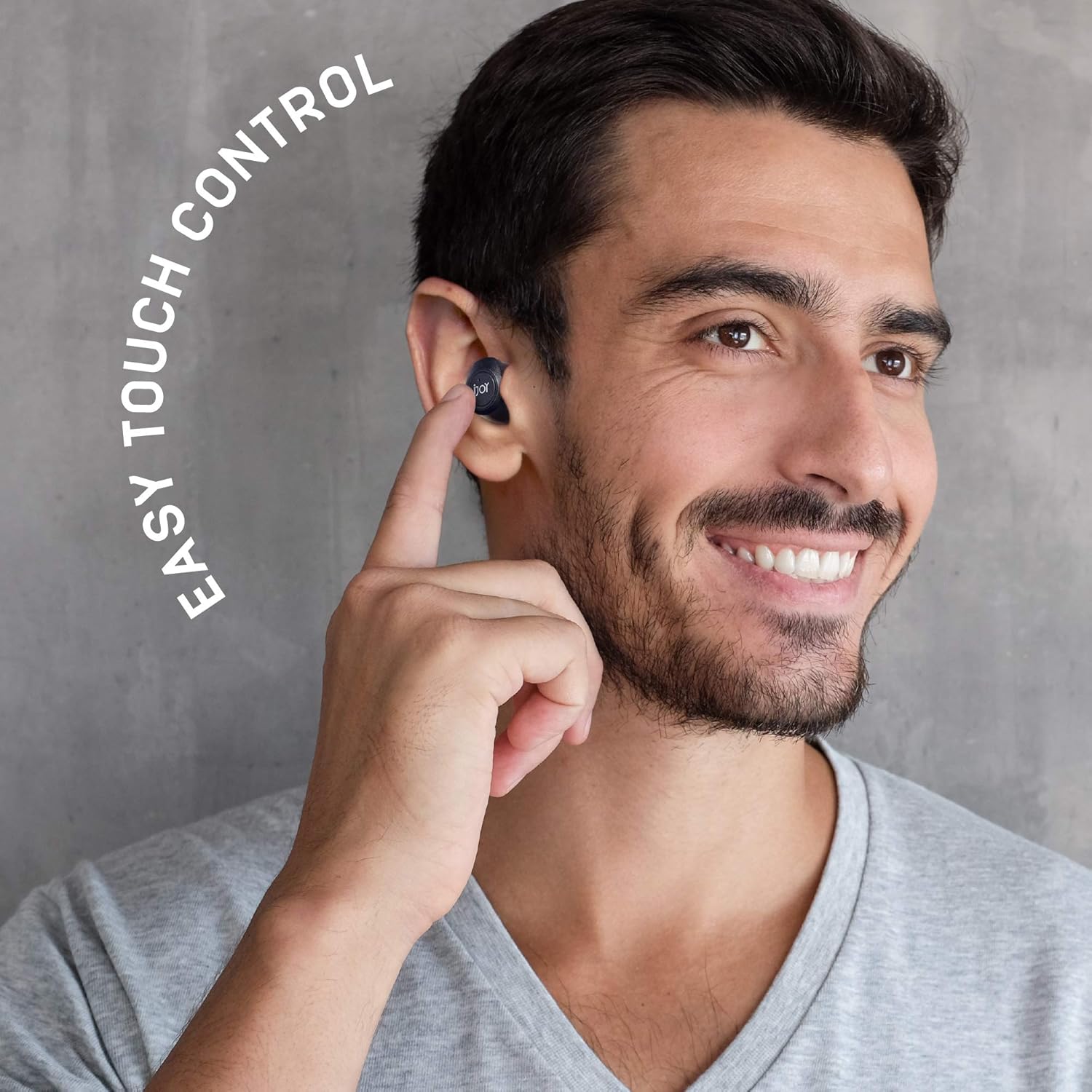
Image: A man smiling while touching his right earbud, demonstrating the easy touch control feature.
| Action | Function |
|---|---|
| Single Tap | Play/Pause music, Answer/End call |
| Double Tap (Left Earbud) | Previous Track |
| Double Tap (Right Earbud) | Next Track |
| Triple Tap | Activate Voice Assistant |
| Long Press (2 seconds) | Reject Call |
6.3 Usage Modes
The earbuds can be used in either stereo mode (both earbuds) or single mode (one earbud).
- Stereo Mode: Both earbuds provide a full stereo audio experience.
- Single Mode: Either the left or right earbud can be used independently for calls or music. Simply remove one earbud from the case and leave the other in, or put one back in the case during use.
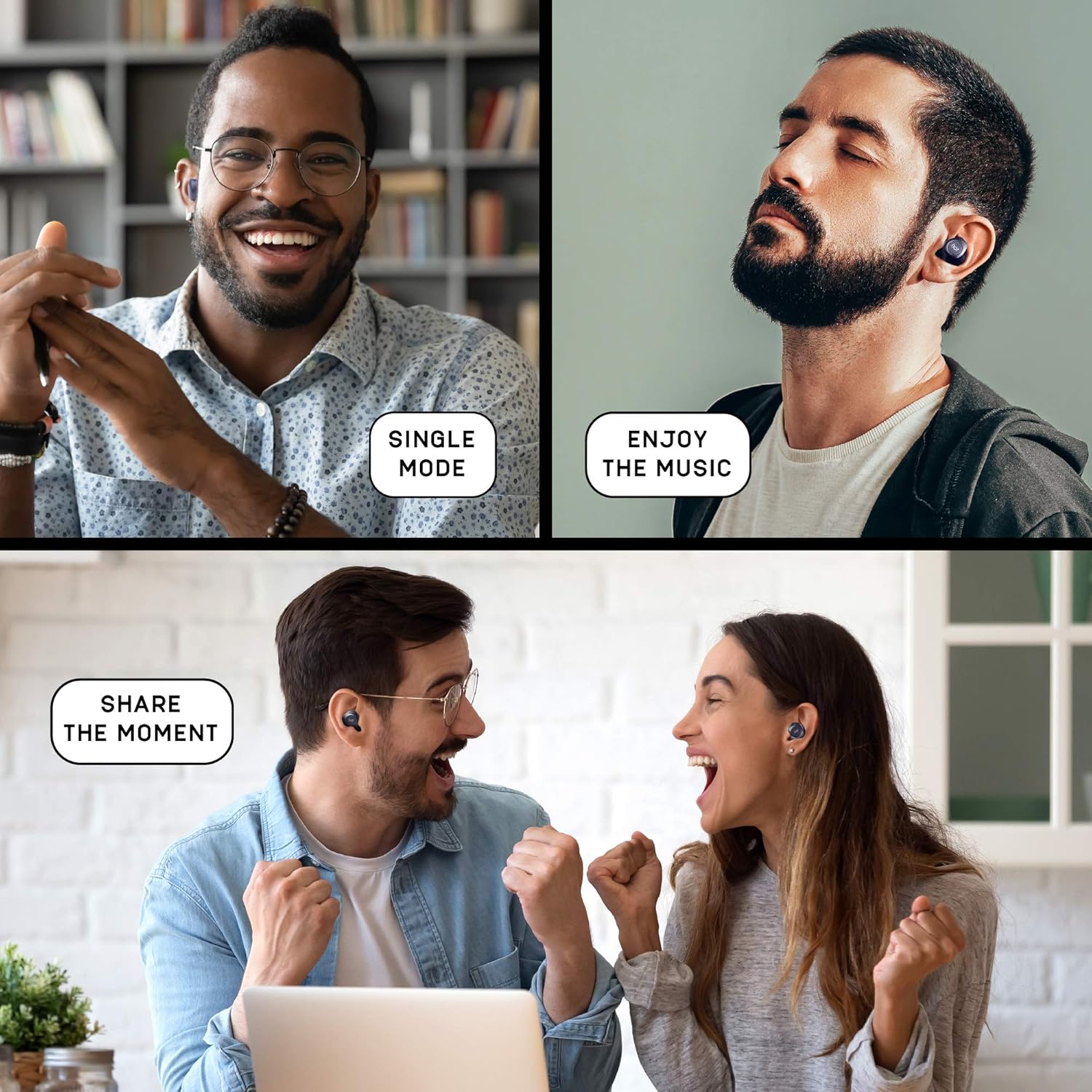
Image: A collage showing different usage scenarios: a man using a single earbud (Single Mode), a man enjoying music with both earbuds (Enjoy the Music), and a couple sharing earbuds (Share the Moment).
7. Maintenance
7.1 Cleaning
Regular cleaning helps maintain sound quality and hygiene:
- Use a soft, dry, lint-free cloth to wipe the earbuds and charging case.
- For earbud tips, gently remove any earwax or debris using a small brush or cotton swab.
- Do not use abrasive cleaners, alcohol, or chemical solvents.

Image: A close-up view of the charging contacts on an earbud, showing the metallic pins for power transfer.
7.2 Water and Sweat Resistance
The iJoy Gravity TWS Earbuds are IPX4 rated, meaning they are resistant to splashing water from any direction. This makes them suitable for workouts and light rain. However, they are not waterproof and should not be submerged in water.

Image: A man drinking from a water bottle while wearing iJoy Gravity TWS Earbuds, with an overlay indicating IPX4 sweatproof rating.
8. Troubleshooting
If you encounter issues with your iJoy Gravity TWS Earbuds, refer to the following common solutions:
- Earbuds not pairing: Ensure both earbuds are charged and out of the case. Turn off and on your device's Bluetooth, then try pairing again.
- Only one earbud working: Place both earbuds back in the charging case, close the lid, wait a few seconds, then open the lid and try connecting again. Ensure both earbuds have sufficient charge.
- No sound: Check the volume level on your connected device. Ensure the earbuds are properly paired and selected as the audio output.
- Charging issues: Verify the charging cable is securely connected to both the case and the power source. For wireless charging, ensure the case is correctly positioned on the charging pad. Clean charging contacts if necessary.
- Poor sound quality: Ensure the earbuds are clean and properly seated in your ears. Move closer to your connected device to reduce interference.
9. Specifications
| Feature | Detail |
|---|---|
| Model Name | IJEBGTY02-AZ |
| Connectivity Technology | Wireless (Bluetooth 5.0) |
| Bluetooth Version | 5.0 |
| Water Resistance Level | IPX4 (Water Resistant, Sweatproof) |
| Battery Life (Earbuds) | Up to 30 hours talk time, 20+ hours standby time |
| Charging Time (Earbuds) | 1 Hour |
| Charging Time (Case) | 1.5 Hours |
| Control Method | Touch |
| Earpiece Shape | In-Ear/Ear Canal |
| Material | Plastic, Rubber, Silicone |
| Product Dimensions | 4 x 2 x 2 inches |
| Item Weight | 3.84 ounces |
| UPC | 842700171914 |
10. Warranty and Support
iJoy offers a 60-Day Free Replacement Guarantee for the Gravity TWS Earbuds. If you experience any issues with your product, please contact iJoy customer support for assistance. Refer to the product packaging or the official iJoy website for contact details.
