1. Introduction
The Sonew GL09 is an advanced 4G/3G/GSM 8-channel alarm security system designed for various applications including home, warehouse, and remote unattended stations. This module provides reliable alarm detection and notification capabilities via cellular networks, ensuring you stay informed about security events. It features a low-power sleep mode and real-time battery voltage detection, making it suitable for battery-powered installations.

Image 1.1: The Sonew GL09 4G/3G/GSM 8-Channel Alarm Security System Module.
2. Product Overview
The GL09 alarm unit integrates a 4G module for global compatibility across 4G, 3G, and GSM networks. It offers 8 independent alarm detection channels, each configurable with custom alert messages. Users can define up to 6 recipient numbers for alarm messages or direct calls. The system supports both Normally Open (NO) and Normally Closed (NC) input configurations for versatile sensor integration.
- DC 5V-15V Power Input: Wide voltage range for flexible power options.
- 8 Alarm Channels: Each channel supports customizable alarm messages.
- 4G/3G/GSM Connectivity: Ensures reliable communication in various regions.
- Up to 6 Called Numbers: Multiple recipients for alarm notifications.
- Smartphone App Support: Easy configuration via iOS/Android applications.
- Low-Power Sleep Mode: Efficient power consumption with real-time battery voltage monitoring.
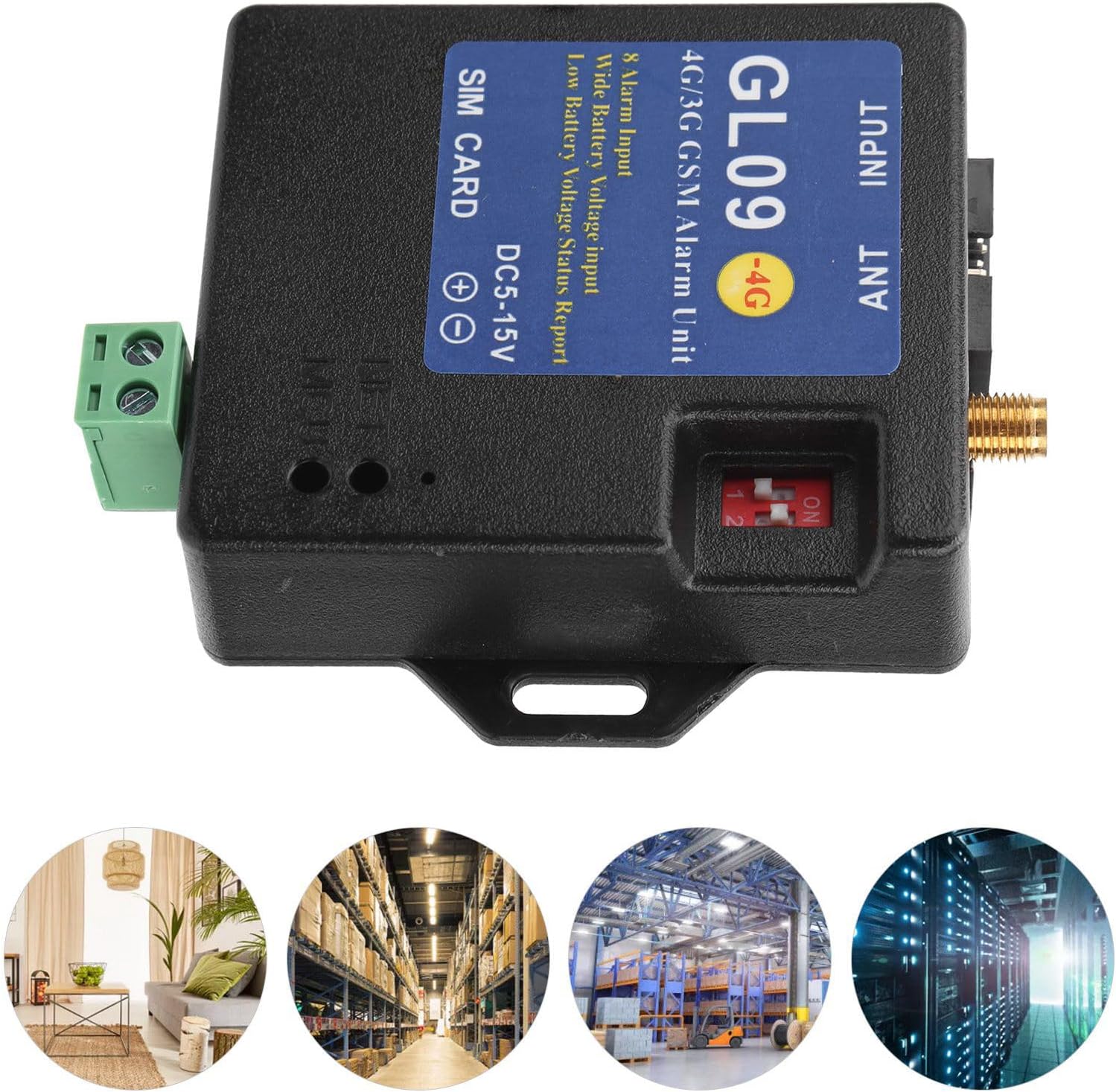
Image 2.1: The Sonew GL09 module illustrating its wide range of applications.
3. Specifications
| Feature | Specification |
|---|---|
| Brand | Sonew |
| Model | GL09 |
| Power Input | DC 5V-15V |
| Alarm Channels | 8 |
| Connectivity | 4G/3G/GSM Cellular Network |
| Control Method | App (iOS/Android), SMS |
| Compatible Devices | Smartphone |
| Dimensions (L x W x H) | 0.39 x 0.39 x 0.39 inches (approximate) |
| Item Weight | 5.6 ounces |
| Included Components | 4G/3G/GSM Alarm Unit, Cable, Antenna, English Manual |
4. Package Contents
Verify that all items are present in the package:
- Sonew GL09 4G/3G/GSM Alarm Unit
- Antenna
- Wiring Cable
- English User Manual

Image 4.1: The Sonew GL09 module with its antenna and wiring cable.
5. Setup Instructions
5.1 SIM Card Installation
- Ensure the GL09 unit is powered off.
- Locate the SIM card slot on the unit.
- Insert a valid 4G/3G/GSM SIM card into the slot. Ensure it is correctly oriented and securely seated.
5.2 Antenna Connection
- Locate the antenna connector (ANT) on the GL09 unit.
- Screw the provided antenna onto the connector until it is finger-tight. Do not overtighten.
5.3 Power Connection
- Connect the DC 5V-15V power supply to the designated power input terminals on the unit. Observe polarity (+ and -).
- Ensure the power source is stable and within the specified voltage range.
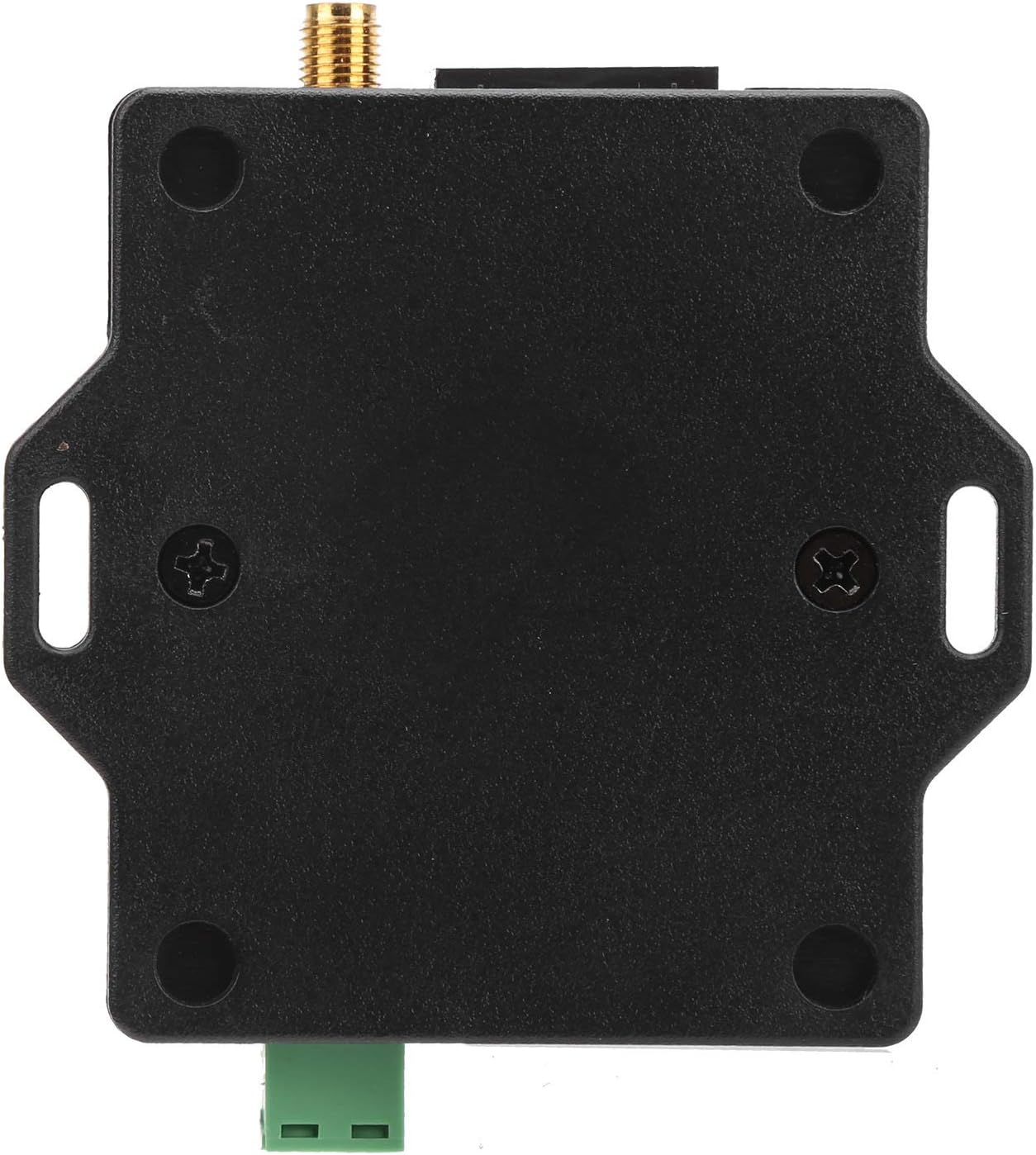
Image 5.1: Power input terminals on the Sonew GL09 module.
5.4 Input Wiring (Alarm Channels)
The GL09 unit features 8 alarm input channels. Each input can be configured as Normally Open (NO) or Normally Closed (NC) using the DIP switches on the unit.
- Identify the input terminals (INPUT) on the unit.
- Connect your alarm sensors (e.g., door contacts, motion sensors) to the corresponding input channels.
- Use the DIP switches to set each channel to either NO or NC mode, matching your sensor type. Refer to the diagram below for switch positions.
- When an input port is short-circuited with the ground wire (GND), an alarm message will be triggered.

Image 5.2: Input terminals and DIP switches for configuring alarm channels.
6. Operating Instructions
6.1 Initial Power-Up
After connecting the SIM card, antenna, and power, the unit will power on. Observe the indicator lights for network status. A stable light typically indicates a successful network connection.
6.2 Configuring Alarm Numbers
You can set up to 6 groups of recipient numbers for alarm notifications. These numbers will receive SMS alerts or calls when an alarm is triggered. Configuration is primarily done via the dedicated smartphone application or by sending specific SMS commands.
6.3 Customizing Alarm Messages
Each of the 8 alarm channels can have a unique alarm message. This allows for clear identification of the triggered sensor or event. For example, 'Door Sensor 1 Triggered' or 'Warehouse Motion Detected'. These messages are configured through the smartphone app.
6.4 Alarm Triggering
When a connected sensor triggers an input (e.g., a door opens, changing the state of an NO/NC contact), the GL09 unit will send the pre-configured alarm message to the designated phone numbers and/or initiate a call.
7. App Configuration
The Sonew GL09 system is designed for easy setup and management via a dedicated smartphone application, available for both iOS and Android devices. The app simplifies the process of sending text messages to configure the unit.
- Download the official Sonew GL09 app from your device's app store (e.g., Apple App Store for iOS, Google Play Store for Android).
- Launch the app and follow the on-screen instructions to connect to your GL09 unit. This typically involves entering the SIM card number of the GL09 unit.
- Use the app interface to set alarm recipient numbers, customize alarm messages for each channel, and manage other system settings.
The app provides a user-friendly interface to generate and send the necessary SMS commands to the GL09 module, eliminating the need for manual SMS composition.
8. Troubleshooting
- No Network Connection:
- Ensure the SIM card is correctly inserted and active with sufficient credit/data.
- Verify the antenna is securely connected.
- Check for 4G/3G/GSM network coverage in the installation area.
- No Alarm Notifications:
- Confirm that alarm recipient numbers are correctly configured in the app.
- Check the wiring of the alarm sensors and ensure the DIP switches for NO/NC are set correctly for each channel.
- Verify the GL09 unit has a stable network connection.
- App Connection Issues:
- Ensure your smartphone has an active internet connection.
- Verify the correct SIM card number of the GL09 unit is entered in the app.
- Restart the app and the GL09 unit.
- Low Battery Voltage Alarm:
- If using battery power, ensure the battery is charged or replaced.
- Verify the power input voltage is within the 5V-15V range.
9. Maintenance
To ensure optimal performance and longevity of your Sonew GL09 alarm system, consider the following maintenance guidelines:
- Regular Cleaning: Keep the unit free from dust and debris. Use a soft, dry cloth for cleaning.
- Connection Checks: Periodically inspect all wiring connections (power, antenna, sensors) to ensure they are secure and free from corrosion.
- SIM Card Status: Ensure the SIM card remains active and has sufficient credit or data plan for continuous operation.
- Firmware Updates: Check the manufacturer's website or app for any available firmware updates that may improve performance or add features.
- Environmental Conditions: Ensure the unit is installed in a dry environment, away from extreme temperatures and direct sunlight, to prevent damage.
10. Warranty and Support
For warranty information, technical support, or service inquiries, please refer to the documentation provided with your purchase or contact the seller directly. Keep your purchase receipt as proof of purchase.
You may also visit the official Sonew store for additional resources and contact information: