
Reflex Active RA03-2076
Reflex Active Series 3 Smart Watch User Manual
Model: RA03-2076
Introduction
This manual provides comprehensive instructions for the setup, operation, and maintenance of your Reflex Active Series 3 Smart Watch. This device features a color screen, crown navigation, and up to 7 days of battery life. It is designed to help you manage notifications, track activities, and monitor health metrics.

Image: The Reflex Active Series 3 Smart Watch with a black strap and rose gold case, showing the time 10:56 and the date on its circular color display.
What's in the Box
Your Reflex Active Series 3 Smart Watch package includes the following items:
- Reflex Active Series 3 Smart Watch (with sealed rechargeable battery)
- USB Charger
- Instruction Manual (this document)
- 2-Year Manufacturer Guarantee Information

Image: The white Reflex Active presentation gift box, indicating the product's packaging.
Setup
1. Charging the Device
Before first use, fully charge your smart watch. Connect the provided USB charger to a power source and attach the magnetic end to the charging points on the back of your watch. A full charge typically provides up to 7 days of battery life.

Image: A close-up view of the black USB charging cable with magnetic contacts, used to charge the smart watch.
2. Downloading the Reflex Active App
To unlock all features and synchronize data, download the free Reflex Active App from your device's app store. The app is compatible with both iOS and Android operating systems.
- For iOS devices: Search "Reflex Active" in the Apple App Store.
- For Android devices: Search "Reflex Active" in the Google Play Store.
3. Pairing the Device
- Ensure Bluetooth is enabled on your smartphone.
- Open the Reflex Active App.
- Follow the on-screen instructions within the app to search for and connect to your smart watch.
- Confirm the pairing request on both your watch and smartphone.

Image: A person holding a smartphone displaying the Reflex Active app interface, showing activity tracking data, while wearing the smart watch.
Operating Instructions
Basic Navigation
The Reflex Active Series 3 Smart Watch features a color touchscreen and crown navigation for easy interaction.
- Touchscreen: Swipe left, right, up, or down to navigate through menus and screens. Tap to select options.
- Crown: Rotate the crown to scroll through lists or adjust settings. Press the crown to return to the home screen or confirm selections.
Key Features and Functions
Your smart watch offers a range of functionalities to enhance your daily life:

Image: A graphic illustrating the key features of the Reflex Active Smart Watch, including message notifications, step counter, sleep tracker, calorie counter, weather updates, call notifications, distance tracker, sports tracking, remote selfie camera, and find phone function.
- Call and Message Notifications: Receive alerts for incoming calls and messages directly on your watch.
- Activity Tracking: Track specific activities such as running, walking, cycling, and climbing in real-time.
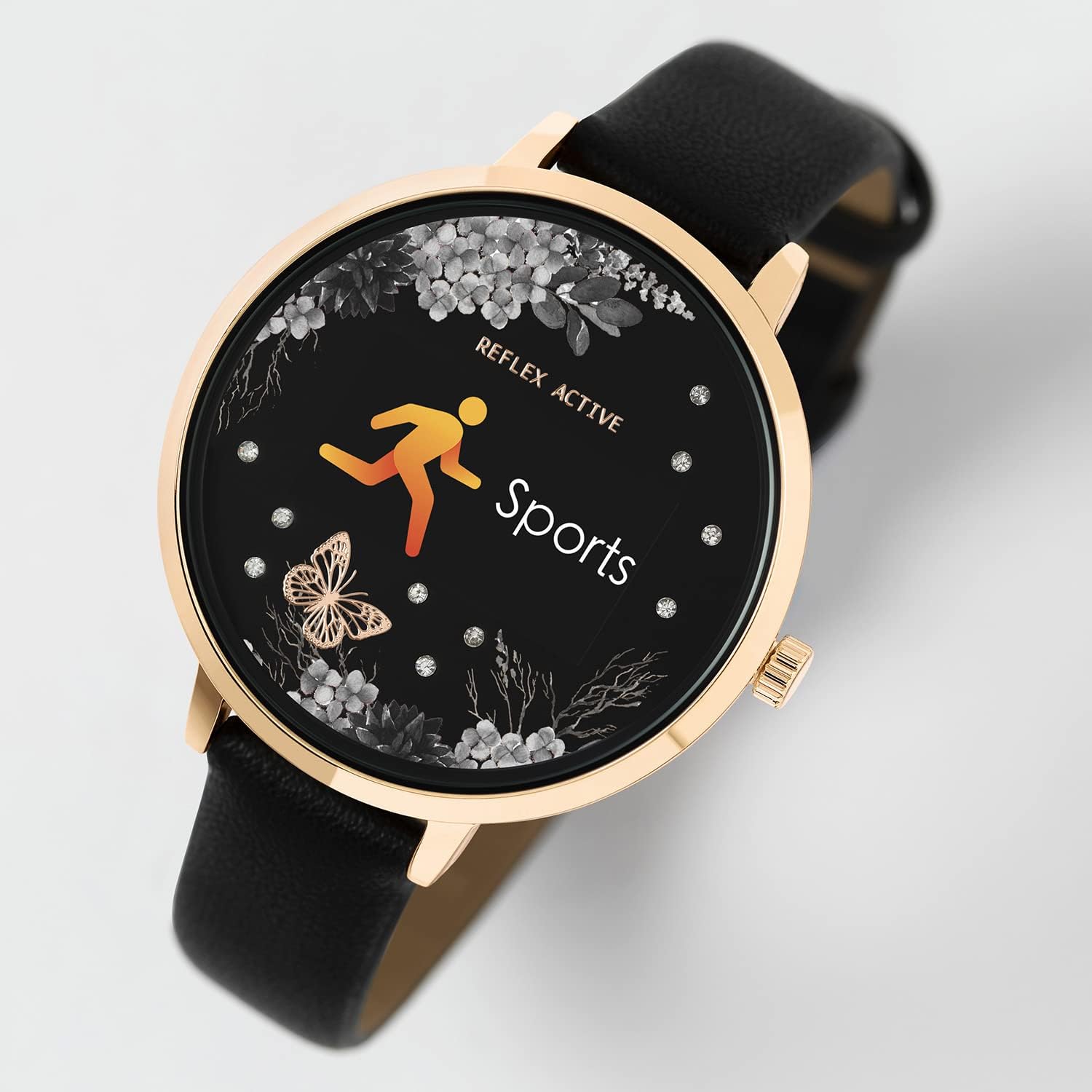
Image: The smart watch display showing the "Sports" icon and text, indicating an active workout tracking mode.
- Distance, Steps, and Calorie Tracking: Monitor your daily movement and calorie expenditure.
- Live Weather Updates: Get current weather information directly on your watch.
- Selfie Camera Control: Use your watch as a remote shutter for your smartphone's camera.
- Find Your Phone Function: Locate your misplaced smartphone by triggering an alert from your watch.
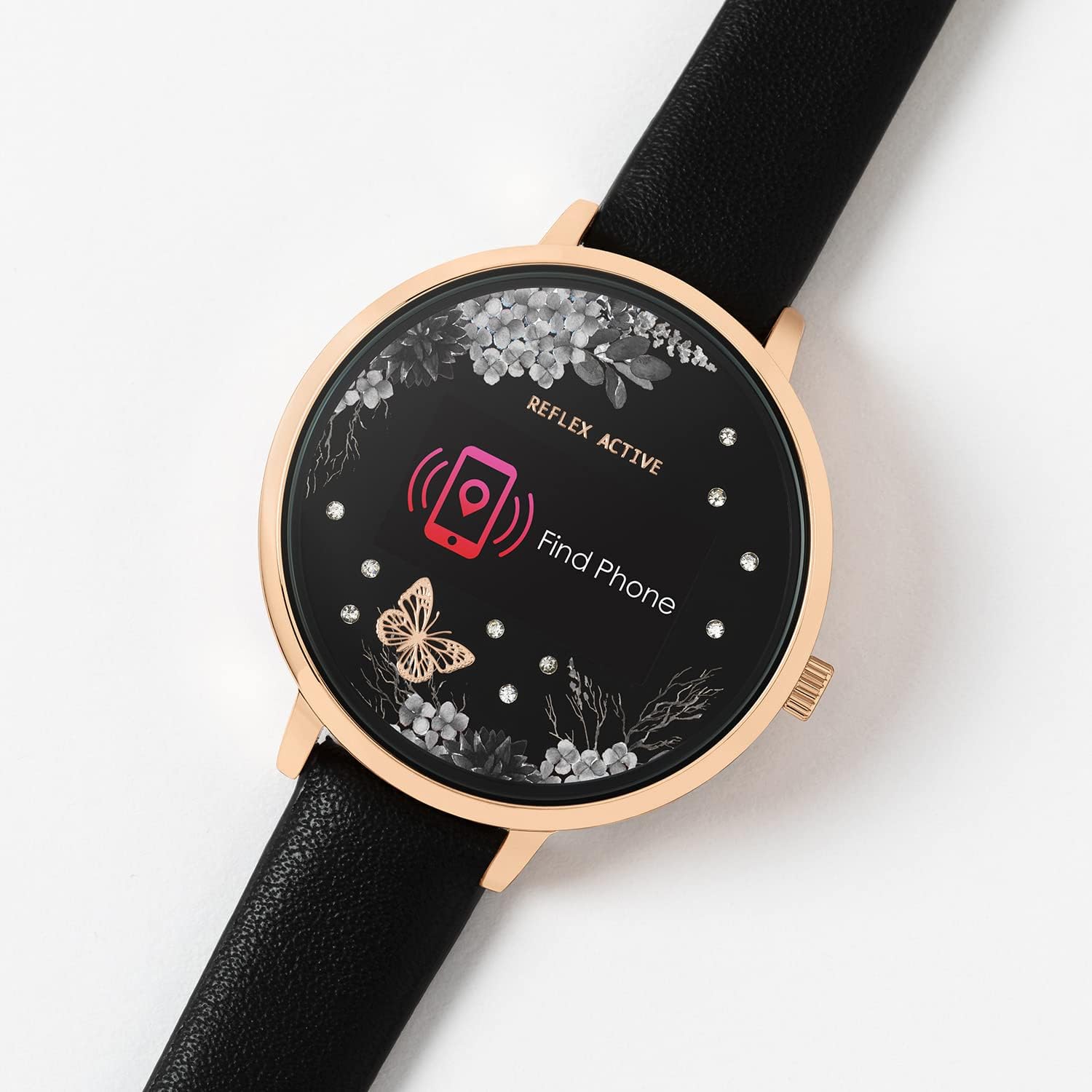
Image: The smart watch display showing a "Find Phone" icon and text, indicating the feature to locate a connected smartphone.
- Sleep Tracking: Monitor your sleep patterns and quality.
- Alarm and Reminders: Set alarms and reminders to help you stay organized.
Maintenance
Cleaning Your Watch
To maintain the appearance and functionality of your watch, clean it regularly. Use a soft, dry, lint-free cloth to wipe the screen and case. For the strap, follow material-specific cleaning instructions.
Water Resistance
The Reflex Active Series 3 Smart Watch is splashproof only. It is designed to withstand splashes, rain, or brief exposure to water. Do not submerge the watch in water, wear it while swimming, showering, or engaging in water sports. Exposure to excessive moisture can cause damage.
Battery Care
To prolong battery life, avoid exposing the watch to extreme temperatures. Charge the watch fully before long periods of inactivity. Do not attempt to replace the sealed rechargeable battery yourself.
Troubleshooting
If you encounter issues with your Reflex Active Series 3 Smart Watch, refer to the following common solutions:
| Issue | Possible Solution |
|---|---|
| Watch not turning on | Ensure the watch is fully charged. Connect it to the USB charger and allow it to charge for at least 30 minutes before attempting to power on. |
| Cannot pair with smartphone |
|
| Data not syncing to app |
|
| Inaccurate activity tracking | Ensure the watch is worn snugly on your wrist. Calibrate the watch through the app if available. Ensure your personal profile (height, weight) is accurate in the app. |
Specifications
Key technical specifications for the Reflex Active Series 3 Smart Watch (Model: RA03-2076):
- Model Name: Series 3 Smart Watch
- Model Number: RA03-2076
- Display Type: Digital, Color Screen
- Case Diameter: 38 mm (approximate, based on product details)
- Battery Life: Up to 7 days (typical usage)
- Battery Type: 1 Lithium Ion battery (included, sealed rechargeable)
- Connectivity: Bluetooth, USB (for charging)
- Operating System Compatibility: iOS & Android
- Water Resistance: Splashproof only
- Special Features: Alarm Clock, Calorie Tracking, Notifications, Activity Tracking, Sleep Tracking, Find Phone, Remote Camera Control, Weather Updates.
- Item Weight: 1.06 ounces (approx. 0.03 Kilograms)
- Dimensions (Package): 4.96 x 3.54 x 2.87 inches
Warranty and Support
Your Reflex Active Series 3 Smart Watch comes with a 2-year manufacturer guarantee. Please retain your proof of purchase for warranty claims.
For further support, troubleshooting, or warranty inquiries, please refer to the contact information provided in your product packaging or visit the official Reflex Active website.
Remember to download the free Reflex Active App for the best experience and access to detailed features and updates.
Ask a question about this manual
Ask about setup, troubleshooting, compatibility, parts, safety, or missing instructions. Manuals+ will review the question and use this page’s manual context to help answer it.