
Introduction
This manual provides comprehensive instructions for the setup, operation, maintenance, and troubleshooting of your New Bright 1:14 R/C Polaris General Red. Please read this manual thoroughly before using the product to ensure safe and optimal performance.
The New Bright 1:14 R/C Polaris General 1000 is a radio-controlled ATV designed for off-road adventures. It features full function capabilities, working headlights, and a detailed interior. Equipped with 2.4GHz technology, it allows for solo play or racing with up to 5 other compatible vehicles.
Safety Information
Important Safety Precautions:
- Do not mix old and new batteries.
- Do not mix alkaline, standard, or rechargeable batteries.
FCC Caution: Changes or modifications not expressly approved by the party responsible for compliance could void the user's authority to operate the equipment. This equipment has been tested and found to comply with the limits for a Class B digital device, pursuant to Part 15 of the FCC Rules. These limits are designed to provide reasonable protection against harmful interference in a residential installation. This equipment generates, uses, and can radiate radio frequency energy and, if not installed and used in accordance with the instructions, may cause harmful interference to radio communications. However, there is no guarantee that interference will not occur in a particular installation. If this equipment does cause harmful interference to radio or television reception, which can be determined by turning the equipment off and on, the user is encouraged to try to correct the interference by one or more of the following measures:
- Reorient or relocate the receiving antenna.
- Increase the separation between the equipment and receiver.
- Connect the equipment into an outlet on a circuit different from that to which the receiver is connected.
- Consult the dealer or an experienced radio/TV technician for help.
What's in the Box
Verify that all components listed below are included in your package:
- R/C Vehicle (1:14 Polaris General Red)
- R/C Controller (Transmitter)
- Internal Lithium Ion Battery (pre-installed in vehicle)
- 2 AA Batteries (for controller)
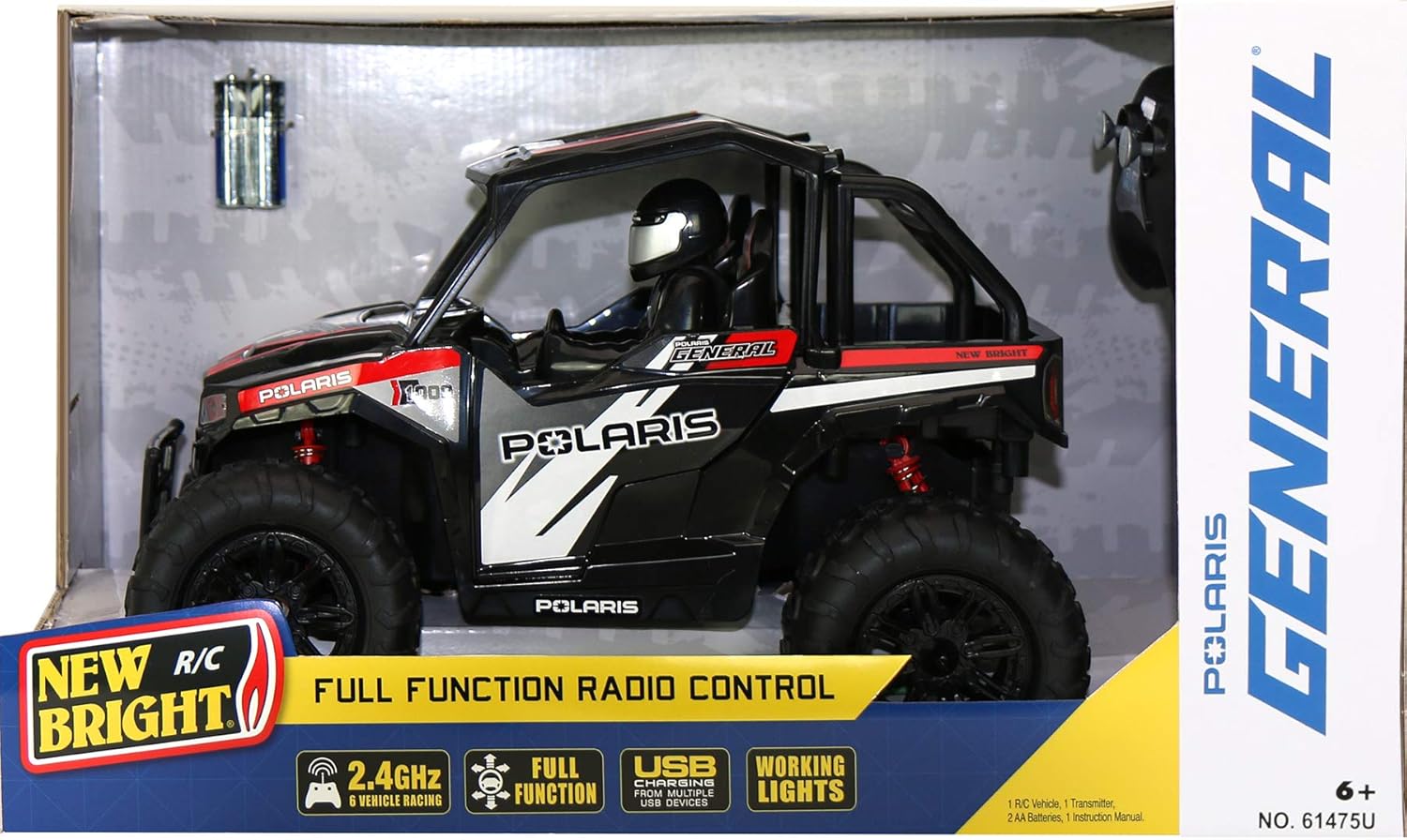
Image: The New Bright 1:14 R/C Polaris General Red vehicle displayed within its retail packaging, showing the included controller and batteries.
Setup
1. Controller Battery Installation
- Locate the battery compartment on the back of the R/C Controller.
- Open the battery compartment cover.
- Insert the 2 AA batteries (included) into the compartment, ensuring correct polarity (+/-).
- Close the battery compartment cover securely.
2. Vehicle Battery Charging (Internal Lithium Ion Battery)
The R/C vehicle is equipped with an internal USB rechargeable Lithium Ion battery. Follow these steps to charge the vehicle:
- Locate the USB charging port on the vehicle. This is typically found on the underside or within a hidden compartment.
- Connect the integrated USB charging cable from the vehicle to any standard USB power source (e.g., computer USB port, USB wall adapter, power bank).
- The charging indicator light on the vehicle will illuminate during charging and turn off or change color when fully charged. Refer to the vehicle's specific indicator behavior for details.
- Charging time may vary. Ensure the battery is fully charged before first use for optimal performance.

Image: A detailed front-right view of the New Bright 1:14 R/C Polaris General Red, showcasing its aggressive design and large tires.
Operating Instructions
1. Powering On
- Ensure the vehicle's internal battery is charged and the controller has fresh AA batteries.
- Turn on the R/C vehicle using its power switch, usually located on the underside or side.
- Turn on the R/C Controller using its power switch.
- The vehicle and controller should automatically pair. A light on both devices may indicate successful pairing.
2. Basic Controls
The R/C Polaris General Red features full function radio control:
- Forward/Reverse: Use the throttle trigger or joystick on the controller to move the vehicle forward or backward.
- Left/Right Steering: Use the steering wheel or directional stick on the controller to turn the vehicle left or right.
- Working Headlights: The vehicle is equipped with working headlights that illuminate when the vehicle is powered on or when a specific control is activated (refer to controller diagram if available).
3. 2.4GHz Technology
Your R/C Polaris General Red utilizes 2.4GHz technology, which allows for improved range and the ability to race with multiple vehicles simultaneously without interference. Up to 5 other compatible New Bright R/C vehicles can be operated in the same area.
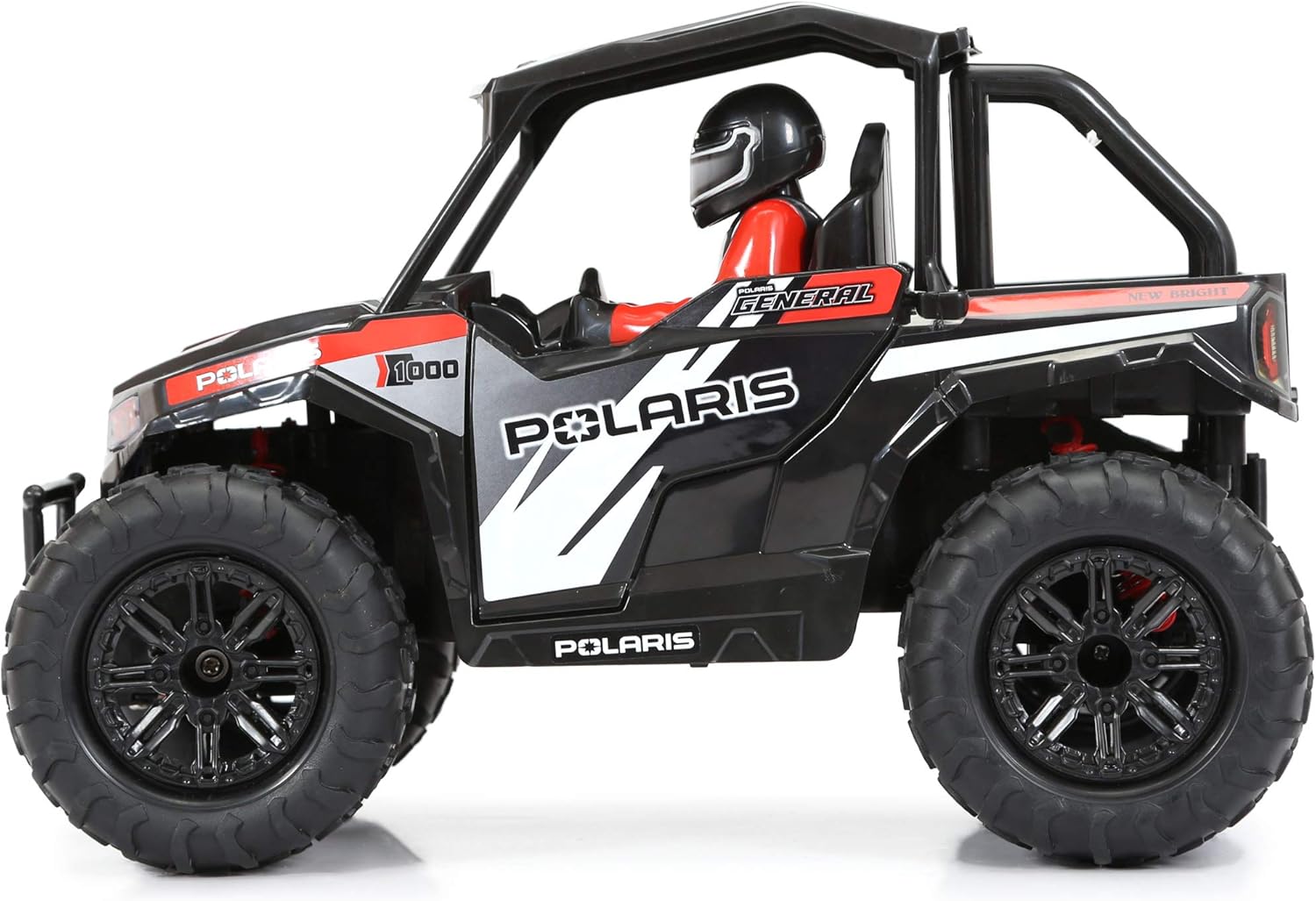
Image: A clear left-side view of the New Bright 1:14 R/C Polaris General Red, highlighting its detailed interior and driver figure.
Maintenance
1. General Care
- Avoid operating the vehicle in wet conditions or through puddles, as this can damage electronic components.
- Do not expose the vehicle or controller to extreme temperatures.
- Regularly inspect the vehicle for any loose parts, damaged wires, or worn tires.
2. Cleaning
- To clean the vehicle, gently wipe it with a damp cloth. Do not submerge it in water.
- Remove any dirt, dust, or debris from the wheels and chassis to ensure smooth operation.
3. Storage
- When not in use, store the vehicle and controller in a cool, dry place away from direct sunlight.
- Remove the AA batteries from the controller if storing for extended periods to prevent leakage.
- Ensure the vehicle's internal battery is partially charged (not fully depleted or fully charged) before long-term storage to prolong battery life.
Troubleshooting
| Problem | Possible Cause | Solution |
|---|---|---|
| Vehicle does not respond to controller. |
|
|
| Short operating time / Battery dies quickly. |
|
|
| Interference during operation. |
|
|

Image: An overhead view of the New Bright 1:14 R/C Polaris General Red, showing the vehicle's overall chassis and roof structure.
Specifications
| Feature | Detail |
|---|---|
| Model Number | 61475U |
| Scale | 1:14 |
| Product Dimensions (L x W x H) | 17 x 8.25 x 10 inches |
| Item Weight | 2.74 pounds |
| Vehicle Battery | Internal USB rechargeable Lithium Ion battery |
| Controller Battery | 2 AA batteries (included) |
| Radio Frequency | 2.4GHz |
| Manufacturer Recommended Age | 6 years and up |
| Manufacturer | New Bright |
| Release Date | September 1, 2021 |
Warranty and Support
For warranty information or technical support, please refer to the contact details provided on the product packaging or visit the official New Bright website. Keep your purchase receipt as proof of purchase for any warranty claims.
New Bright Store: Visit the New Bright Store on Amazon


