
NEBO SLYDE King 2K
Contents
NEBO SLYDE King 2K Flashlight Instruction Manual
Model: SLYDE King 2K (NEB-FLT-1021)
Brand: NEBO
1. Introduction
The NEBO SLYDE King 2K is a versatile and powerful rechargeable flashlight designed for various applications, from everyday carry to outdoor adventures and professional use. It features a high-output LED flashlight, an integrated COB work light, multiple light modes, and a magnetic base for hands-free operation. This manual provides essential information for the proper setup, operation, and maintenance of your SLYDE King 2K flashlight.

Image 1.1: The NEBO SLYDE King 2K Flashlight, illustrating its dual functionality as a compact flashlight and an extended work light.
2. Setup
2.1 Initial Charging
Before first use, fully charge your NEBO SLYDE King 2K flashlight. The device is equipped with a USB-C charging port for convenient and fast recharging.
- Locate the USB-C charging port on the flashlight.
- Connect the included USB-C charging cable to the flashlight and a compatible USB power source (e.g., wall adapter, computer USB port).
- The backlit on/off button will indicate the charging status. It typically takes 3-4 hours for a full charge.
- Once fully charged, disconnect the cable.
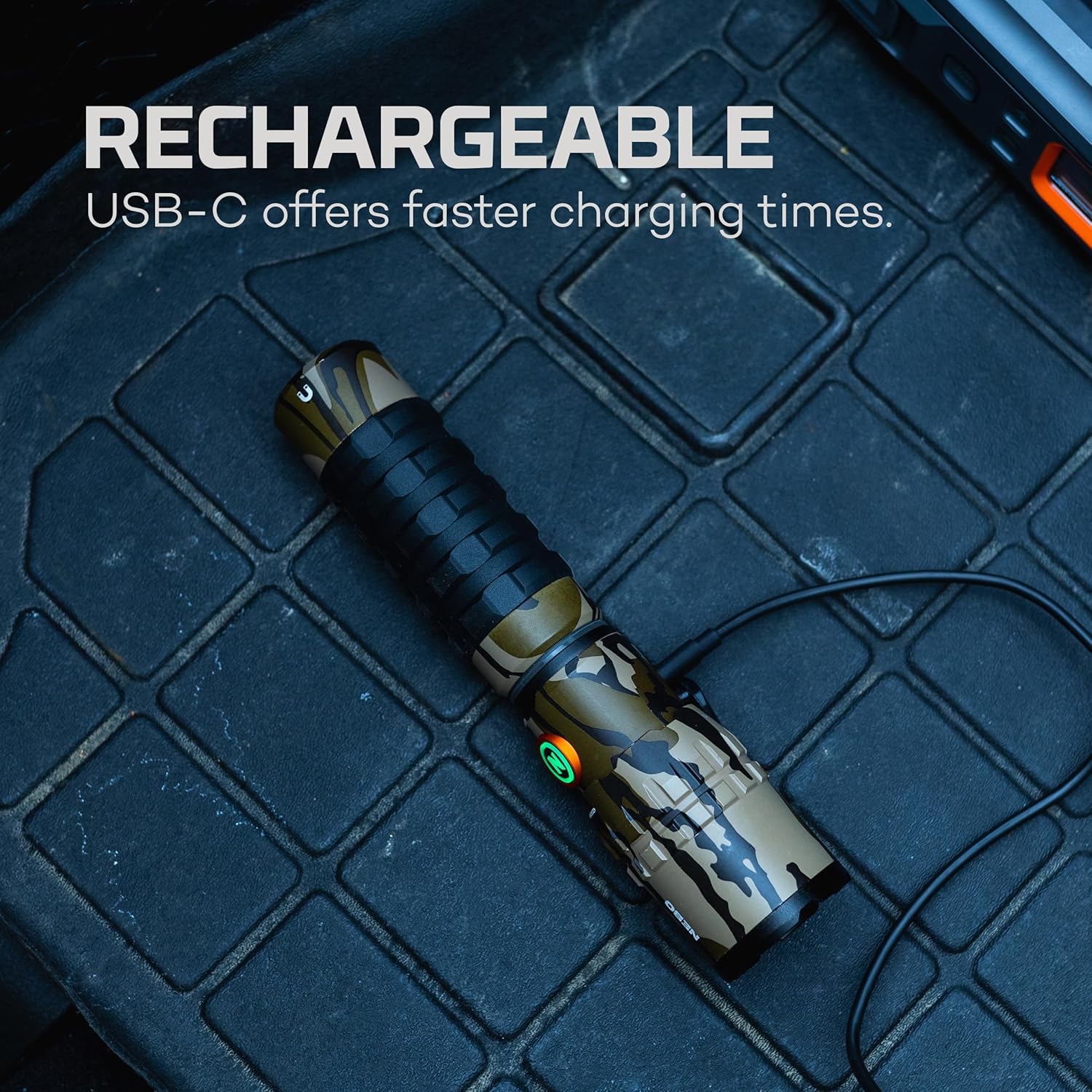
Image 2.1: The NEBO SLYDE King 2K flashlight being recharged via its USB-C port.
3. Operating Instructions
3.1 Power On/Off and Mode Selection
The SLYDE King 2K features a single power button for controlling the flashlight and cycling through modes.
- Flashlight Mode: Press the power button once to activate the main LED flashlight. Subsequent presses will cycle through High and Low modes.
- COB Work Light Mode: Slide the flashlight body to extend it and reveal the COB work light. The work light will automatically activate. Press the power button to cycle through White High, White Low, Red High, Red Low, and Red Flashing modes.
- Power Memory Recall: The flashlight remembers your last used mode when turned off and will activate in that mode upon next use.
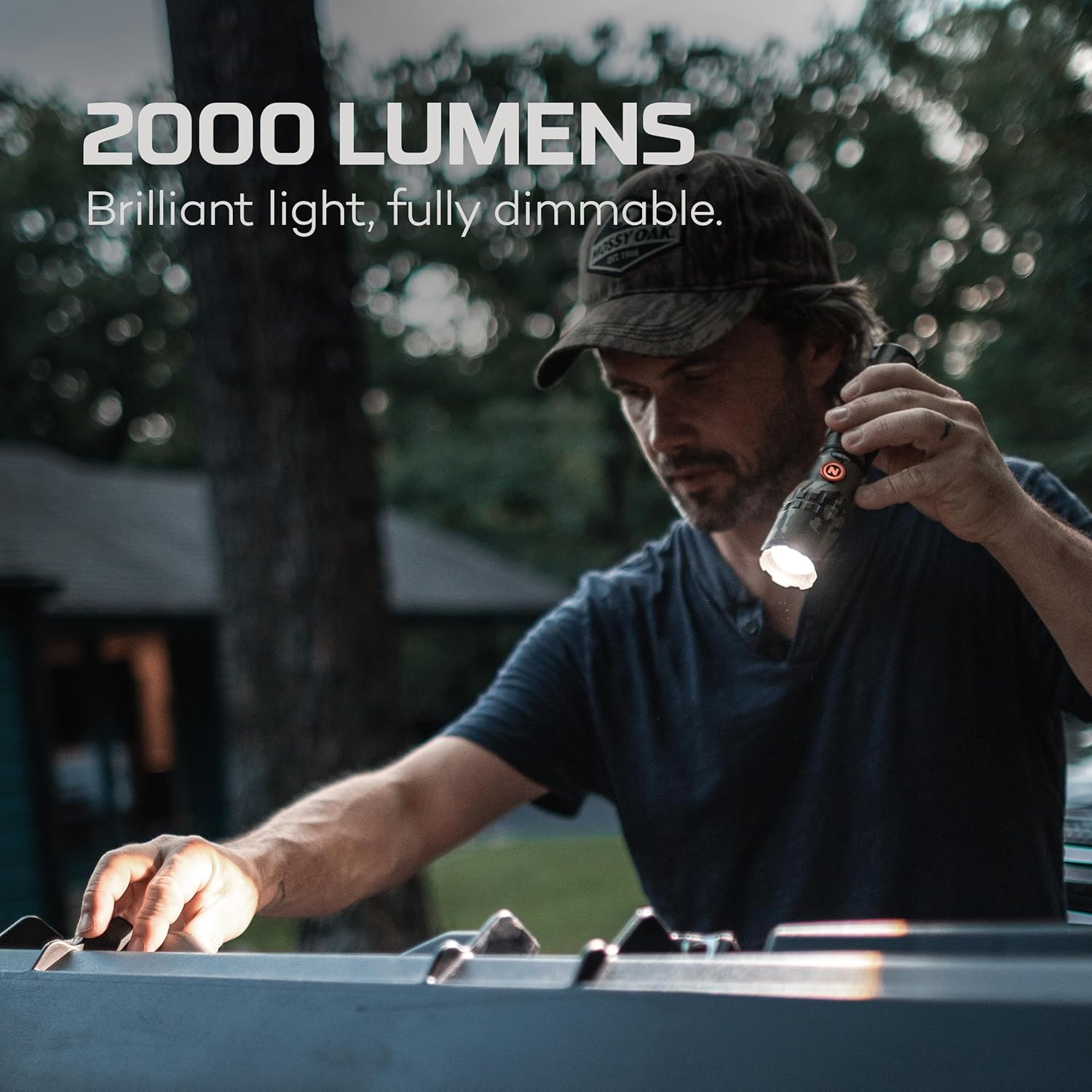
Image 3.1: Demonstrating the powerful 2000-lumen output of the NEBO SLYDE King 2K flashlight.

Image 3.2: Activating the 500-lumen COB work light by sliding the flashlight body.
3.2 Zoom Function
The main LED flashlight features a 4x adjustable zoom. Twist the head of the flashlight to adjust the beam from a focused spotlight to a wide floodlight.
3.3 Magnetic Base
The SLYDE King 2K is equipped with a powerful magnetic base, allowing for hands-free operation. Attach the flashlight to any metallic surface for convenient illumination.
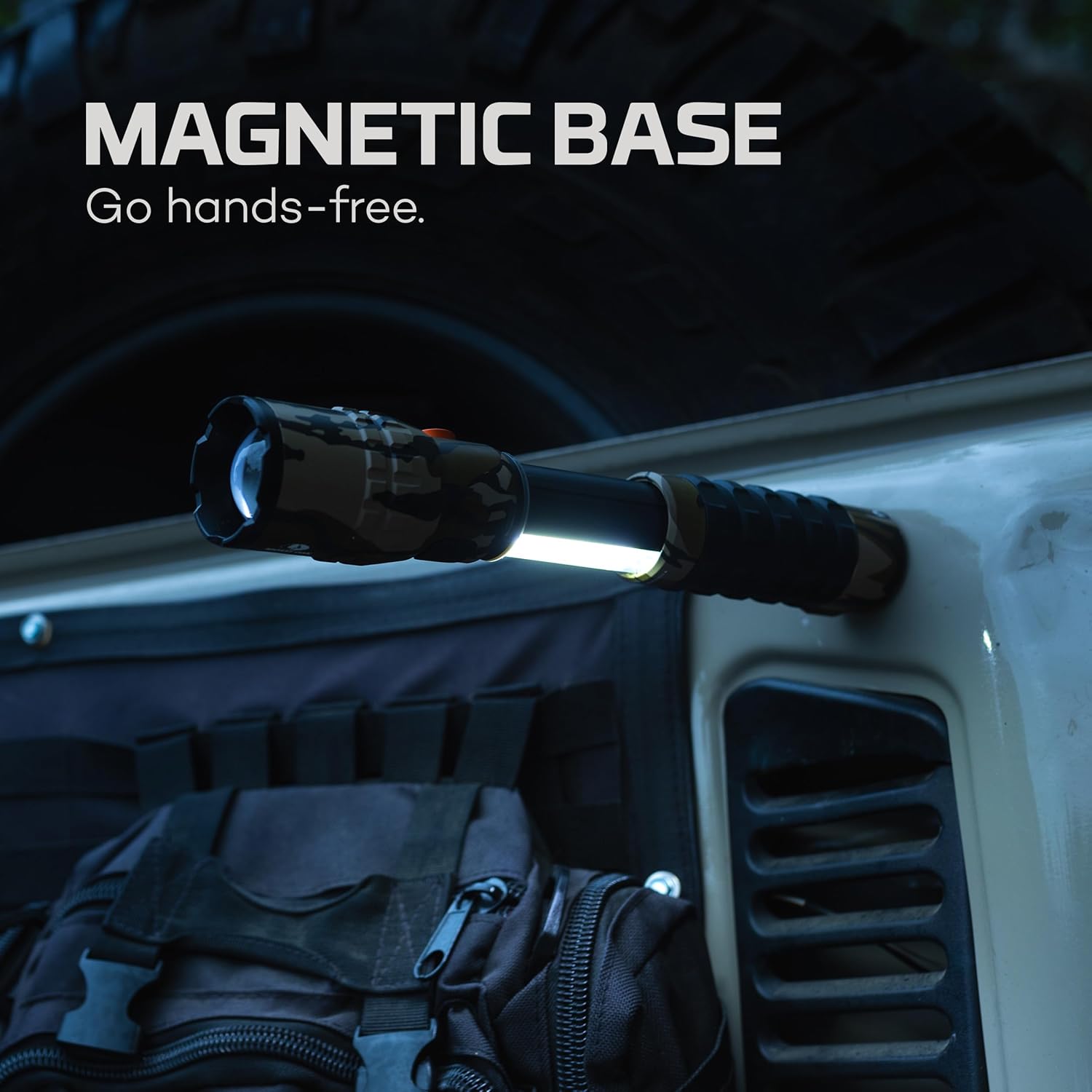
Image 3.3: The magnetic base allows for hands-free use, attaching to metal surfaces.
3.4 Red Light Mode
The COB work light includes Red High, Red Low, and Red Flashing modes. The red light is useful for preserving night vision or as an emergency signal.

Image 3.4: The red light mode provides visibility for emergencies or night vision preservation.
4. Maintenance
4.1 Cleaning
To maintain optimal performance, keep the flashlight clean. Wipe the exterior with a soft, damp cloth. Do not use abrasive cleaners or solvents.
4.2 Battery Care
The SLYDE King 2K uses a rechargeable Lithium-ion battery. To prolong battery life:
- Recharge the flashlight regularly, even if not fully depleted.
- Avoid storing the flashlight with a completely drained battery for extended periods.
- Store in a cool, dry place when not in use.
5. Troubleshooting
- Flashlight not turning on: Ensure the battery is charged. Connect to a USB power source and check the charging indicator.
- Light output is dim: Recharge the battery. Verify that the desired light mode (High vs. Low) is selected.
- Charging issues: Check that the USB-C cable is securely connected to both the flashlight and the power source. Try a different USB-C cable or power adapter.
- COB work light not activating: Ensure the flashlight body is fully extended to expose the COB light.
6. Specifications
| Feature | Detail |
|---|---|
| Model Name | SLYDE King 2K (NEB-FLT-1021) |
| Flashlight Lumens (High) | 2000 Lumens |
| Flashlight Lumens (Low) | 200 Lumens |
| Work Light Lumens (High) | 500 Lumens |
| Work Light Lumens (Low) | 50 Lumens |
| Red Light Lumens (High) | 40 Lumens |
| Flashlight Run Time (High) | 2 hours |
| Flashlight Run Time (Low) | 12 hours |
| Work Light Run Time (High) | 4 hours |
| Work Light Run Time (Low) | 24 hours |
| Red Light Run Time (High) | 6 hours |
| Charge Time | 3-4 hours (via USB-C) |
| Range | Up to 409 meters |
| Length (Compacted) | 7.5 inches |
| Length (Extended) | 9.625 inches |
| Weight | 1 Pound |
| Power Source | Battery Powered |
| Light Source Type | LED |
| Material | Anodized Aluminum |
| Battery Cell Composition | Lithium Ion (2,200 mAh, 3.7V) |
| Water Resistance Level | IPX7 (Submersible in 1 meter of water for 30 minutes) |
| UPC | 645397938590 |

Image 6.1: The NEBO SLYDE King 2K is IPX7 waterproof, capable of submersion.
7. Warranty Information
The NEBO SLYDE King 2K Flashlight comes with a 1-year manufacturer's warranty. Please retain your proof of purchase for warranty claims. For detailed warranty terms and conditions, refer to the official NEBO website or contact customer support.
8. Support
For further assistance, product registration, or to view additional NEBO products, please visit the official NEBO website. You can also contact NEBO customer service for technical support or inquiries.
Official NEBO Website: www.nebo.acgbrands.com
Documents and downloads
Ask a question about this manual
Ask about setup, troubleshooting, compatibility, parts, safety, or missing instructions. Manuals+ will review the question and use this page’s manual context to help answer it.