1. Introduction
Thank you for choosing the Havit SK204 USB 2.0 Gaming Speaker. This manual provides essential information for setting up, operating, and maintaining your new speakers. Please read it thoroughly before use to ensure optimal performance and longevity of the product.
The Havit SK204 is a compact and powerful USB 2.0 gaming speaker system designed to enhance your audio experience. It features dynamic RGB lighting and offers clear stereo sound for gaming, music, and multimedia. With its simple USB and 3.5mm connectivity, it's compatible with a wide range of devices.
2. Package Contents
- Havit SK204 USB 2.0 Gaming Speakers (2 units)
- Integrated USB Power Cable
- Integrated 3.5mm Audio Cable
- User Manual (this document)
3. Product Overview
Familiarize yourself with the components of your Havit SK204 speakers.
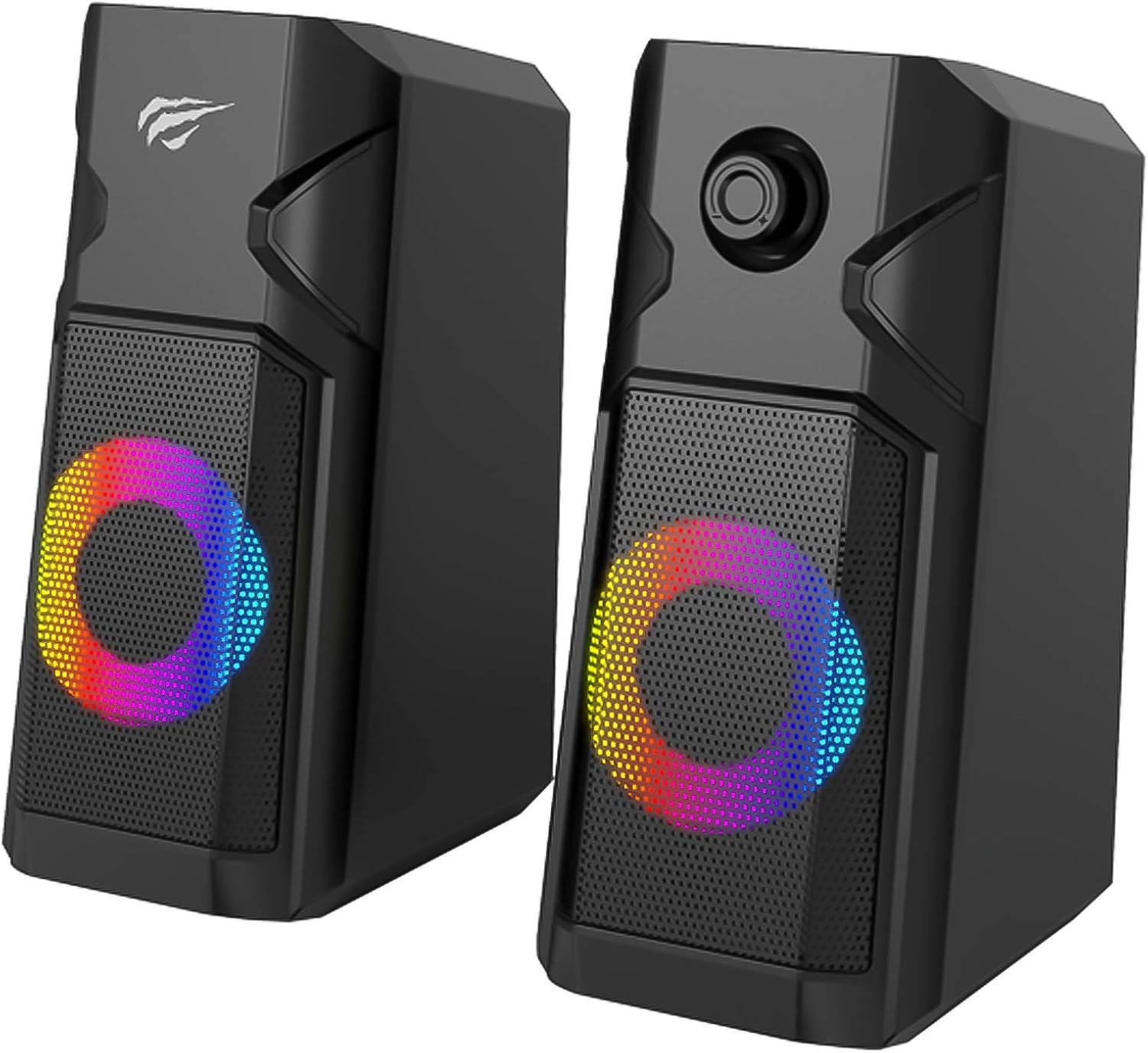
Figure 3.1: Front view of the Havit SK204 speakers, showcasing the dynamic RGB lighting on the speaker grilles.
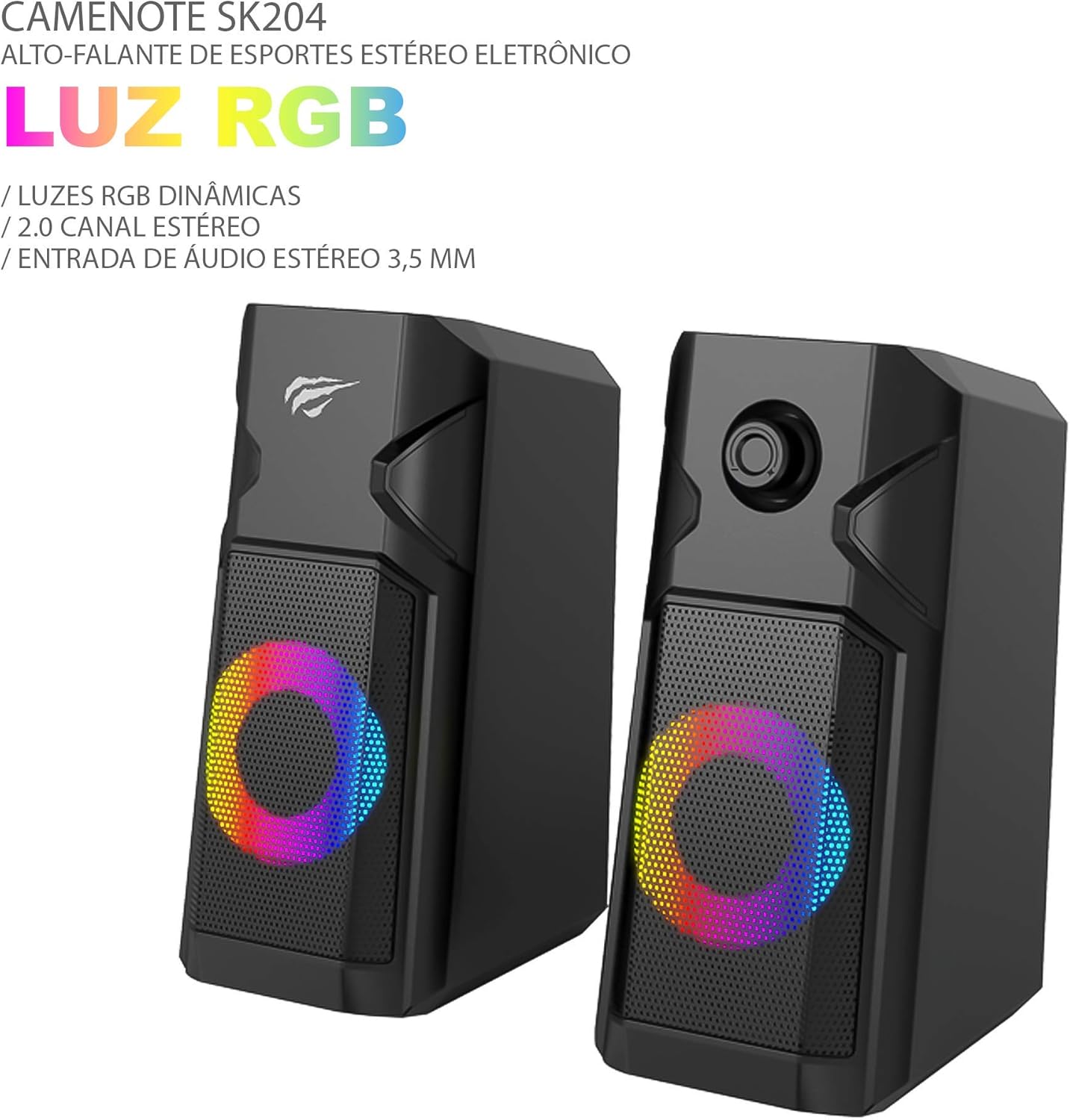
Figure 3.2: Close-up of the Havit SK204 speakers, emphasizing the RGB light feature and its 2.0 channel stereo audio capability.
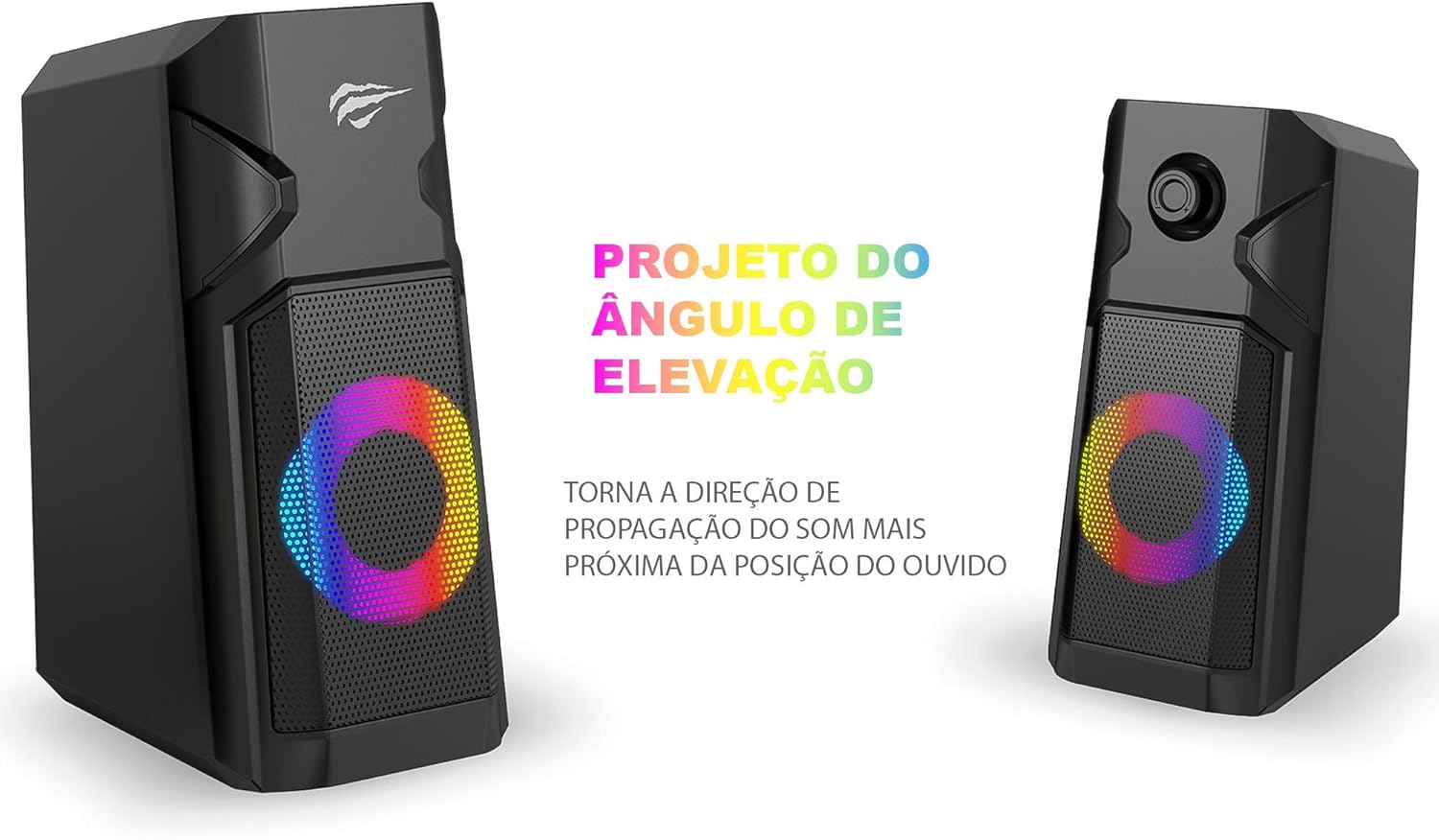
Figure 3.3: The Havit SK204 speakers designed with an elevation angle, which helps direct sound propagation closer to the listener's ear for an optimized audio experience.

Figure 3.4: Rear view of the Havit SK204 speakers, illustrating the integrated 3.5mm stereo audio input and USB power connection.
Key Components:
- Speaker Units: Two satellite speakers with 2.5-inch drivers.
- RGB Lighting: Dynamic LED lights integrated into the front grilles.
- Volume Control: Located on the front of one speaker (typically the right one).
- USB Power Cable: For power supply (DC 5V).
- 3.5mm Audio Cable: For audio input.
4. Setup
Follow these steps to set up your Havit SK204 speakers:
- Placement: Place the two speakers on either side of your computer monitor or desired listening area. Ensure they are stable and on a flat surface. The elevation angle design helps optimize sound direction.
- Connect Audio: Plug the 3.5mm audio jack from the speakers into the audio output port (headphone jack) of your computer, laptop, smartphone, or other audio source.
- Connect Power: Plug the USB-A connector of the speakers into an available USB port on your computer, a USB wall adapter (5V/1A recommended), or a power bank. The speakers will power on and the RGB lights will illuminate.
- Adjust Volume: Turn the volume knob on the front of the speaker to the minimum level before playing audio.
5. Operating Instructions
Using your Havit SK204 speakers is straightforward:
- Power On/Off: The speakers power on automatically when the USB cable is connected to a powered USB port. To turn them off, simply disconnect the USB power cable.
- Volume Control: Rotate the volume knob on the front of the right speaker clockwise to increase the volume and counter-clockwise to decrease it.
- Audio Playback: Once connected, play audio from your device. The sound will be output through the Havit SK204 speakers.
- RGB Lighting: The RGB lighting is automatic and will illuminate when the speakers are powered on. There is no separate control for the lighting.
6. Maintenance
To ensure the longevity and optimal performance of your speakers, follow these maintenance guidelines:
- Cleaning: Use a soft, dry cloth to wipe the exterior of the speakers. Do not use liquid cleaners or abrasive materials, as they may damage the surface or internal components.
- Avoid Water: While the product description mentions it is water-resistant, avoid exposing the speakers to excessive moisture or submerging them in water.
- Storage: When not in use for extended periods, store the speakers in a cool, dry place away from direct sunlight and extreme temperatures.
- Handle with Care: Avoid dropping or subjecting the speakers to strong impacts, which can damage the internal components.
7. Troubleshooting
If you encounter any issues with your Havit SK204 speakers, refer to the following common problems and solutions:
| Problem | Possible Cause | Solution |
|---|---|---|
| No sound from speakers |
|
|
| Distorted or poor sound quality |
|
|
| RGB lights not working |
|
|
8. Specifications
| Feature | Specification |
|---|---|
| RMS Power Output | 5W x 2 |
| Unit Size | 2.5 inches x 2 |
| Speaker Impedance | 3 Ohm x 5W x 2 |
| Signal-to-Noise Ratio (SNR) | ≥55dB ± 3dB |
| Power Input | DC 5V-1A (USB Powered) |
| Operating Current | 480mA |
| Frequency Response | 100Hz - 20KHz |
| Material | Plastic + Iron Mesh |
| Connectivity | USB (Power) + 3.5mm (Audio) |
| Product Dimensions (L×W×H) | 87mm × 117mm × 182mm |
| Product Weight | 840 grams |
9. Warranty and Support
Havit products are designed and manufactured to the highest quality standards. For information regarding warranty coverage, technical support, or service inquiries, please refer to the warranty card included with your product or visit the official Havit website. Keep your purchase receipt as proof of purchase for warranty claims.
For further assistance, you may contact Havit customer support through their official channels.


